Ckeditor5: [Edge] Issues with Caret Browsing mode
🐞 Is this a bug report or feature request? (choose one)
- Bug report
💻 Version of CKEditor
1.0.0-alpha2
📋 Steps to reproduce
- Go to http://localhost:8125/ckeditor5-core/tests/manual/article.html.
- Turn on the
Caret Browsingmode with F7. - Put the caret at the end of the block.
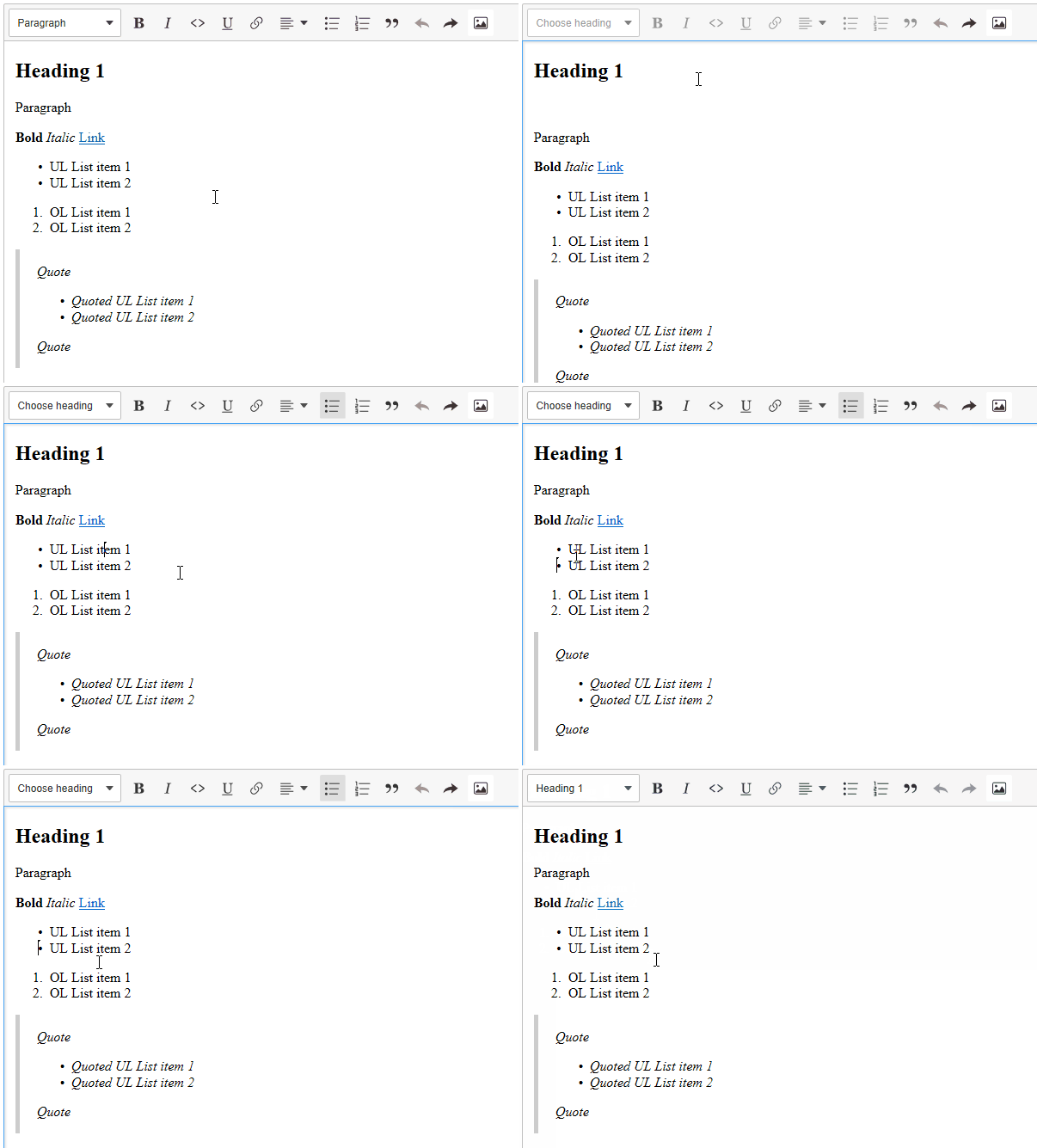
- Press Arrow right.
✅ Expected result
The selection moves to the next line.
❎ Actual result
Empty space has been inserted.
📃 Other details that might be useful
GIF
Other information
This bug is also reproducible in https://ckeditor5.github.io
OS: Windows 10
Browser: Edge 16
 Mgsy
Mgsy
All 7 comments
Ok, I've figured out where is the source of problem. It's all about Caret Browsing option which allows you to put the selection in any text on the page and i.e. select it without using the mouse. You can enable it by pressing F7.
Empty space will insert only when Caret Browsing mode is enabled.
Mgsy
on 22 Dec 2017
Here is another case:
📋 Steps to reproduce
- Go to http://localhost:8125/ckeditor5-core/tests/manual/article.html.
- Turn on the
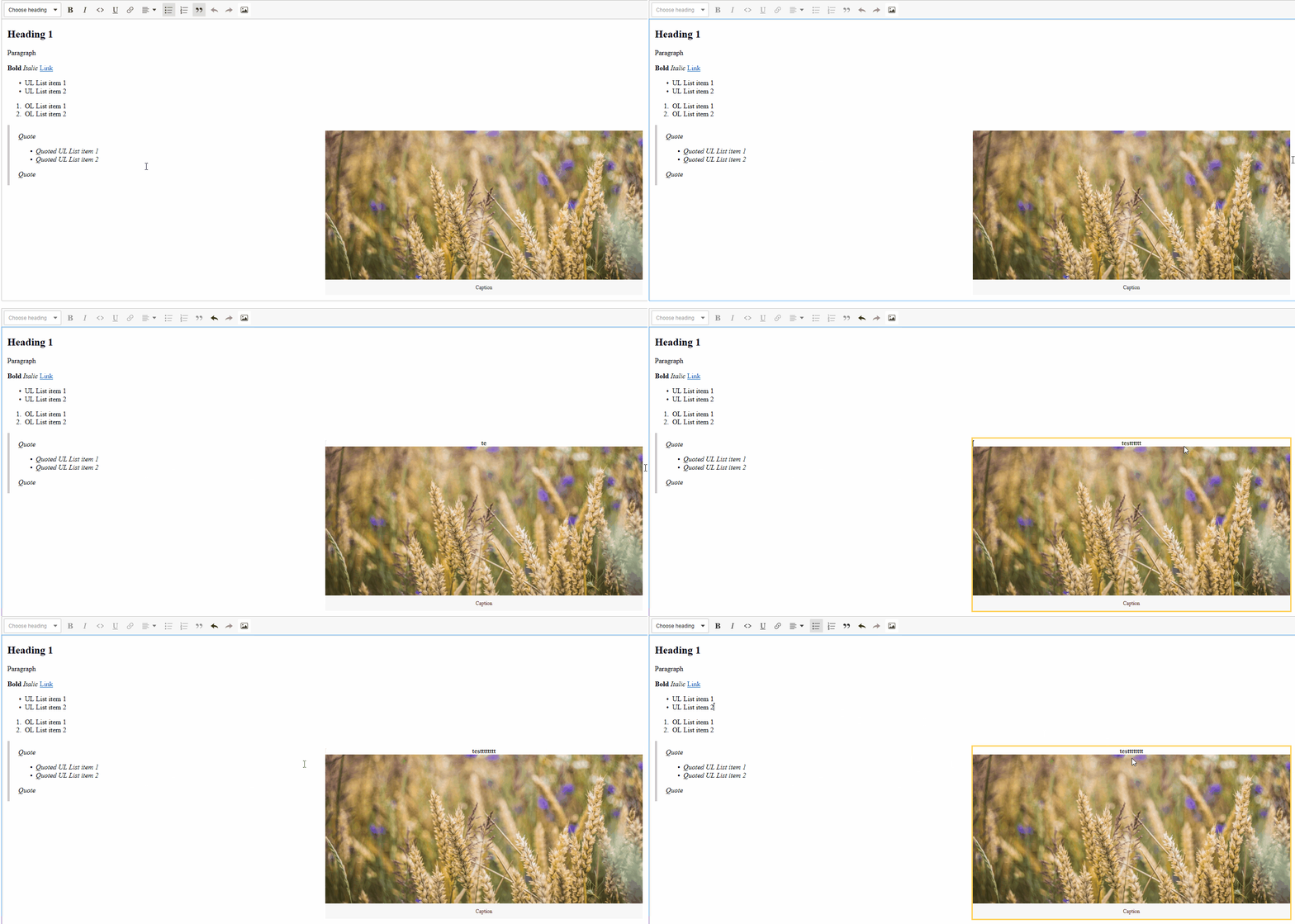
Caret Browsingmode with F7. - Click on the blank space next to the side image's right border.
- Double click on the same spot.
- Type something.
❎ Actual result
Text has appeared inside the widget.
📃 Other details that might be useful
GIF
Mgsy
on 22 Dec 2017
Moved from https://github.com/ckeditor/ckeditor5/issues/735.
📋 Steps to reproduce
- Go to http://localhost:8125/ckeditor5-core/tests/manual/article.html.
- Turn on the
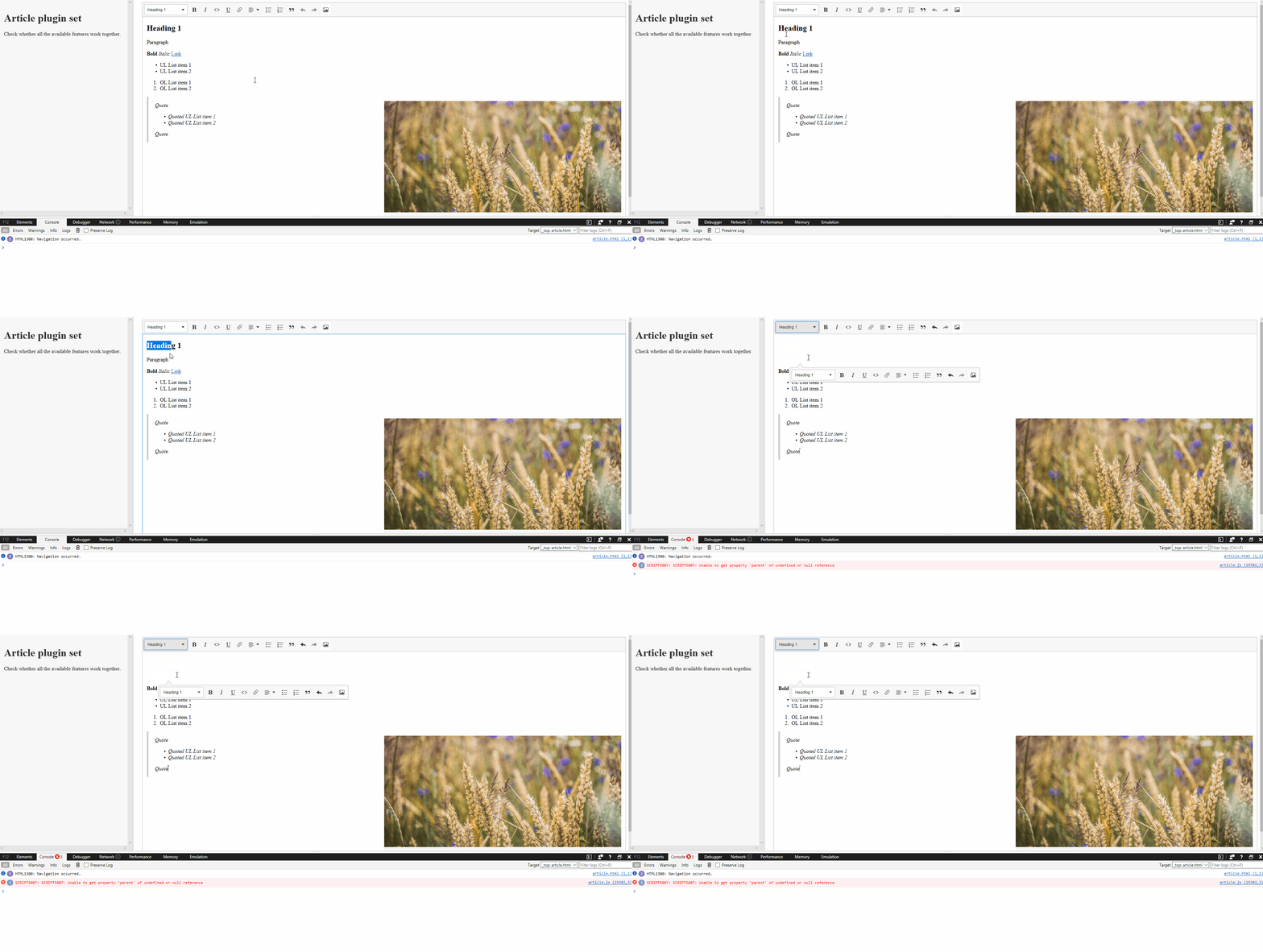
Caret Browsingmode with F7. - Select two block elements.
- Press Alt + F10.
- Press Enter.
✅ Expected result
Dropdown should reveal.
❎ Actual result
Selected elements disappear and the editor crashes.
📃 Other details that might be useful
GIF
Error
SCRIPT5007: SCRIPT5007: Unable to get property 'parent' of undefined or null reference
Wow... I didn't know about the caret browsing mode. Is it on by default? Can you find more resources about it?
 Reinmar
on 22 Dec 2017
Reinmar
on 22 Dec 2017
Wow... I didn't know about the caret browsing mode. Is it on by default? Can you find more resources about it?
The caret browsing mode is an accessibility feature which is available in Edge, IE and Firefox. It's off by default. In Edge and IE you can simply activate it by pressing F7 (it won't turn off after closing the browser), in Firefox you have to go to Options -> General and check the Always use the cursor keys to navigate within pages checkbox.
There's not much information about this feature. Basically, it's all about selecting text on the website without using the mouse. It allows you to put the selection in any text and use arrow keys, End, Home, Shift and Ctrl to select it.
I've checked how the editor behaves while the caret browsing mode is enabled in Firefox and it works without any problems. If you want to use this feature in Chrome, you can install an extension (i.e. Caret) and it also doesn't have any negative impact on the editor.
If you're curious how does the sample implementation looks like, check out the Caret's GitHub repository.
Mgsy
on 2 Jan 2018
I'm not able to reproduce those issues on Edge, apart from https://github.com/ckeditor/ckeditor5/issues/738#issuecomment-353568567 (but the editor does not crash).
There is hovewer a different behaviour: clicking arrow right does not get you to the next line.
Good news is that all those bugs are gone in the new upcoming Edge v.79.0.309.56
 FilipTokarski
on 30 Dec 2019
FilipTokarski
on 30 Dec 2019
Fixed in the new Edge release.
Mgsy
on 30 Jan 2020
Related issues
 hamenon
·
3Comments
hamenon
·
3Comments
 devaptas
·
3Comments
devaptas
·
3Comments
 msamsel
·
3Comments
Reinmar
·
3Comments
msamsel
·
3Comments
Reinmar
·
3Comments
 oleq
·
3Comments
oleq
·
3Comments