Cinnamon: Linux Mint theme window not opening after mint update 19.2
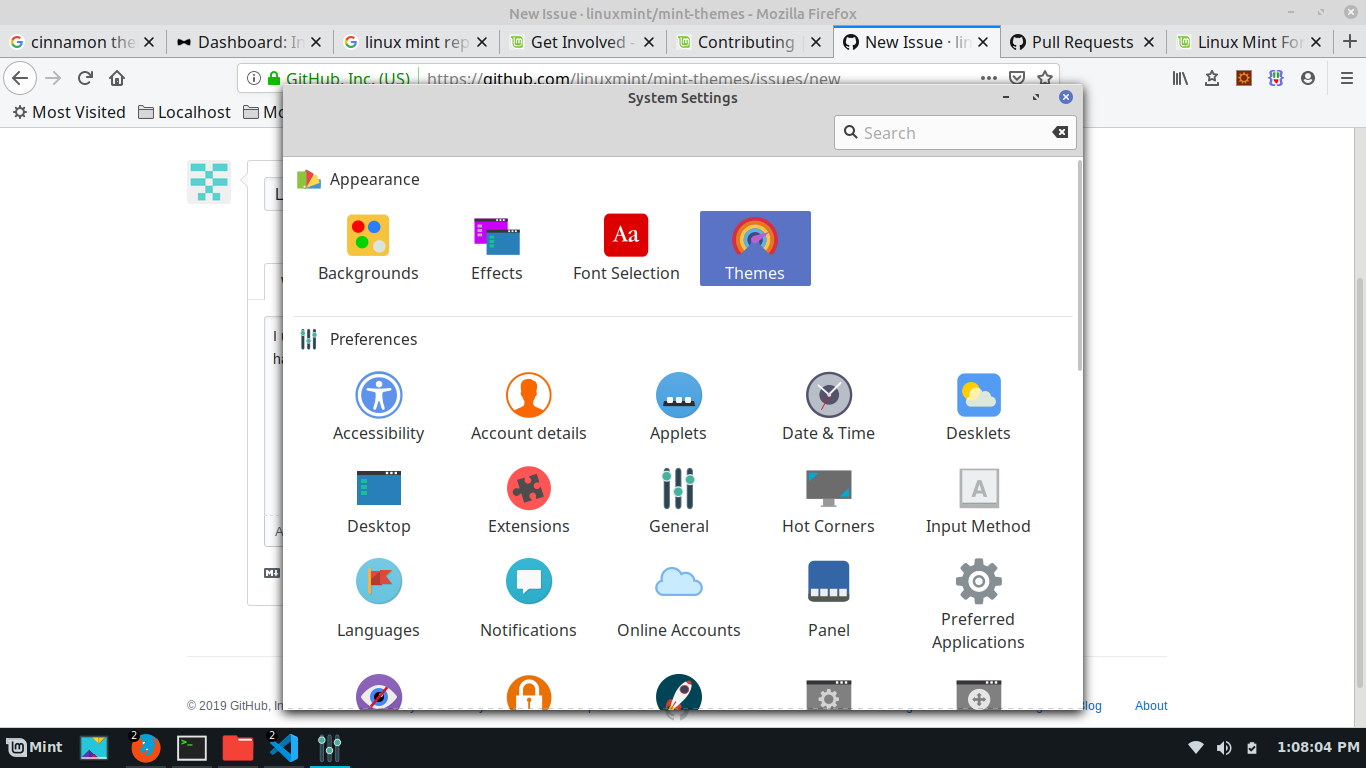
I upgraded linux mint from 19.1 to 19.2. After the update, theme window is not opening. Nothing happens when click the theme icon in the settings.
 Dhineshss
All 10 comments
This is more likely some problem with cinnamon settings, not the themes. Could you open a terminal and run cinnamon-setting themes and give us the output?
 JosephMcc
on 3 Aug 2019
JosephMcc
on 3 Aug 2019
Thanks. I tried the command. Its may be a crash
dhinesh@dhinesh-HP-Notebook:~$ cinnamon-settings themes
True
Using PAM module (python3-pam)
Loading Themes module

(cinnamon-settings.py:5059): Gdk-CRITICAL **: 09:25:52.435: gdk_screen_get_setting: assertion 'GDK_IS_SCREEN (screen)' failed
Traceback (most recent call last):
  File "/usr/share/cinnamon/cinnamon-settings/cinnamon-settings.py", line 724, in <module>
    window = MainWindow()
  File "/usr/share/cinnamon/cinnamon-settings/cinnamon-settings.py", line 428, in __init__
    self.go_to_sidepage(cat, path, user_action=False)
  File "/usr/share/cinnamon/cinnamon-settings/cinnamon-settings.py", line 185, in go_to_sidepage
    sidePage.build()
  File "/usr/share/cinnamon/cinnamon-settings/bin/SettingsWidgets.py", line 123, in build
    self.module.on_module_selected()
  File "/usr/share/cinnamon/cinnamon-settings/modules/cs_themes.py", line 113, in on_module_selected
    widget.sync_initial_switch_state()
  File "/usr/share/cinnamon/cinnamon-settings/bin/CinnamonGtkSettings.py", line 194, in sync_initial_switch_state
    if editor.get_declaration(self.selector, decl_name):
  File "/usr/share/cinnamon/cinnamon-settings/bin/CinnamonGtkSettings.py", line 114, in get_declaration
    rs = self.get_ruleset(selector)
  File "/usr/share/cinnamon/cinnamon-settings/bin/CinnamonGtkSettings.py", line 105, in get_ruleset
    if rs.selector.as_css() == selector_css:
AttributeError: 'ImportRule' object has no attribute 'selector'
Can you share the contents of your ~/.config/gtk-3.0/gtk.css file? (If you have one)
Thanks
 mtwebster
on 4 Aug 2019
mtwebster
on 4 Aug 2019
@Dhineshss Try to reinstall the cinnamon-common package:
sudo apt-get install --reinstall cinnamon-common
 claudiux
on 4 Aug 2019
claudiux
on 4 Aug 2019
@mtwebster I don't have any ~/.config/gtk-3.0/gtk.css file and cinnamon-settings works fine.
@Dhineshss Maybe trying to rename this file, if it exists:
mv ~/.config/gtk-3.0/gtk.css ~/.config/gtk-3.0/gtk.css_OLD
Then, log off and log on you.
claudiux
on 4 Aug 2019
@mtwebster gtk.css file contains the followings
@import url('/home/dhinesh/.local/share/gnome-shell/extensions/[email protected]/stylesheet.css');
@import url('/home/dhinesh/.local/share/gnome-shell/extensions/[email protected]/stylesheet-tiled.css');
I just checked the url files are exists in the system.
Dhineshss
on 4 Aug 2019
@claudiux Thanks your solutions works. I just renamed the file 'gtk.css' & works immeadiatly. Thank you
Dhineshss
on 4 Aug 2019
@Dhineshss The ~/.local/share/gnome-shell doesn't exist in my home directory. Maybe a filth of an old installation?
claudiux
on 4 Aug 2019
@Dhineshss Maybe you can close this issue?
claudiux
on 4 Aug 2019
This is an old and closed issue but the solution of moving the gtk.css file out of the way solved the problem for me on a Ubuntu 18.04 running Cinnamon 4.2.4. Thank you.
 cosminribo
on 11 Nov 2020
cosminribo
on 11 Nov 2020
Related issues
 piotrekkr
·
3Comments
piotrekkr
·
3Comments
 Odyseus
·
4Comments
Odyseus
·
4Comments
 Cloudwalk9
·
4Comments
Cloudwalk9
·
4Comments
 elboulangero
·
3Comments
elboulangero
·
3Comments
 ch3pjw
·
4Comments
ch3pjw
·
4Comments
Most helpful comment
@mtwebster I don't have any
~/.config/gtk-3.0/gtk.cssfile and cinnamon-settings works fine.@Dhineshss Maybe trying to rename this file, if it exists:
mv ~/.config/gtk-3.0/gtk.css ~/.config/gtk-3.0/gtk.css_OLDThen, log off and log on you.