Cinnamon: Bluetooth applet causes high CPU usage
```
- Cinnamon version (3.6.7)
- Distribution - (Mint 18.3 Debian)
- Graphics hardware and driver used: Nvidia-390 390.25-0ubuntu0-gpu16.04.1 NVIDIA binary driver version 390.25
- 64 bit Intel Core i7 - HP Envy laptop
```
Issue
Anytime the Bluetooth applet is used cinnamon CPU usage skyrockets.
Steps to reproduce
- In terminal run
top - Note that the CPU % for cinnamon is 10% or less.
- Click on the Bluetooth applet and make sure the Devices tab is selected.
- Watch the CPU % for cinnamon go up around 80%+.
- Using the Bluetooth applet turn Bluetooth off (or if you click on the Settings tab).
- Note that CPU % for cinnamon drops down to 10% or less.
- Using the Bluetooth applet turn Bluetooth back on (or click back on the Devices tab).
- Note that CPU % for cinnamon skyrockets back to around 80%+

Expected behaviour
CPU % usage for cinnamon shouldn't be impacted by using Bluetooth
Other information
This is a recent and clean install of Linux Mint 18.3 to my new SSD. My previous install didn't have this issue but I was using Blueman and never used the "blueberry" applet before.
I installed Blueman and using this instead of the applet the CPU usage problem does not occur.
 RyanNerd
All 7 comments
For anyone that is experiening this issue here's the work-around I am using:
- Uninstall Bluetooth: Menu-->Bluetooth right click and uninstall (including uninstalling blueberry).
- From the terminal
sudo apt-get install blueman - Menu --> Startup Applications->Add Application Bluetooth Manager.
Note: It appears that Blueberry is continually looking for Bluetooth signals. I noticed when I clicked on the Settings tab (changing from the list of Bluetooth devices) the Cinnamon CPU usage dropped down to normal levels. So this is likely a bug in the applet itself and not in Cinnamon per se. One of the features of LM 18.3 was that applets run in their own process so this may be a side effect of this new feature.
RyanNerd
on 5 Feb 2018
One of the features of LM 18.3 was that applets run in their own process so this may be a side effect of this new feature.
They certainly don't. It's something we would love to have but would require a huge redesign of Cinnamon.
 JosephMcc
on 5 Feb 2018
JosephMcc
on 5 Feb 2018
@JosephMcc I misinterpreted this
The various plugins of the settings daemon also now run in their own separate processes and are independent of each others. It is therefore now much easier to identify which plugin might be responsible for high memory or CPU usage, and when a plugin crashes it no longer affects the rest of the Cinnamon backend.
RyanNerd
on 5 Feb 2018
Hello, I see this issue in Linux Mint 19 too, Cinnamon 3.8.8. I tried blueman as suggested by RyanNerd but could not get a decent configuration from it.
 plule
on 30 Jul 2018
plule
on 30 Jul 2018
@plule What Kernel version are you running? I am currently running on v4.17.10. Perhaps upgrading your kernel may solve the configuration issue.
RyanNerd
on 31 Jul 2018
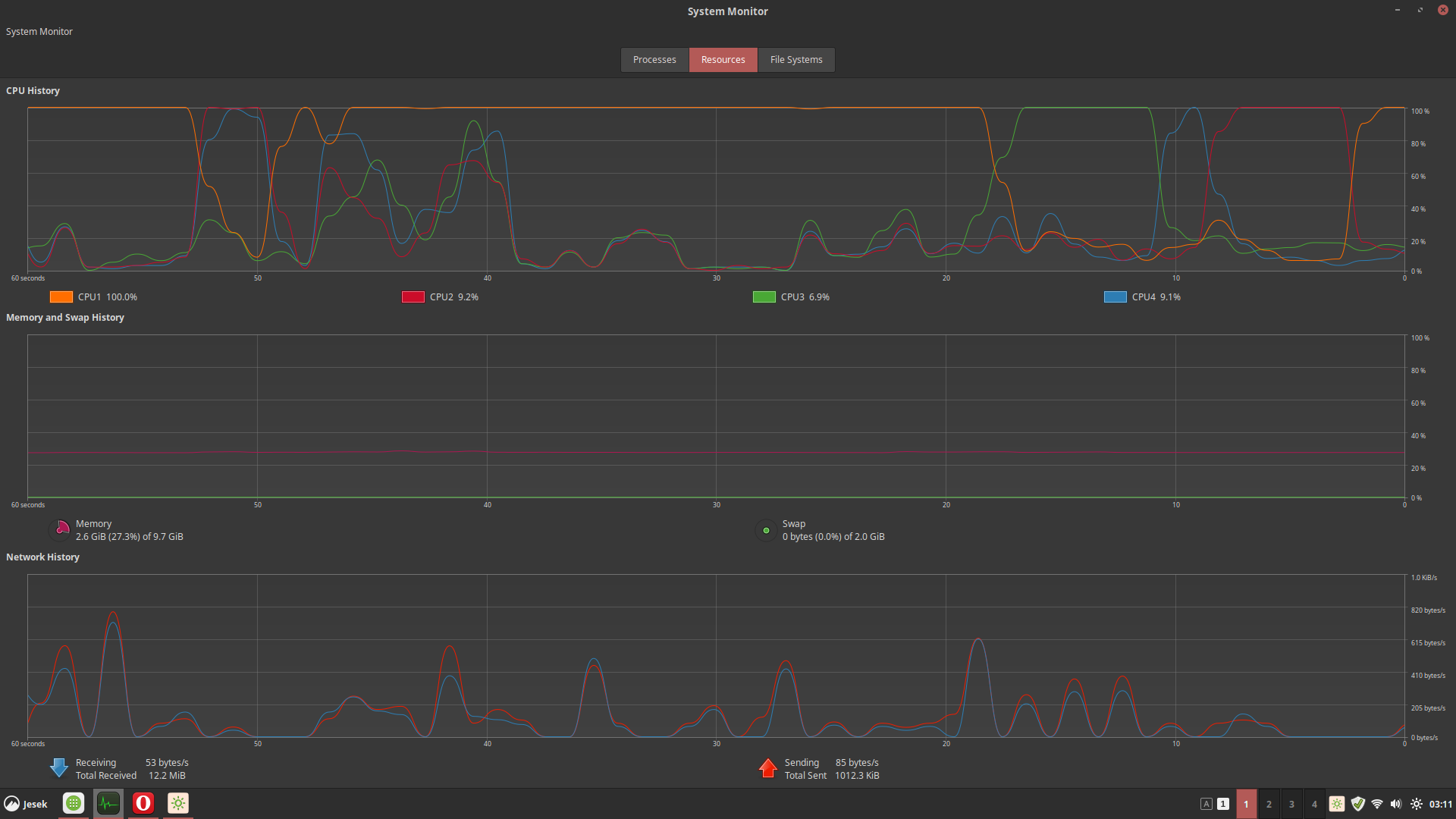
This happens when I connect a bluetooth USB antenna. My Linux Mint 19.1 Cinnamon works fine until an unpdate...
 Chemah
on 24 Aug 2019
Chemah
on 24 Aug 2019
@Chemah Upgrade to Mint 19.2 (if you can) as this has an update that fixes this issue. This issue was tracked down to the _spinner_ from a GTK bug that takes up all the resources.
If you are unable to upgrade to 19.2 you can try to force the Blueberry component in LM to the latest version. Or follow the steps above to remove Blueberry and replace it with Blueman.
RyanNerd
on 24 Aug 2019
Related issues
 pviotti
·
3Comments
pviotti
·
3Comments
 garymm
·
3Comments
garymm
·
3Comments
 leigh123linux
·
3Comments
leigh123linux
·
3Comments
 FreedomFighterSparrow
·
3Comments
FreedomFighterSparrow
·
3Comments
 ghost
·
3Comments
ghost
·
3Comments
Most helpful comment
For anyone that is experiening this issue here's the work-around I am using:
sudo apt-get install bluemanNote: It appears that Blueberry is continually looking for Bluetooth signals. I noticed when I clicked on the Settings tab (changing from the list of Bluetooth devices) the Cinnamon CPU usage dropped down to normal levels. So this is likely a bug in the applet itself and not in Cinnamon per se. One of the features of LM 18.3 was that applets run in their own process so this may be a side effect of this new feature.