Cht-core: Show pictures in the report view
For the mRDT workflow supervisors will be reviewing the images submitted by CHWs so they need to be able to see them in the reports view of the app.
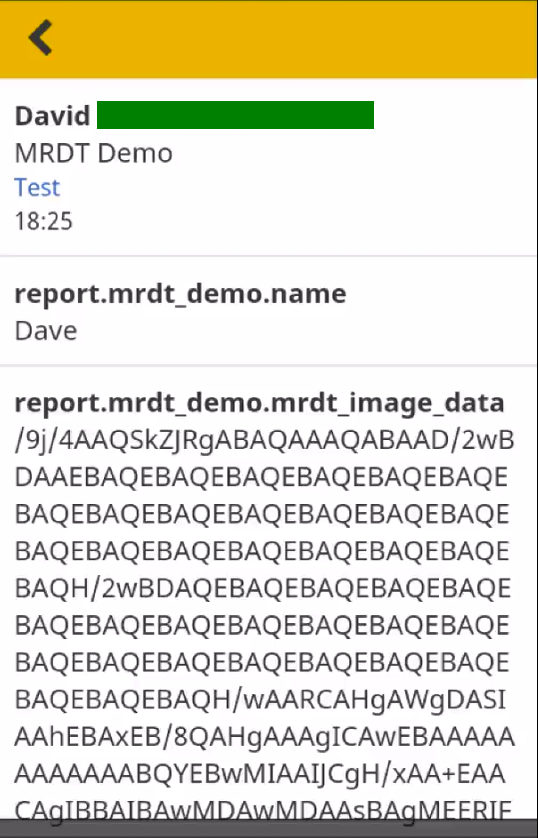
What currently happens
Images are saved and shown as base64 strings:
What should happen
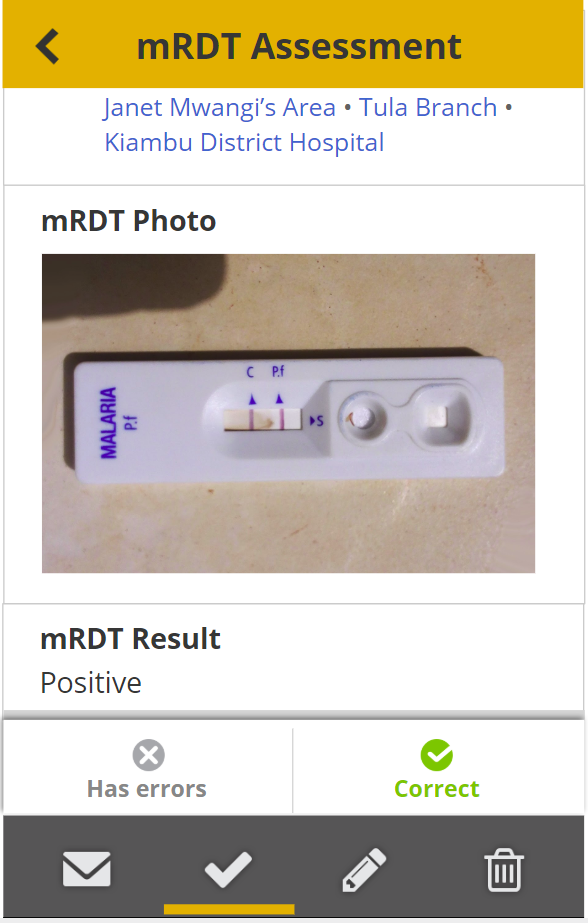
The images should show in the reports tab, scaling the image to fit within the available width. After user testing we can determine if we need to be able to enlarge the image.
Example form
<?xml version="1.0"?>
<h:html xmlns="http://www.w3.org/2002/xforms" xmlns:ev="http://www.w3.org/2001/xml-events" xmlns:h="http://www.w3.org/1999/xhtml" xmlns:jr="http://openrosa.org/javarosa" xmlns:orx="http://openrosa.org/xforms" xmlns:xsd="http://www.w3.org/2001/XMLSchema">
  <h:head>
    <h:title>MRDT Demo</h:title>
    <model>
      <instance>
        <data delimiter="#" id="mrdt_demo">
          <name/>
          <mrdt_image_data/>
          <meta>
            <instanceID/>
          </meta>
        </data>
      </instance>
      <bind nodeset="/data/name" type="string"/>
      <bind nodeset="/data/mrdt_image_data" type="string"/>
    </model>
  </h:head>
  <h:body class="pages">
    <group appearance="field-list" ref="/data">
      <label>Submit a photo of an MRDT test result</label>
      <input ref="/data/name">
        <label>Patient name</label>
      </input>
      <input ref="/data/mrdt_image_data" appearance="mrdt-verify">
        <label>MRDT image</label>
      </input>
    </group>
  </h:body>
</h:html>
This form requires the mrdt Enketo widget available in the mrdt branch: https://github.com/medic/medic-webapp/tree/mrdt
 abbyad
All 10 comments
@abbyad @garethbowen @browndav The image above shows the MRDT Result. Is this controlled programmatically or something a user would put?
 newtewt
on 31 Jul 2018
newtewt
on 31 Jul 2018
Images are displaying in the webapp and mobile app for 2.17 and 3.0
newtewt
on 1 Aug 2018
@newtewt This is something the user would select. The workflow is the mrdt result is entered by the CHP as well as the photo and then the supervisor can confirm the CHP read the result correctly.
 garethbowen
on 3 Aug 2018
garethbowen
on 3 Aug 2018
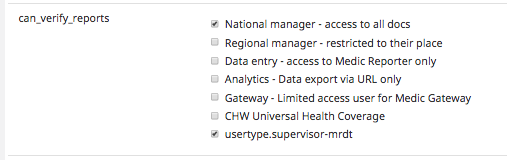
The image encoding show for a user with enabled permissions.

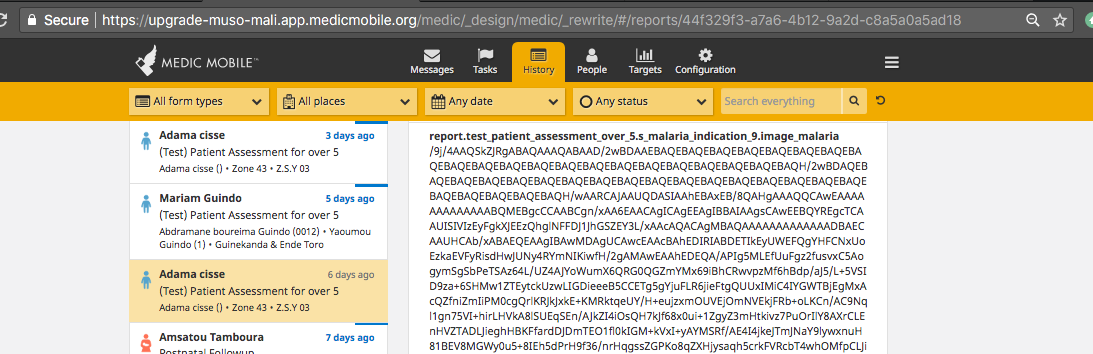
Web app version: 2.17.0-beta.2
user: kamateim (supervisor) / admin
Chw: hawasa
Instance: upgrade-muso-mali.app
 gabeno
on 23 Aug 2018
gabeno
on 23 Aug 2018
Ref: It might be that your form doesn't have type="binary" on the image data element eg: https://github.com/medic/medic-webapp/blob/master/demo-forms/mrdt-demo.xml#L9
How do I set the type on the image data element: image_danger_signs for the form in question. My take is something is not happening when converting the form. Could I be missing something?
gabeno
on 23 Aug 2018
@abbyad How do you set the type of an element using xlsform? If you have some tips I'll document how to set this up in medic-docs.
garethbowen
on 23 Aug 2018
This can be done using an extra column in the XLSForm called instance::type and adding binary for the image_danger_signs row.
We should consider handling this in the future as part of the conversion of a mrdt XLSForm type in pyxform.
abbyad
on 24 Aug 2018
@gabeno Please try updating the form as per Marc's comment and let me know how you get on.
garethbowen
on 26 Aug 2018
I've updated the forms configuration documentation to include a section about binary data: https://github.com/medic/medic-docs/blob/master/configuration/forms.md#uploading-binary-attachments
garethbowen
on 26 Aug 2018
@garethbowen @abbyad Thanks for the input. Test forms updated and uploaded. I will liaise with the PM for testing.
For now this issue may be closed.
gabeno
on 27 Aug 2018
Related issues
 diannakane
·
6Comments
abbyad
·
3Comments
diannakane
·
6Comments
abbyad
·
3Comments
 alxndrsn
·
4Comments
alxndrsn
·
4Comments
 SCdF
·
3Comments
SCdF
·
5Comments
SCdF
·
3Comments
SCdF
·
5Comments