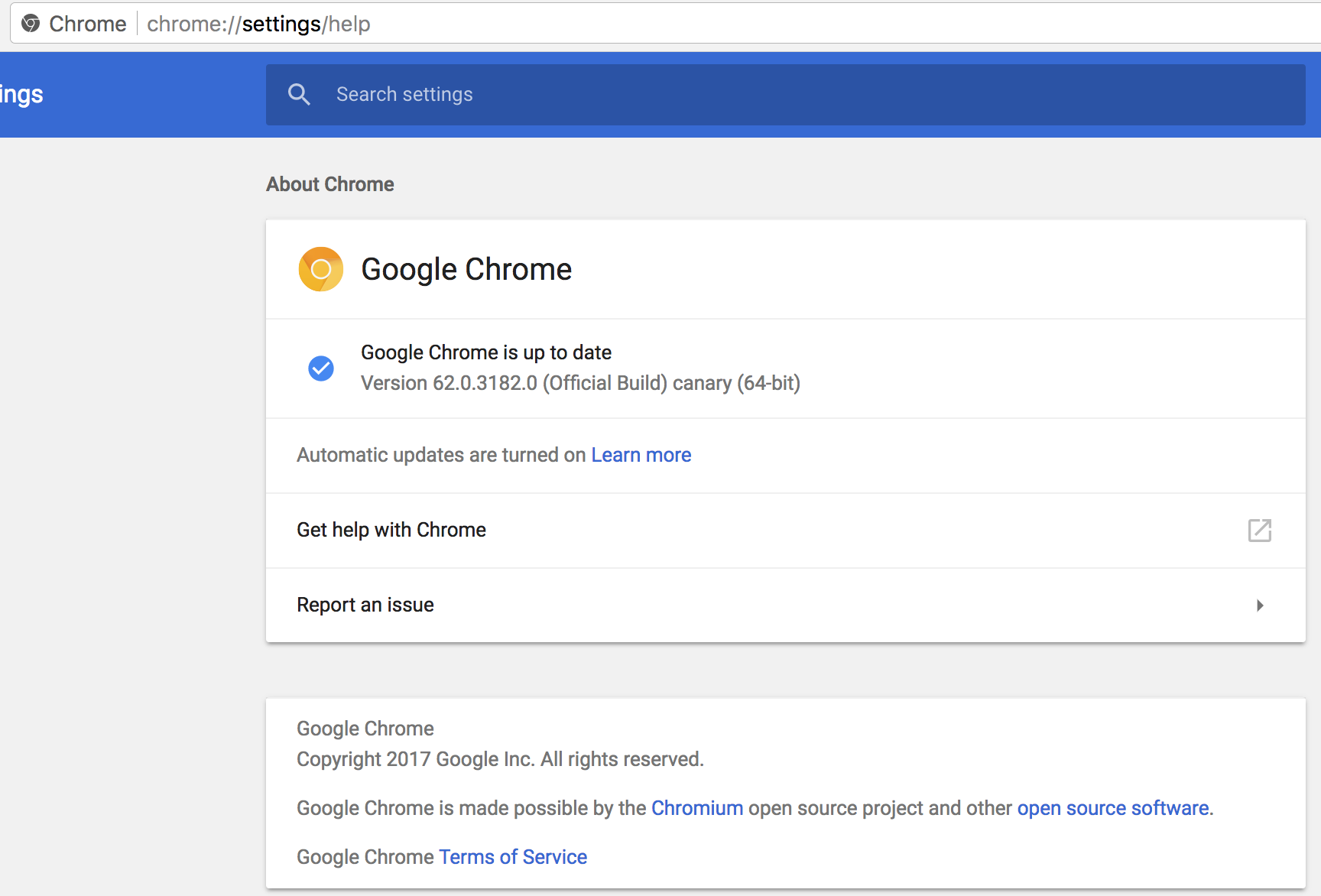
Chromeless: Using `press(13)` will incorrectly prompt the auto update setting page in Canary
Example:
        .click('#search-button')
        .type('funny', 'input#search-input')
        .press(13)
The expected behaviour is to redirect to a search page since I try to trigger an enter event in the input box. However, a new tab is opened instead.
 georgejor
👍3
All 5 comments
If you're using .press(13) after typing a field did you made sure to maintain .focus?
Just an idea, I personally haven't ran into that issue.
 icarusmiles
on 11 Aug 2017
icarusmiles
on 11 Aug 2017
I had to solve that issue by using .type('\r') instead
 sojungko
on 11 Aug 2017
sojungko
on 11 Aug 2017
@sojungko Thanks. Using .type('\r') does work, but I guess it is only a workaround. So I will keep the issue open.
georgejor
on 14 Aug 2017
👍1
Any updates on this? I can replicate this on 1.3.0 for every keystroke, not just for 13.
 leotsem
on 18 Oct 2017
leotsem
on 18 Oct 2017
👍1
Has anyone found a fix for this? I'm still getting this with every key, not just enter!
 Chewbacca222222
on 30 Nov 2017
Chewbacca222222
on 30 Nov 2017
👍2
Was this page helpful?
0 / 5 - 0 ratings
Related issues
 ylscsdb
·
6Comments
ylscsdb
·
6Comments
 stevenvachon
·
4Comments
stevenvachon
·
4Comments
 just-boris
·
5Comments
just-boris
·
5Comments
 Corefinder89
·
4Comments
Corefinder89
·
4Comments
 mafshin
·
6Comments
mafshin
·
6Comments
Most helpful comment
Has anyone found a fix for this? I'm still getting this with every key, not just enter!