Cheerio: Failing to load package on Gulp Laravel
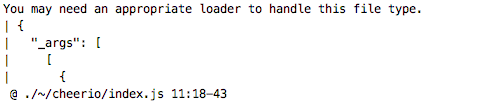
Could anyone please tell me why am I getting this error when trying to load cheerio into my VueJs App?
 EazyServer
All 8 comments
I think we'll need more information before we can help you. Can you provide:
- the command you used to install Cheerio (and if using Node.js and/or npm, the
version of those tools) - the command that triggered the warning
- the version of Cheerio in use
 jugglinmike
on 16 Jul 2017
jugglinmike
on 16 Jul 2017
Hi @jugglinmike,
I am using the standard gulp setup that comes shipped with Laravel framework. so the command used is gulp.
I am using npm to manage packages 4.1.2, node version is v7.6.0.
The above is an error not a warning!
I am using the latest version of cheerio 1.0.0-rc.2
Thanks
EazyServer
on 16 Jul 2017
Gulp is a general-purpose "task runner", so the command gulp could be doing
any number of things. Given that this is a VueJs application, I expect it is
initiating a build process to package code for delivery to a browser. We'll
need to know more about the Gulp "task" that's producing the error. Probably
this is code written by another developer, but it's still necessary to debug
further.
jugglinmike
on 16 Jul 2017
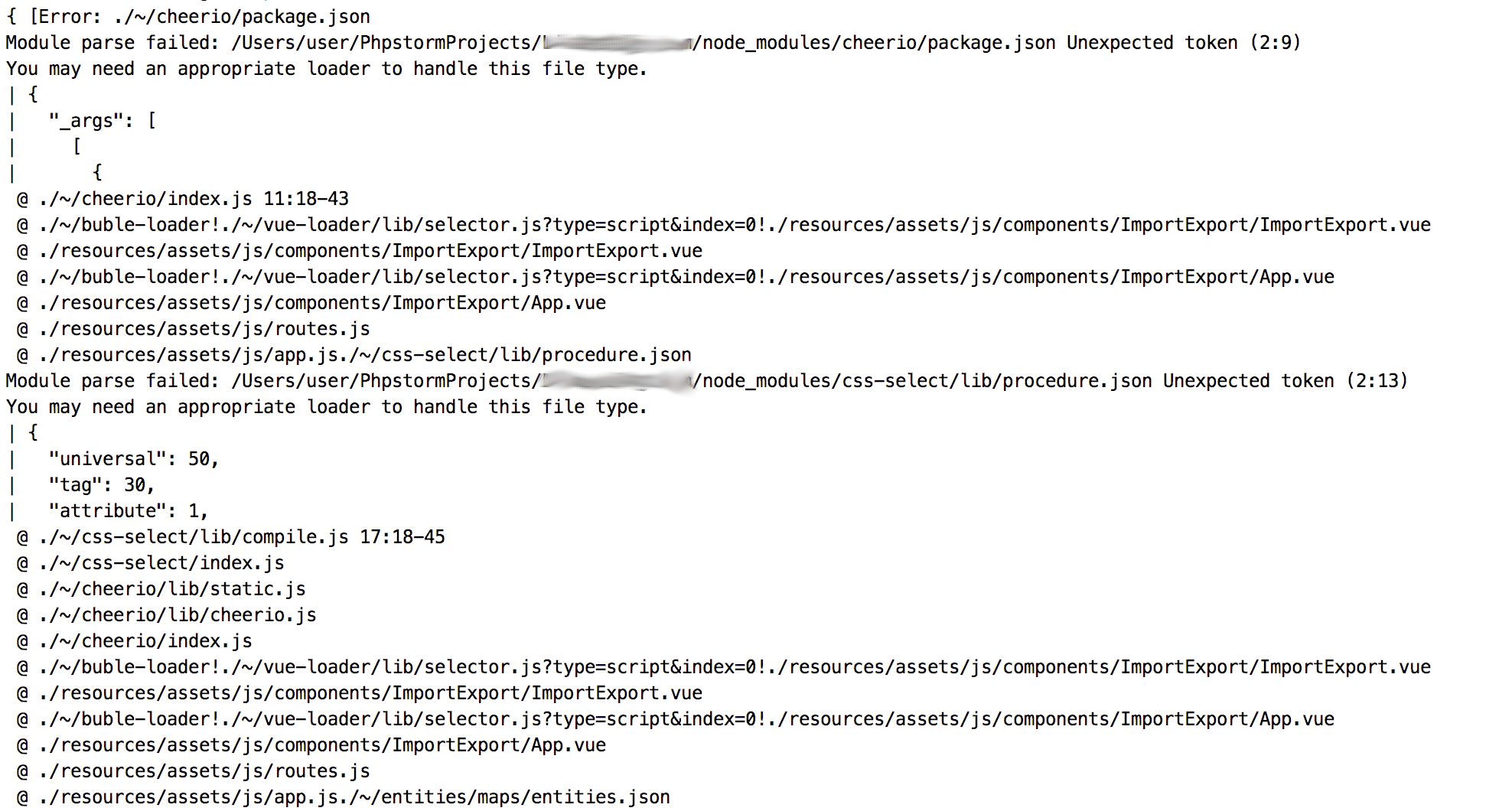
Not sure if the attached image will shed more light on the issue. If not please let me know what sort of information you looking for.
Thanks
EazyServer
on 16 Jul 2017
when I use import cheerio from "cheerio" in Vue app source code, gulp fails to render the code!
When I comment it out everything works fine!!
EazyServer
on 16 Jul 2017
As part of its normal operation, Cheerio loads the package.json file located
in the root of the project. My best guess is that the JavaScript build tool you
are using is not configured to load JSON files. The solution to that problem
would be to determine which build tool is used by the Laravel framework and
then configure it accordingly.
jugglinmike
on 16 Jul 2017
Thanks @jugglinmike It was indeed the json that's breaking the render! thanks for pointing that out.
For anyone else stumbling upon this, I had to add to create webpack.config.js on project root with the following configs:
Elixir.webpack.mergeConfig({
    module: {
        loaders: [{
            test: /\.json$/,
            loader: 'json'
        }]
    }
});
EazyServer
on 16 Jul 2017
Glad we worked it out!
jugglinmike
on 16 Jul 2017
Related issues
 bxqgit
·
3Comments
bxqgit
·
3Comments
 chenweiyj
·
5Comments
chenweiyj
·
5Comments
 unicrus
·
4Comments
unicrus
·
4Comments
 M3kH
·
4Comments
M3kH
·
4Comments
 rajkumarpb
·
3Comments
rajkumarpb
·
3Comments