Description
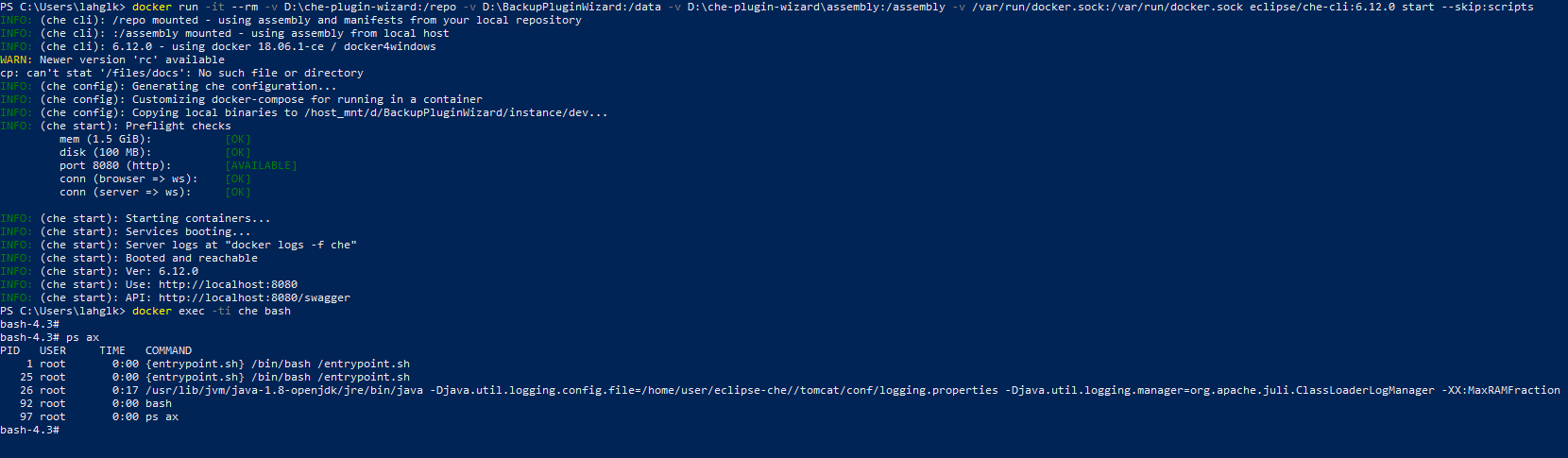
I cloned the repo from GIT and Build it with no errors and ran it. Che started without a problem. But how to check the wizard plugin is working or not?
Reproduction Steps
- Cloned https://github.com/che-samples/che-plugin-wizard.git
- checkout tag 6.12.0
- mvn clean install the repository
- Run command:
docker run -it --rm -v D:\che-plugin-wizard:/repo -v D:\BackupPluginWizard:/data -v D:\che-plugin-wizard\assembly:/assembly -v /var/run/docker.sock:/var/run/docker.sock eclipse/che-cli:6.12.0 start --skip:scripts
OS and version:
Windows 10
Diagnostics:
Thanks.
 LahiruT94
All 9 comments
why do you think this command should work?
 skabashnyuk
on 17 Oct 2018
skabashnyuk
on 17 Oct 2018
let me take a look for a correct one
skabashnyuk
on 17 Oct 2018
try
docker run -ti -v ~/.m2:/home/user/.m2 -v /Users/sj/dev/tmp/che-plugin-wizard/:/projects eclipse/che-dev:nightly sh -c "mvn clean install"
Also take a look https://www.eclipse.org/che/docs/assemblies.html#custom-assemblies
skabashnyuk
on 17 Oct 2018
Build it using the command and gives me an error,
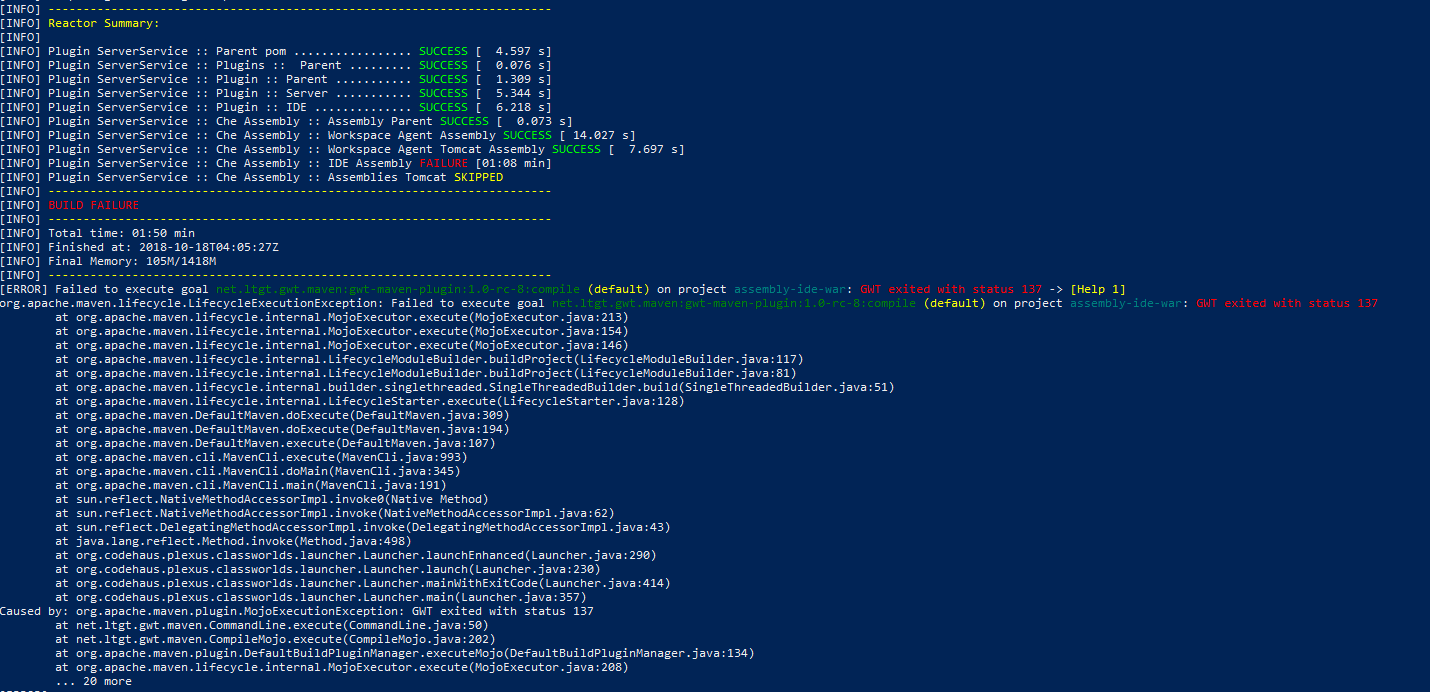
Can you please look into this.
I thought it is correct because of this.
LahiruT94
on 18 Oct 2018
@LahiruT94 more logs, please. Is this original master of https://github.com/che-samples/che-plugin-wizard.git or you custom fork?
skabashnyuk
on 19 Oct 2018
Yes it is the original master.
output.txt <- Log
LahiruT94
on 22 Oct 2018
@LahiruT94 can you please try build it once again, only configure your Docker to use at least 3GB of RAM?
Build fails on a module that does GWT compilation, which takes up a lot of memory and may be crashing because of low RAM limit
 mkuznyetsov
on 24 Oct 2018
mkuznyetsov
on 24 Oct 2018
Yes, thank you it worked. (build succeeded).
But I could not figure out how to run it using the che-dev nightly build.
Run command that i used:
docker run -it --rm -v D:/che-samples/che-ide-server-extension:/repo -v D:\che-samples\che-ide-server-extension-data:/data -v D:/che-samples/che-ide-server-extension/assembly:/assembly -v /var/run/docker.sock:/var/run/docker.sock eclipse/che-dev:nightly start --skip:scripts
It gives me this error:
/home/user/entrypoint.sh: line 41: exec: start: not found
LahiruT94
on 25 Oct 2018
Okay, i figured it out. Have to provide the assembly path inside the target.
docker run -it --rm -v D:/che-samples/che-ide-server-extension:/repo -v D:/che-samples/che-ide-server-extension-data:/data -v D:/che-samples/che-ide-server-extension/assembly/assembly-mai
n/target/eclipse-che-6.13.0/eclipse-che-6.13.0:/assembly -v /var/run/docker.sock:/var/run/docker.sock eclipse/che:6.12.1 start --skip:scripts
Related issues
 sudheerherle
·
3Comments
sudheerherle
·
3Comments
 sleshchenko
·
3Comments
sleshchenko
·
3Comments
sleshchenko
·
3Comments
sleshchenko
·
3Comments
 amisevsk
·
3Comments
amisevsk
·
3Comments
 luckymore0520
·
3Comments
luckymore0520
·
3Comments