Description
I want to debug IDE Extensions by follow this workflow, https://github.com/eclipse/che/wiki/Development-Workflow#debugging-che-ide-extensions
after many time attempt, i still get this error

i look up some similar in the issues, but still find an solution.
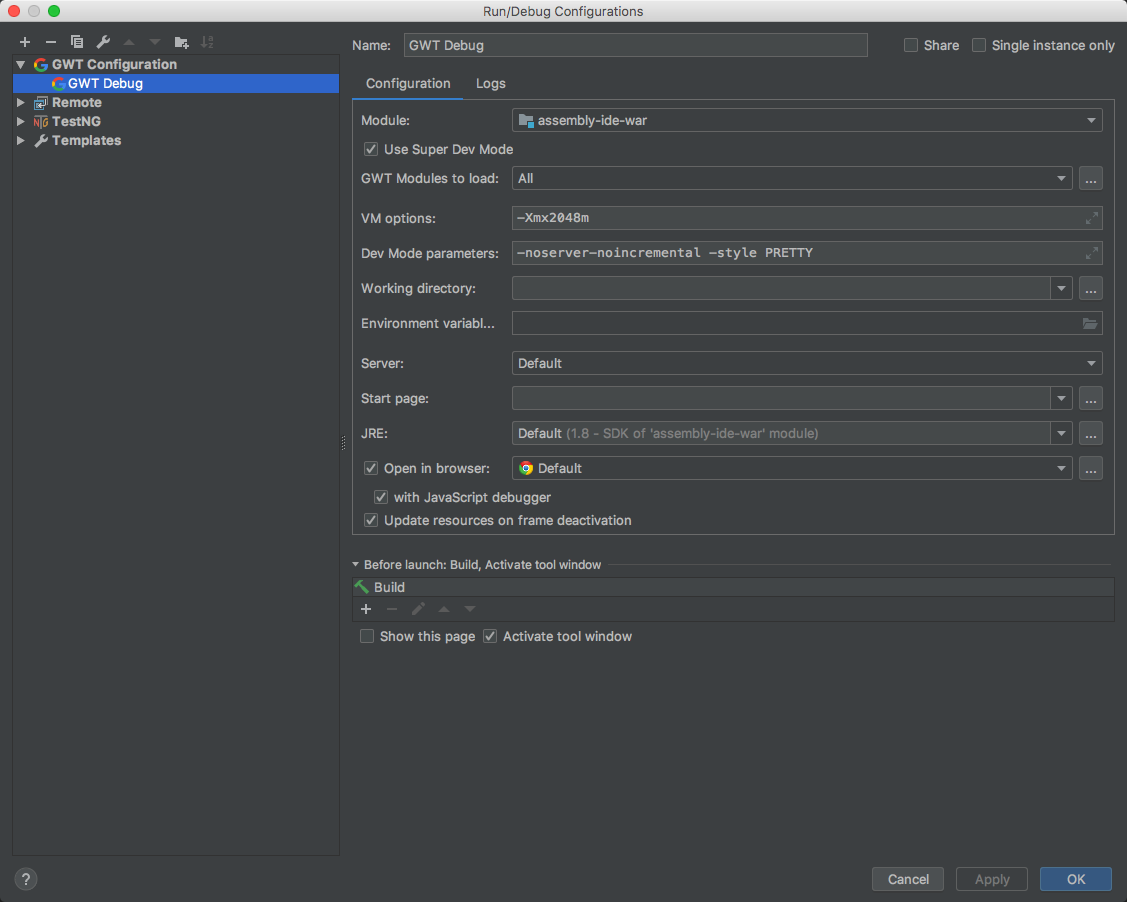
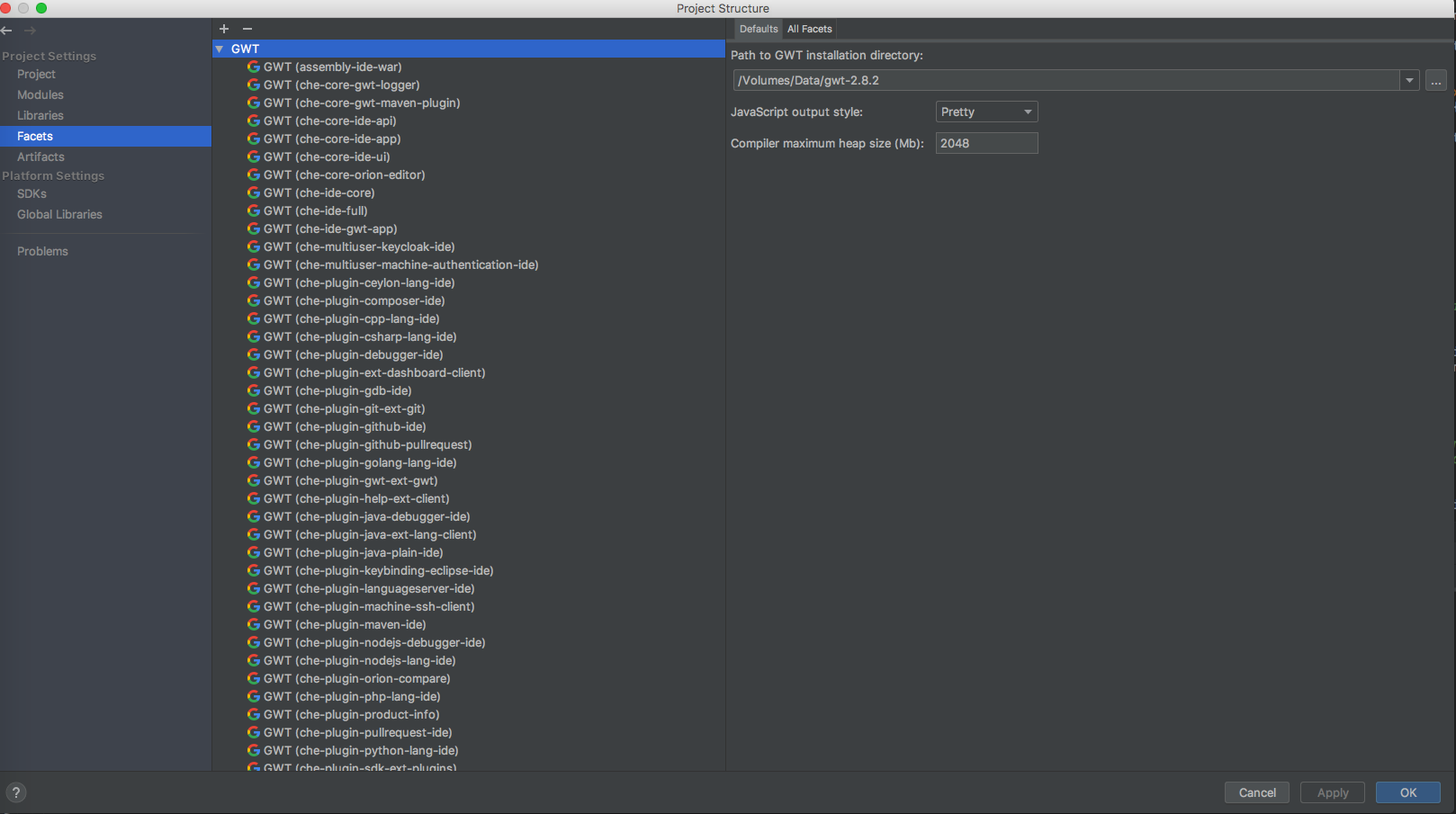
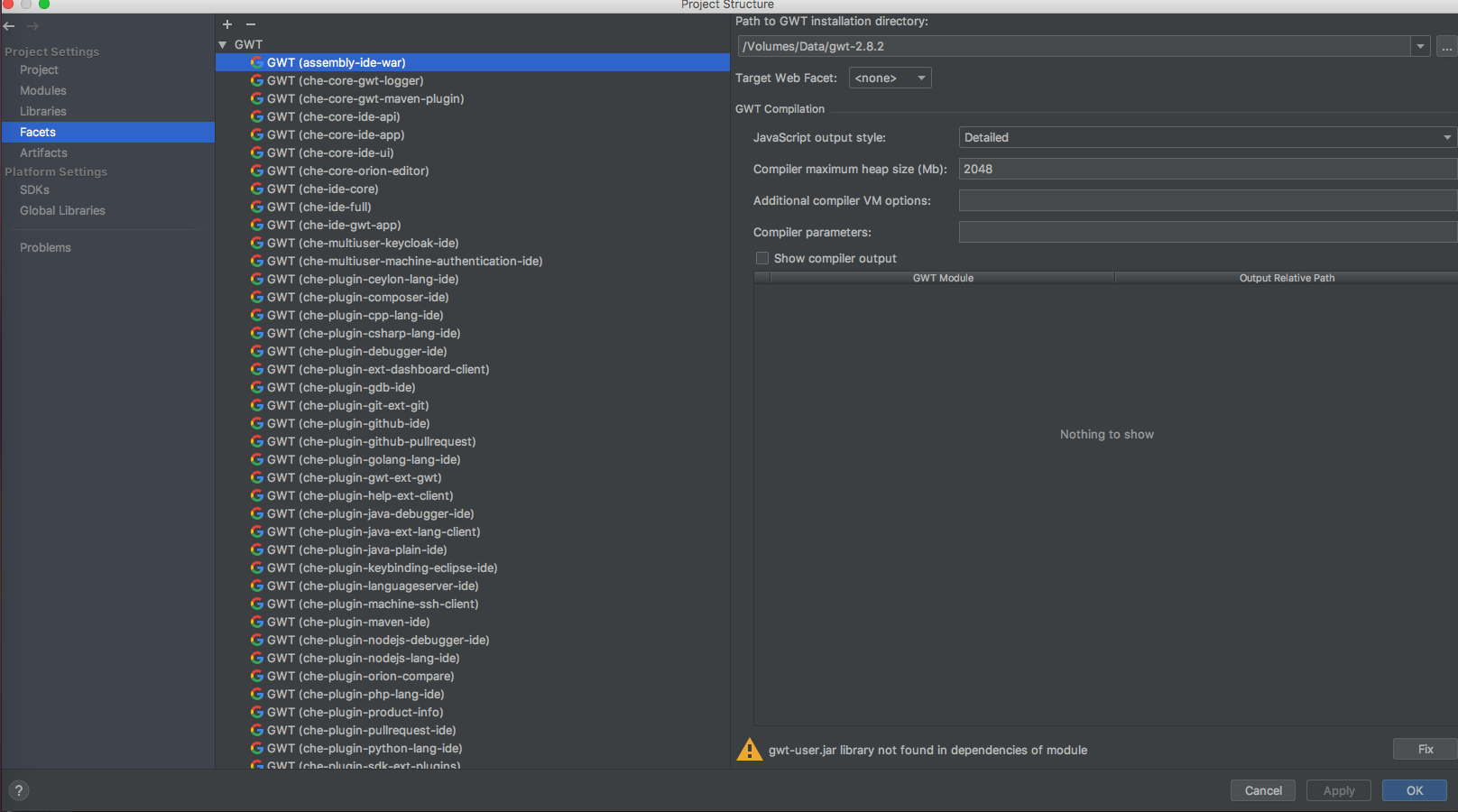
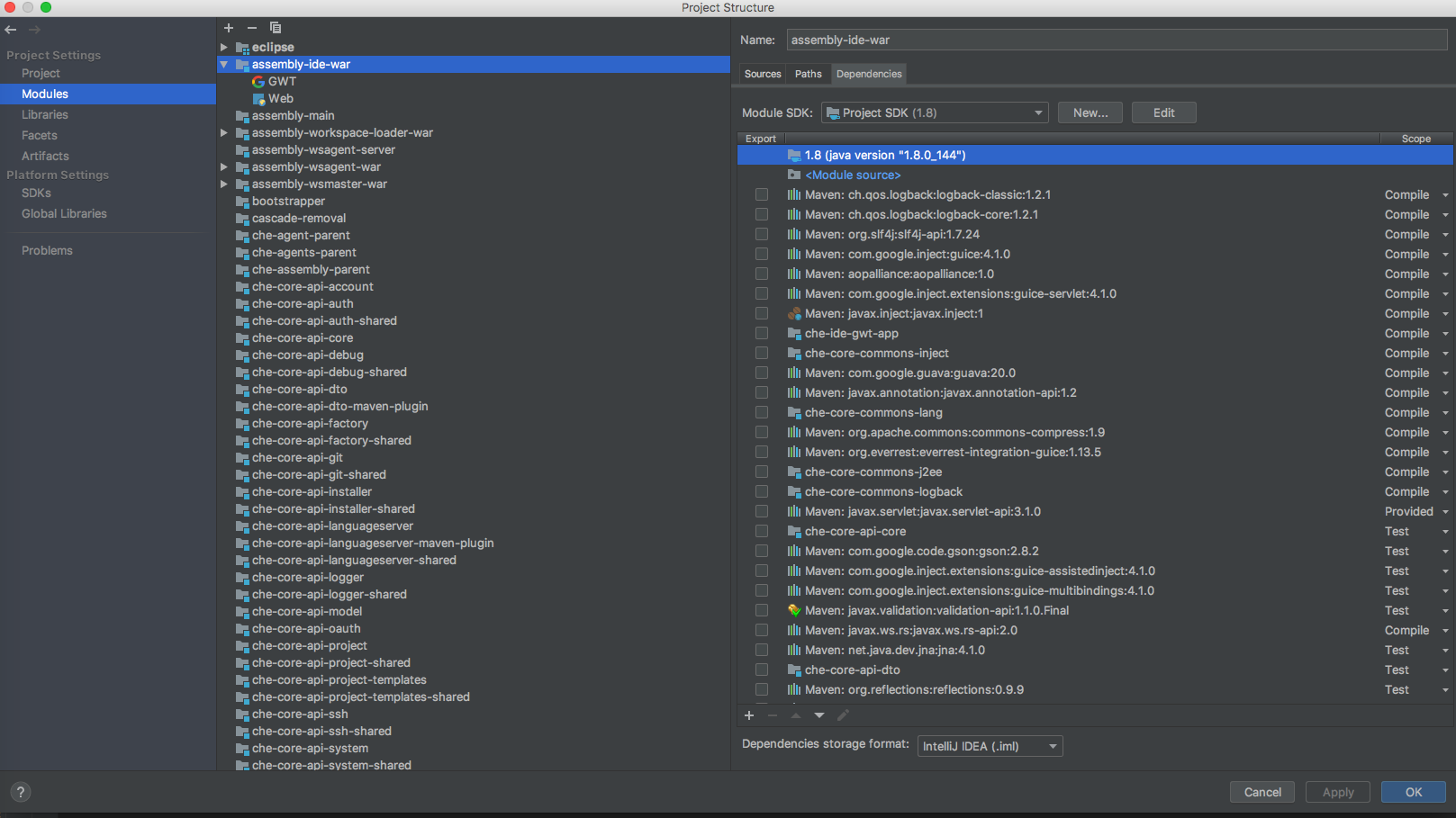
Here is my configuration
OS and version:
macos 10.12.6
jdk 1.8
maven 3.5.0
gwt 2.8.2
Diagnostics:
this is my start command
docker run -it -e CHE_HOST=192.168.65.3 -e CHE_MULTIUSER=true -v /var/run/docker.sock:/var/run/docker.sock -v /Users/devine/Downloads/webide-data:/data -v /Volumes/Data/IdeaProjects/WebIDE:/repo eclipse/che start --debug
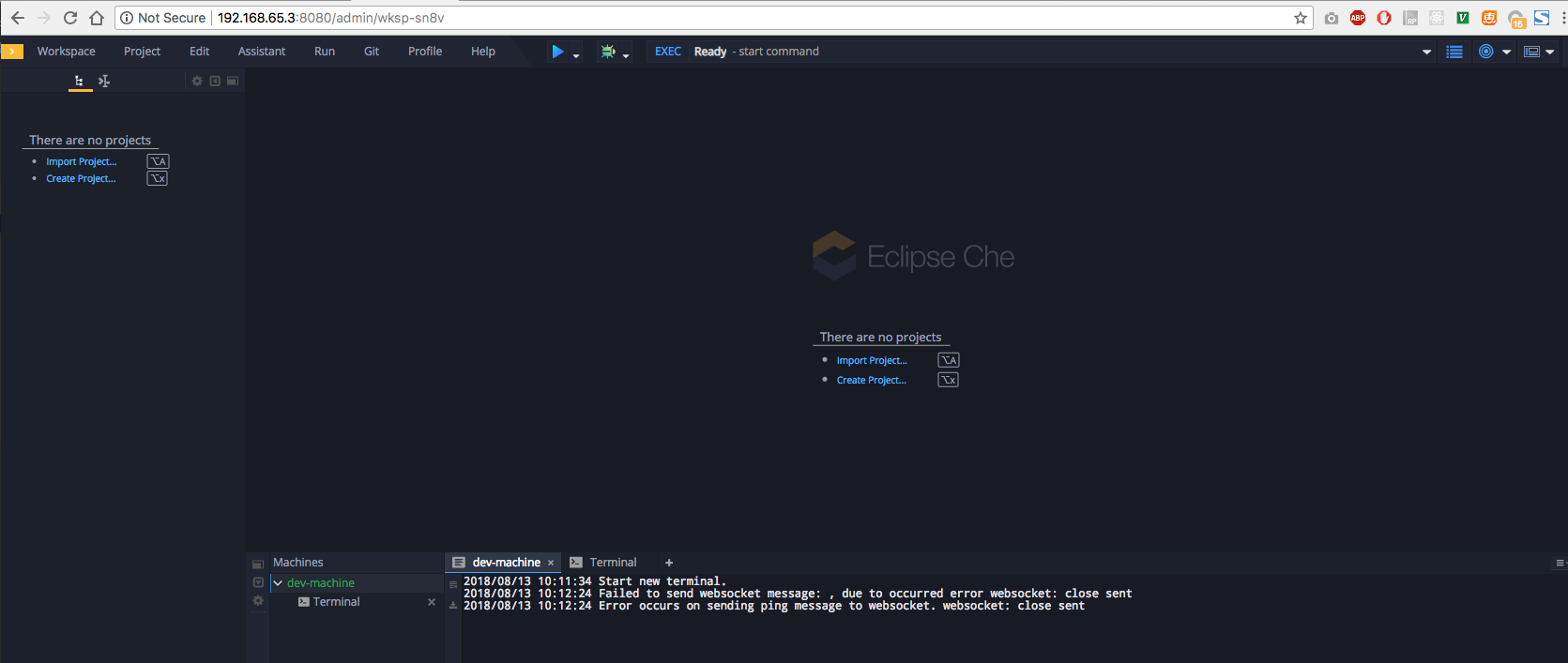
this is my workspace page
 village-way
All 5 comments
@HiDevine here's more accurate docs https://www.eclipse.org/che/docs/ide-extensions-gwt.html#debugging-with-super-devmode
 ghost
on 13 Aug 2018
ghost
on 13 Aug 2018
@eivantsov
according to the docs you provided, i execute this command
mvn gwt:codeserver -pl :che-ide-gwt-app -am -Dmaven.main.skip -Dmaven.resources.skip -Dche.dto.skip -Dskip-enforce -Dskip-validate-sources
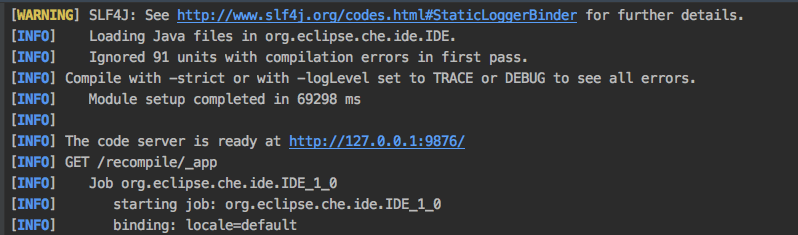
this is the result


what do next, can i debug in the intellij

village-way
on 14 Aug 2018
i can debug ide extension in chrome dev tool now, but i still can not debug in the intellij.
i can also see the change result, after compile the source.
village-way
on 14 Aug 2018
In Chrome only
ghost
on 14 Aug 2018
Thanks for you great help.
hope one day, i can debug in the intellij.
you can close this question.
village-way
on 14 Aug 2018
Related issues
 JamesDrummond
·
3Comments
JamesDrummond
·
3Comments
 luckymore0520
·
3Comments
luckymore0520
·
3Comments
 LaneGeek
·
3Comments
LaneGeek
·
3Comments
 dmytro-ndp
·
3Comments
dmytro-ndp
·
3Comments
 johnmcollier
·
3Comments
johnmcollier
·
3Comments
Most helpful comment
@HiDevine here's more accurate docs https://www.eclipse.org/che/docs/ide-extensions-gwt.html#debugging-with-super-devmode