Chart.js: "fill: false" option on dataset causes legend to also not fill
When specifying the fill: false option for items in a dataset, the legend for that data set is also not filled, even if backgroundColor is specified. This is unexpected behavior according to documentation, as the documentation simply says the background of the chart itself will not be filled. As a result, a white hole appears in the legend (if border is also specified).
This issue appears in version 2.9.1 installed via npm. I am running it via an angular project. A week ago, when I first installed the project to work on it, this issue did not exist. However, it appeared today when I ran npm update. This leads me to believe that the issue was introduced in versions 2.91 or 2.9.0, or another commit within the past week or so.
 Atlowell
All 10 comments
This was done in #5621
 etimberg
on 30 Oct 2019
etimberg
on 30 Oct 2019
Interesting, I wonder why it didn't exhibit this behavior a week ago then.
Is there a rationale as to why this would be desired behavior for line graphs? It makes sense that the legend would match other graph types if the background is disabled, but it is a rather typical usage of a line graph to not have shading underneath. It seems to me that having them match requires a user to use graph shading if they want to have their legends filled in, which seems like bad practice, since graph shading can get rather ugly with many lines.
Is the color attribute otherwise used with line graphs? Could it be used to fill the legend to allow for both scenarios? Or alternatively, could the default depend on whether the user manually specifies a backgroundColor attribute?
EDIT: spelling
Atlowell
on 30 Oct 2019
I'd be open to making the legend filled with the line color when fill: false. Please feel free to send a PR
 benmccann
on 30 Oct 2019
benmccann
on 30 Oct 2019
Is there a rationale as to why this would be desired behavior for line graphs?
It's difficult to rationalize design. My team ran an A-B survey – with an admittedly small and unscreened sample base of 30 – against the two images in #6673. When asked to choose between the two images, 22 preferred solid, 2 preferred hollow, 5 were undecided, and 1 thought they were exactly the same. Our findings were as follows:
- The unfilled hollow interrupts the compositional flow and rhythm of a graph. The eye tracks to "arbitrary non-data", mildly reducing usability.
- That in a layout where both solid and line-styled graphs were present, it would be necessary to have both solid and line-styled legends; Otherwise, solid is always preferable.
- The results were heavily biased towards working professionals. We were unable to estimate which way the data would skew for those outside our test group. Some of us thought the average user would have a harder time (as unskilled cartographers), others thought the reduced familiarity would also increase indifference to such a minor detail.
To summarize, our conclusion was that the option to select fill-style was desirable.
 neokio
on 2 Nov 2019
neokio
on 2 Nov 2019
Users were confused by this update. I updated to 2.9.2 recently and the legend fill changed to just the border. Got a few questions why it was changed and didn't make sense any more. Maybe an option to "fillLegendLabel" or something would be better?
 craigpotter
on 8 Nov 2019
craigpotter
on 8 Nov 2019
I guess I'm in the minority then as I prefer controlling whether the legend icon is filled or not.
Here's an example why - if you have people with color blindness - you use more variance on the line dash - so if you have 3 grey lines that have a variance in dashing - the icons in the legend are now filled and are hard to distinguish.
  fill: false,
  borderColor: "rgba(255,0,0,1.0)",
  backgroundColor: '#a6cee3',
  borderWidth: 1,
With older version of chartJS, I didn't need to specify the legend icon backgroundColor - it defaulted to a nice medium grey.
With 2.9.3, the background color is ignored in the legend icon.
Changing the fill to true yields the right fill color in the legend icon, at the expense of filling under the line.
I'm reverting to 2.8 until this is fixed. We need a way to color both attributes without a single attribute variable.
 gmonahan
on 22 Nov 2019
gmonahan
on 22 Nov 2019
With some more poking around, I've added some configs
pointStyle: 'rect',
to the dataset
and
legend: {
labels: {
usePointStyle: true
}
},
to the options.
And I get a smaller icon that is square shaped, not a rectangle and is not filled.
I'm not sure if I should be happy, or if this is likely to break when we got to v3.
gmonahan
on 22 Nov 2019
I guess I'm in the minority then as I prefer controlling whether the legend icon is filled or not.
Agreed, filling legend icon by default doesn't look well in case of non-solid line styles. We getting solid rectangle with hardly visible dashed or dotted border, which looks weird.
 apdevelop
on 14 Jan 2020
apdevelop
on 14 Jan 2020
Current master lets you control the backgroundColor: https://codepen.io/kurkle/pen/YzPjzga?editors=1010
 kurkle
on 14 Jan 2020
kurkle
on 14 Jan 2020
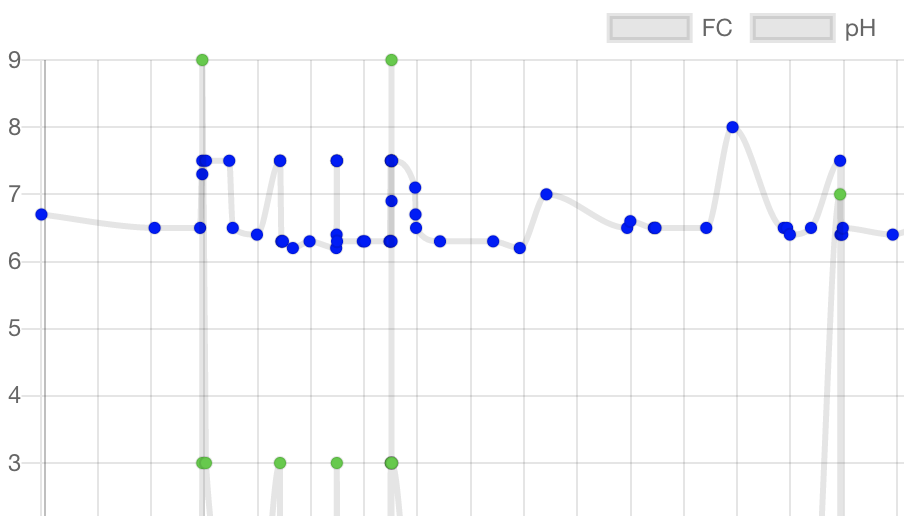
I recently upgraded from 2.8.0 to 2.9.3. For some reason I am still seeing this issue even though it was supposedly fixed. Specifically, if I set fill: false in my datasets the legend boxes are gray. If I set it to true, the legend boxes have the same color as the lines in the corresponding dataset, as expected. But then my line charts are filled underneath as a side-effect.
The workaround mentioned by @gmonahan here works, but it seems like a counterintuitive way to achieve the expected behavior. Surely it's common to have line charts with no fill, in which case the legend color should match the lines. Even the outline is gray, so there is no way to correlate which legend goes with which line.
 clintfoster
on 8 Sep 2020
clintfoster
on 8 Sep 2020
Related issues
 nickgoodliff
·
3Comments
nickgoodliff
·
3Comments
 akashrajkn
·
3Comments
akashrajkn
·
3Comments
 JAIOMP
·
3Comments
JAIOMP
·
3Comments
 SylarRuby
·
3Comments
SylarRuby
·
3Comments
 lbowers
·
3Comments
lbowers
·
3Comments
Most helpful comment
It's difficult to rationalize design. My team ran an A-B survey – with an admittedly small and unscreened sample base of 30 – against the two images in #6673. When asked to choose between the two images, 22 preferred solid, 2 preferred hollow, 5 were undecided, and 1 thought they were exactly the same. Our findings were as follows:
To summarize, our conclusion was that the option to select fill-style was desirable.