Chart.js: [BUG] Updating ticks fontColor is not working
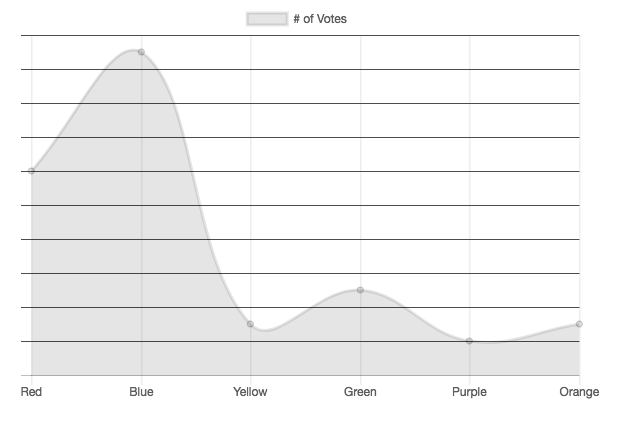
I am attempting to update scales ticks and grid lines to be visible only on hover. It works for the grid lines but it does not work for the ticks. Changing with display works but it is not suitable because it changes the width of the chart.
Interactive demo: https://codepen.io/uffou/pen/zpdZVb
Expected Behavior

Current Behavior
 uffou
uffou
All 4 comments
Looks like a bug, need investigation, we might cache some options that are not correctly updated.
 simonbrunel
on 3 Jan 2018
simonbrunel
on 3 Jan 2018
@uffou I think this is the same problem as #4896
There isn't a real bugfix, however you could use myChart.options.scales.yAxes[0].ticks.minor.fontColor as a workaround.
ctx.addEventListener('mouseenter', function(){
  myChart.options.scales.yAxes[0].gridLines.color = `red`;
  myChart.options.scales.yAxes[0].ticks.minor.fontColor = `red`;
  myChart.update();
});
ctx.addEventListener('mouseleave', function(){
  myChart.options.scales.yAxes[0].gridLines.color = `rgba(0,0,0,0)`;
  myChart.options.scales.yAxes[0].ticks.minor.fontColor = `rgba(0,0,0,0)`;
  myChart.update();
});
 jcopperfield
on 5 Jan 2018
jcopperfield
on 5 Jan 2018
@jcopperfield thanks! that works 🎉
uffou
on 5 Jan 2018
Thanks @jcopperfield, closing as duplicated of #4896.
We should avoid modifying the user given options object to store minor/major values from the ticks.* ones, but instead work on the clone of the scale options. That should ensure that minor/major are recalculated at each update.
simonbrunel
on 5 Jan 2018
Related issues
 lizbanach
·
3Comments
lizbanach
·
3Comments
 bytesnz
·
3Comments
bytesnz
·
3Comments
 HeinPauwelyn
·
3Comments
HeinPauwelyn
·
3Comments
 frlinw
·
3Comments
frlinw
·
3Comments
 joebirkin
·
3Comments
joebirkin
·
3Comments
Most helpful comment
@uffou I think this is the same problem as #4896
There isn't a real bugfix, however you could use
myChart.options.scales.yAxes[0].ticks.minor.fontColoras a workaround.