Carla: Customized CameraRGB size not working in Windows using Direct3D
In Version 0.8.0 (Win)
I only changed WINDOW_WIDTH and WINDOW_HEIGHT to 400 and 300, then I got assert error, with raw_data_length as 499200, larger than 4x400x300. But I have no problem with 800x600. Any solution?
But it all worked in 0.7.1 (Win).
 wzhAptiv
All 9 comments
Hello @wzhAptiv ,can you provide the command and log please?,
thanks
 juaxix
on 29 Mar 2018
juaxix
on 29 Mar 2018
Hello @juaxix , here are the command for starting carla-server, the modified manual_control.py (only changed WINDOW_WIDTH = 400, WINDOW_HEIGHT = 300, MINI_WINDOW_WIDTH = 160, MINI_WINDOW_HEIGHT = 90), and the python command with cmd-output.
I only omitted the absolute path as 'Path', please be aware.
run_Carla.bat.txt
manual_control_demo_debug.py.txt
python_cmd_log.txt
I tried a few other window_widths & heights, non of them worked except 800x600.
The error came from 'CameraRGB'.
P.S. My python is 3.5.3.
Thank you.
wzhAptiv
on 29 Mar 2018
Hey @wzhAptiv I noticed that your command has a typo with the option _-carla-server_ ,you used -clara-server, please fix that.
Now, I've just tested it with this command for the server:
CarlaUE4.exe /Game/Maps/Town01 -windowed -ResX=400 -ResY=300 -carla-server -carla-world-port=2000 -fps=10 -benchmark
and this command for the client:
python manual_control.py -l -q Low -m Town01
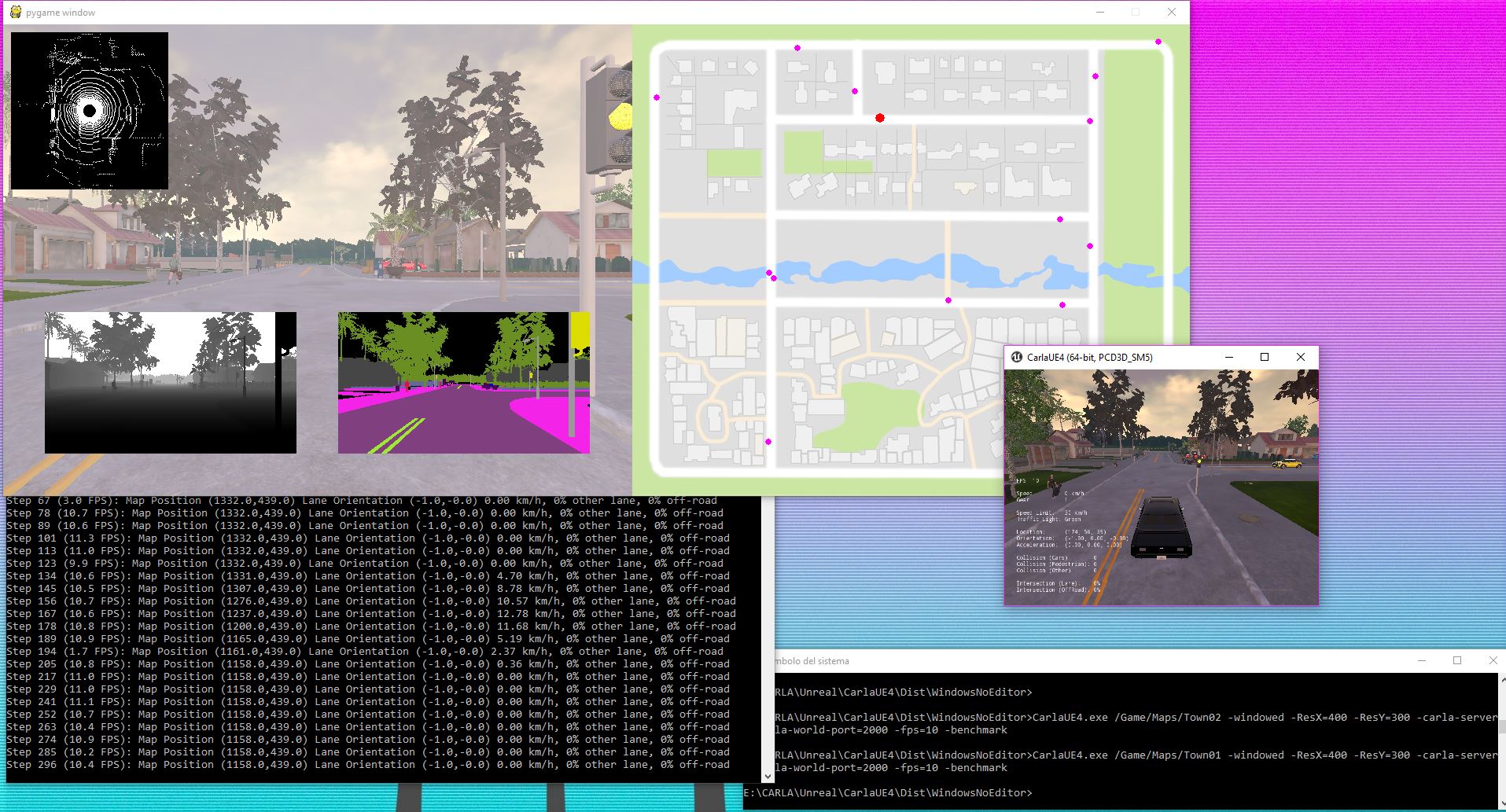
and this works perfectly as you can see in the screenshots:
Town 1:
Town 2:
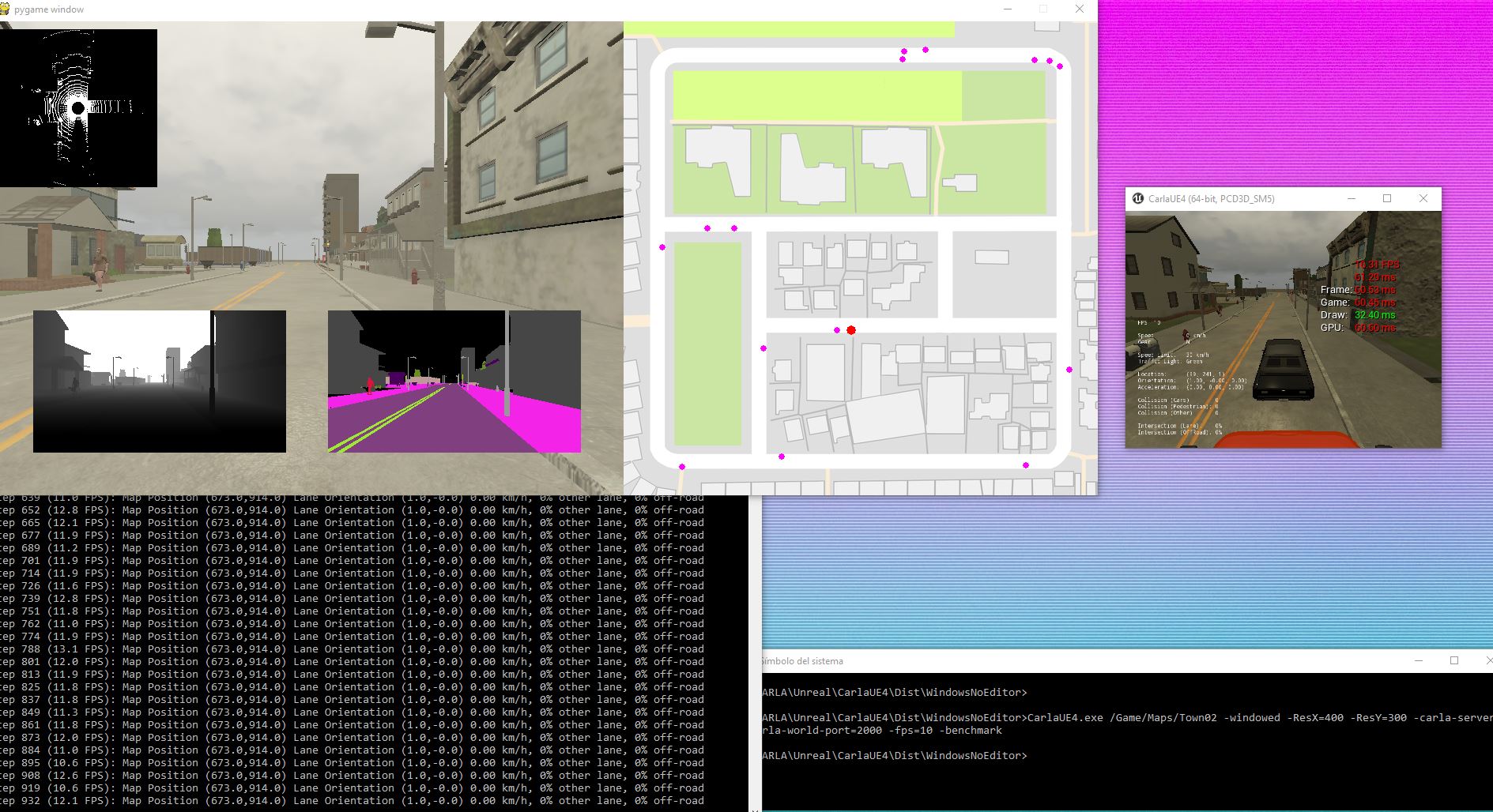
I'm using the python version 3.6.4
Note: if you are not going to use the main screen you can set this command (use º to bring up the console in the server main window)
r.ScreenPercentage 1
and with the G key you can deactivate the HUD, that will give you around 2-3FPS more.
Thanks
juaxix
on 29 Mar 2018
Hello @juaxix , have you tried to change the window size? or try my modified .py script?
According to your screenshot, it seems you are just running 800x600, which I also have no problem.
Also, thanks for pointing out the typo in command.
wzhAptiv
on 29 Mar 2018
You are right @wzhAptiv ,this is a bug related to Direct3D that is adding more information to the texture of the screen capture to be sent so the array of data is bigger than 4 colors * width * height.
The work-around right now is go and try to use other API instead of Direct3D.
Run:
CarlaUE4.exe /Game/Maps/Town01 -windowed -ResX=400 -ResY=300 -carla-server -carla-world-port=2000 -fps=10 -benchmark -opengl
or
CarlaUE4.exe /Game/Maps/Town01 -windowed -ResX=400 -ResY=300 -carla-server -carla-world-port=2000 -fps=10 -benchmark _-vulkan_
because CARLA for Windows is built with support for OpenGL3/4 (SM4,SM5) and Vulkan (SM5).
You can install Vulkan drivers for Windows using intel, nvidia or amd support pages.
Screenshot using Vulkan:

We will dig in this to get more info from the EPIC team to find a fix for Unreal 4.19 together with other fixes.
juaxix
on 29 Mar 2018
Thank you and I'll try other API at the moment.
Hope we can see the fix soon.
wzhAptiv
on 29 Mar 2018
Update:
The problem is this line
uint8 *src = reinterpret_cast<uint8*>(RHILockTexture2D(texture, 0, RLM_ReadOnly, stride, false));
With a resolution of 320x180 the stride is 1280 so 1280*180 = 230400 --> it's the same as 320*180*4 = 230400
With 400x300 the stride is 1664 --> 1664*300 = 499200 != 400*300*4 = 480000
With 800x600 the stride is 3200 --> 3200*600 = 1920000 = 800*600*4
so you just have to find the correct resolution
juaxix
on 5 Apr 2018
This is fixed in b8b27447d94a3f6877d896ef8422c991d2a4ec9c
juaxix
on 10 Apr 2018
Thank you for the fix!
wzhAptiv
on 11 Apr 2018
Related issues
 robertnishihara
·
4Comments
robertnishihara
·
4Comments
 tgrel
·
3Comments
tgrel
·
3Comments
 kartikye
·
3Comments
kartikye
·
3Comments
 syinari0123
·
3Comments
syinari0123
·
3Comments
 mallela
·
3Comments
mallela
·
3Comments