Carbon: Issue: Filterable Multiselect inline property not displaying correctly
What package(s) are you using?
- [ ]
carbon-components - [x]
carbon-components-react
Detailed description
The filterable Multiselect component does not look "inline" when you apply the inline property to it.
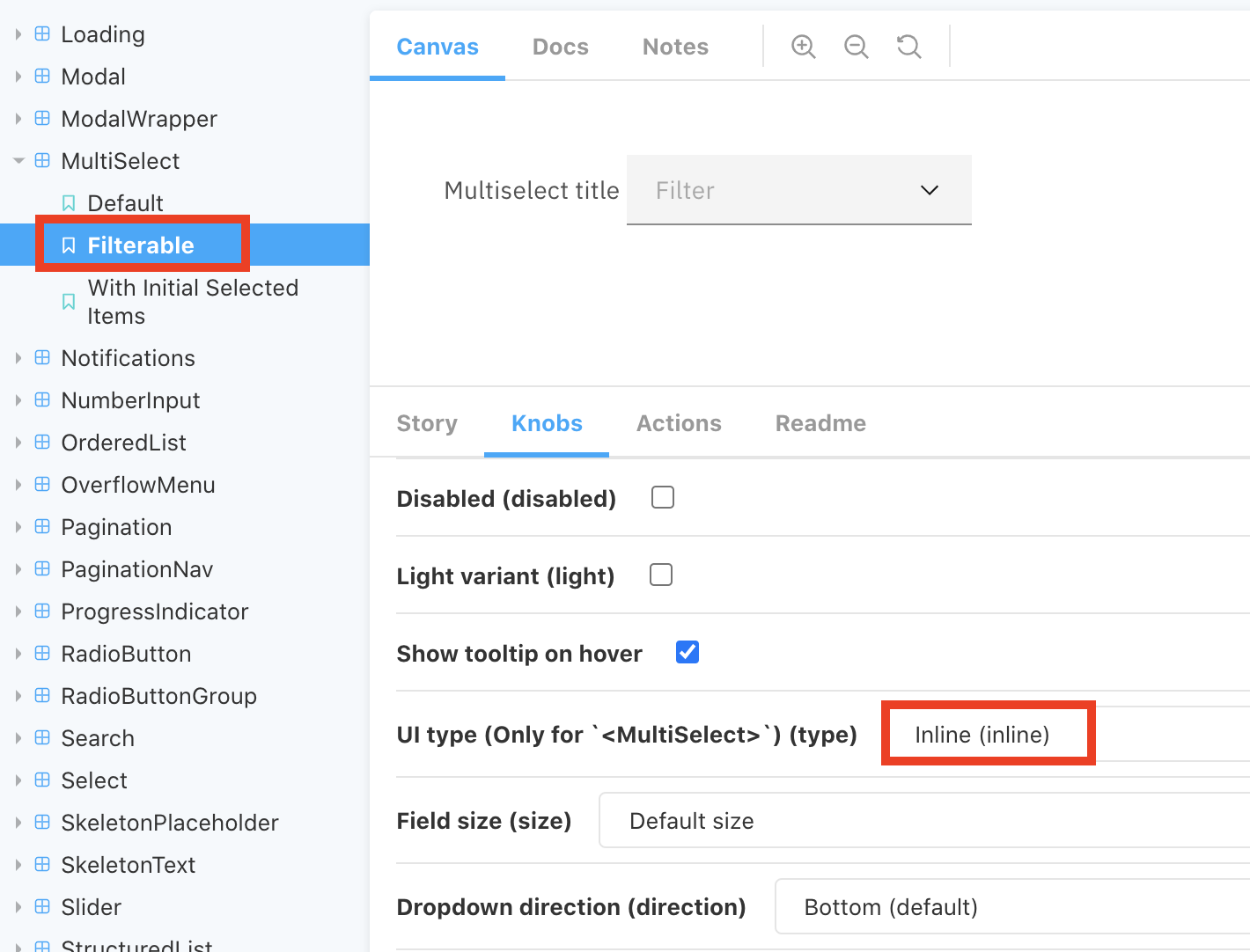
What did you expect to happen? What happened instead? What would you like to
see changed?
It should look like an inline multiselect like:

What browser are you working in?
Chrome
What version of the Carbon Design System are you using?
v7.20.0 - https://react.carbondesignsystem.com/?path=/story/multiselect--filterable
What offering/product do you work on? Any pressing ship or release dates we
should be aware of?
Cloud Pak for Data
Please create a reduced test case in CodeSandbox
Go to https://react.carbondesignsystem.com/?path=/story/multiselect--filterable and select Inline knob
 ttan-ibm
All 3 comments
it looks like you are expecting the inline filterable light multiselect styling

 emyarod
on 14 Oct 2020
emyarod
on 14 Oct 2020
@emyarod
it looks like you are expecting the inline filterable light multiselect styling
Lauren (@laurenmrice) mentioned in the carbon design slack channel that there shouldn't be a background box. I would expect it to not have the bottom-border either but I'll let her confirm.
https://ibm-analytics.slack.com/archives/C0M053VPT/p1602260600298500
ttan-ibm
on 14 Oct 2020
The filterable multiselect inline variant should not get a field background color for the default state or light prop.
Spec:

 laurenmrice
on 19 Oct 2020
laurenmrice
on 19 Oct 2020
Related issues
 skaparelos1
·
3Comments
skaparelos1
·
3Comments
 windgaucho
·
3Comments
windgaucho
·
3Comments
 ajdaniel
·
3Comments
ajdaniel
·
3Comments
 xrissot-ibm
·
3Comments
xrissot-ibm
·
3Comments
 antonmc
·
3Comments
antonmc
·
3Comments