Caprine: Dark Mode broken in 2.36.0
Upgraded to Caprine 2.36 on Mojave 10.14.6. Was using Caprine's Dark Mode (View > Dark Mode: checked). After closing Caprine and reopening, dark mode now looks like this.
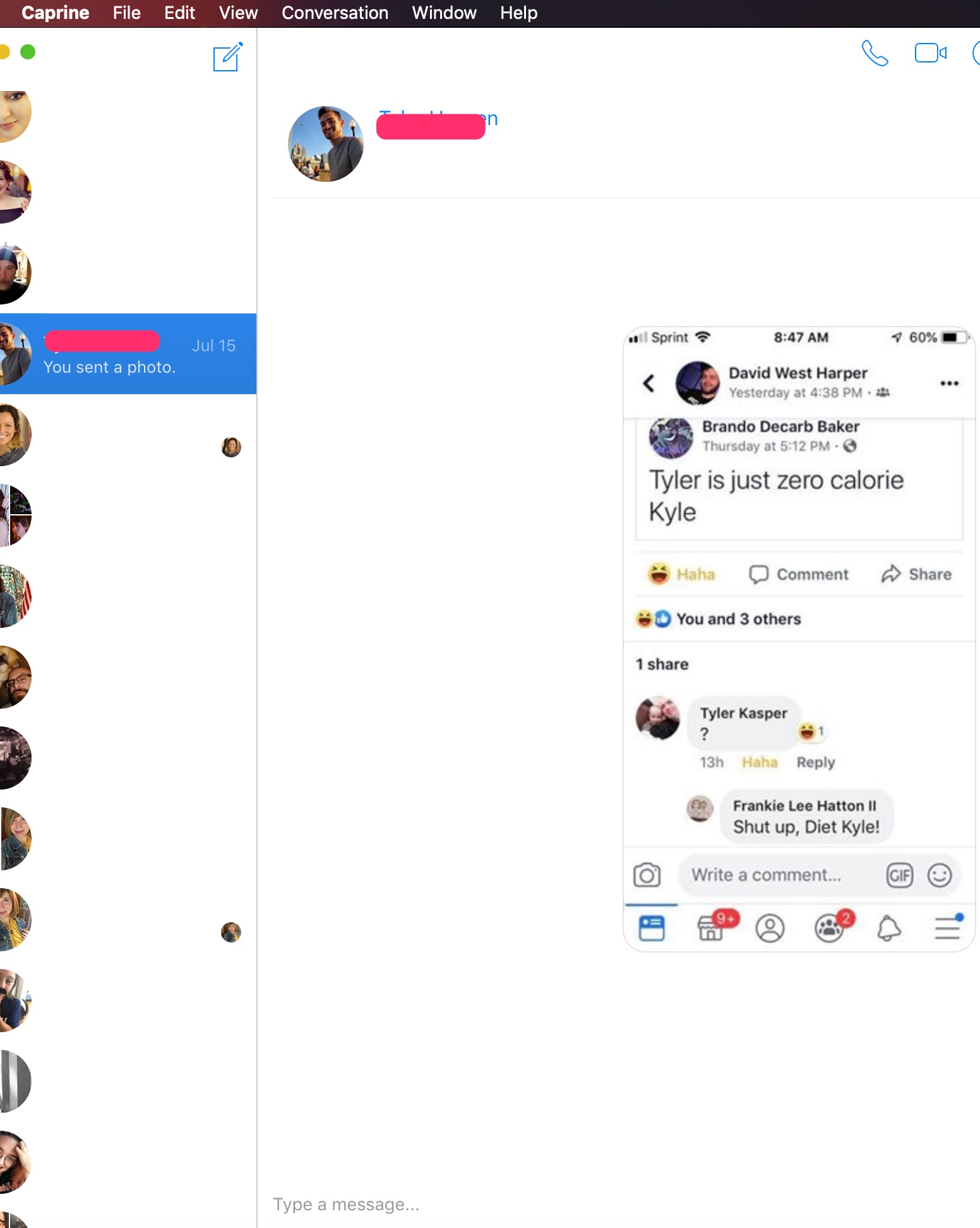
Normal non-dark mode appears to be working fine.
 lonecactus
👍7
All 5 comments
I have this same issue, but without any vibrancy the dark mode version works fine
 riconaranjo
on 19 Aug 2019
riconaranjo
on 19 Aug 2019
👍2
Confirming riconaranjo's workaround restores dark mode functionality for me
lonecactus
on 19 Aug 2019
🎉1
Any updates on Vibrancy bug maybe @sindresorhus @CvX? 🤔
 marcinlesek
on 29 Aug 2019
marcinlesek
on 29 Aug 2019
Awe, i literally just downloaded this for the dark mode + vibrancy feature. Hopefully this can get fixed soon
 nathan-fiscaletti
on 29 Aug 2019
nathan-fiscaletti
on 29 Aug 2019
@marcinlesek you can try out the workaround in #1070
 CvX
on 31 Aug 2019
CvX
on 31 Aug 2019
Was this page helpful?
0 / 5 - 0 ratings
Related issues
 Vexorify
·
3Comments
Vexorify
·
3Comments
 dmythro
·
4Comments
dmythro
·
4Comments
 bsucker98
·
3Comments
bsucker98
·
3Comments
 Yukaii
·
3Comments
Yukaii
·
3Comments
 0wlyW00d
·
3Comments
0wlyW00d
·
3Comments
Most helpful comment
I have this same issue, but without any vibrancy the dark mode version works fine