Caprine: Option to use native Apple emoji
The Facebook emoji set looks terrible. The messenger app on iOS uses native Apple emojis. It would be great if Caprine could do this too
 felixfbecker
All 10 comments
Could probably use MutationObserver to listen for new messages added to a conversation and replace them.
 sindresorhus
on 9 Dec 2018
sindresorhus
on 9 Dec 2018
Good idea. This selector gives all FB emojis on the page:
document.querySelectorAll('img[src*="emoji.php"')
The URL for 😄 is https://static.xx.fbcdn.net/images/emoji.php/v9/t71/2/16/1f604.png. The basename of the path, 1f604, corresponds to the Unicode codepoint of the emoji, U+1F604.
But Facebook also puts the real emoji directly into the alt property, so we can easily replace all emojis with:
for (const img of document.querySelectorAll('img[src*="emoji.php"')) {
  img.replaceWith(img.alt)
}
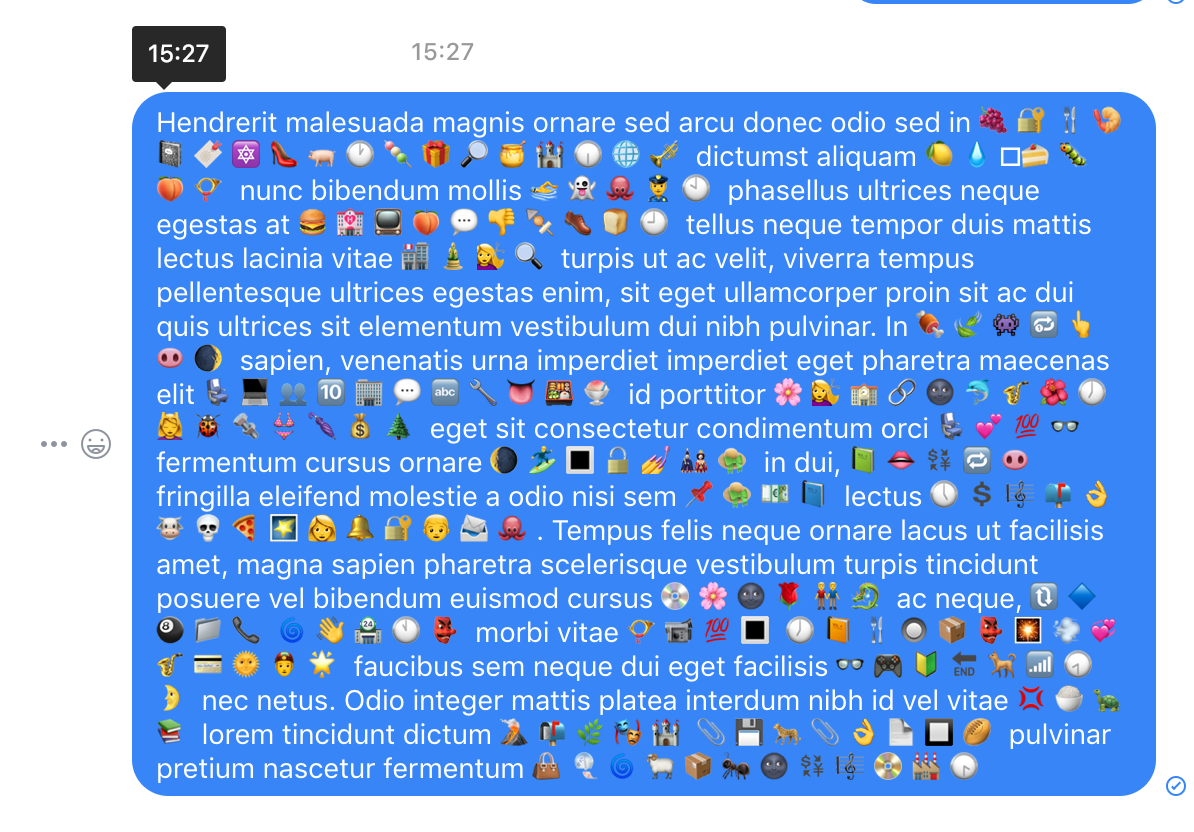
Now these emojis look a bit mispositioned and small, so add a bit of styling:
document.querySelectorAll('img[src*="emoji.php"').forEach(img => {
  const span = document.createElement('span')
  span.className = 'native-emoji'
  span.textContent = img.alt
  img.replaceWith(span)
})
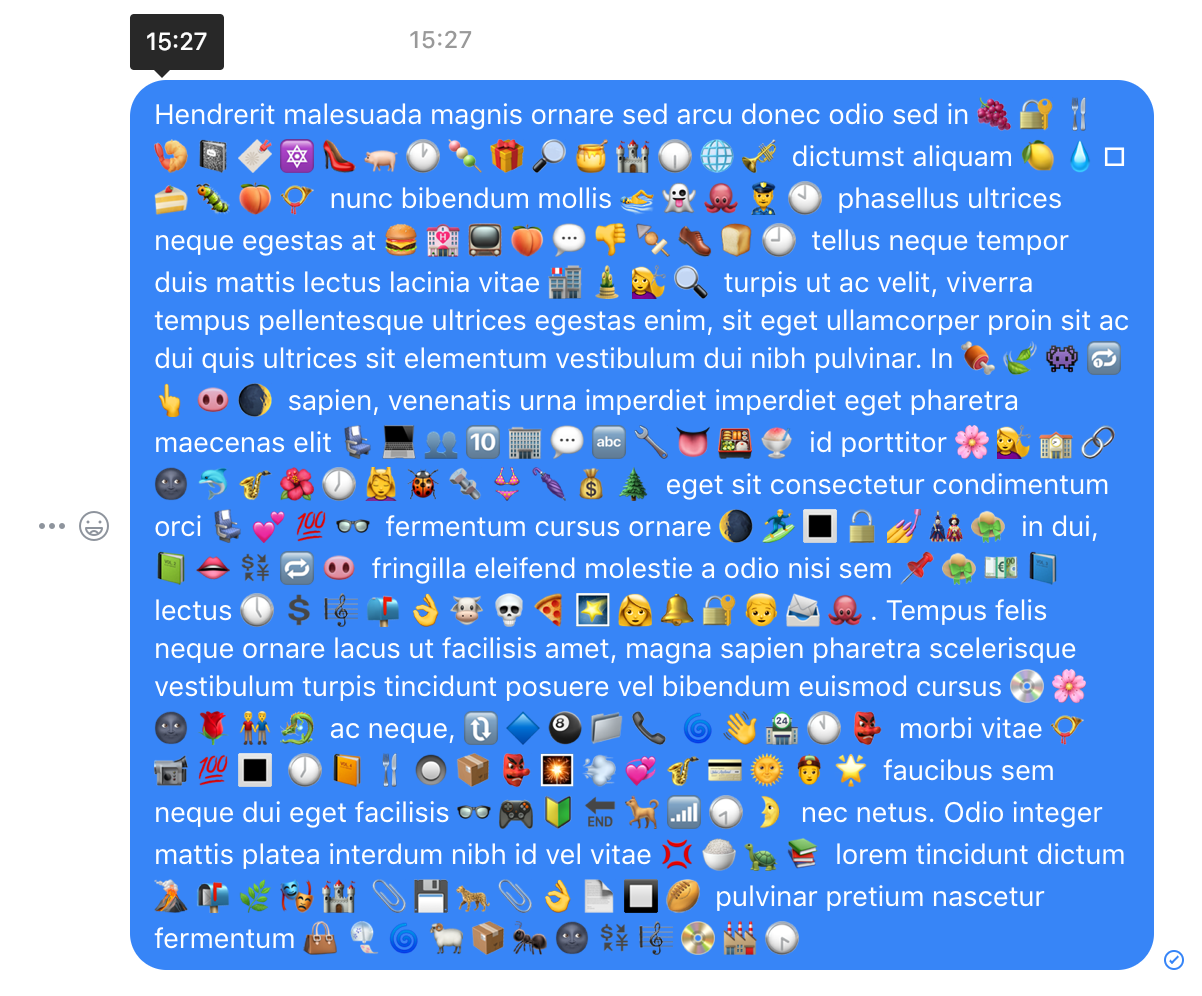
.native-emoji {
    font-size: 1.2em;
    display: inline-block;
    top: 0.12em;
    position: relative;
}
And voila:
felixfbecker
on 9 Dec 2018
I'm unsure where the MutationObserver code for this would have to be added
felixfbecker
on 9 Dec 2018
I would love for this to be an option for all platforms. I didn't like Facebook's previous set, but this one is even worse.
 SolarLiner
on 9 Dec 2018
SolarLiner
on 9 Dec 2018
Yeah I agree. It's reasonable for a website to have their own style, but a native app should always use native OS styles. The Windows emoji set looks amazing too.
felixfbecker
on 9 Dec 2018
The Android app doesn't feature the native emoji though. Which is a sad thing, I like the Google emoji set (have them on my Linux laptop too).
SolarLiner
on 9 Dec 2018
@sindresorhus any pointer where the code above would have to be added?
felixfbecker
on 24 Dec 2018
@felixfbecker The MutationObserver should target the message container, which is #js_1. The code itself should be added in https://github.com/sindresorhus/caprine/blob/master/browser.js
sindresorhus
on 13 Jan 2019
Hmm, I can't find any element on the page if I run document.getElementById('js_1') in the console
felixfbecker
on 18 Jan 2019
@felixfbecker
try
document.querySelector('#js_1');
 JoniVR
on 18 Jan 2019
JoniVR
on 18 Jan 2019
Related issues
 petersng
·
3Comments
petersng
·
3Comments
 logxseven
·
3Comments
logxseven
·
3Comments
 PanagiotisGts
·
4Comments
PanagiotisGts
·
4Comments
 Martina-Neumayer
·
4Comments
Martina-Neumayer
·
4Comments
 Vexorify
·
3Comments
Vexorify
·
3Comments
Most helpful comment
I would love for this to be an option for all platforms. I didn't like Facebook's previous set, but this one is even worse.