Camunda-modeler: Spacing Tool refuses to make space
__Describe the Bug__
I tried to make some space in the diagram attached. But some how it did not work from the position I dragged the model from. A bit farther in the left spacing worked again.

__Environment__
- OS: MacOS Catalina
- Camunda Modeler Version: 3.5.0
Related to #1371
 sebwarnke
All 11 comments
This is due to the fact that the text annotation (cf. screencast) would be resized to a negative width.
A fix implemented 2016 prevents resizing from working all together in this case. It is not a bug but a feature, so to say.
Can you think of an alternative behavior that is more intuitive in this edge case?
 nikku
on 9 Jan 2020
nikku
on 9 Jan 2020
My expectation would be that the operation is not rejected and elements are resized to their minimum size. Compare that to how resizing single shapes works:
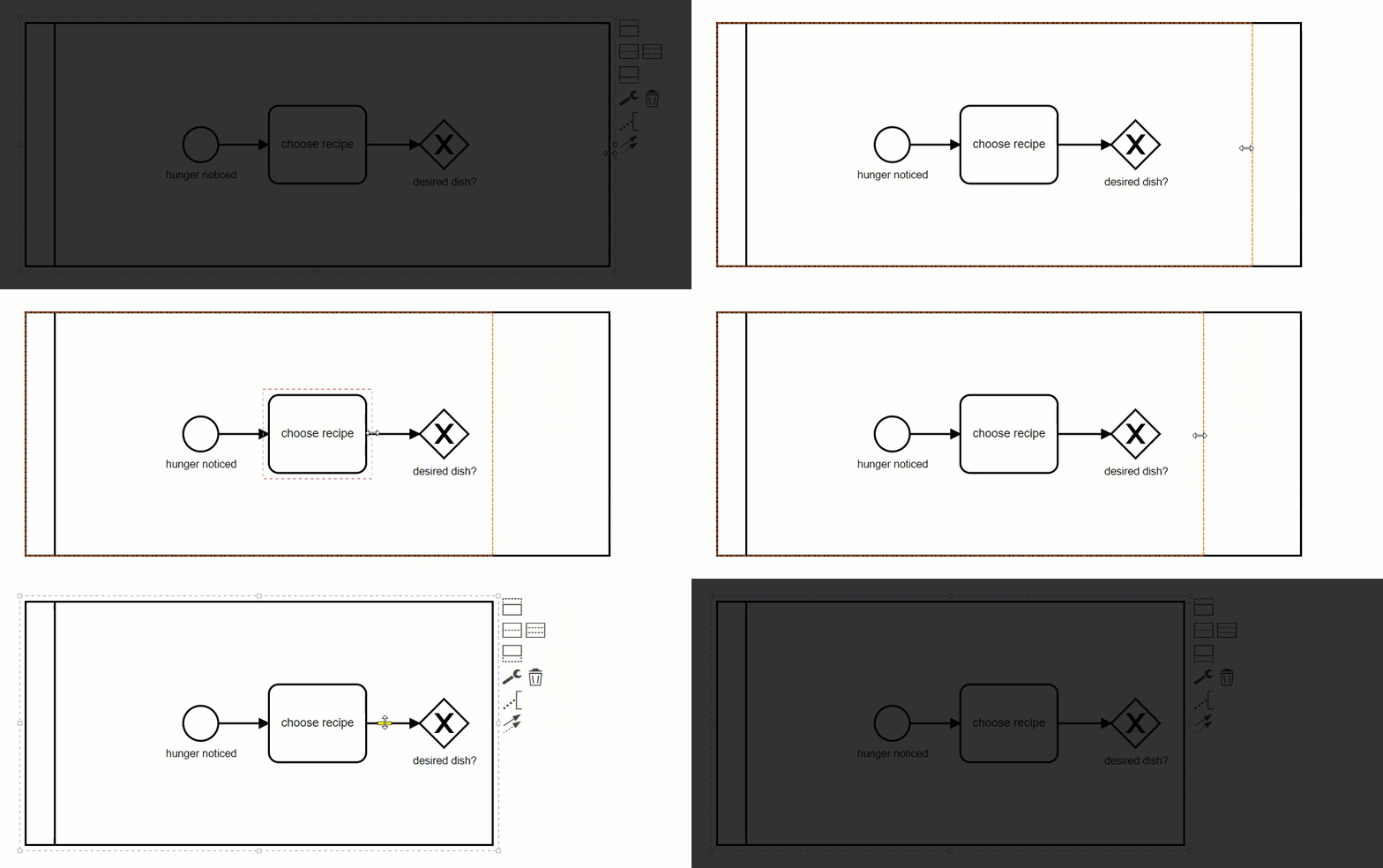
As soon as I move the mouse past the minimum size the preview indicates that the shape will resize to its minimum size.
 philippfromme
on 14 Jan 2020
philippfromme
on 14 Jan 2020
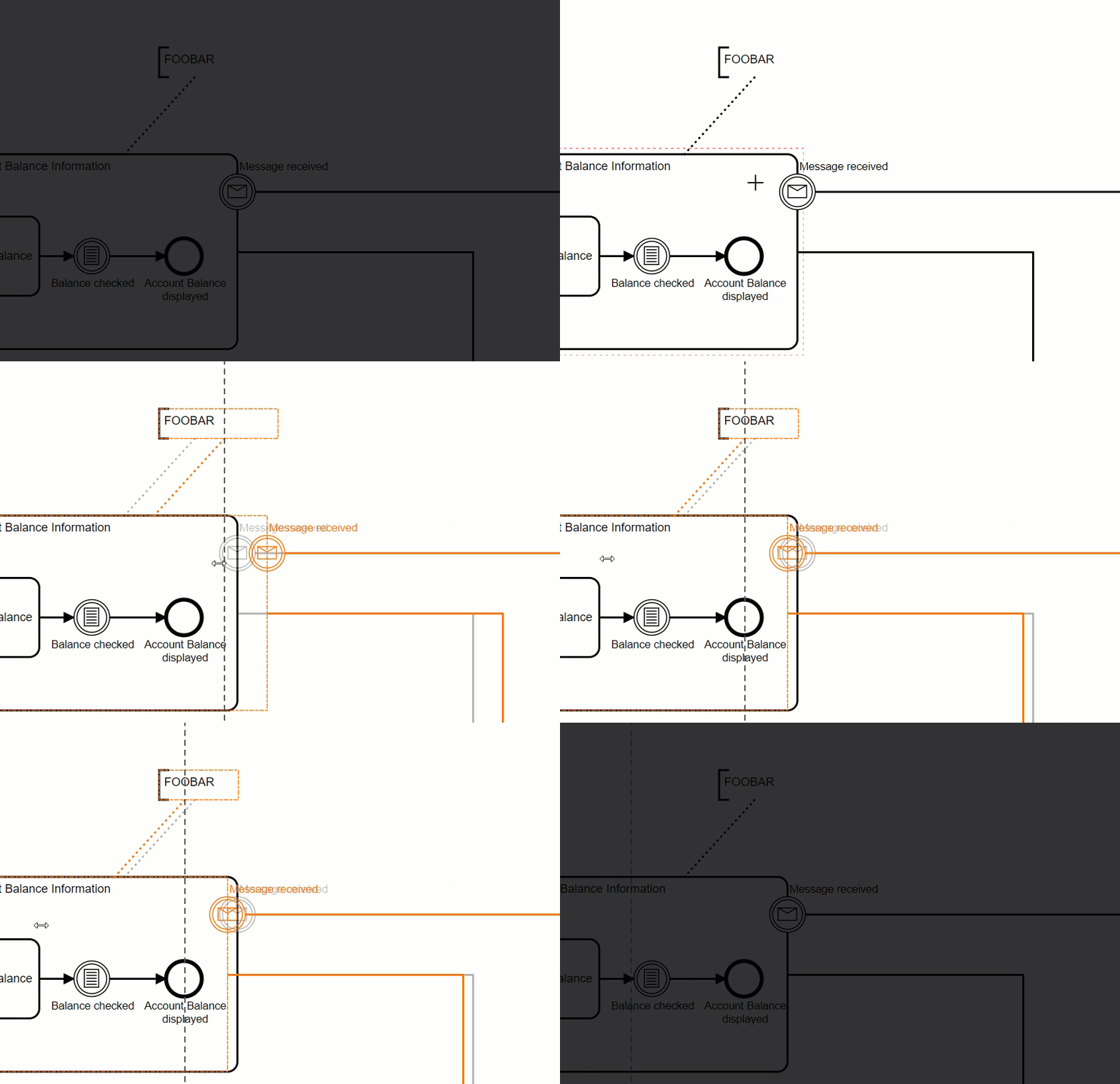
Possible solution that I've been working on:
philippfromme
on 17 Jan 2020
sorry for the delay in my answer. i really like the proposals by @philippfromme
sebwarnke
on 20 Jan 2020
maybe we could highlight the limitting edge so that it gets even more clear why a user cannot space further.
sebwarnke
on 20 Jan 2020
Gents, please see #1371
If it will be addressed, the problem described here will go.
 slizenko
on 9 Mar 2020
slizenko
on 9 Mar 2020
@slizenko How are these two issues related?
philippfromme
on 9 Mar 2020
@philippfromme, why spacing tool should resize annotation?
Because it is resizable as pool or swimlane?
If spacing tool will treat annotation box as task box (unresizable), then no problem.
slizenko
on 9 Mar 2020
@slizenko Please link the correct issue. The one you linked is about segmentation faults and clearly _not_ related.
nikku
on 9 Mar 2020
my fault, sorry, correct link is #1371 not 1372.
slizenko
on 9 Mar 2020
philippfromme
on 2 Apr 2020
Related issues
 mschoe
·
5Comments
sebwarnke
·
4Comments
mschoe
·
5Comments
sebwarnke
·
4Comments
 pinussilvestrus
·
4Comments
pinussilvestrus
·
4Comments
 wiciok
·
3Comments
wiciok
·
3Comments
 akifhazarvi
·
5Comments
akifhazarvi
·
5Comments
Most helpful comment
Possible solution that I've been working on: