Calendar: Blank screen when create new date by opened editor
Steps to reproduce
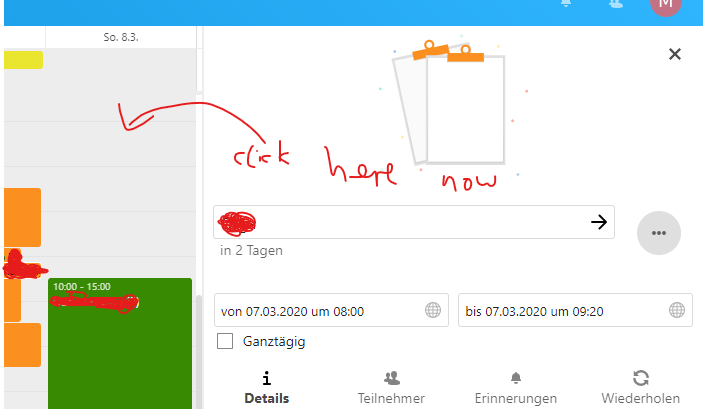
- Edit an existing calendar entry in the sidebar editor
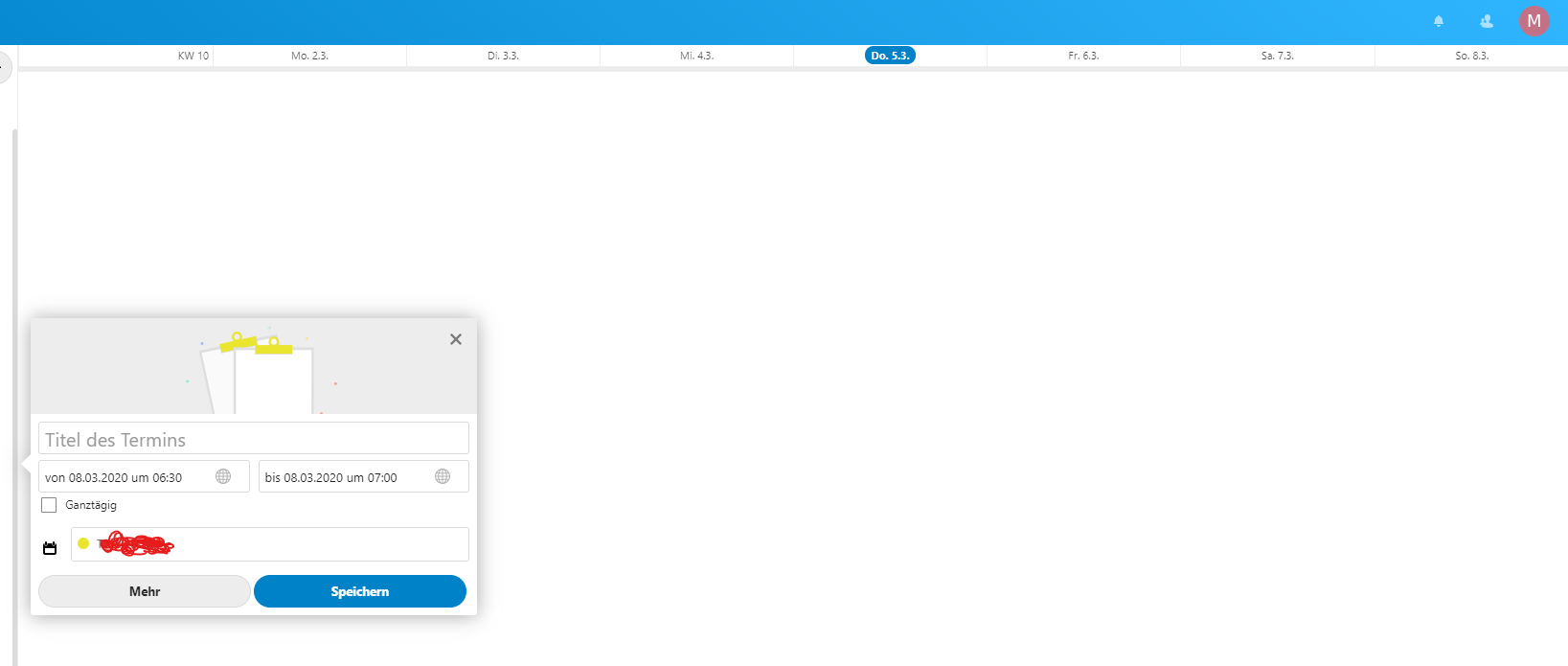
- Click in the grid view for a new event
- Close the sidebar and you have a blank screen
Expected behaviour
Sidebar closing and go back to the create event modal
Actual behaviour
The sidebar and all other dates (complete grid view) gone away and you see an empty window
Calendar app
2.0.2
Client configuration
Chromium Edge
Operating system: (e.g. Arch Linux)
Windows 10 1909
Server configuration
Operating system: (e.g. Debian 8)
Ubuntu
Web server: (e.g. Apache, Nginx,...)
Apache 2.4
Database: (e.g. MariaDB, SQLite or PostgreSQL)
MySQL 5.7
PHP version: (e.g. 7.0.3)
7.4.2
Nextcloud Version: (see admin page, e.g. 17.0.2)
18.0.1
Updated from an older installed version or fresh install:
updated from 15 > 16 > 17 > 18
Want to back this issue? Post a bounty on it! We accept bounties via Bountysource.
 Dennis1993
All 13 comments
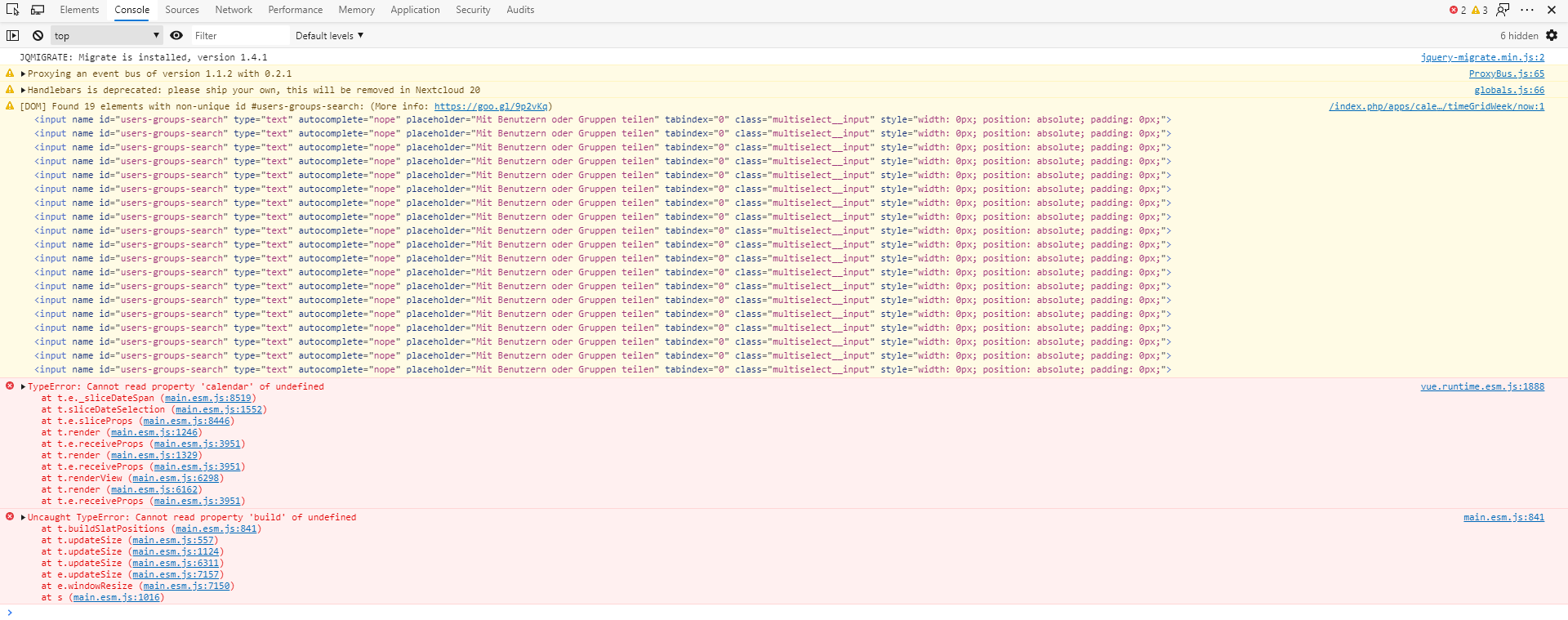
@Dennis1993 Can you please provide javascript logs. Thx
 georgehrke
on 5 Mar 2020
georgehrke
on 5 Mar 2020
Of course! :)
Dennis1993
on 5 Mar 2020
Hi folks,
I've exactly the same error in my console, but with a different user interaction, on Firefox and Chrome, see my screencast below:
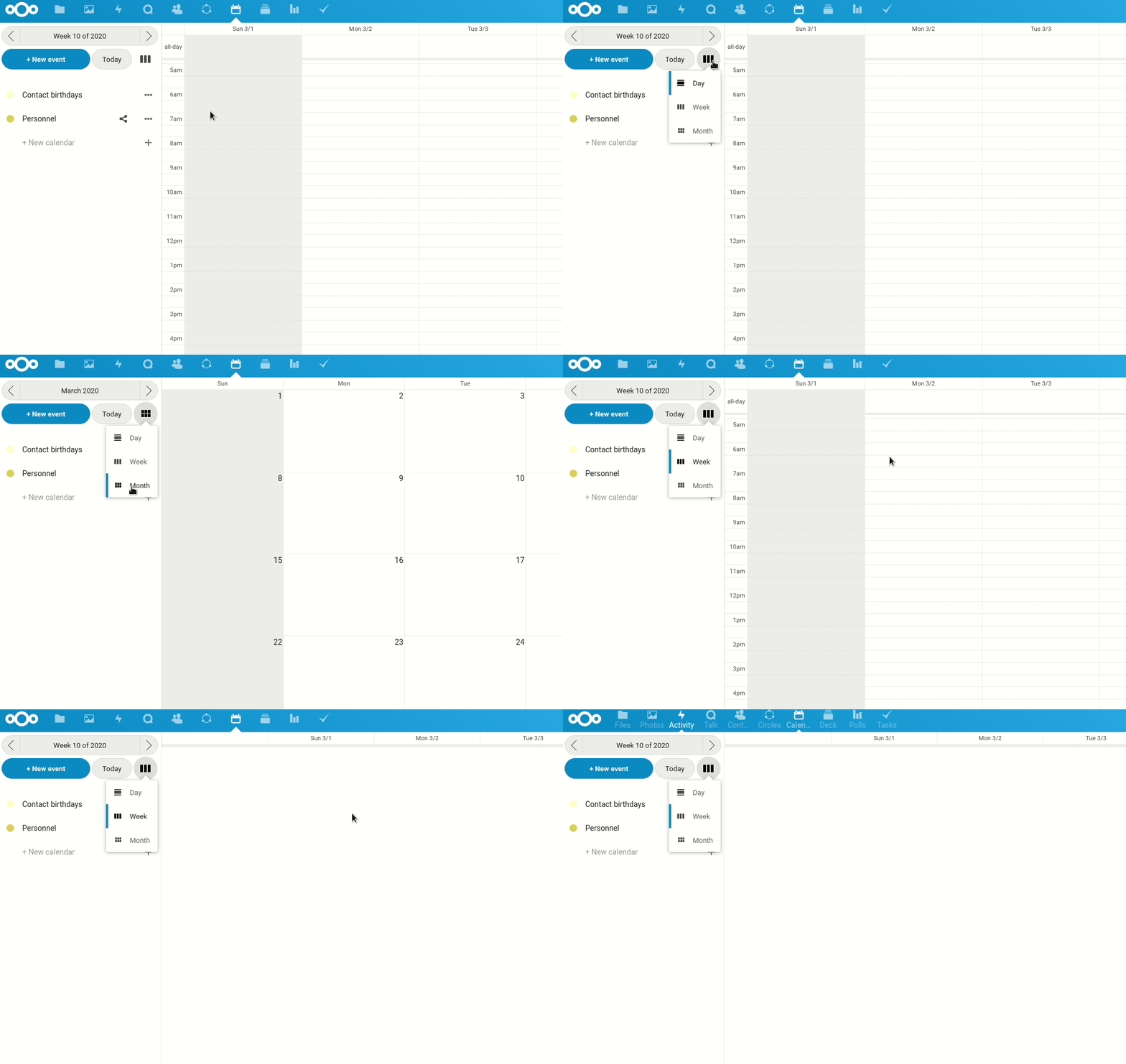
Steps to reproduce this issue:
- My starting page is
https://mynextcloud.com/apps/calendar/timeGridWeek/now - I switch from _weeks_ view to _months_ view
- Then I switch back to _weeks_ view
- Finally I click on the _Monday_ column to create a new event and the calendar app _crash_
Have a good day,
Tortue Torche
 tortuetorche
on 5 Mar 2020
tortuetorche
on 5 Mar 2020
This is an upstream issue in the fullcalendar library we are using:
https://github.com/fullcalendar/fullcalendar/issues/5266
I will try to see if the described workaround is working for the way we are using fullcalendar.
georgehrke
on 6 Mar 2020
Hi folks,
Any news on this issue? Because this is a major bug so I'll not update the 2.0.2 version on my Nextcloud production instance and I recommend everyone to do like me.
And if you already use the 2.0.2 version, I don't know if it's possible to downgrade the calendar application to the 2.0.1 version.
Have a good day,
Tortue Torche
tortuetorche
on 13 Mar 2020
The workaround described upstream does not work for our case.
@tortuetorche Downgrading is generally not supported, but if you just replace an already installed calendar 2.0.2 with the files of 2.0.1, it will work. You might have to clear the browser cache.
Because this is a major bug ...
Please note that:
- The grid does not error every time you try to select a time-range, it requires certain steps of interaction before.
- The "new event" button above the calendar-list is not affected by this and remains fully functional, no matter what interaction you did before.
georgehrke
on 13 Mar 2020
Let's downgrade to fullcalendar 4.3.x for the meantime.
georgehrke
on 24 Mar 2020
I am rolling out nextcloud in a company right now and need a solution to this problem. The project page says:
Instead of setting everything up manually, you can just download the nightly builds or download a pre-release instead. Nightly builds are updated every 24 hours, and are pre-configured with all the needed dependencies.
The link to the nightly builds is dead. The link to the pre-releases just points to the releases, and the latest release has the bug. Downgrading is not supported. So what are my options to get something running without this annoying bug?
Regards
 tobox
on 3 Apr 2020
tobox
on 3 Apr 2020
@tobox Did you actually read what i just wrote two comments above?
https://github.com/nextcloud/calendar/issues/2051#issuecomment-598637807
Downgrading is generally not supported, but if you just replace an already installed calendar 2.0.2 with the files of 2.0.1, it will work. You might have to clear the browser cache.
georgehrke
on 3 Apr 2020
Sorry, I forgot to mention that I tried that last week, but it failed. The login screen looked like this (translates into: App update required - start update):
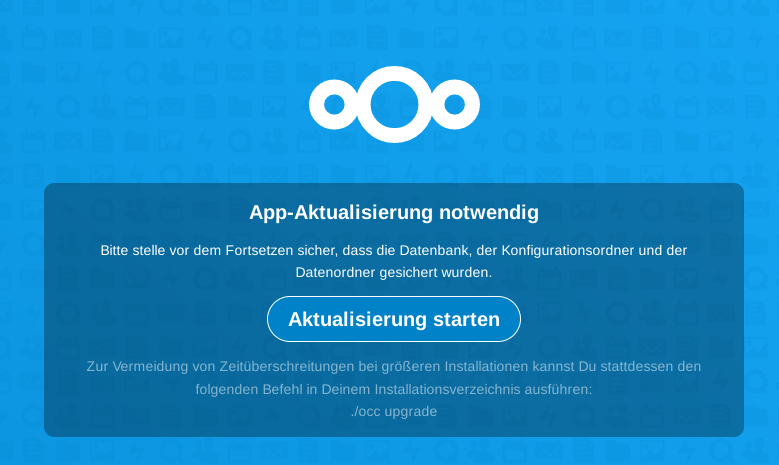
After a while (maybe some other user clicked on it) I saw only this (translates into "maintenance mode"):
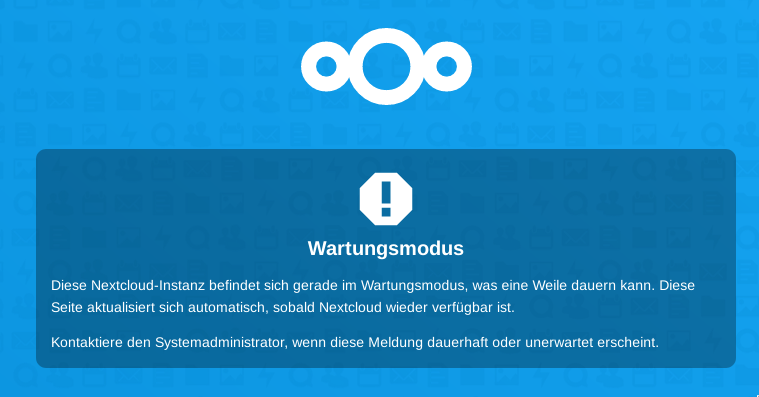
Did I do something wrong? I just moved the nextcloud/apps/calendar outside of the nextcloud tree and unpacked 2.0.1 to that folder, and I also updated the file permissions.
tobox
on 3 Apr 2020
@tobox Please ask support questions in our forum: https://help.nextcloud.com
georgehrke
on 3 Apr 2020
I tried it 2 more times, and now it worked. This is what I did:
- disable the update notification app
- disable the calendar (2.0.2)
- shut down apache
- replace calendar 2.0.2 with 2.0.1
- restart apache
- enable the calendar
I don't think all steps are neccessary, but at least it worked. The calendar app is now properly displayed in the list of installed apps (2.0.1 installed with update to 2.0.2 available).
tobox
on 3 Apr 2020
Pull-request for downgrading fullcalendar: https://github.com/nextcloud/calendar/pull/2147
georgehrke
on 3 Apr 2020
Related issues
 GLLM
·
4Comments
georgehrke
·
3Comments
GLLM
·
4Comments
georgehrke
·
3Comments
 cloud2018
·
3Comments
cloud2018
·
3Comments
 ad1rie1
·
3Comments
ad1rie1
·
3Comments
 andre5tz
·
3Comments
andre5tz
·
3Comments
Most helpful comment
Let's downgrade to fullcalendar 4.3.x for the meantime.