Calendar: After Upgrading to NC 18.0.1 Calendarapp not showing up
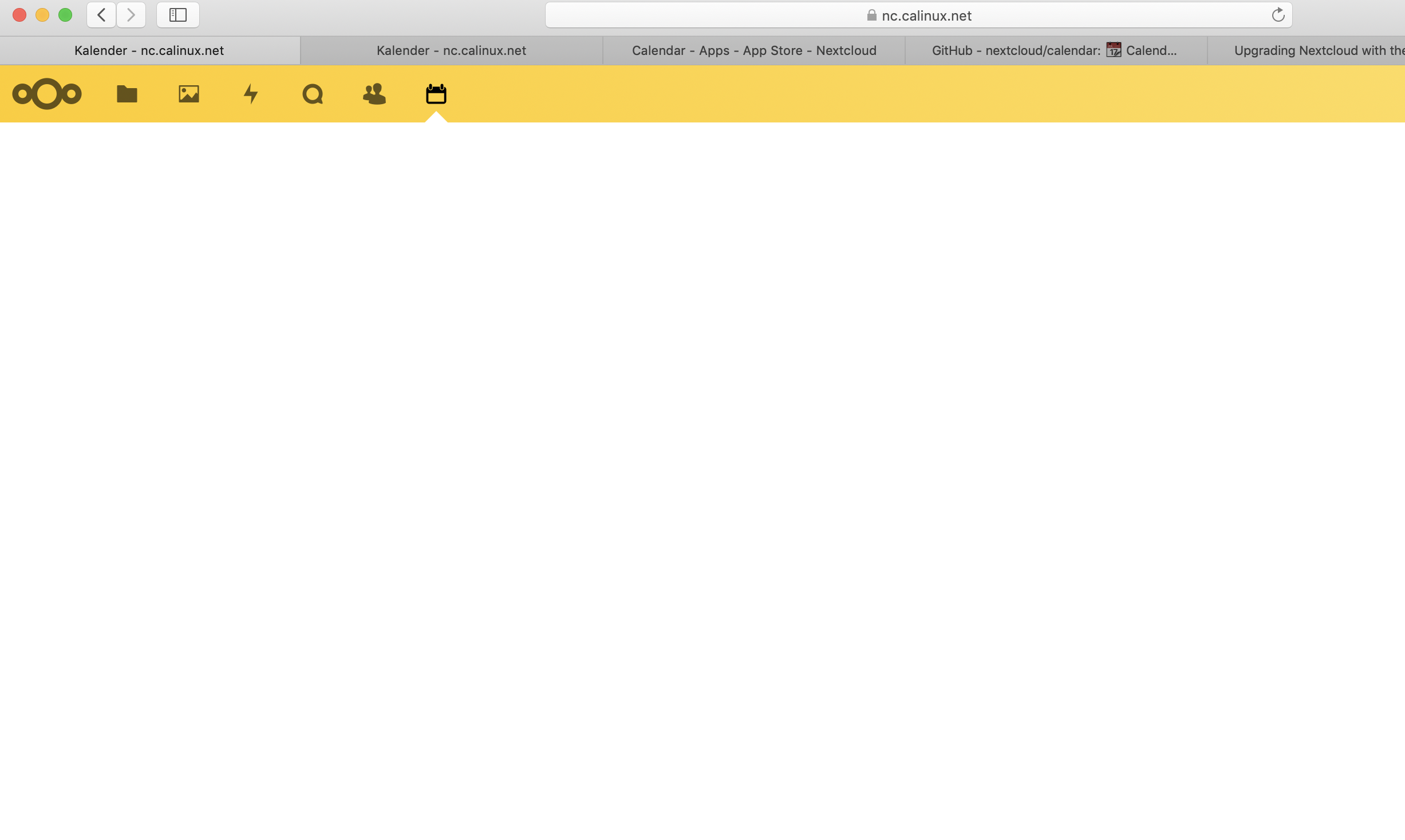
After the upgrade to NC 18.0.1. the Calendarapp's icon was lost. after reinstalling the calendar app from store, the icon ist back but nothing happend when I click on it.
 calingit
All 10 comments
please use the issue template as described in our contributing guidelines
Unless you fill out the issue template completely including all logs, we can't go ahead and help you.
 georgehrke
on 28 Feb 2020
georgehrke
on 28 Feb 2020
Have you checked the overview page in the admin settings? Where the security recommendations turn up? Doing
occ db:add-missing-indices
and
occ db:convert-filecache-bigint
fixed issues with the calendar and the contacts app for me.
 CaptainSifff
on 1 Mar 2020
CaptainSifff
on 1 Mar 2020
@georgehrke hi. I am facing the same issue. Here is the issue template completed.
Steps to reproduce
- Install NC18 (fpm-alpine docker image in my case)
- Install the calendar application
- Go to calendar application (in my case, the icon doesn't appear but is present when pointing it with the mouse)
Expected behaviour
Calendar should appear and icon in menu should be disp too
Actual behaviour
Calendar don't appear and menu icon is not displayed
Calendar app
Calendar app version: 2.0.2
CalDAV-clients used: Not tested yet. I just started to install and configure my NC instance for now.
Client configuration
Browser: firefox 74
Operating system: Archlinux
Server configuration
Operating system: Ubuntu 18.04
Web server: nginx
Database: mysql 5
PHP version: 7.3.15
Nextcloud Version: 18.0.2
Updated from an older installed version or fresh install: Fresh install
List of activated apps:
Enabled:
  - accessibility: 1.4.0
  - activity: 2.11.0
  - bruteforcesettings: 1.5.0
  - calendar: 2.0.2
  - cloud_federation_api: 1.1.0
  - comments: 1.8.0
  - dav: 1.14.0
  - federatedfilesharing: 1.8.0
  - federation: 1.8.0
  - files: 1.13.1
  - files_pdfviewer: 1.7.0
  - files_rightclick: 0.15.2
  - files_sharing: 1.10.1
  - files_trashbin: 1.8.0
  - files_versions: 1.11.0
  - files_videoplayer: 1.7.0
  - firstrunwizard: 2.7.0
  - logreader: 2.3.0
  - lookup_server_connector: 1.6.0
  - nextcloud_announcements: 1.7.0
  - notifications: 2.6.0
  - oauth2: 1.6.0
  - password_policy: 1.8.0
  - photos: 1.0.0
  - privacy: 1.2.0
  - provisioning_api: 1.8.0
  - recommendations: 0.6.0
  - serverinfo: 1.8.0
  - settings: 1.0.0
  - sharebymail: 1.8.0
  - support: 1.1.0
  - survey_client: 1.6.0
  - systemtags: 1.8.0
  - text: 2.0.0
  - theming: 1.9.0
  - twofactor_backupcodes: 1.7.0
  - updatenotification: 1.8.0
  - viewer: 1.2.0
  - workflowengine: 2.0.0
Disabled:
  - admin_audit
  - contacts
  - encryption
  - files_external
  - user_ldap
Nextcloud configuration:
{
    "system": {
        "memcache.local": "\\OC\\Memcache\\APCu",
        "apps_paths": [
            {
                "path": "\/var\/www\/html\/apps",
                "url": "\/apps",
                "writable": false
            },
            {
                "path": "\/var\/www\/html\/custom_apps",
                "url": "\/custom_apps",
                "writable": true
            }
        ],
        "passwordsalt": "***REMOVED SENSITIVE VALUE***",
        "secret": "***REMOVED SENSITIVE VALUE***",
        "trusted_domains": [
            "cloud.f-pa.site"
        ],
        "datadirectory": "***REMOVED SENSITIVE VALUE***",
        "dbtype": "mysql",
        "version": "18.0.2.2",
        "overwrite.cli.url": "http:\/\/localhost",
        "dbname": "***REMOVED SENSITIVE VALUE***",
        "dbhost": "***REMOVED SENSITIVE VALUE***",
        "dbport": "",
        "dbtableprefix": "oc_",
        "mysql.utf8mb4": true,
        "dbuser": "***REMOVED SENSITIVE VALUE***",
        "dbpassword": "***REMOVED SENSITIVE VALUE***",
        "instanceid": "***REMOVED SENSITIVE VALUE***",
        "installed": true
    }
}
Logs
Web server error log (e.g. /var/log/apache)
Nothing exceptionnal. Only 200 or 302 codes
Log file (data/nextcloud.log)
File is empty
Browser log
Insert your browser log here, this could for example include:

a) The javascript console log
The resource from “h https://cloud.f-pa.site/apps/files/”
  was blocked due to MIME type mismatch (X-Content-Type-Options: nosniff).
I tried to comment the X-Content-Type-Options header add from the nginx config but nothing changed.
I also tried a fresh install on version 17 (calendar 2.0.2), same issue.
Thank you
 flohw
on 15 Mar 2020
flohw
on 15 Mar 2020
@flohw Can you please provide the entire javascript logs?
There should be error messages or at very least debug messages that we print to the console every time you open the calendar.
georgehrke
on 15 Mar 2020
Here is a screenshot of my console. There is nothing more. :(

I just tried to install Maps (0.1.6) and I have also the issue (NC 17-fpm, I didn't tried on my 18 version). Here is the console log which contains a bit more info.

Let me know if I need to translate some info in the screenshot.
flohw
on 15 Mar 2020
This looks like a configuration in your NGINX to me.
Did you properly modify the NGINX config after adding the 'custom_apps' folder?
Edit: depending on your config, modifications might or might not be necessary.
georgehrke
on 15 Mar 2020
Just as a quick explanation of what's going wrong here:
Your browser tries to load /custom_apps/calendar/js/calendar.js.
Your web server does not properly resolve it and returns some html page instead.
So it never loads the javascript and the calendar page stays empty.
In that case it's definitely a setup issue and not a bug in the calendar itself.
Can you please search on / open a new issue on https://help.nextcloud.com.
There is most likely already a thread about that.
georgehrke
on 15 Mar 2020
Thank you for your guidance.
Maybe docker changed something on volume management or I make an error I didn't spot yet.
I was able to make it work again by mounting the custom_apps, config and data on the nginx and nextcloud containers.
Previously I was sharing a docker volume (mounted on /var/www/html) and the three directories above were mounted in this target directory. It worked well until now.
Thanks again for your tip.
flohw
on 15 Mar 2020
This issue has been automatically closed because there has been no response to our request for more information from the original author. With only the information that is currently in the issue, we don't have enough information to take action. Please reach out if you have or find the answers we need so that we can investigate further.
![no-response[bot] picture](https://avatars.githubusercontent.com/u/26350515?v=4&s=40) no-response[bot]
on 20 Mar 2020
no-response[bot]
on 20 Mar 2020
This issue has been automatically closed because there has been no response to our request for more information from the original author. With only the information that is currently in the issue, we don't have enough information to take action. Please reach out if you have or find the answers we need so that we can investigate further.
no-response[bot]
on 20 Mar 2020
Related issues
 ad1rie1
·
3Comments
georgehrke
·
3Comments
ad1rie1
·
3Comments
georgehrke
·
3Comments
 mauritslamers
·
4Comments
mauritslamers
·
4Comments
 bcag2
·
4Comments
bcag2
·
4Comments
 skjnldsv
·
4Comments
skjnldsv
·
4Comments