Cacti: Automation Networks allows discovery of invalid IP addresses
Describe the bug
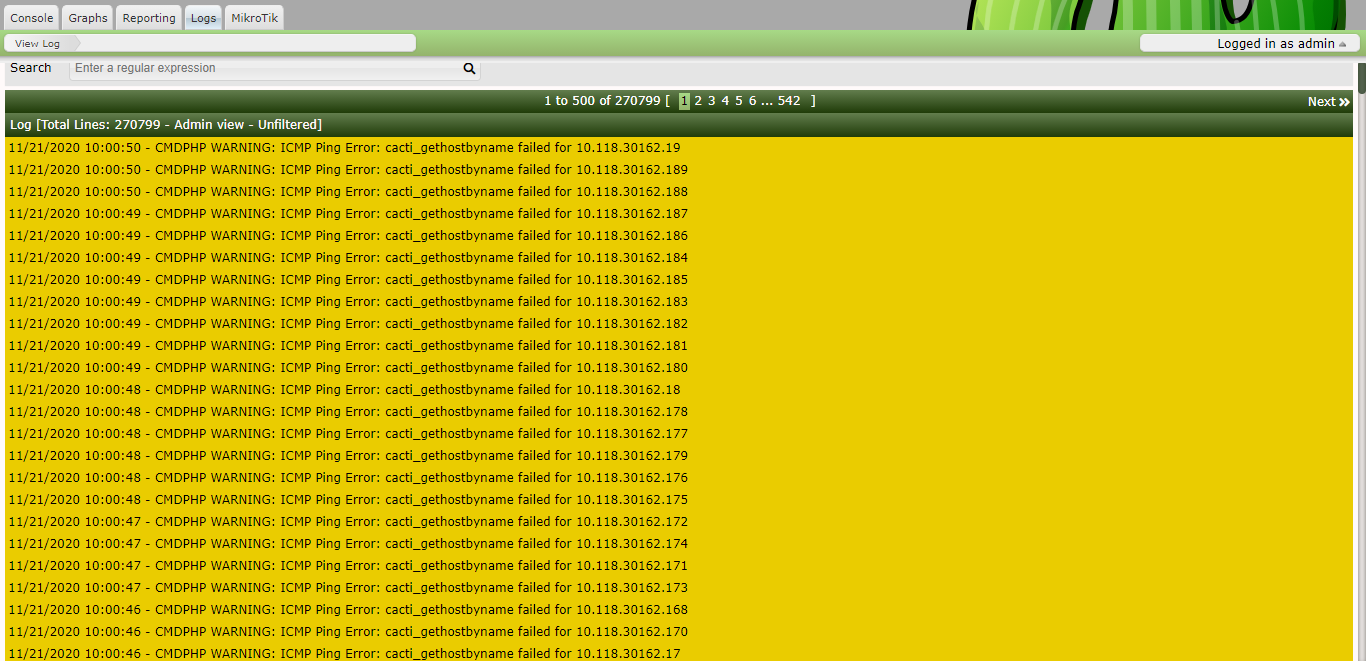
All of a sudden, I saw that the VM's vCPU it's at 99.9% and I checked the Cacti logs, I found out that I have a lot of errors like: "CMDPHP WARNING: ICMP Ping Error: cacti_gethostbyname failed for 10.118.30163.45"
Screenshots
If applicable, add screenshots to help explain your problem.
Additional context
I didn't installed nothing new on Cacti, the Mikrotik plugin and Export to FTP are the only ones that are installed.
 MikeSierraRO
All 12 comments
Forgot to mention, Cacti it's the latest newest stable version Version 1.2.15.
MikeSierraRO
on 21 Nov 2020
What OS? Is SELinux or App Armor enabled?
 TheWitness
on 21 Nov 2020
TheWitness
on 21 Nov 2020
@TheWitness
OS: Debian 9.13
SELinux: not configured
App Armor: not configured
MikeSierraRO
on 21 Nov 2020
Crap, look at your IP addresses, they are invalid...
TheWitness
on 21 Nov 2020
So, the errors are legit.
TheWitness
on 21 Nov 2020
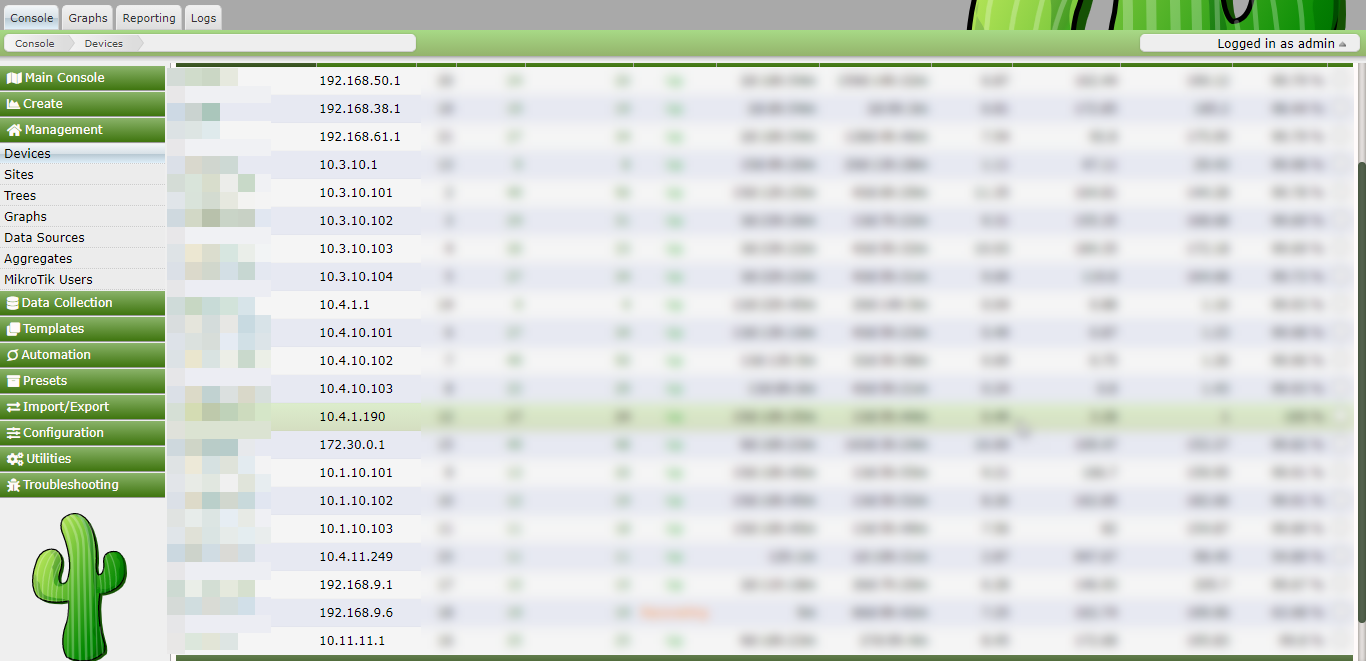
Well, I checked every of my device and that IP Address it's not part of a monitorised device.
So I don't know from where that IP Address it's comming from...
MikeSierraRO
on 21 Nov 2020
@TheWitness here's a screenshot from my devices.
MikeSierraRO
on 21 Nov 2020
You have a network defined in Automation Networks that is kind of in that range. Do me a favor, start a manual scan, and then run the following SQL command:
SELECT ip_address FROM automation_ips;
See if you find some of these bogus IP addresses there. Post the network range definition in the Automation network definition.
TheWitness
on 21 Nov 2020
You're right bro', it was the freaking automation :)).
Never tought about this. I disabled the Automation and deleted those shady devices that I didn't recognized.
Now log is clear. Do I need to keep automation enabled? @TheWitness
MikeSierraRO
on 21 Nov 2020
What were the network ranges? Paste them here. We should add some checks to prevent this. So, paste what was in the range definition, and then we'll fix the badness.
TheWitness
on 21 Nov 2020
Closing this now. Sufficient checks are in place to block these invalid IP's now.
TheWitness
on 22 Nov 2020
I'll post them tomorrow so you can have them.
MikeSierraRO
on 22 Nov 2020
Related issues
 b0b21
·
4Comments
b0b21
·
4Comments
 josun-33
·
4Comments
josun-33
·
4Comments
 christh0mas
·
3Comments
christh0mas
·
3Comments
 anarkia1976
·
3Comments
anarkia1976
·
3Comments
 aminli
·
6Comments
aminli
·
6Comments
Most helpful comment
You have a network defined in Automation Networks that is kind of in that range. Do me a favor, start a manual scan, and then run the following SQL command:
See if you find some of these bogus IP addresses there. Post the network range definition in the Automation network definition.