Buttercup-desktop: Can't connect Google Drive
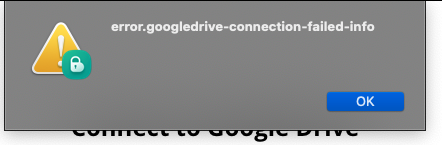
If i try to connect to Google Drive i get this error in version 1.17.2
In the Log there is no hint.

 psdl
psdl
All 14 comments
Hi there, please doublecheck with Buttercup 1.17.3? I had the same issue (see: Closed #835) and it was resolved with 1.17.3. Best regards Mark
 Peppeo
on 18 Nov 2019
Peppeo
on 18 Nov 2019
Downloading the latest Buttercup app for desktop from buttercup.pw say it is 1.17.3. However, after installing it, version 1.17.2 is shown under Help menu.
 Oxalin
on 18 Nov 2019
Oxalin
on 18 Nov 2019
@Oxalin can you verify that no other instances are running before you start the newer version?
 perry-mitchell
on 24 Nov 2019
perry-mitchell
on 24 Nov 2019

I get the above mentioned error code, plus this message from Google when trying to sign in.
v1.18.0 on MacOS 10.15.1, fresh install via homebrew.
 moka491
on 26 Nov 2019
moka491
on 26 Nov 2019
@moka491 are you connected to a proxy or VPN service? And at what step of the process this message shows up? Can you see the login form before this?
 sallar
on 27 Nov 2019
sallar
on 27 Nov 2019
@sallar It happens right after the login, which itself seemed to be successful.
It also happens on the Windows build btw, and I tested different networks, including my home net (that has direct internet access)
moka491
on 29 Nov 2019
@perry-mitchell It is now irrelevant since 1.18.0 was released. Still, if I must reply, the version had been updated when installing the new version, not to the one expected. And no other instance was running at the time.
Oxalin
on 2 Dec 2019
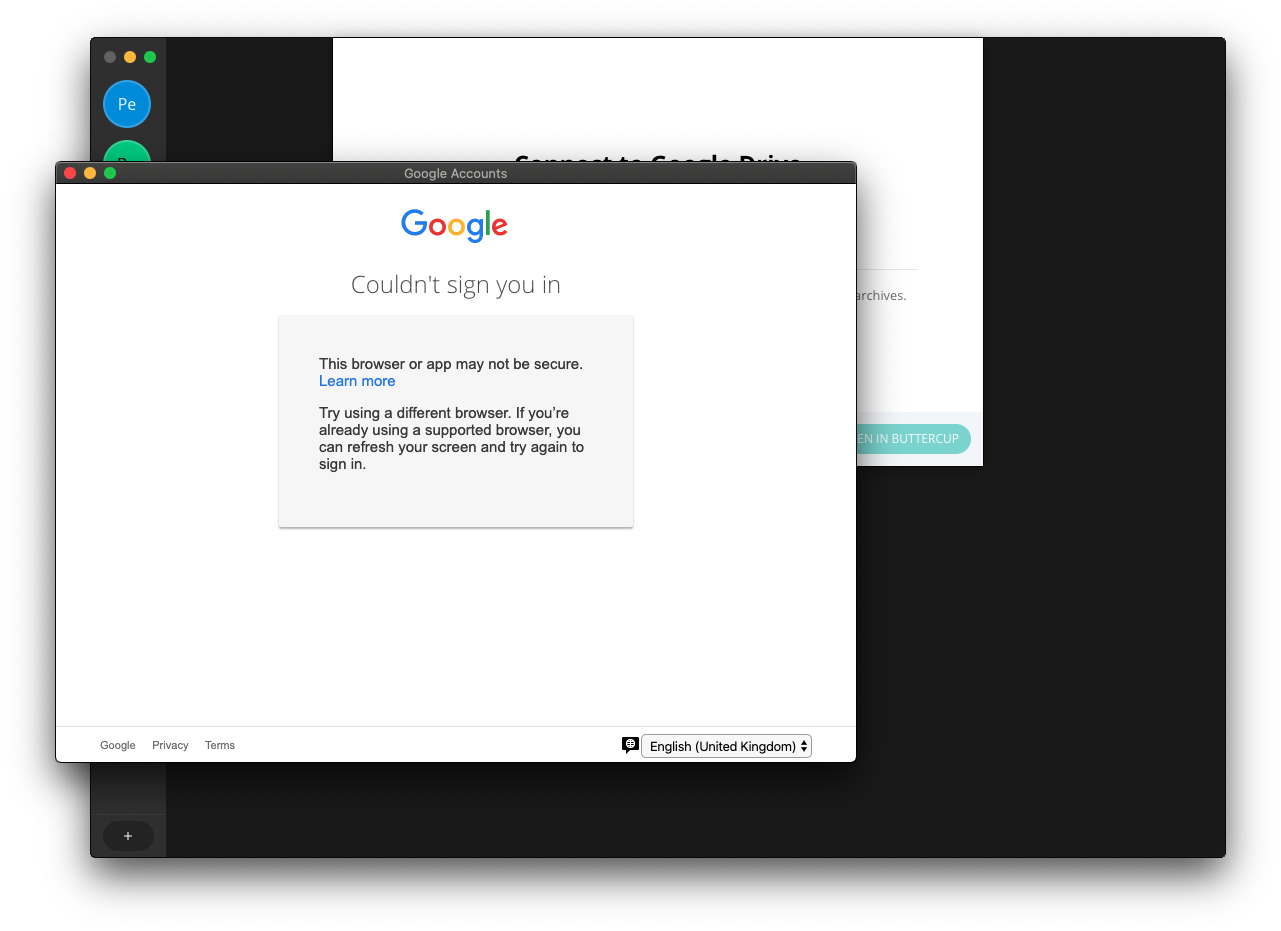
Confirmed.. definitely borked in the latest versions..
And cancelling the window shows this:
perry-mitchell
on 11 Dec 2019
Seems like that google has stopped supporting signing in from inside an embedded browser (eg Electron).
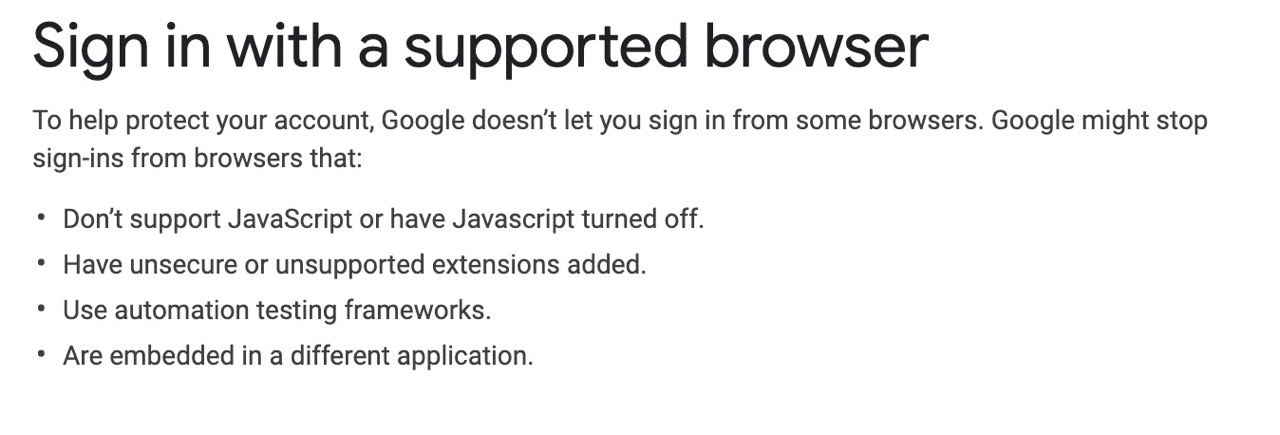
I will try to fix this ASAP.
sallar
on 12 Dec 2019
Any updates?
 prostomarkeloff
on 24 Dec 2019
prostomarkeloff
on 24 Dec 2019
up!
 alinleonard
on 27 Dec 2019
alinleonard
on 27 Dec 2019
Im working on this and soon will release an update. Sorry for the delay.
sallar
on 27 Dec 2019
Seems the only fix is usign a chromium-based browser to authenticate:
https://developers.google.com/identity/sign-in/web/troubleshooting
 sergio-hcsoft
on 27 Dec 2019
sergio-hcsoft
on 27 Dec 2019
@sergio-hcsoft Im moving the sign-in procedure from an in-app browser to user's default browser. Google doesn't allow embedded browsers to authenticate, even if it's chromium (electron is chromium based)
sallar
on 27 Dec 2019
Related issues
perry-mitchell
·
6Comments
 VARed
·
3Comments
VARed
·
3Comments
 AndreyIvanovSetronica
·
3Comments
AndreyIvanovSetronica
·
3Comments
 mokhosh
·
6Comments
mokhosh
·
6Comments
 FuridamuFaita
·
3Comments
FuridamuFaita
·
3Comments
Most helpful comment
Seems like that google has stopped supporting signing in from inside an embedded browser (eg Electron).
I will try to fix this ASAP.