Bulma: Container is-fullhd does not fill the entire screen resolution 1366x768
bulma: 0.5.3
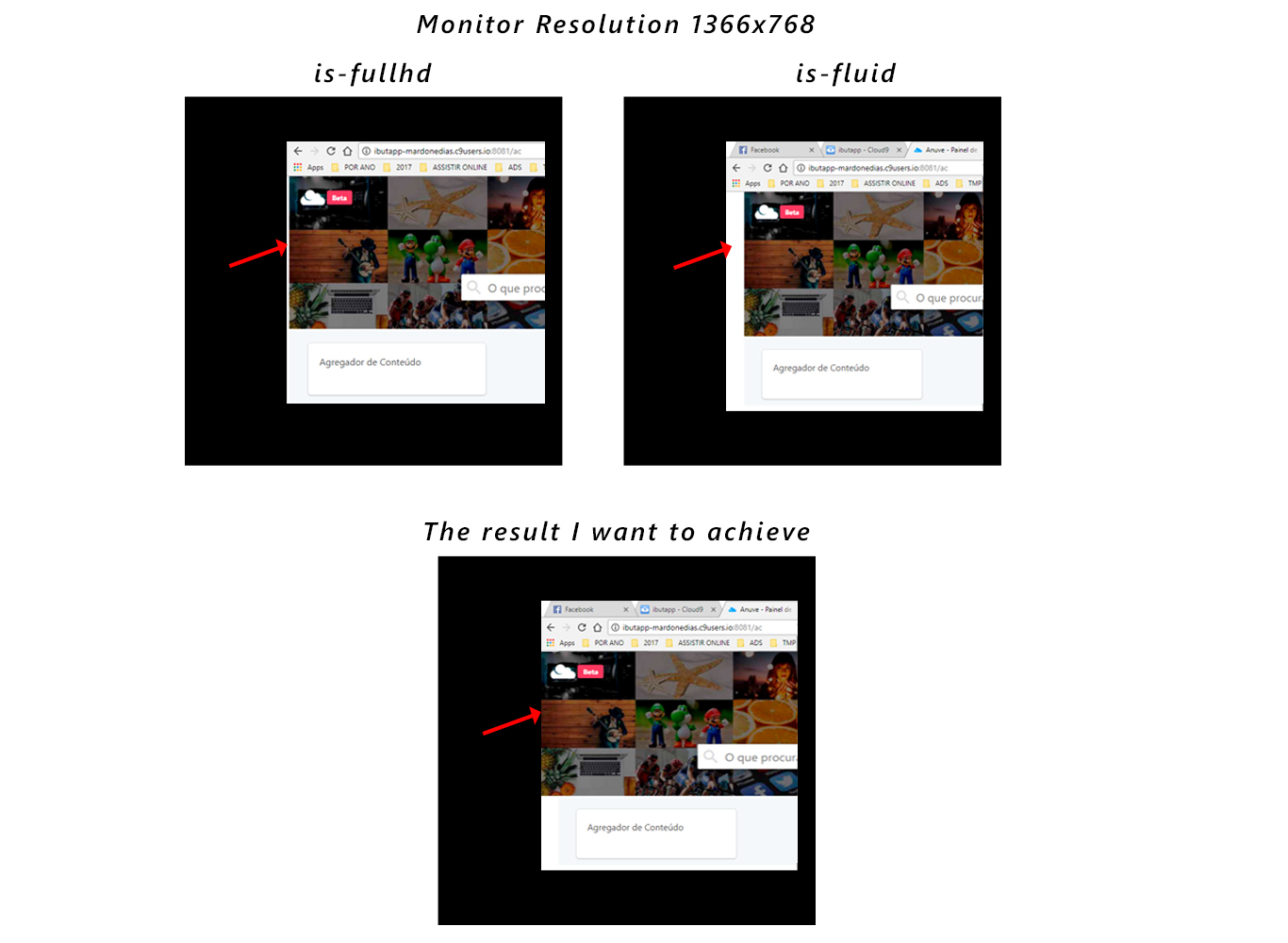
The largest container is-fullhd = 1452px it will have the maximum width of 1344px. generates a small defect in the layout on screens with 1366x768 resolution, there is a white border on the left side. Is there a forecast to implement a width that fills the entire screen?
 mardonedias
All 4 comments
Have you tried container is-fluid?
 jgthms
on 22 Sep 2017
jgthms
on 22 Sep 2017
Bom dia,
Good Morning,
I've already tried. But, the result I want is for the baner to fill the entire width of the screen depending on the size of the screen. From what I saw in Bulma's documentation the closest feature is is-fullhd getting a white border.
This is how the container will behave:
- on $ desktop + $ container-offset => = 1068px it will have the maximum width of 960px and will be horizontally centered.
- on $ widescreen + $ container-offset => = 1260px it will have the maximum width of 1152px.
- on $ fullhd + $ container-offset => = 1452px it will have the maximum width of 1344px.
The $ gap variable has a default value of 24px but can be modified.
mardonedias
on 22 Sep 2017
Why do you need a container?
jgthms
on 23 Sep 2017
First thank you very much for your attention.
In fact analyzing here, I'm actually walking in circles does not need a container. Can I put it inside a div. I tried in many ways, less, just use a div.
Please forgive this noob.
mardonedias
on 25 Sep 2017
Related issues
 rogervila
·
3Comments
rogervila
·
3Comments
 Laraveldeep
·
3Comments
Laraveldeep
·
3Comments
 Qard
·
3Comments
Qard
·
3Comments
 Cosbgn
·
3Comments
Cosbgn
·
3Comments
 jaredreich
·
3Comments
jaredreich
·
3Comments
Most helpful comment
First thank you very much for your attention.
In fact analyzing here, I'm actually walking in circles does not need a container. Can I put it inside a div. I tried in many ways, less, just use a div.
Please forgive this noob.