Browser-laptop: Unable to view 'My Vault' in LastPass or Edit Sites, causes UI to become unresponsive
Did you search for similar issues before submitting this one?
YesDescribe the issue you encountered:
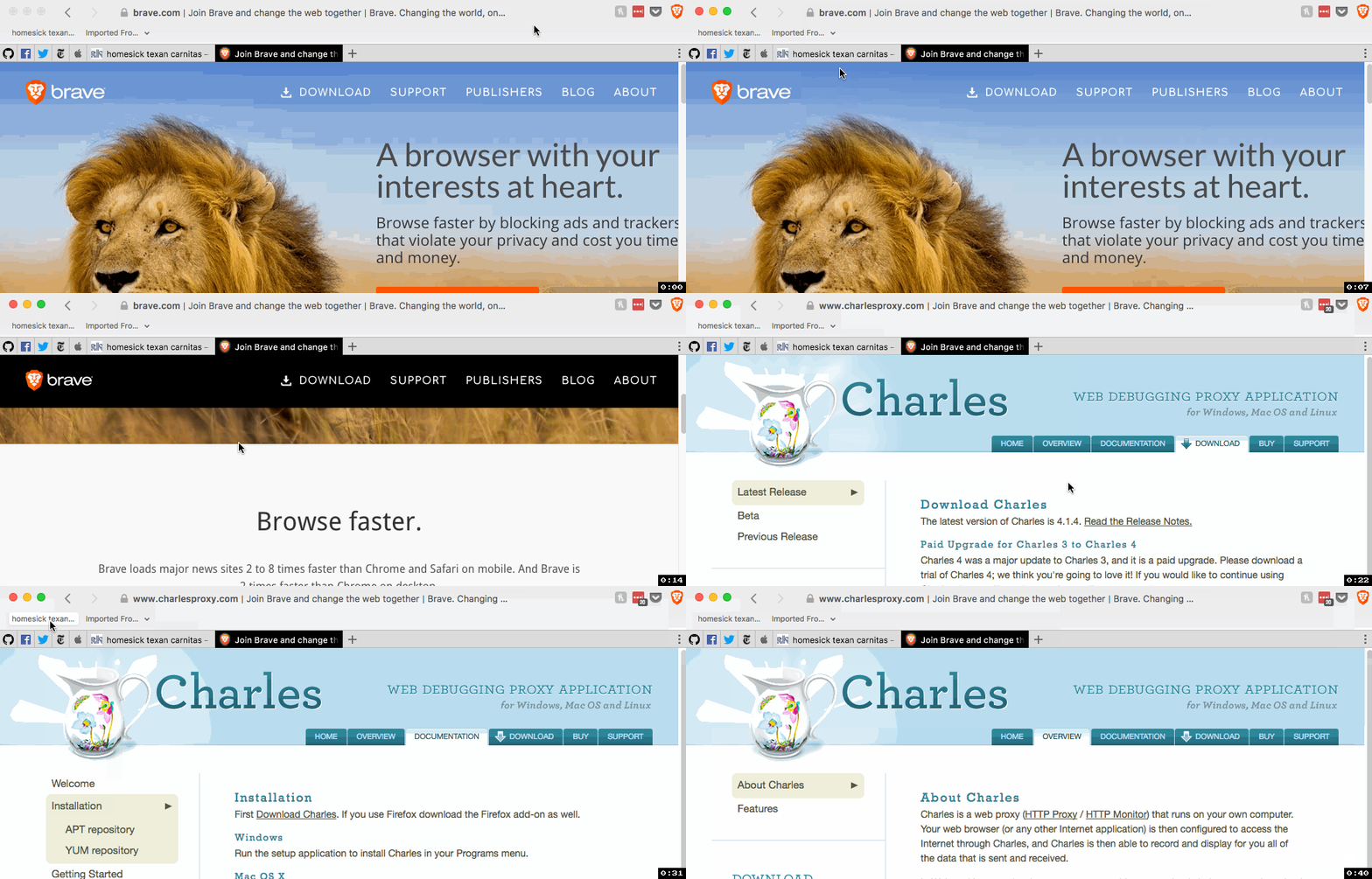
Using 0.18.24 when I try to view 'My Vault' in LastPass, the UI freezes and my vault never displays. I can scroll, click on links, etc in the tab I am currently in, but I am unable to navigate to any other tabs or use back button, hamburger menu, etc.Platform (Win7, 8, 10? macOS? Linux distro?):
MacOSBrave Version (revision SHA):
Brave | 0.18.24
rev | 1853c35
Muon | 4.3.14Steps to reproduce:
- Using 0.18.24 enable LastPass and login.
- Have a couple of tabs open.
- Click on LastPass icon > select My Vault.
Actual result:
UI (except for current tab) is unresponsive (can't click on other tabs, use back button, 3 dots menu, etc). My Vault doesn't display.Expected result:
UI should be responsive. My Vault should open in a new tab as it did in 0.18.23.Will the steps above reproduce in a fresh profile? If not what other info can be added?
YesIs this an issue in the currently released version?
NoCan this issue be consistently reproduced?
YesExtra QA steps:
- Click on LastPass Icon > Sites > Navigate to a site you have saved in the list, click on the wrench for that site (icon on the right)
- Click on Edit.
- Again, UI becomes unresponsive and you cannot edit the site.
Screenshot if needed:
Any related issues:
cc: @jonathansampson
 LaurenWags
All 5 comments
Different behavior on 0.18.25. UI is no longer unresponsive after selecting 'My Vault' etc. However, when you do select 'My Vault' or try to edit a site, a blank tab that you cannot click on is opened. So you still cannot access your vault or add/edit sites, etc.

LaurenWags
on 1 Sep 2017
I am seeing exactly the same "broken tab" behaviour as posted in the .18.25 follow up. I only went dev branch to fix the Netflix problem. I have noticed when I try to access settings after the "broken tab" appears, it will create a second "broken tab".
Really, folks, I want to make Brave my one browser, but the ongoing issues are precluding that as well as other issues as not getting extensions like GreaseMonkey/TamperMonkey and getting shopping extensions instead, making me also unable to recommend it to other people.
 Samizdata
on 5 Sep 2017
Samizdata
on 5 Sep 2017
Fixed:
https://github.com/brave/muon/commit/4372ae43408f012dbe496d3f1dac136aac43ddc7
Fix will be in muon 4.3.16
 bbondy
on 5 Sep 2017
bbondy
on 5 Sep 2017
Verified. Works on upgrade from 0.18.24 - 0.18.27
 srirambv
on 6 Sep 2017
srirambv
on 6 Sep 2017
Seconding confirmation on bugfix.
Samizdata
on 6 Sep 2017
Related issues
bbondy
·
3Comments
 jonathansampson
·
3Comments
jonathansampson
·
3Comments
 octohedron
·
3Comments
octohedron
·
3Comments
 mykkymk
·
3Comments
mykkymk
·
3Comments
 luixxiul
·
3Comments
luixxiul
·
3Comments
Most helpful comment
Seconding confirmation on bugfix.