Browser-laptop: Blank pages after using brave for some minutes
Did you search for similar issues before submitting this one?
No.
Describe the issue you encountered:
I got blank pages every time I reload a page or open a new one after few minutes of using brave. It is happening from every version of brave I've been trying.
Expected behavior:
To see web pages normally
- Platform (Win7, 8, 10? macOS? Linux distro?):
Linux Mint 18 (64bits) - Brave Version:
Brave: 0.11.6
Electron: 1.3.8
libchromiumcontent: 52.0.2743.116
V8: 5.2.361.49
Node.js: 6.3.0
Canal de actualización: dev - Steps to reproduce:
- Open brave an browe some websites
- Wait some minutes
- Open new sites or reload previous opene ones
- Screenshot if needed:
- Any related issues: #1471
 juanluperez
All 24 comments
Can you please open the Terminal and launch brave from there by executing the brave command. Then when this occurs again please copy any output you get in the terminal to this issue please, so we can see if there are any errors logged.
Also is it happenng when you open some specific websites, or it is happening no matter what pages you are browsing?
 Sh1d0w
on 3 Sep 2016
Sh1d0w
on 3 Sep 2016
Hope to have something to post here soon.
juanluperez
on 9 Sep 2016
It is happening again and there is no output in terminal.
It is happening apparently no matter what pages I'm browsing.
juanluperez
on 9 Sep 2016
This problem persists and it never shows anything in terminal.
juanluperez
on 13 Sep 2016
This might be related to hardware graphic acceleration. I use another electron based software and they provide an option called --ignore-gpu-blacklist to workaround this...
juanluperez
on 6 Oct 2016
+1 from support https://linkbubble.zendesk.com/agent/tickets/5059
 alexwykoff
on 11 Oct 2016
alexwykoff
on 11 Oct 2016
@alexwykoff will you please ask the user if it is possible to confirm this issue persists using the test case linked in https://github.com/brave/browser-laptop/issues/1471#issuecomment-251916315 ?
 luixxiul
on 11 Oct 2016
luixxiul
on 11 Oct 2016
+1 from support
https://linkbubble.zendesk.com/agent/tickets/5725
 darkdh
on 11 Oct 2016
darkdh
on 11 Oct 2016
@luixxiul I reproduced this issue using the test case linked in https://github.com/brave/browser-laptop/issues/1471#issuecomment-251916315
Right after navigating that link every new tab opened is blank.
juanluperez
on 11 Oct 2016
@juanluperez thanks! do you see the blank devtool with Shift+F8 like this? https://github.com/brave/browser-laptop/issues/1471#issuecomment-221529713
luixxiul
on 11 Oct 2016
@luixxiul Yup! Also got blank this shift+F8 devtool. And if you go to settings, payments and try to change month payment you'll get this:

juanluperez
on 11 Oct 2016
@luixxiul waiting on their initial reply to see if they would lend a hand in the investigation.
It does appear that @juanluperez was able to repro however.
alexwykoff
on 11 Oct 2016
Well I'm not a computer geek like y'all apparently are, I'm just sad that my new favorite browser is doing this now. : /
Back to Firefox.....
 magoo65293
on 30 Oct 2016
magoo65293
on 30 Oct 2016
Using Arch Linux (64 bits) with X.org ATI video driver (xf86-video-ati), I got the same problem. But, the same happens with others softwares builded with Electron, like Franz.
Running Brave with --disable-gpu, "solved" the problem (works for Franz too).
At work, I use Arch Linux (64 bits) with X.org Intel video driver (xf86-video-intel) and Brave doesn't have this problem.
Brave: 0.12.7
Electron: 1.4.20
libchromiumcontent: 53.0.2785.143
V8: 5.3.332.47
Node.js: 6.5.0
(sorry for my English, it isn't my native language)
 aironou
on 6 Nov 2016
aironou
on 6 Nov 2016
I've created a brand new wiki entry which I hope helps 😄 Folks, can you please try the following steps for me?
- Install latest version of Brave (as of now, this is 0.13.0)
- See if you have the issue; Chromium always includes bug fixes which may resolve the issue
- If you still have the issue, please close Brave and edit your shortcut to add the command line argument
--ignore-gpu-blacklist. Relaunch and see if this resolves the issue - If this does not resolve the issue, please edit the shortcut and instead try
--disable-gpu
Thanks in advance to anyone who can try this- your time is very much appreciated and will help other users.
cc: @aironou @magoo65293 @juanluperez
 bsclifton
on 30 Jan 2017
bsclifton
on 30 Jan 2017
@bsclifton I installed latest version, but still having the issue.
Trying the arguments --ignore-gpu-blacklist or --disable-gpu didn't worked either.
I downgraded to version 0.12.15 and both arguments solved the issue.
aironou
on 30 Jan 2017
@aironou thanks for the report! This is really good to know. It seems we still have more troubleshooting to do
bsclifton
on 30 Jan 2017
@bsclifton In version 0.13.1 (rev: 9dd06f9463d155291efdb419ad0df4c2df16b611) the arguments --ignore-gpu-blacklist and --disable-gpu are solving the issue again. (:
Brave: 0.13.1
rev: 9dd06f9463d155291efdb419ad0df4c2df16b611
Muon: 2.0.18
libchromiumcontent: 54.0.2840.100
V8: 5.4.500.41
Node.js: 7.0.0
Update Channel: dev
os.platform: linux
os.release: 4.9.6-1-ARCH
os.arch: x64
aironou
on 4 Feb 2017
Awesome- glad to hear it is resolved using those args. Thanks for the update, @aironou 😄
BTW: you probably only want to use the --ignore-gpu-blacklist argument (not the other)
bsclifton
on 4 Feb 2017
I am having this same issue, I tried both --ignore-gpu-blacklist and --disable-gpu but neither seem to solve the issue.
I am running version 0.14.1 (from here: https://aur.archlinux.org/packages/brave-bin/)
Arch Linux (64 bit)
Radeon R9 290X using xf86-video-amdgpu
 dlombardo
on 18 Apr 2017
dlombardo
on 18 Apr 2017
@dlombardo I had the same issue, but was a problem of PKGBUILD.
If you see on line 36, there is:
exec /usr/lib/$pkgname/brave --no-sandbox -- "\$@"
Try write --ignore-gpu-blacklist or --disable-gpu before --no-sandbox and then install the package.
This solved this issue for me.
(sorry for my English)
aironou
on 19 Apr 2017
@aironou Thanks, I did that with the --ignore-gpu-blacklist arg and it seems to be working well for now... Will report if anything changes
dlombardo
on 21 Apr 2017
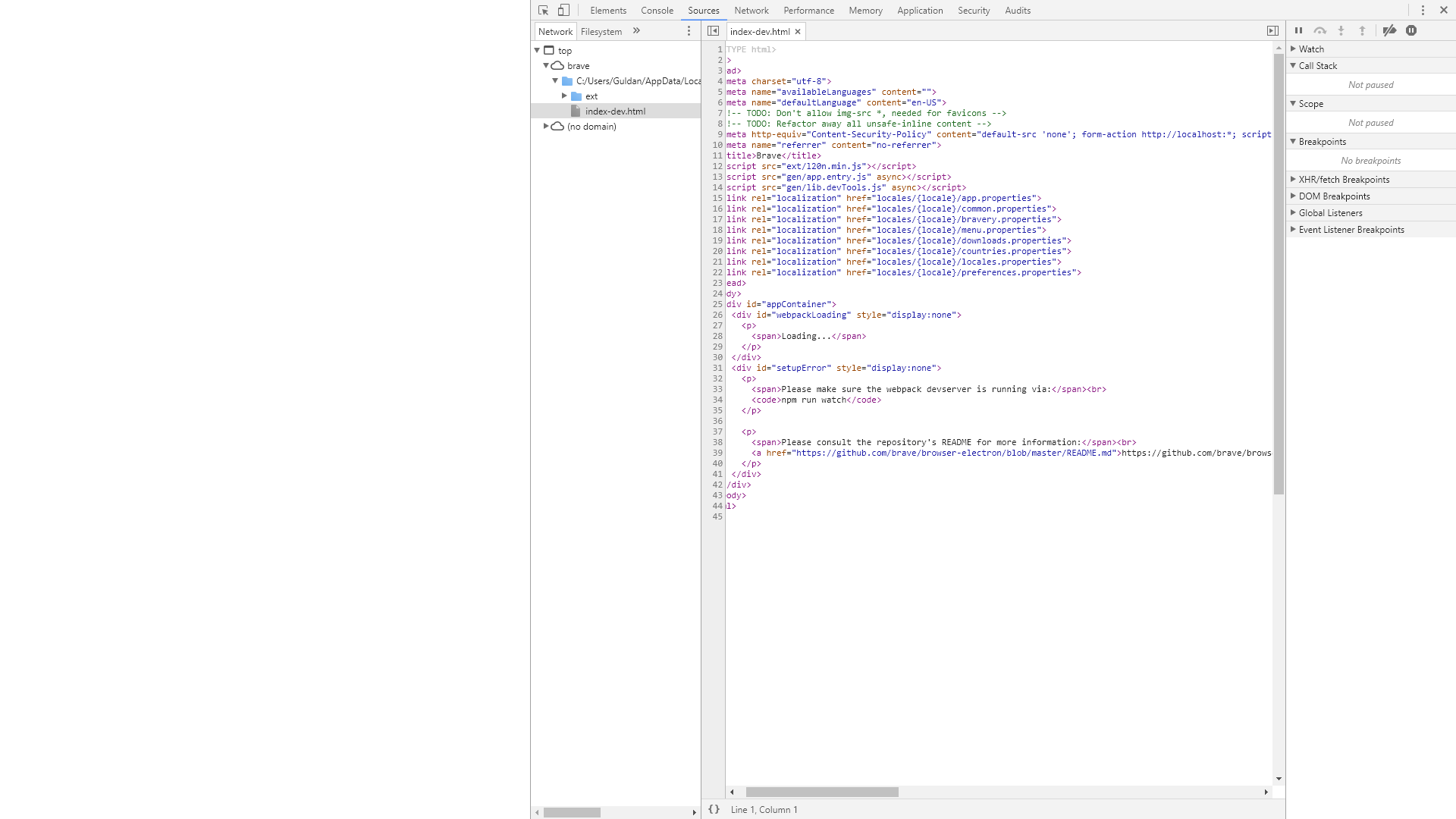
This is all I get running Brave on Win 10 64bit. A white screen.
I'm a developer, and have Node v8.7.0 installed.
 luncht1me
on 22 Dec 2017
luncht1me
on 22 Dec 2017
Since we have a documented workaround and also because we're moving to Brave Core and won't be addressing this before then, I believe it makes sense to close this issue
bsclifton
on 25 Jul 2018
Related issues
 jonathansampson
·
3Comments
jonathansampson
·
3Comments
 bbondy
·
3Comments
bbondy
·
3Comments
 octohedron
·
3Comments
octohedron
·
3Comments
 briannyeko
·
3Comments
luixxiul
·
3Comments
briannyeko
·
3Comments
luixxiul
·
3Comments