Brave-browser: [Desktop] Remove sign in message on brave://apps when "Allow Google login for extensions" is enabled
Test Plan
Specified here: https://github.com/brave/brave-core/pull/6949
Description
When Allow Google login for extensions is enabled in extension settings, brave://apps shows sign-in message
Steps to Reproduce
- Create a new profile and enable
Allow Google login for extensionsin extension settings - Open
brave://apps - Shows sign in message
Actual result:
Comparision Release(back) vs Nightly(middle) vs Beta(front)
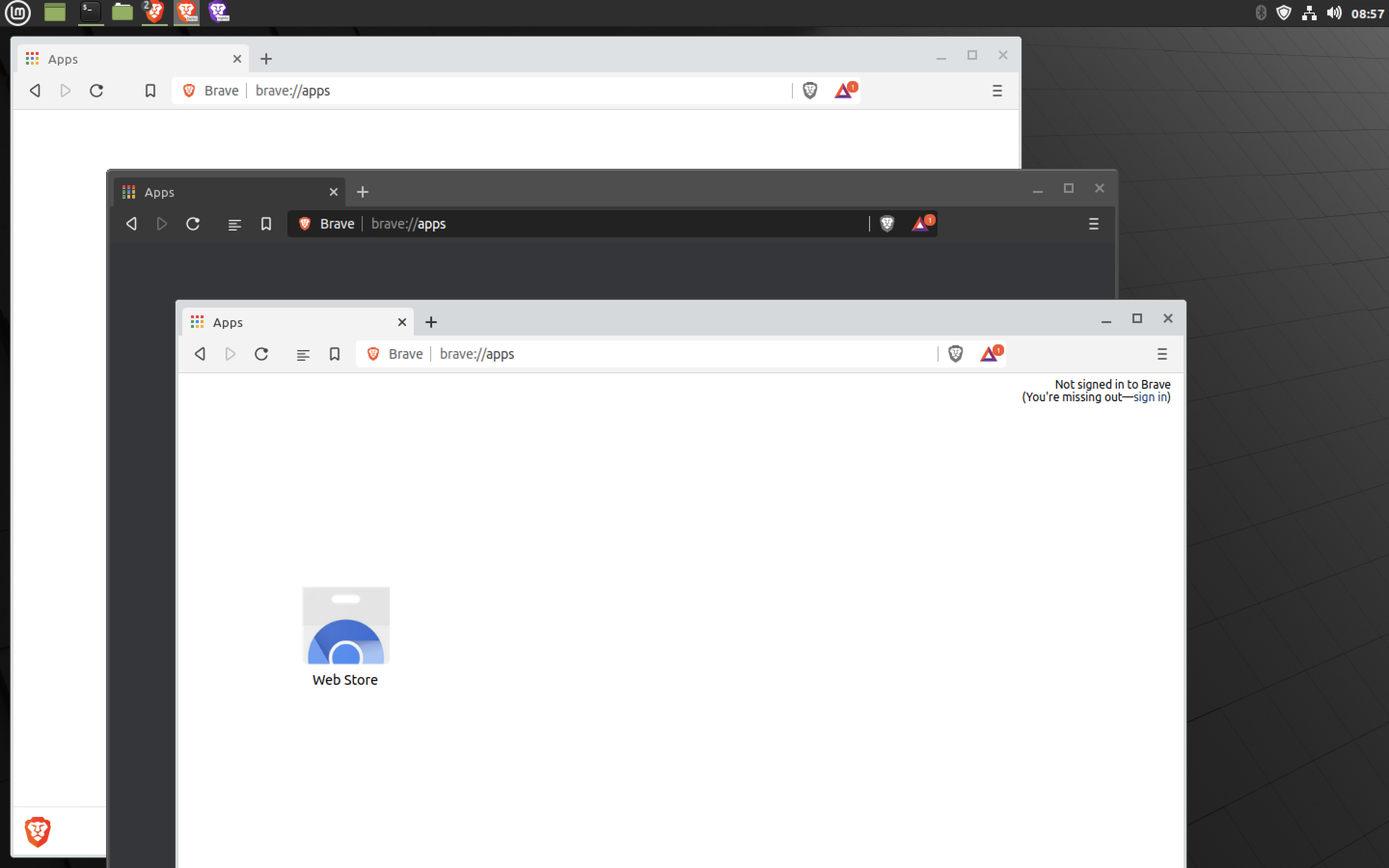
Expected result:
No sign-in message irrespective of enabling Google login for extensions
Reproduces how often:
Easy
Brave version (brave://version info)
Brave | 1.14.70 Chromium: 85.0.4183.83 (Official Build) beta (64-bit)
-- | --
Revision | 94abc2237ae0c9a4cb5f035431c8adfb94324633-refs/branch-heads/4183@{#1658}
OS | Linux
Version/Channel Information:
- Can you reproduce this issue with the current release? No
- Can you reproduce this issue with the beta channel? Yes
- Can you reproduce this issue with the nightly channel? No
Other Additional Information:
- Does the issue resolve itself when disabling Brave Shields? NA
- Does the issue resolve itself when disabling Brave Rewards? NA
- Is the issue reproducible on the latest version of Chrome? NA
Miscellaneous Information:
@brave/legacy_qa to check on other platforms
 srirambv
All 5 comments
Does not reproduce on macOS 10.14.6 using any of the following versions:
Release
Brave | 1.13.82 Chromium: 85.0.4183.83 (Official Build) (64-bit)
-- | --
Revision | 94abc2237ae0c9a4cb5f035431c8adfb94324633-refs/branch-heads/4183@{#1658}
OS | macOS Version 10.14.6 (Build 18G3020)
Beta
Brave | 1.14.73 Chromium: 85.0.4183.83 (Official Build) beta (64-bit)
-- | --
Revision | 94abc2237ae0c9a4cb5f035431c8adfb94324633-refs/branch-heads/4183@{#1658}
OS | macOS Version 10.14.6 (Build 18G3020)
Dev
Brave | 1.14.72 Chromium: 85.0.4183.83 (Official Build) dev (64-bit)
-- | --
Revision | 94abc2237ae0c9a4cb5f035431c8adfb94324633-refs/branch-heads/4183@{#1658}
OS | macOS Version 10.14.6 (Build 18G3020)
Nightly
Brave | 1.15.32 Chromium: 85.0.4183.83 (Official Build) nightly (64-bit)
-- | --
Revision | 94abc2237ae0c9a4cb5f035431c8adfb94324633-refs/branch-heads/4183@{#1658}
OS | macOS Version 10.14.6 (Build 18G3020)
 LaurenWags
on 3 Sep 2020
LaurenWags
on 3 Sep 2020
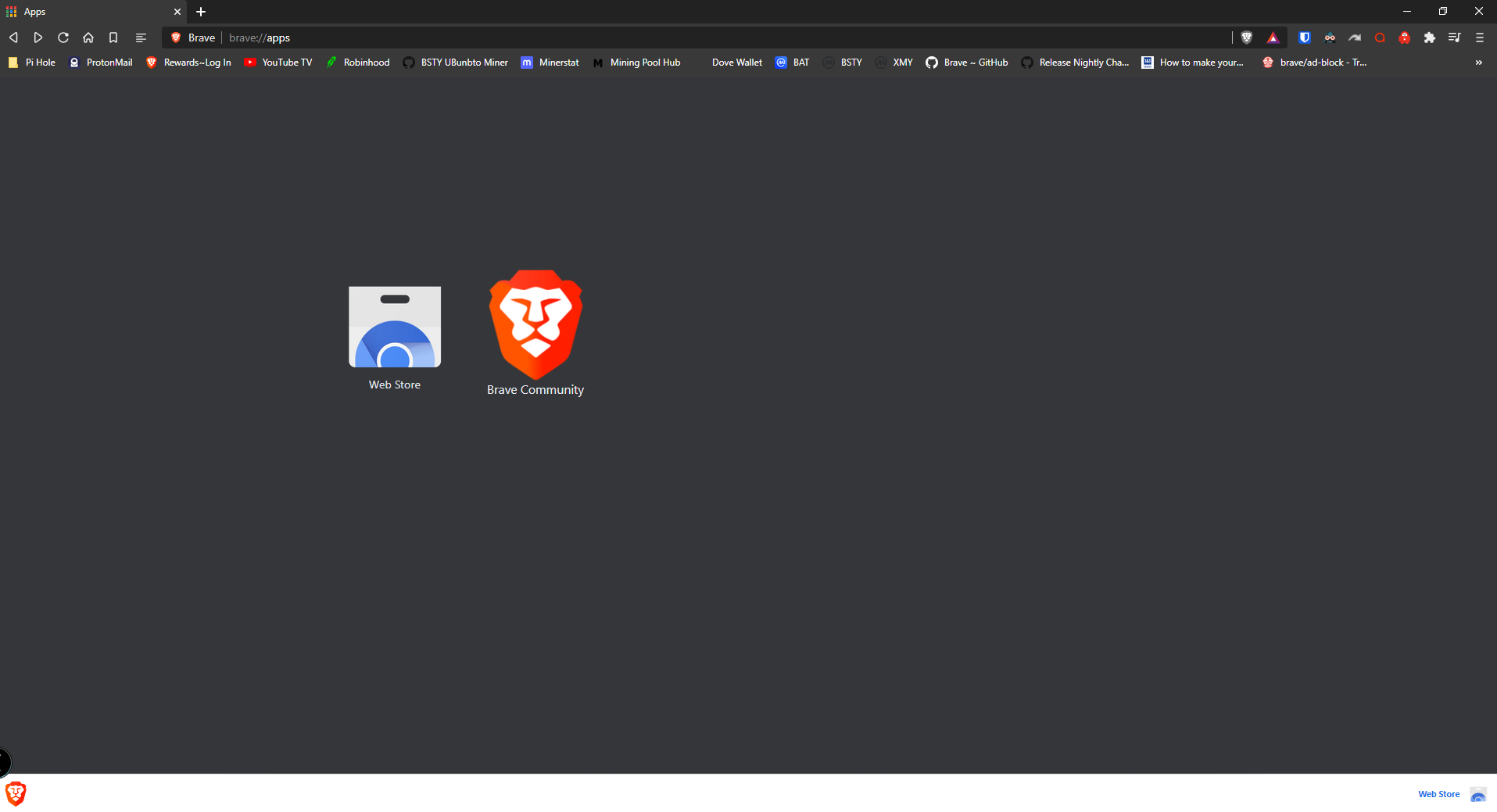
Works in Windows 10.
Proof:
 MrWaste
on 3 Sep 2020
MrWaste
on 3 Sep 2020
Also how did you put label "bug". Some how I can't.
Link:
https://github.com/brave/brave-browser/issues/11586
MrWaste
on 3 Sep 2020
Updating priority to P3. More info here https://bravesoftware.slack.com/archives/C7VLGSR55/p1603407790308500
srirambv
on 23 Oct 2020
Verification passed on
Brave | 1.18.59 Chromium: 87.0.4280.67 (Official Build) dev (64-bit)
-- | --
Revision | 0e5d92df40086cf0050c00f87b11da1b14580930-refs/branch-heads/4280@{#1441}
OS | Windows 10 OS Version 2004 (Build 19041.630)
- Verified the test plan from https://github.com/brave/brave-core/pull/6949
Reproduced the issue in 1.17.x
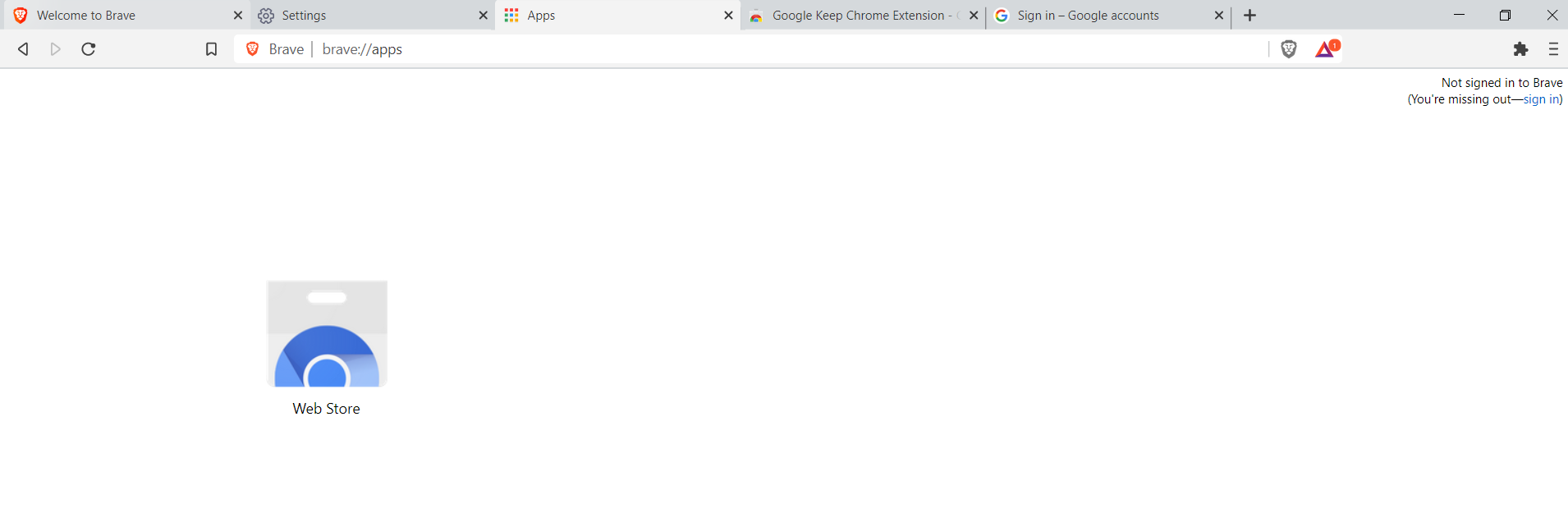
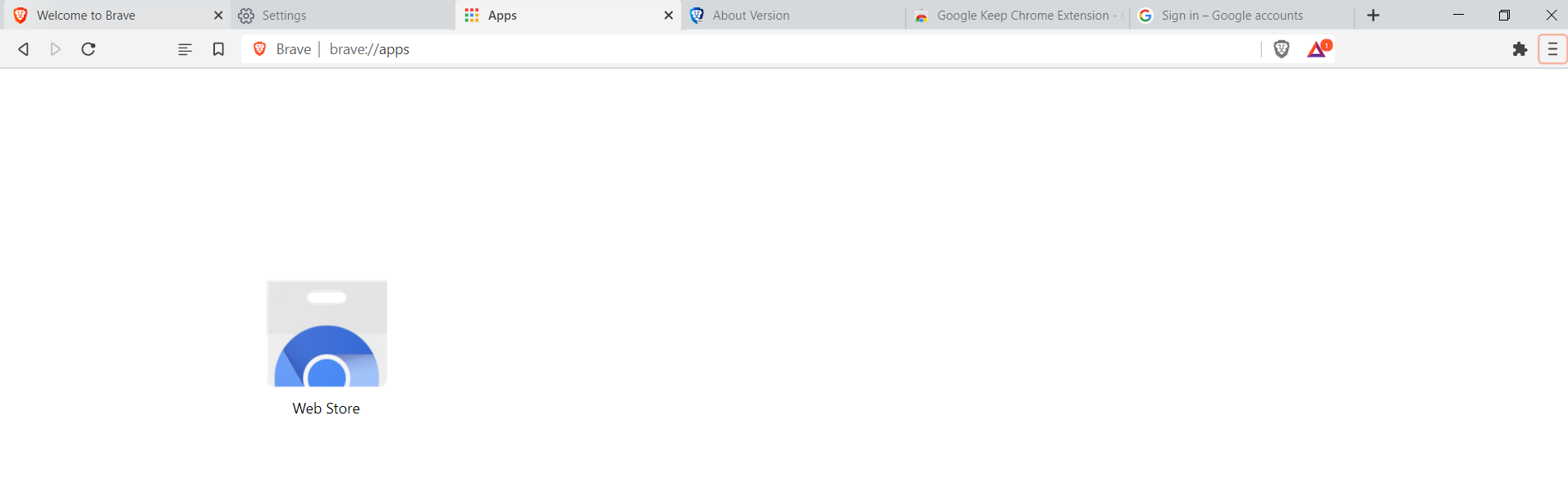
Upgraded profile from 1.17.x to 1.18.x and ensured
Sign-In with bravedoes not show up on the top-right corner of the page
 GeetaSarvadnya
on 24 Nov 2020
GeetaSarvadnya
on 24 Nov 2020
Related issues
 bbondy
·
3Comments
bbondy
·
3Comments
 jonathansampson
·
3Comments
jonathansampson
·
3Comments
 qingxiang-jia
·
3Comments
qingxiang-jia
·
3Comments
 kerry-perret
·
3Comments
kerry-perret
·
3Comments
 hollons
·
3Comments
hollons
·
3Comments
Most helpful comment
Does not reproduce on macOS 10.14.6 using any of the following versions:
ReleaseBetaDev
Nightly