Boostnote: Resizing the window corrupts the layout
Current behavior
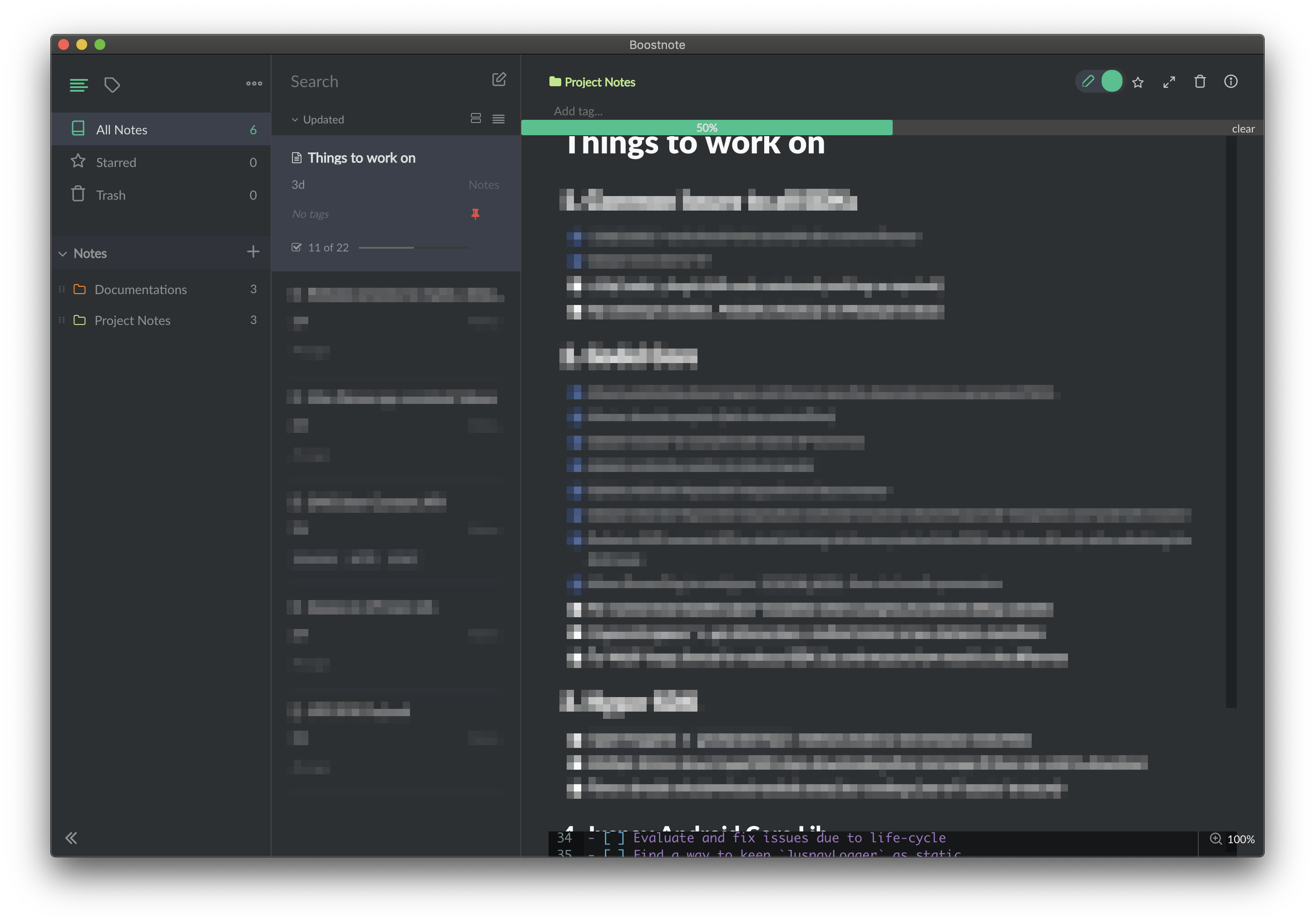
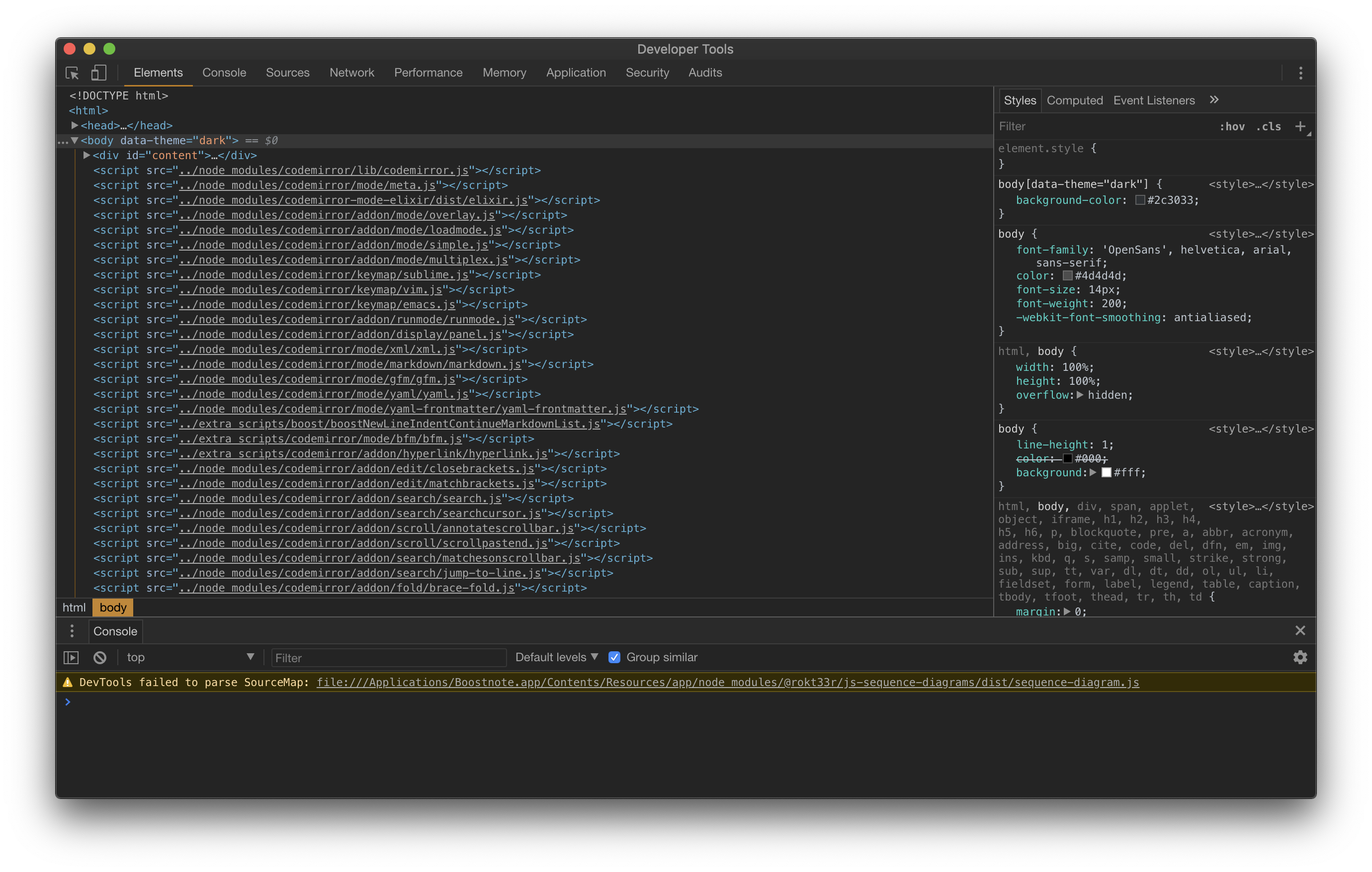
Upon opening, Boostnote is opening at a much larger size. Upon resizing the app, the layout of the editor doesn't change. This is causing overlaps as shown in the image below.
Expected behavior
The editor should also resize with the frame.
Steps to reproduce
- Open the Boostnote application
- Resize the window to a smaller height
Environment
- Version : 0.13.0
- OS Version and name : macOS 10.14.6 (Mojave)
 sriharshachilakapati
All 4 comments
Thanks for reporting the issue.
Sorry, I can't reproduce it on Windows. Can you please make a screen recording so the problem is more clear?
What do you mean with layout doesn't change? Is the editor and preview pane not resized if you change the window size?
 AWolf81
on 24 Oct 2019
AWolf81
on 24 Oct 2019
Sorry for the delay. I tried to reproduce this issue in Windows, but couldn't reproduce it there. Only happening on macOS. Here's a recording of the clip.
https://www.dropbox.com/s/9dagczl7u5q8oys/Boostnote-resize-issue.webm?dl=0
sriharshachilakapati
on 27 Oct 2019
Thanks for the clip! That will definitely help.
 Flexo013
on 28 Oct 2019
Flexo013
on 28 Oct 2019
Feel free to ask if you need any more information from me. Other than this issue and #2816, everything else is fine for me. Loving Boostnote so far, thanks for the great work!
sriharshachilakapati
on 28 Oct 2019
Related issues
 npeeples
·
3Comments
npeeples
·
3Comments
 ryochack
·
3Comments
ryochack
·
3Comments
 louiealmeda
·
3Comments
louiealmeda
·
3Comments
 Petroochio
·
3Comments
Petroochio
·
3Comments
 Rokt33r
·
3Comments
Rokt33r
·
3Comments
Most helpful comment
Feel free to ask if you need any more information from me. Other than this issue and #2816, everything else is fine for me. Loving Boostnote so far, thanks for the great work!