I would like to read my notes in a full preview mode.
Currently there are two views on a note:
- Split view (edit + preview)
- Full edit view
The toggle for switching the view mode should be changed to support 3 options.
 petrkrejcik
All 8 comments
already supported as Fullscreen Ctrl + B and full screen F11 (2 different modes)
Version: 0.11.9-pre.1
OS Version and name : 16.04 Ubuntu
 ghost
on 25 Aug 2018
ghost
on 25 Aug 2018
Ctrl + B hides the sidebar
F11 toggles fullscreen
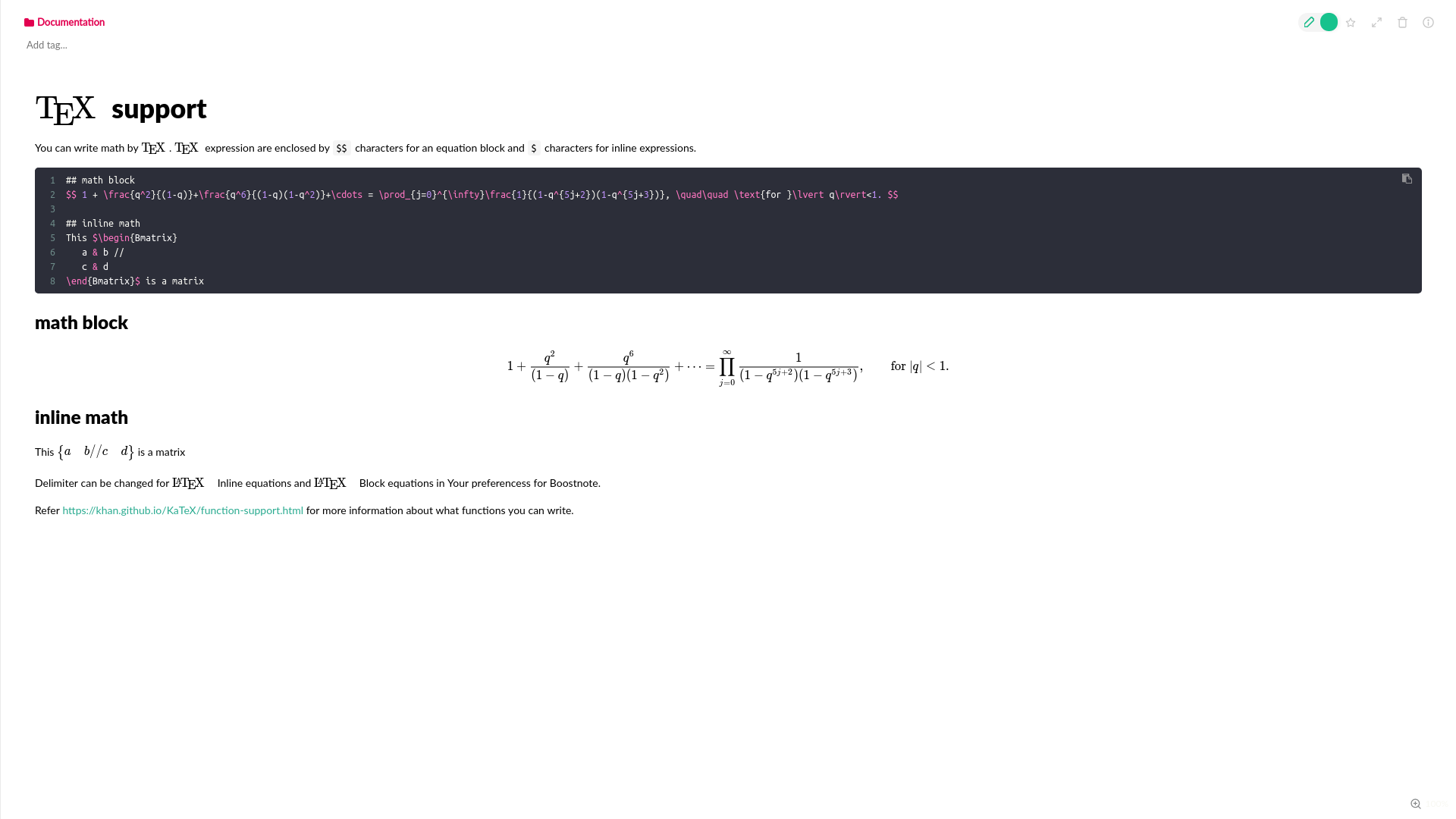
The result looks like this:

My goal is to hide the left side of the screen. Keep only the markdown preview (the right side of the screen). Your solution doesn't solve it.
I'm using MacOS. Maybe the feature is supported on Ubuntu and is missing in MacOS?
petrkrejcik
on 25 Aug 2018
Have you tried the green switch on the top right of the note.
 ZeroX-DG
on 25 Aug 2018
ZeroX-DG
on 25 Aug 2018
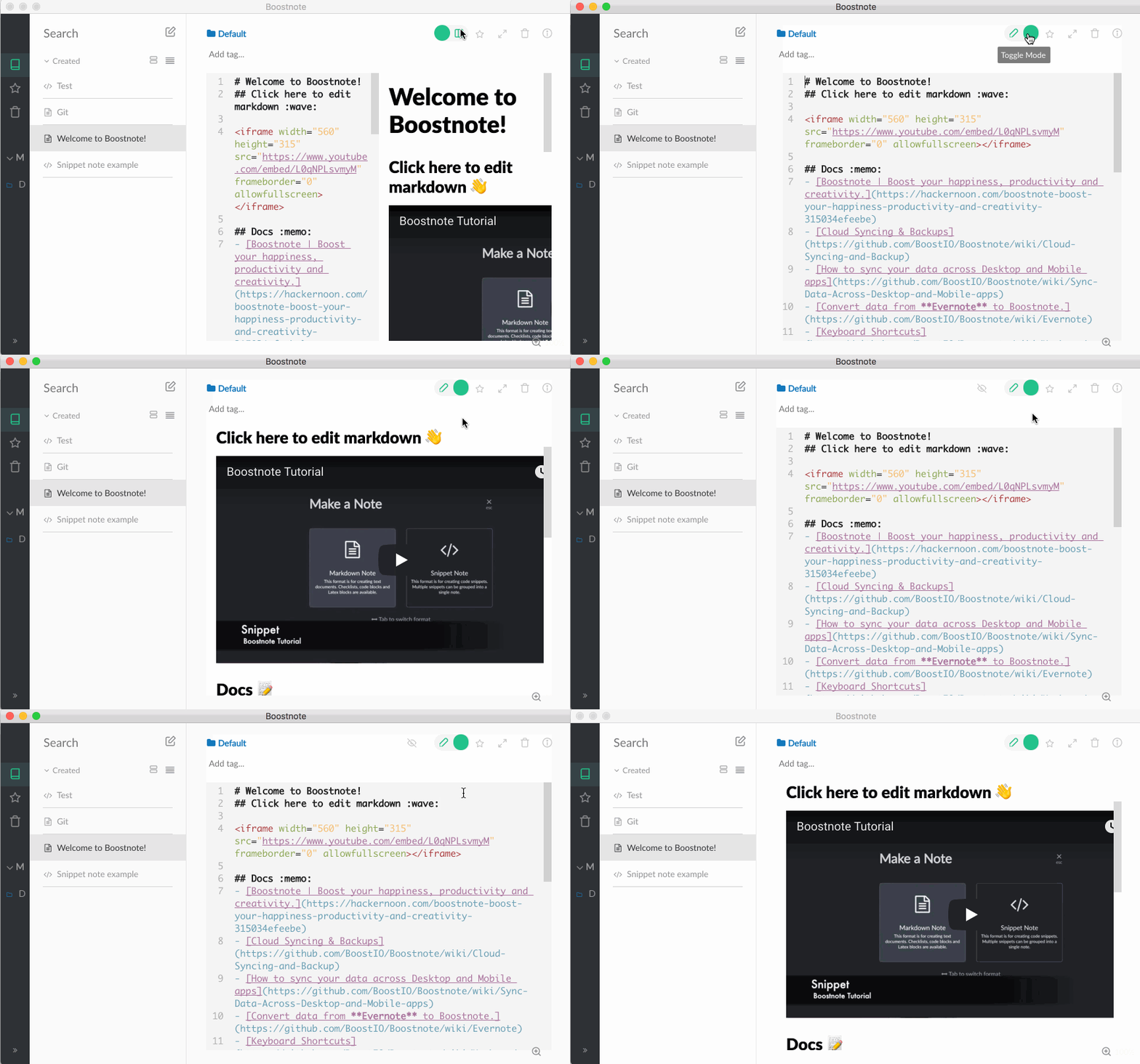
In your screenshot you are not in full preview mode, you are in split view. Try my result in full preview mode, it should look like this:
ghost
on 25 Aug 2018
I have achieved the full preview clicking on the green toggle and then somewhere else. It's rather a bug than a feature, because anywhere I click the view is toggled between edit and preview.
I think it is the same issue as reported here: #2196
petrkrejcik
on 26 Aug 2018
you can change the behaviour in the preferences settings.
ghost
on 26 Aug 2018
you can change the behaviour in the preferences settings.
@modmod24 Modifying Switch to Preview option in preferences helped.
Thank you, issue solved.
petrkrejcik
on 26 Aug 2018
I download the latest yesterday. There are still two views on a note:
- Split view (edit + preview)
- Full edit view
I clicked somewhere else, It was not change to full preview view. @petrkrejcik
 mokeyish
on 28 Oct 2019
mokeyish
on 28 Oct 2019
Related issues
 lijinglue
·
3Comments
lijinglue
·
3Comments
 cyber-arsenull
·
3Comments
cyber-arsenull
·
3Comments
 Ocanamat
·
3Comments
Ocanamat
·
3Comments
 luong-komorebi
·
3Comments
luong-komorebi
·
3Comments
 louiealmeda
·
3Comments
louiealmeda
·
3Comments
Most helpful comment
I have achieved the full preview clicking on the green toggle and then somewhere else. It's rather a bug than a feature, because anywhere I click the view is toggled between edit and preview.
I think it is the same issue as reported here: #2196