We have two options on toggle mode area preview and edit + preview.
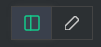
It wold be great if we have another option with only edit view.
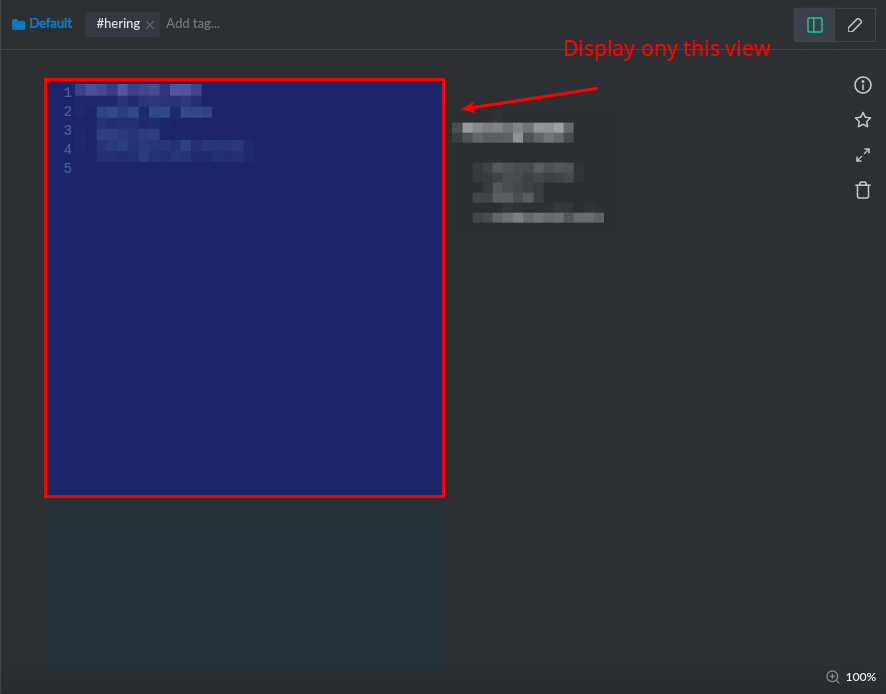
** Display only this view..
 waghcwb
All 7 comments
Switch to fullscreen, is that enough?
 tatoosh
on 25 Jan 2018
tatoosh
on 25 Jan 2018
In fullscreen mode we still have the two view modes..
Take a look at Intellij markdown editing
Editing and viewing result
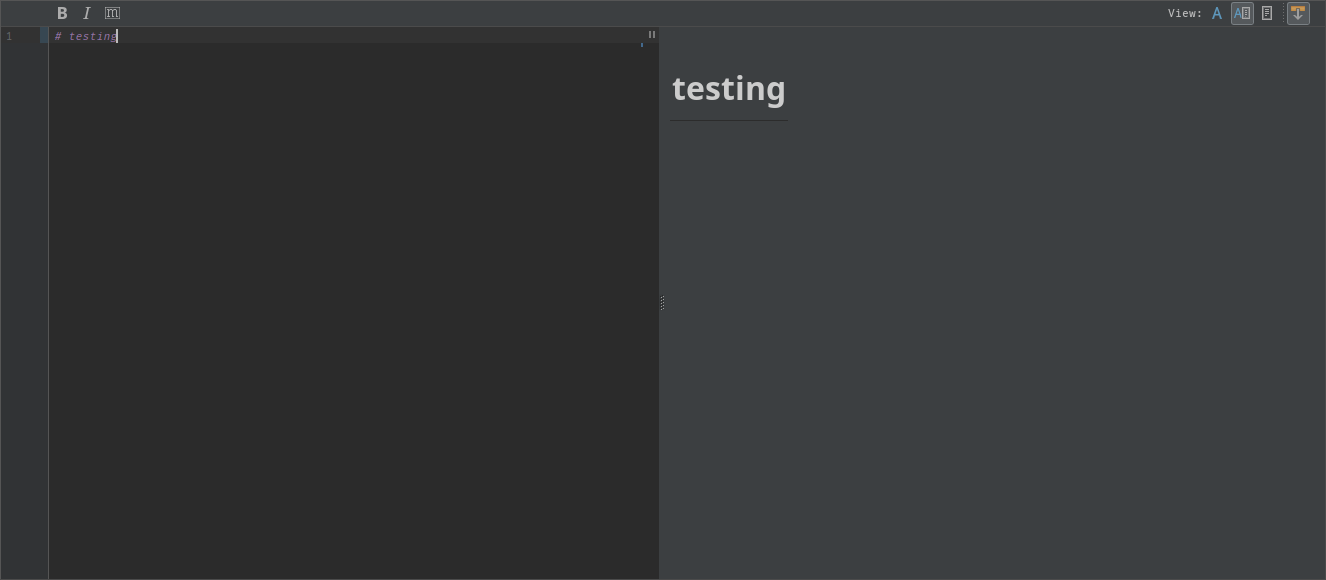
View only result
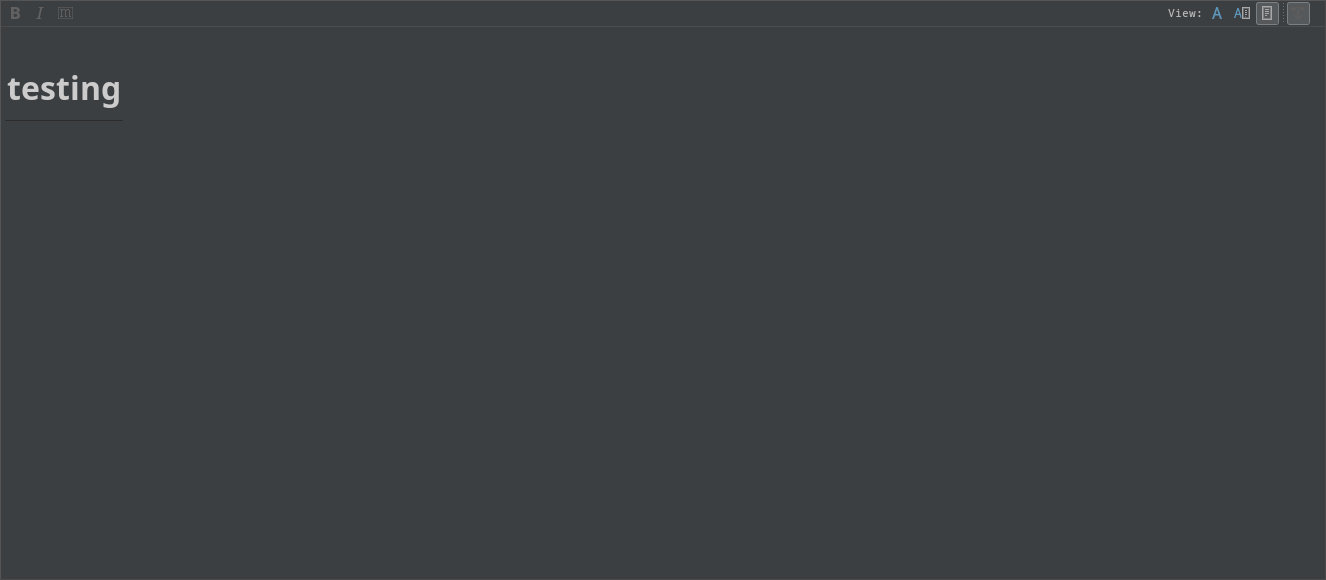
Only edit
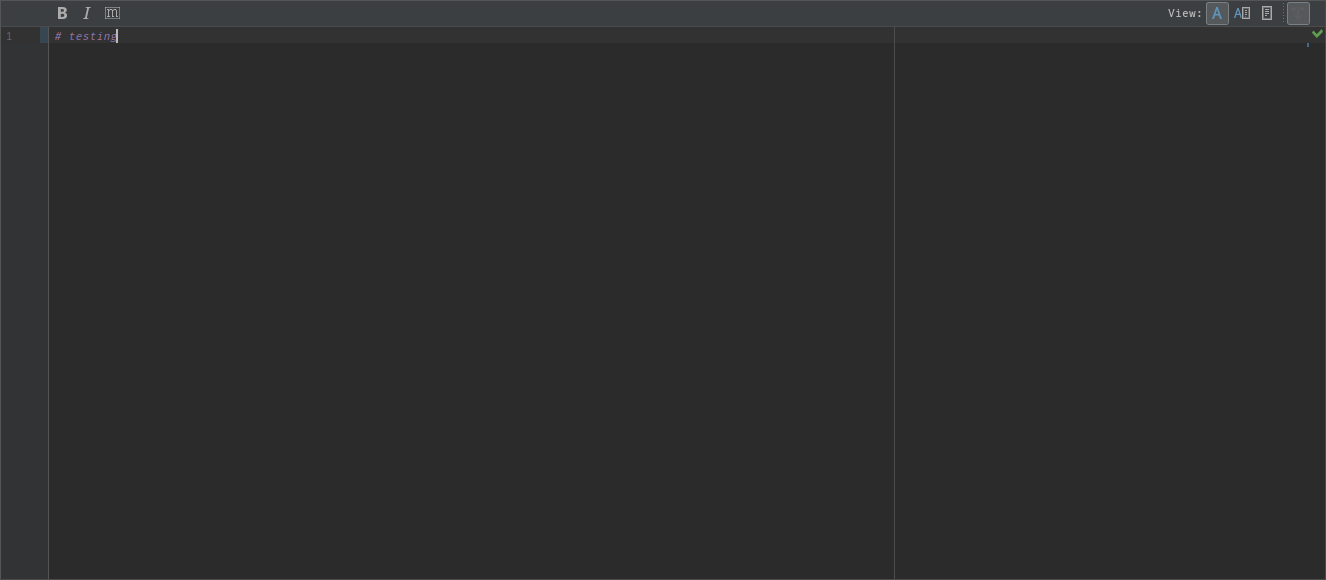
Sometimes the user don't want to get distracted with the result of the markdown, or in some cases its just a matter of "space"
waghcwb
on 25 Jan 2018
Hi @waghcwb , thank you for opening the issue. Actually, there is a feature that enable you to fix to markdown editing mode.
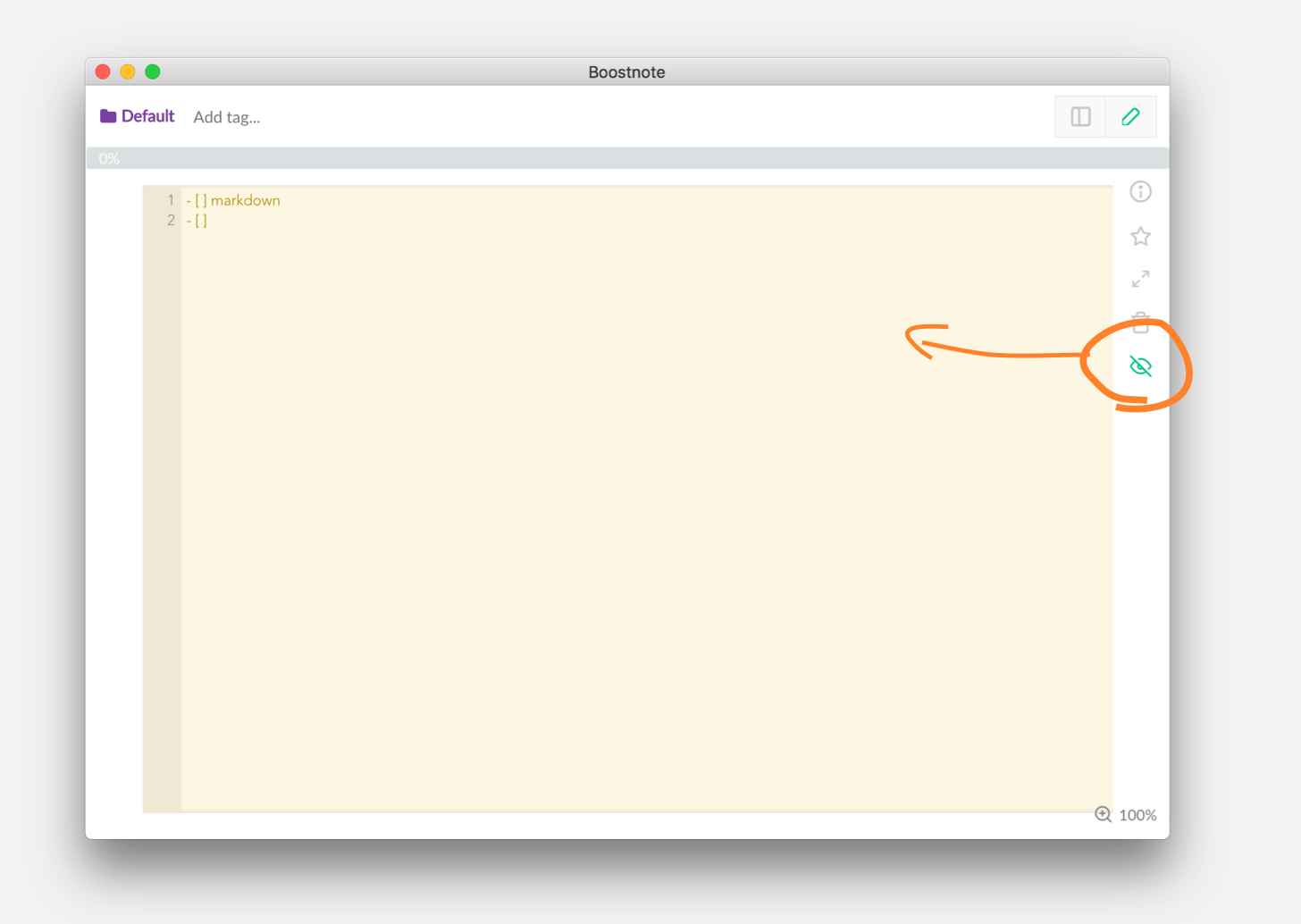
 kazup01
on 25 Jan 2018
kazup01
on 25 Jan 2018
Hello @kazup01,
How can I enable this feature?
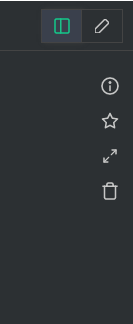
waghcwb
on 25 Jan 2018
Hi @waghcwb , you can use this feature only during Markdown editing.
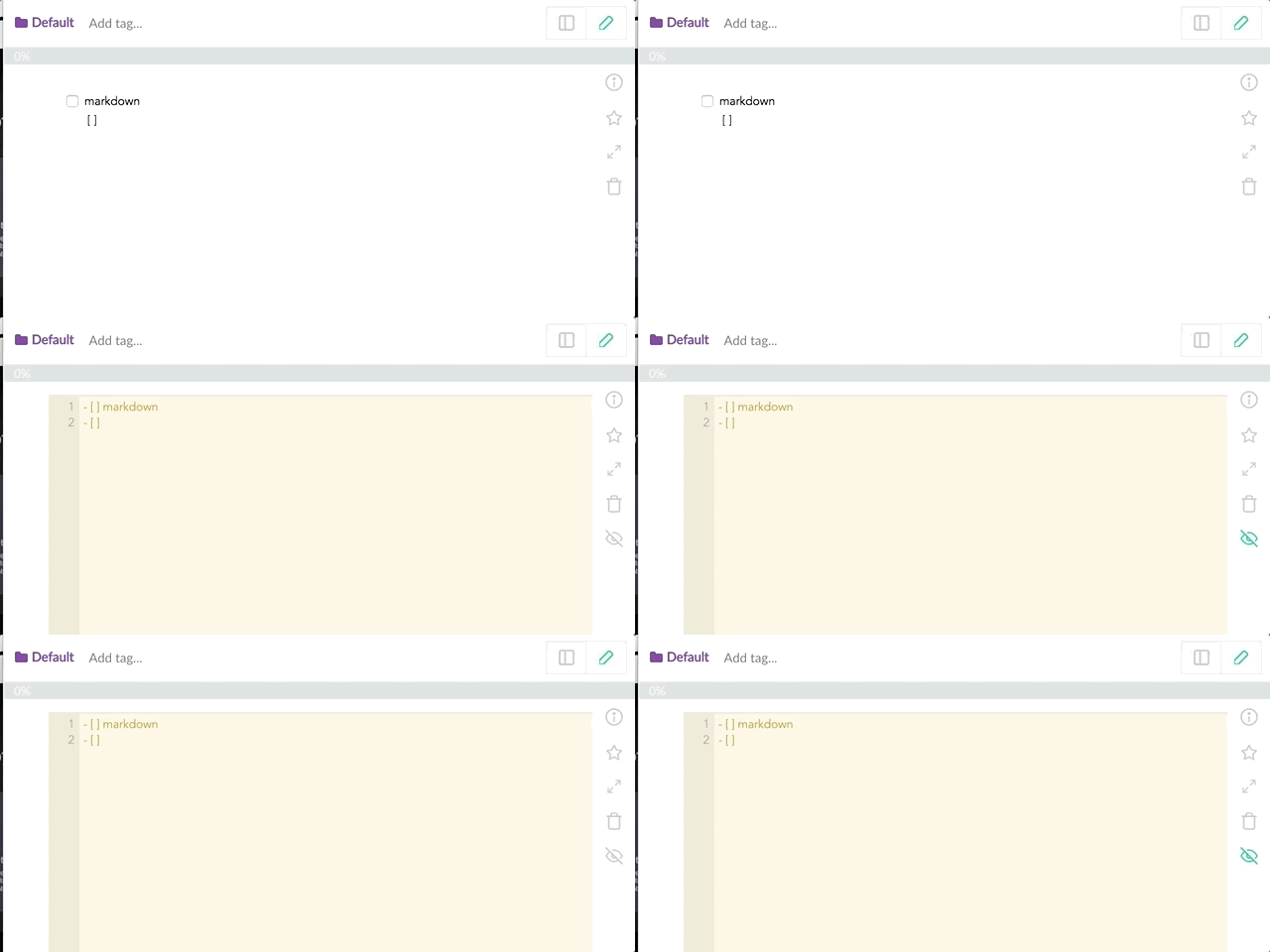
kazup01
on 25 Jan 2018
Btw, I fixed these buttons layout 😄 #1453
kazup01
on 25 Jan 2018
In version 0.11.4 the hide preview (eye?) icon shown above isn't available (or I can't find it), so I'm not able to hide the preview.
 jonblack
on 8 May 2018
jonblack
on 8 May 2018
Related issues
 N2ITN
·
3Comments
N2ITN
·
3Comments
 DanielRamosAcosta
·
3Comments
DanielRamosAcosta
·
3Comments
 Petroochio
·
3Comments
Petroochio
·
3Comments
 aurelkurtula
·
3Comments
aurelkurtula
·
3Comments
 louiealmeda
·
3Comments
louiealmeda
·
3Comments
Most helpful comment
In version 0.11.4 the hide preview (eye?) icon shown above isn't available (or I can't find it), so I'm not able to hide the preview.