Boostnote: Text not being displayed in system dialogs
there is no text being displayed on any system dialogs that pop up when using boostnote on fedora 25 gnome Version 3.22.2, Boostnote 0.8.14
Maybe there is a font missing on my system? But i dont know what i should check to find that out?
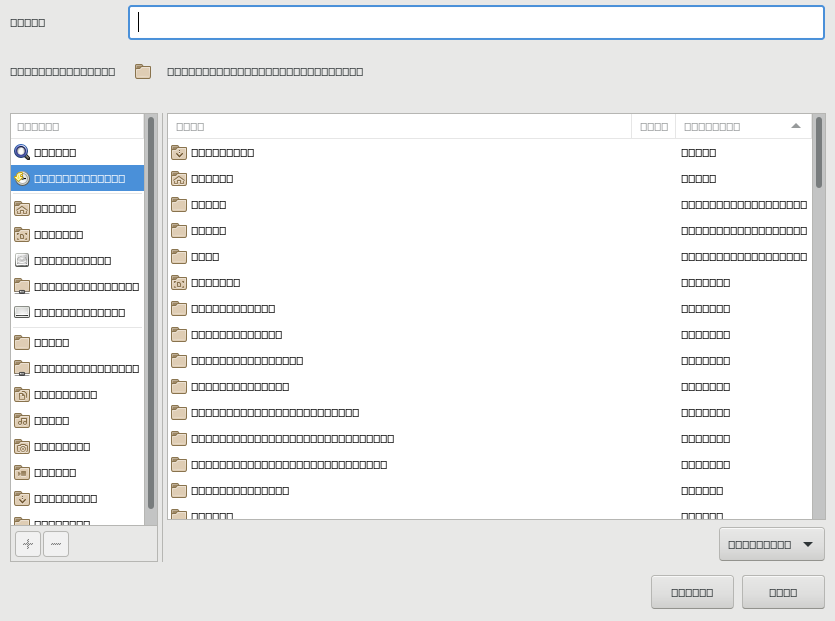
 fullama
All 16 comments
Please paste some screenshots with the developer tool open if you report a bug.
I'd say you're right. I assume there's an error that the font set in Boostnote is not found.
 asmsuechan
on 12 Oct 2017
asmsuechan
on 12 Oct 2017
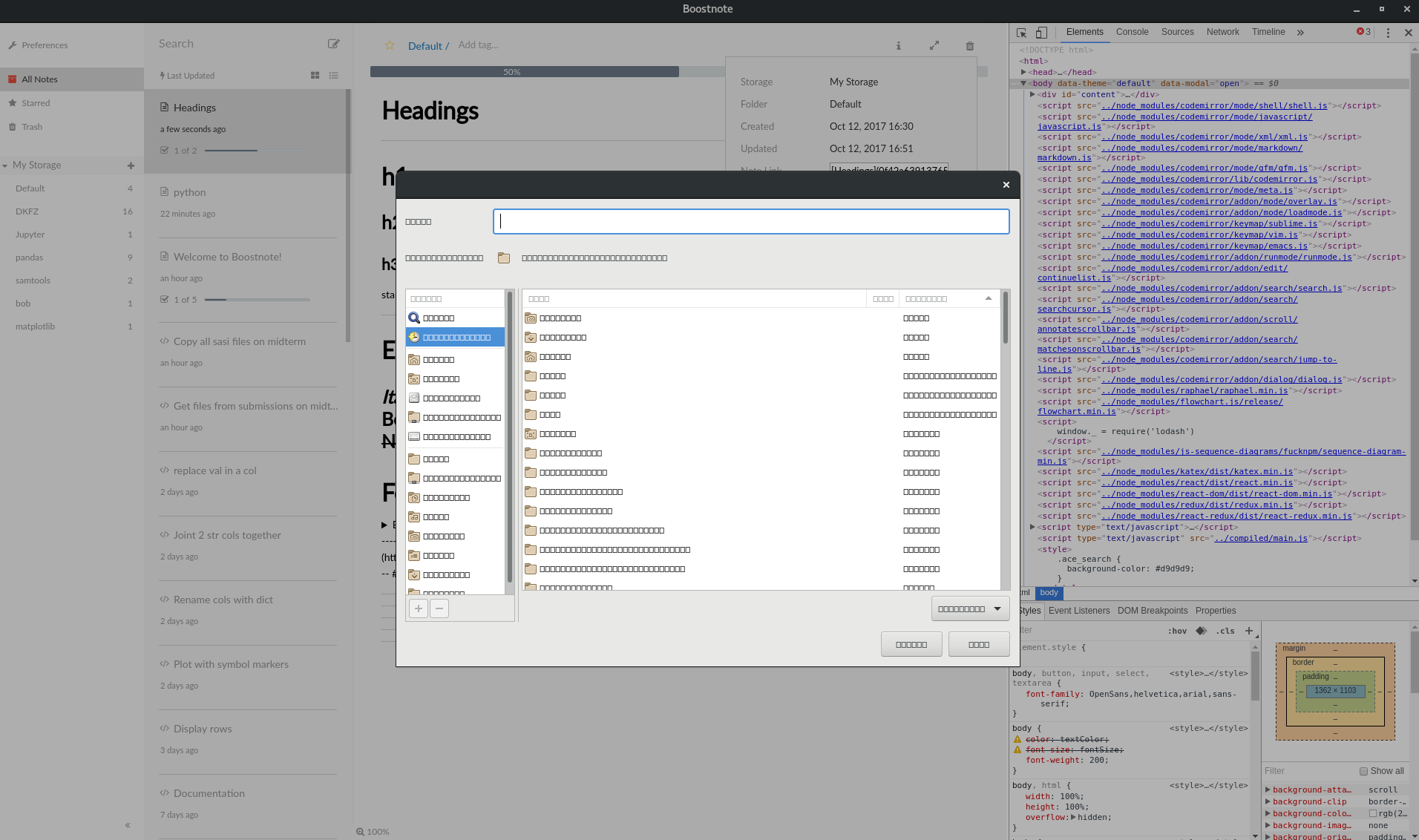
fullama
on 12 Oct 2017
Apologies - proper screenshot added.
fullama
on 12 Oct 2017
@fullama Thank you for adding the screenshot. How about the console tab? Do you see anything in it?
asmsuechan
on 12 Oct 2017

this is what was there at the time when I posted the last screen shot.. this is what it looks like this morning when I restarted:
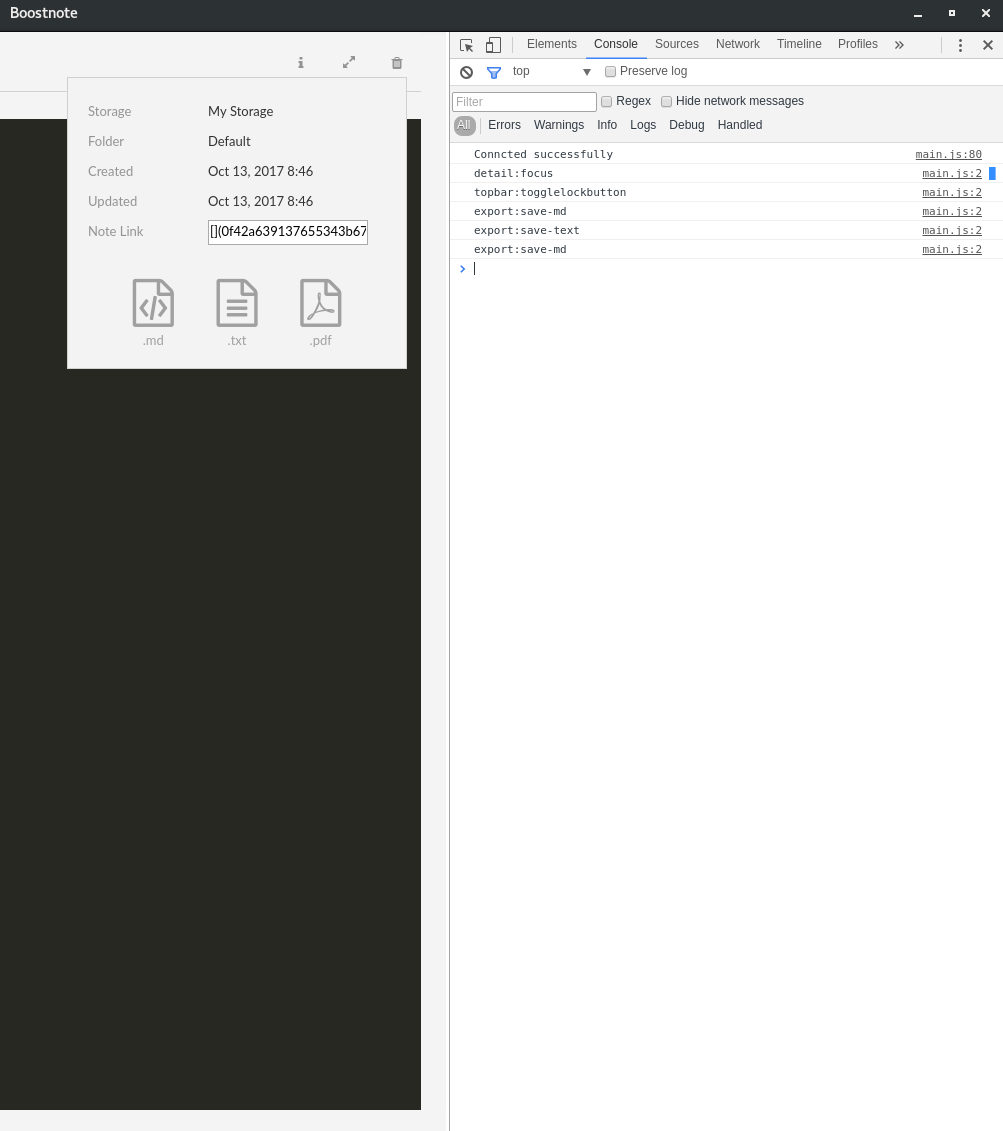
Not much there..
fullama
on 13 Oct 2017
I think this is not due to Boostnote. The problem didn't take place in the Boostnote's interface but in the file selecting window developed by GNOME. I've met the problem once in LXDE after installing a non-system font.
Solution:
Try to install any font manager for example sudo aptitude install font-manager and remove or disable all the non-system fonts, only leaving fonts like Droid ..., Libre ..., Free ,,,, etc.. Then restart your computer and it should be solved.
Thanks.
 KuangLei
on 15 Oct 2017
KuangLei
on 15 Oct 2017
Thanks for your suggestion. I would try that but it is a work computer and I dont have root access. I dont think they will want to let me mess around with fonts either unfortunately. The only reason I thought it might be something on the side of boostnote is that it doesnt happen with anything else on my system. Even other electron based apps like Atom are ok. But if the problem does exist with my system then I guess there is not much we can do..
Thanks anyway!
fullama
on 15 Oct 2017
Same issue here after upgrading from 0.8.14 to 0.8.16. Using Ubuntu 17.10 on Xorg. Disabling fonts isn't really a fix, as this is the only app that has this issue for me.
 mcg
on 2 Nov 2017
mcg
on 2 Nov 2017
https://github.com/electron/electron/issues/9616 seems like it.
mcg
on 2 Nov 2017
Pop_OS (Ubuntu 17.10):
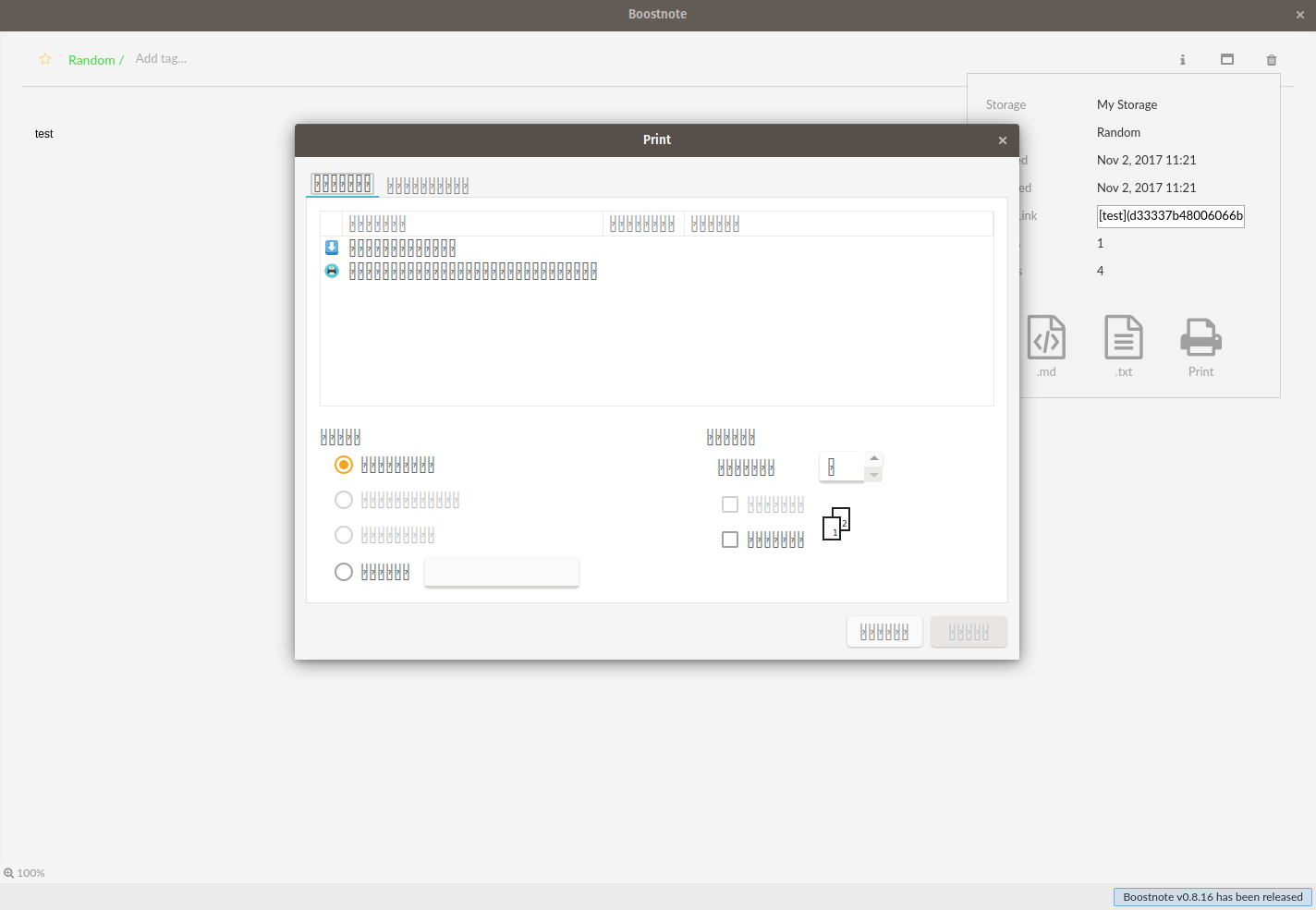
 reidstidolph
on 2 Nov 2017
reidstidolph
on 2 Nov 2017
Closing as fixed or ?
mcg
on 3 Nov 2017
So this would be fixed by upgrading to the latest version of electron? If so, why has this issue been closed? I'm using the very latest version of Boostnote and I have this issue.
 Hubro
on 5 Nov 2017
Hubro
on 5 Nov 2017
I don't think it's fixed and he probably accidentally closed. So I reopen.
asmsuechan
on 5 Nov 2017
Hi guys, @yosmoc has solved this problem. Would someone try this PR? #1105
 kazup01
on 11 Nov 2017
kazup01
on 11 Nov 2017
v0.8.17 seems to have fixed this for me.
mcg
on 27 Nov 2017
Thanks @mcg :)
I close this issue, but if you need to more information, please feel free to reopen it.
kazup01
on 28 Nov 2017
Related issues
 gavvvr
·
3Comments
gavvvr
·
3Comments
 Ocanamat
·
3Comments
Ocanamat
·
3Comments
 Rokt33r
·
3Comments
Rokt33r
·
3Comments
 croulibri
·
3Comments
croulibri
·
3Comments
 npeeples
·
3Comments
npeeples
·
3Comments
Most helpful comment
v0.8.17 seems to have fixed this for me.