Blockly: Blockly dropdown causing strange resize problems
Describe the bug
Blockly dropdown is causing strange resize problems when used with resizable workspace over whole document body size.
Setup is made according to https://developers.google.com/blockly/guides/configure/web/resizable.
The problem only occurs when dropdowns are long enough.
To Reproduce
- Download demo.zip
- Open blockly.html
- Click on drop-down
- Check browser's scrollbar appear
Expected behavior
The workspace should not resize strangely as it does when the dropdown is open. This is causing problems in some cases.
Screenshots
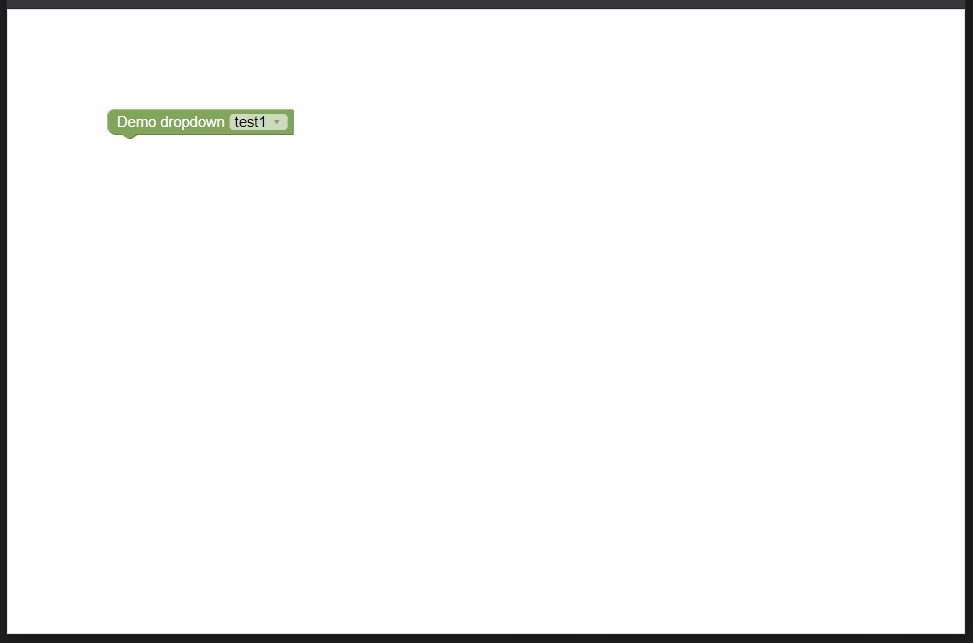
Before dropdown is open:
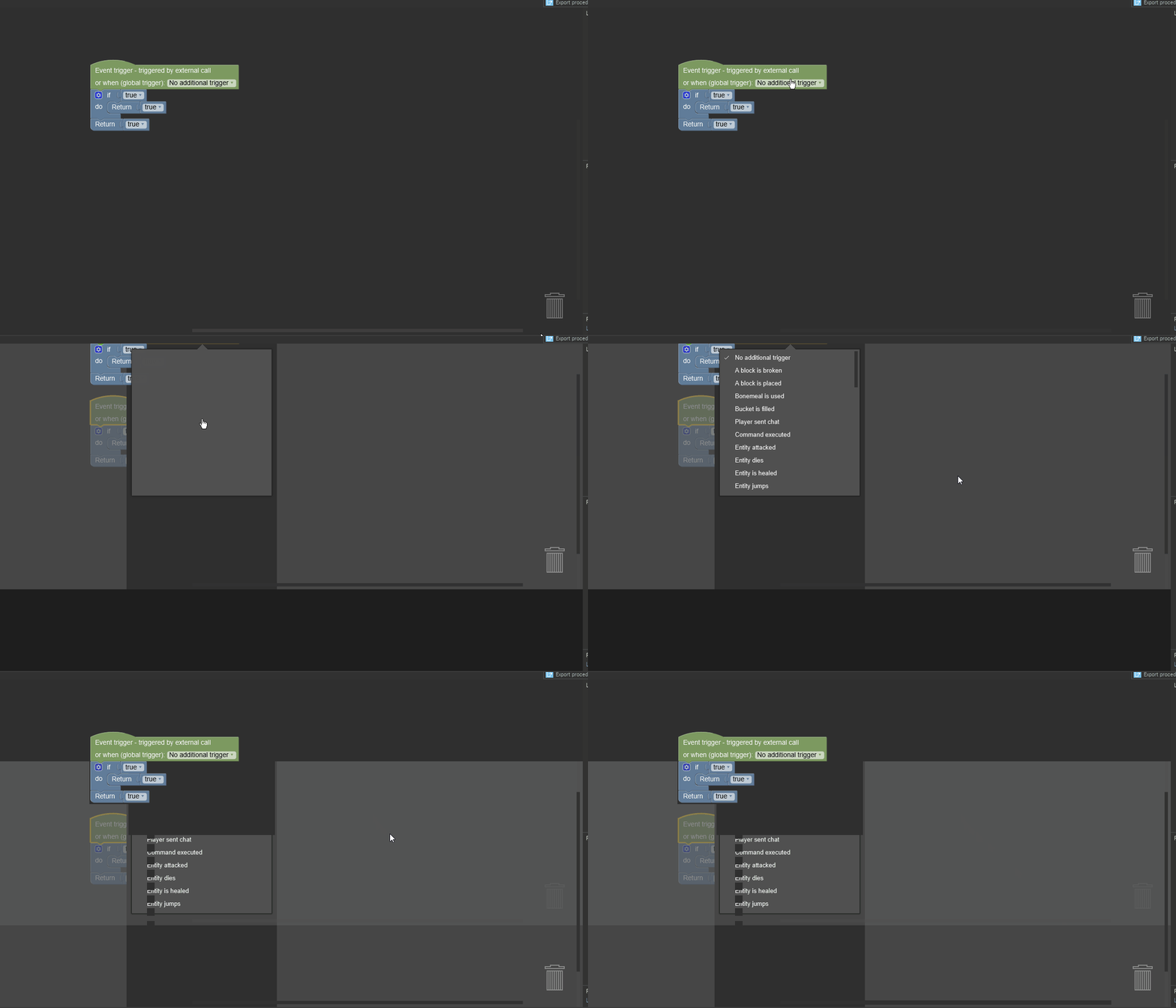
After dropdown is open:

What happens in my use case in the application (JavaFX WebView) when dropdown with a lot of content is used:
Additional context
Tested with release Q2 2020 Patch 1, the last release I am aware that does not have this problem is 2019 Q3 Patch 3.
Demo tested on Chrome, actual use case with JavaFX WebView, but the problem is present in both cases.
 KlemenDEV
All 7 comments
Taking a look at your demo it seems like adding "overflow: hidden;" to the body seems to fix the problem. Would this fix your problem?
Regarding this working in a past release: It looks like we updated the position of the blocklyDropDownDiv from 'fixed' to 'absolute' in #3212 which is causing the problem. Looking into if this is necessary to fix #3178.
 alschmiedt
on 9 Sep 2020
alschmiedt
on 9 Sep 2020
It fixes the problem on Chrome, but in JavaFX webview, the glitches do not disappear even with overflow hidden.
KlemenDEV
on 10 Sep 2020
Ok, my latest idea is to add position:relative to the blocklyDropDownContent class. This seems to fix both the bug in #3178 and also the scrollbar issue we are seeing here. Would you mind testing this out to see if that fixes your problem?
alschmiedt
on 11 Sep 2020
Should I add position:relative to the "2019 Q3 Patch 3" or the latest release? Basically, should I test if this fixes #3178 in "2019 Q3 Patch 3" or should I rest if this CSS fixes the problem I have in the latest release?
KlemenDEV
on 12 Sep 2020
I have done testing that this does not break #3178. If you could just test if this fixes the problem you are having in the latest release that would be great.
alschmiedt
on 14 Sep 2020
Adding
.blocklyDropDownContent {
    position: relative;
}
fixed the issue. Thank you for your assistance!
KlemenDEV
on 17 Sep 2020
Awesome. Glad it works! The fix will go our with our next release on September 25th.
alschmiedt
on 17 Sep 2020
Related issues
 BeksOmega
·
5Comments
BeksOmega
·
5Comments
 rachel-fenichel
·
4Comments
rachel-fenichel
·
4Comments
 ufalak
·
4Comments
ufalak
·
4Comments
 vicng
·
4Comments
vicng
·
4Comments
 pmwthunkable
·
6Comments
pmwthunkable
·
6Comments