Blink: iPhone 12 pro layout outside safe area
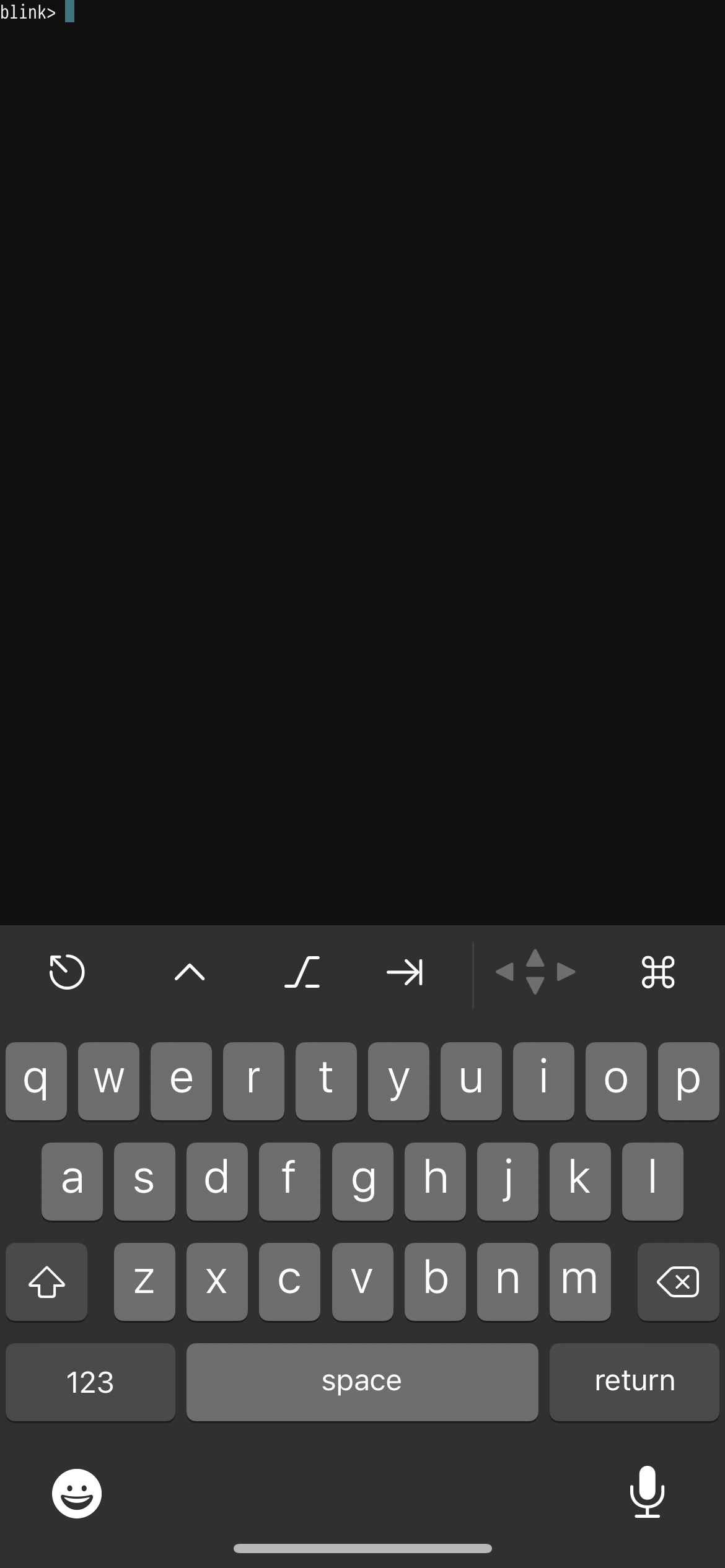
What starting the app on iOS 14.2 the prompt is rendered outside the safe area and behind the Face ID notch making it difficult to see what you’re typing:
 rahrah86
All 6 comments
Note: The screen shot does not reflect the notch
rahrah86
on 9 Nov 2020
@rahrah86
What blink version are you using?
 yury
on 9 Nov 2020
yury
on 9 Nov 2020
@yury 13.5.8.245
rahrah86
on 9 Nov 2020
@rahrah86 you fresh install app or migrated it from older device?
You can tap with 3 fingers and choose fit/fill/cover display mode to fix that.
yury
on 9 Nov 2020
🎉2
This was migrated from an old device.
The three finger tap worked - thanks. Strange though because going to config -> appearance and changing that setting didn’t seem to fix it...or at least it didn’t trigger a re-render.
rahrah86
on 9 Nov 2020
@rahrah86 config->appearance is for new sessions.
yury
on 9 Nov 2020
👍1
Was this page helpful?
0 / 5 - 0 ratings
Related issues
 chrisportela
·
3Comments
chrisportela
·
3Comments
 treyharris
·
3Comments
treyharris
·
3Comments
 toph-allen
·
3Comments
toph-allen
·
3Comments
 rekendahl
·
4Comments
rekendahl
·
4Comments
 jra
·
5Comments
jra
·
5Comments
Most helpful comment
@rahrah86 you fresh install app or migrated it from older device?
You can tap with 3 fingers and choose fit/fill/cover display mode to fix that.