Blink: Siri shortcut for mosh command missing host
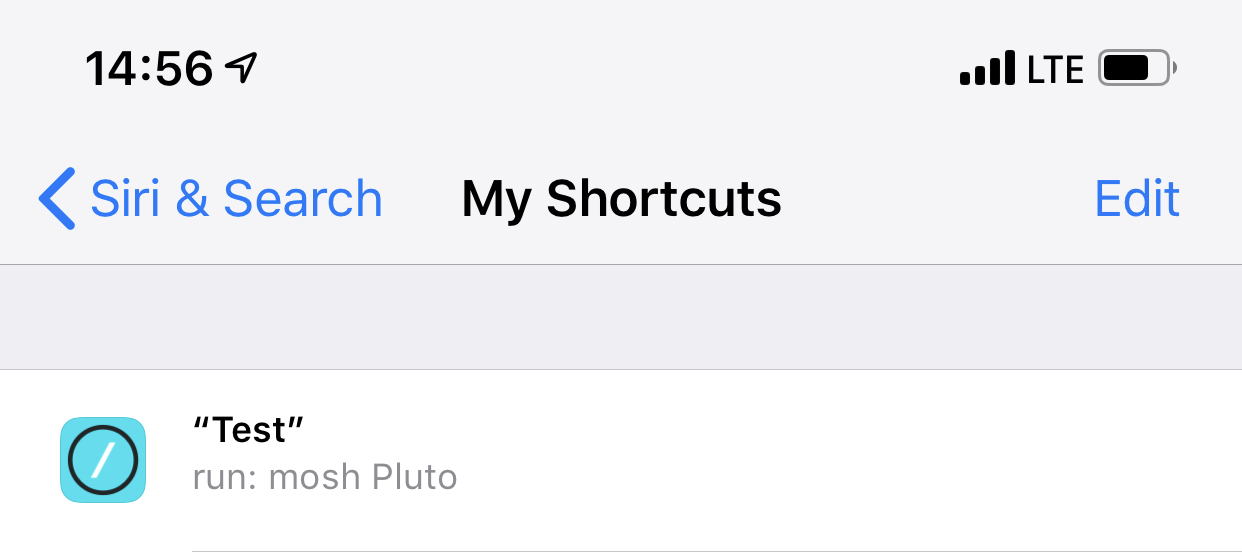
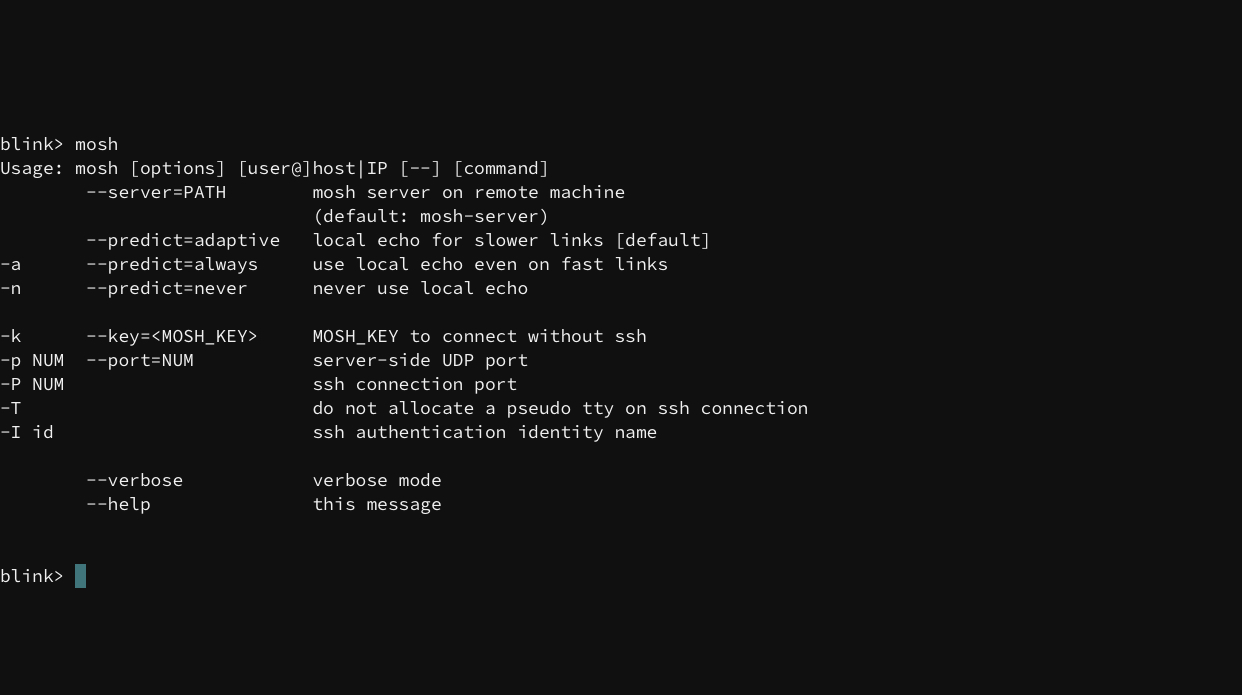
If I use the Siri & Search settings menu to add a Siri command run: ssh mySystem everything executed as expected when the command is given. However if I do the same with mosh run: mosh mySystem then when executed Blink executes mosh without any arguments and displays the help info.
Seen in TestFlight 12.0 build 38
 Harwood
All 30 comments
Hi @Harwood,
I can't reproduce it on tf 12.2 build 52. Does it works for you now?
 yury
on 11 Nov 2018
yury
on 11 Nov 2018
@yury,
Thanks for getting back to me. I've tested with TestFlight 12.2 build 56 with no success. Here are screenshots of me using "Siri test" to run mosh Pluto.
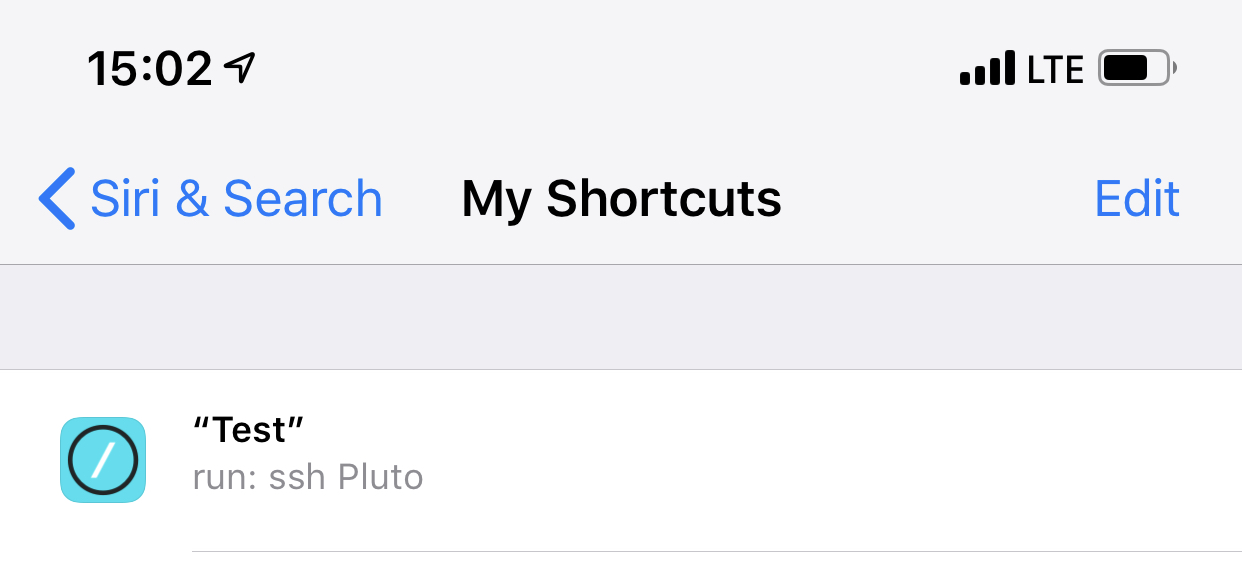
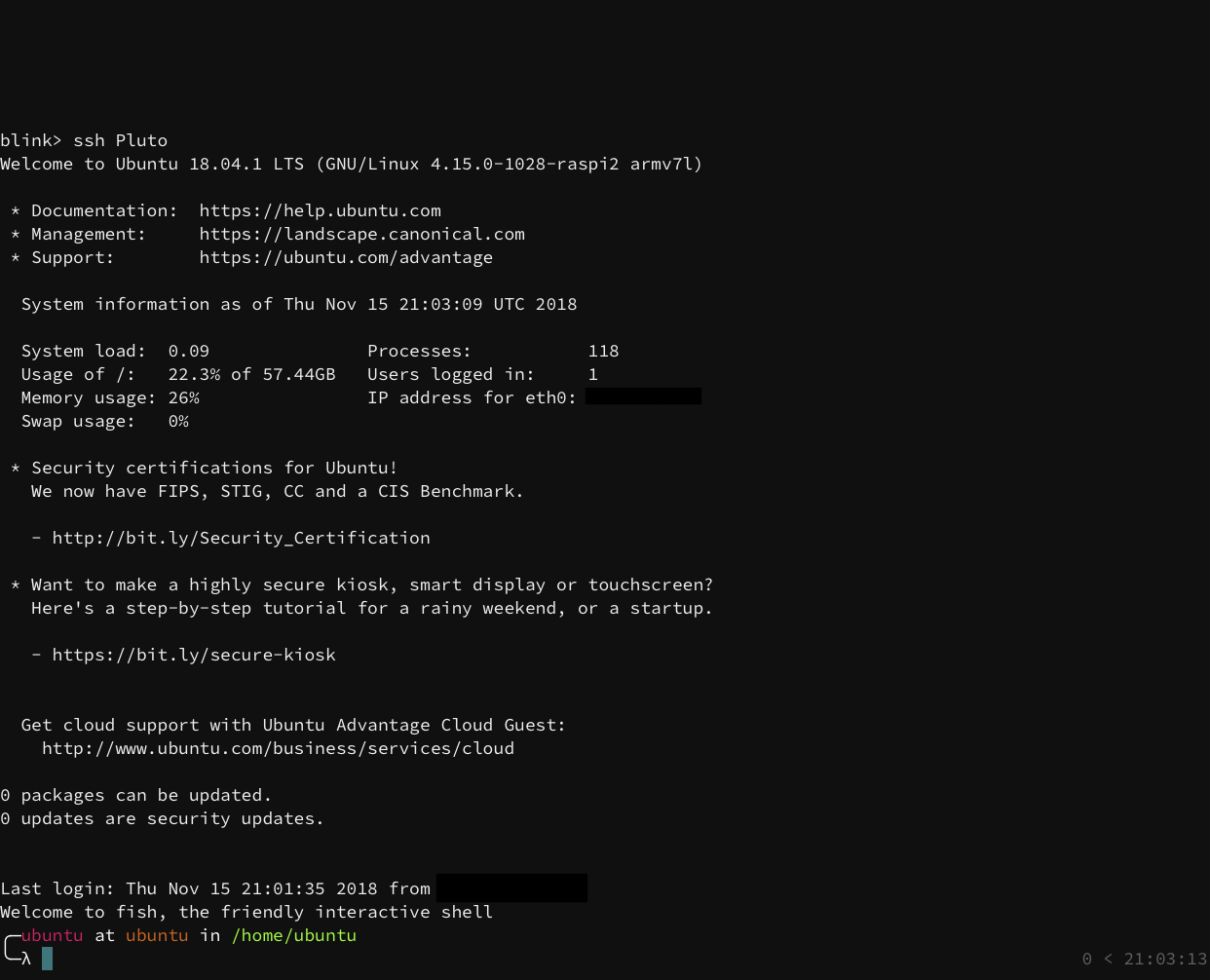
However, if I do the same using "Siri test" to run ssh Pluto everything executes as expected.
Harwood
on 15 Nov 2018
FWIW, I also have the behaviour @Harwood describes when using the "mosh myserver" action from spotlight.
 willhbr
on 15 Nov 2018
willhbr
on 15 Nov 2018
Same here.
Any fixes?
 maurizio-manuguerra-mq
on 27 Dec 2018
maurizio-manuguerra-mq
on 27 Dec 2018
I posted #695 (sorry for the dupe — I posted it from my phone, so didn't have a chance to search the issues). I've attached a video here of the issue as a zip file.
Sorry I can't be more helpful. If there's anything else I can provide, let me know.
 toph-allen
on 8 Mar 2019
toph-allen
on 8 Mar 2019
Still occurs if you pass in a command to run, e.g. mosh myhost echo Hello. (v12.7 from App Store)
 j-tai
on 13 Mar 2019
j-tai
on 13 Mar 2019
Yep, app version (v12.8) with the fix is not in App Store yet.
yury
on 13 Mar 2019
@yury Is there a way to sign up for the TestFlight builds? I'd definitely be interested in running them.
toph-allen
on 13 Mar 2019
@toph-allen sure, ping me at yury.[email protected]
yury
on 13 Mar 2019
Pushed 12.8 for TF review. Should be available soon.
yury
on 14 Mar 2019
I still seem to be having the issue in the new TestFlight build. On my iPhone, I tried deleting-restarting-reinstalling, in case it was some weird old cached shortcut data, but that didn’t work either.
Sent with GitHawk
toph-allen
on 14 Mar 2019
The new testflight build does not work for me as well: while the command “mosh test” works when run from blink’s command line (test is a connection), it doesn’t when run from apple shortcuts. Btw, the command “ssh test” is correctly executed when run from shortcuts.
maurizio-manuguerra-mq
on 14 Mar 2019
Do not why my shortcuts where working (mosh office, and mosh imac). But I finally found original issue (being able to reproduce with mosh 192.168.0.2).
Fix in v12.8 build 89.
But you have to rerun those commands first. Because donated activities are broken.
yury
on 15 Mar 2019
Build 89 seems to have broken mosh entirely for me. On both my testing devices (iPhone and iPad running the latest iOS 12.2 beta, I get:
blink> test

Socket error: Unknown error: -1
Did not find remote IP address
This persists after deleting and reinstalling the app.
[Edit] ssh still works for me.
toph-allen
on 15 Mar 2019
Thank you @toph-allen.
yury
on 15 Mar 2019
Build 91 is out.
yury
on 15 Mar 2019
Build 91 does not solve the original problem for me.
“mosh test” works if run from blink, but does not from apple shortcuts.
“ssh test” always works.
maurizio-manuguerra-mq
on 15 Mar 2019
Hi @maurizio-manuguerra-mq
You have to recreate Siri shortcut. Issue was in donating wrong command in activity.
- Delete your shortcut.
- run
mosh host - Try it with spotlight
- Add to siri shortcut
yury
on 15 Mar 2019
Build 91 also didn't fix it for me.
Perhaps this is because the old incorrect command had already been donated to the system's store, and so any new instances don't overwrite it? As far as I can tell, it persists between installs, too, and also includes mistyped and deleted servers (see #700 for a bug report about this behavior).
It's possible for an app to delete its donated shortcuts — this page documents how: Deleting Donated Shortcuts | Apple Developer Documentation. Perhaps it's necessary for Blink to have donated shortcuts expire every so often, or to provide some sort of troubleshooting option to manually purge them?
toph-allen
on 15 Mar 2019
@toph-allen,
We do not donate anything yet with Siri Shortcuts API. We just activating NSUserActivity with command you typed. So yet, we do not control what operation it is (cp, spc, mosh, or smth else). We could try to find any matches of the host and try to delete activity donations for that host. But for now it is not good way to do that.
yury
on 15 Mar 2019
Yeah — and I tested the theory from my previous comment by creating a totally new host, and that didn't work, so I guess build 91 still doesn't fix the original issue for me.
Launching ssh connections from Spotlight works, but not mosh connections.
[Edit] Just to be very clear:
- Launching any connection, e.g.
mosh serverorssh server, from the app works fine. - Searching via Spotlight and launching an ssh connection, e.g.
ssh server, works fine. - Searching via Spotlight and launching a mosh connection, e.g.
mosh server, just runsmosh.
And, I'm launching things exactly in the same way as your video, @yury
toph-allen
on 15 Mar 2019
That is super strange... but I have an idea.
I understand why ssh works and mosh doesn't. Mosh command mess up with original command line (It actually inserts \0 (end of the string) char while spliting arguments - 'mosh argsbecomemosh\0args). So we donatingmosh\0args` string as command line in activity.
But for now I don't undersand why I can't repro that.
Tomorrow I will try to implement cmd copy other way. But new TF will be only on Monday. Sorry about that.
Thank you for your time.
yury
on 15 Mar 2019
Good luck finding a workaround! I’ll keep an eye out for a build sometime soon.
Sent with GitHawk
toph-allen
on 15 Mar 2019
@toph-allen in next release it will be command to remove all shortcuts:
config delete-activities all
yury
on 16 Mar 2019
Version 12.8 Build 93 works!
Thanks
maurizio-manuguerra-mq
on 18 Mar 2019
Fixed for me too!
toph-allen
on 18 Mar 2019
Works for me as well on 12.8 (93). Thanks @yury!
Harwood
on 19 Mar 2019
Closing, feel free to reopen if something is wrong.
yury
on 24 Mar 2019
It worked up to build 97, but it does not work for me in build 99.
No errors or messages are displayed, just the soft keyboard makes a weird up/down dance.
It’s a different kind of problem than before, as both “mosh myconfig” and “ssh myconfig” do not work from shortcuts.
maurizio-manuguerra-mq
on 1 Jun 2019
I can confirm I’m seeing the same behavior described by @maurizio-manuguerra-mq with build 99.
Harwood
on 9 Jun 2019
Related issues
 nriley
·
3Comments
nriley
·
3Comments
 dlasky
·
4Comments
dlasky
·
4Comments
 jwr
·
3Comments
jwr
·
3Comments
 carloscabanero
·
4Comments
carloscabanero
·
4Comments
 proportional
·
3Comments
proportional
·
3Comments