Bitwarden_rs: Problems on a Raspberry Pi 3 Model B+
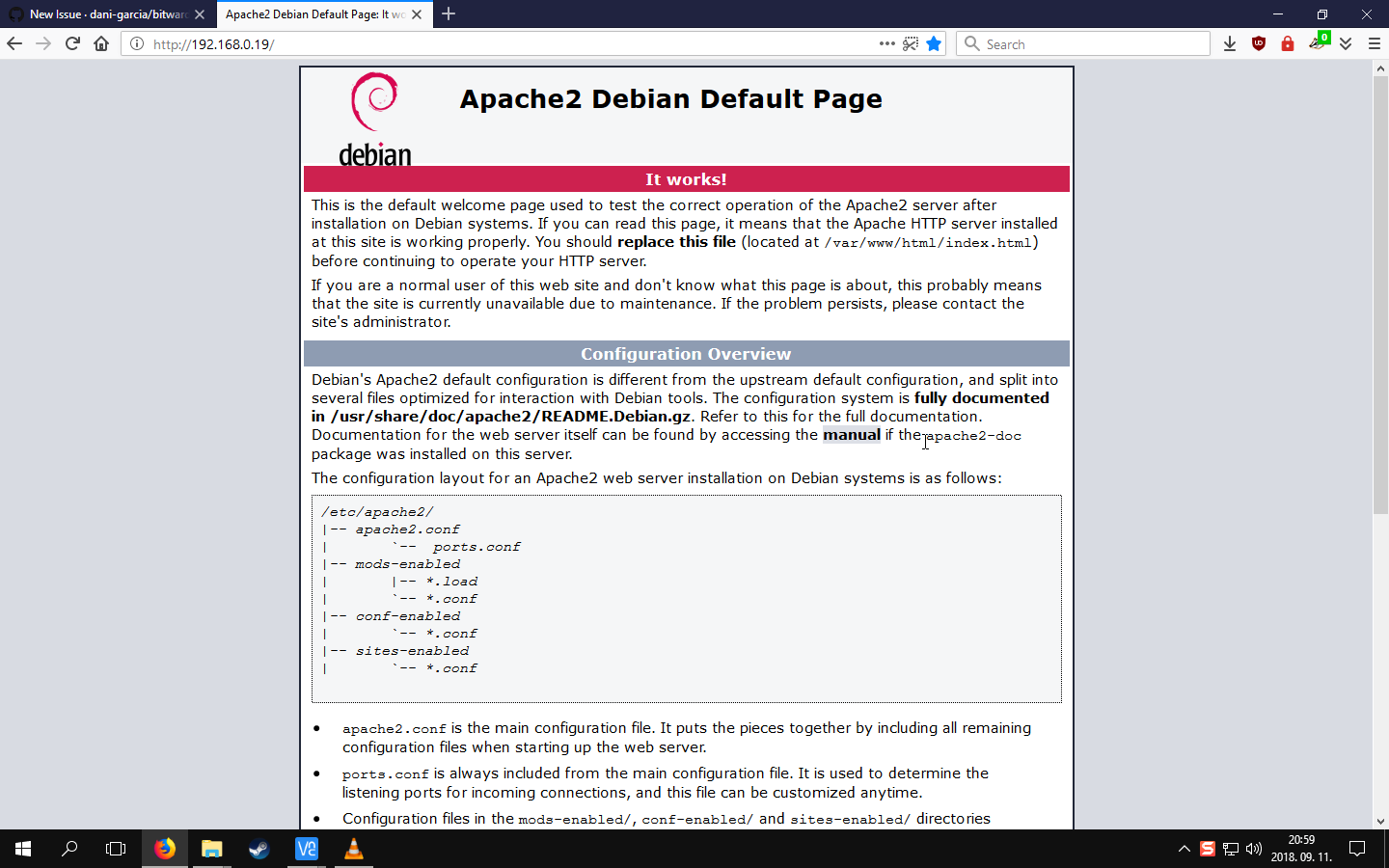
After installing the program as its specified in the readme to 2 Raspberry Pi 3 Model B+ devices, the only thing that shows up after going to the site is the _Apache2 Debian Default Page_ , both devices have stock Raspbian, the only thing that was installed by me on them is Docker
 xMate420x
All 18 comments
Hi, did you compile it yourself? As for the default Apache page, this looks like Apache misconfiguration. There's nothing in Bitwarden that would generate such page.
 mprasil
on 11 Sep 2018
mprasil
on 11 Sep 2018
I used the docker image with the commands that were the first thing in the readme
xMate420x
on 11 Sep 2018
Ah right. Yeah unfortunately that won't work on raspberry as the image is x86-64 only. I have some WIP effort to make raspberry image, but so far fail to compile it on Docker hub properly.
mprasil
on 11 Sep 2018
Hello,
Just in case, I have it installed on a raspberry pi 3b+ running Arch Linux, but without docker.
I used these packages https://aur.archlinux.org/packages/bitwarden_rs/ and https://aur.archlinux.org/packages/bitwarden_rs-vault/ and was able to make it work locally for now.
I am still configuring the serveur so I can access from the outside world... and progress are made !
Hope this helps.
 dobunzli
on 11 Sep 2018
dobunzli
on 11 Sep 2018
@dobunzli, thanks for update. Makes sense that would work as it's basically building the binary on raspberry. Still cool to hear that people are really running this on such relatively low power HW.
mprasil
on 11 Sep 2018
Any versions for Raspbian? That is what i need for most projects so i cannot switch to Arch Linux
xMate420x
on 12 Sep 2018
You could build it from scratch yourself by following the instructions. Just one thing: for building the web-vault you may need to enable swapping because the build process takes huge amounts of RAM.
 mqus
on 12 Sep 2018
mqus
on 12 Sep 2018
And if you need, I also threw a .service file for systemd together here but you may have to change the paths to match your binary, .env file and working directory (the directory where web-vault/ is in). The modified bitwarden_rs.service file then goes into /etc/systemd/system and can be enabled/started like all the other systemd services.
mqus
on 12 Sep 2018
Yeah for now you have to build it yourself. You can actually download the docker image you were trying to use and copy the web-vault folder out of there instead of building the Vault part yourself.
mprasil
on 12 Sep 2018
Guys, if you have raspberry, can you give it a try with mprasil/bitwarden:beta-raspberry image? I have no hardware to test it on and it's using cross-compiling for everything, so a test on real raspberry would be appreciated.
mprasil
on 12 Sep 2018
Hello,
I can confirm that this image launches correctly on a raspberry 3 b+ with raspbian desktop june 2018 after installing docker and docker-compose.
I only tested from the local network for now, but everything looks good !
Thanks for the work !
Le 12 sept. 2018 à 16:34, mprasil notifications@github.com a écrit :
Guys, if you have raspberry, can you give it a try with mprasil/bitwarden:beta-raspberry image? I have no hardware to test it on and it's using cross-compiling for everything, so a test on real raspberry would be appreciated.
—
You are receiving this because you were mentioned.
Reply to this email directly, view it on GitHub https://github.com/dani-garcia/bitwarden_rs/issues/174#issuecomment-420670925, or mute the thread https://github.com/notifications/unsubscribe-auth/AbTYwhTVrWLGKDVjE2q2j9uWcPGxYZBSks5uaRuQgaJpZM4Wj_e7.
dobunzli
on 12 Sep 2018
Thanks for testing! @xMateMCPE give it a go, it should hopefully work on your raspbian. It's current master version just compiled for ARMv7, so it should be just the same as mprasil/bitwarden:latest functionally.
mprasil
on 12 Sep 2018
Just a question, how do i install it? I tried the docker install didn't work, i tried compiling it but i cannot get the OpenSSL 1.0.2 version anywhere
xMate420x
on 12 Sep 2018
Just use the normal docker run commands as you see in the readme, but instead of mprasil/bitwarden:latest image, use mprasil/bitwarden:beta-raspberry. That should be the only difference.
mprasil
on 12 Sep 2018
Hello,
Hope this helps:
Docker installation
curl -fsSL https://get.docker.com -o get-docker.sh
sudo sh get-docker.sh
Docker-compose installation
curl -L https://github.com/docker/compose/releases/download/1.22.0/docker-compose-uname -s-uname -m -o /usr/local/bin/docker-compose
sudo chmod +x /usr/local/bin/docker-compose
Bitwarden_rs raspberry installation
sudo docker pull mprasil/bitwarden:beta-raspberry
Launch
sudo docker run -d --name bitwarden -v /bw-data/:/data/ -p 80:80 mprasil/bitwarden:beta-raspberry
Try
Launch a browser and use http://localhost:80
Le 12 sept. 2018 à 23:38, mprasil notifications@github.com a écrit :
Just use the normal docker run commands as you see in the readme, but instead of mprasil/bitwarden:latest image, use mprasil/bitwarden:beta-raspberry. That should be the only difference.
—
You are receiving this because you were mentioned.
Reply to this email directly, view it on GitHub https://github.com/dani-garcia/bitwarden_rs/issues/174#issuecomment-420806827, or mute the thread https://github.com/notifications/unsubscribe-auth/AbTYwg55ZYK50A_Srkf9DS3Pd-jm95v0ks5uaX7rgaJpZM4Wj_e7.
dobunzli
on 12 Sep 2018
It works! Thanks. :)
Edit after 1 days: Still no problem, works nicely
xMate420x
on 13 Sep 2018
Perfect! I'll resolve this, we now have the raspberry Dockerfile merged, so hopefully the non-beta raspberry image should appear soon. (just in the build pipe, but will take couple hours to build)
mprasil
on 13 Sep 2018
Update: the image is ready, please use mprasil/bitwarden:raspberry image on raspberry pi.
mprasil
on 13 Sep 2018
Related issues
 pageb018
·
3Comments
pageb018
·
3Comments
 esell
·
6Comments
esell
·
6Comments
 Jungack
·
3Comments
Jungack
·
3Comments
 mikkelnl
·
3Comments
mikkelnl
·
3Comments
 linuxbandit
·
5Comments
linuxbandit
·
5Comments
Most helpful comment
Perfect! I'll resolve this, we now have the raspberry Dockerfile merged, so hopefully the non-beta raspberry image should appear soon. (just in the build pipe, but will take couple hours to build)