Bazarr: Docker on Synology, cant get past subliminal setting screen
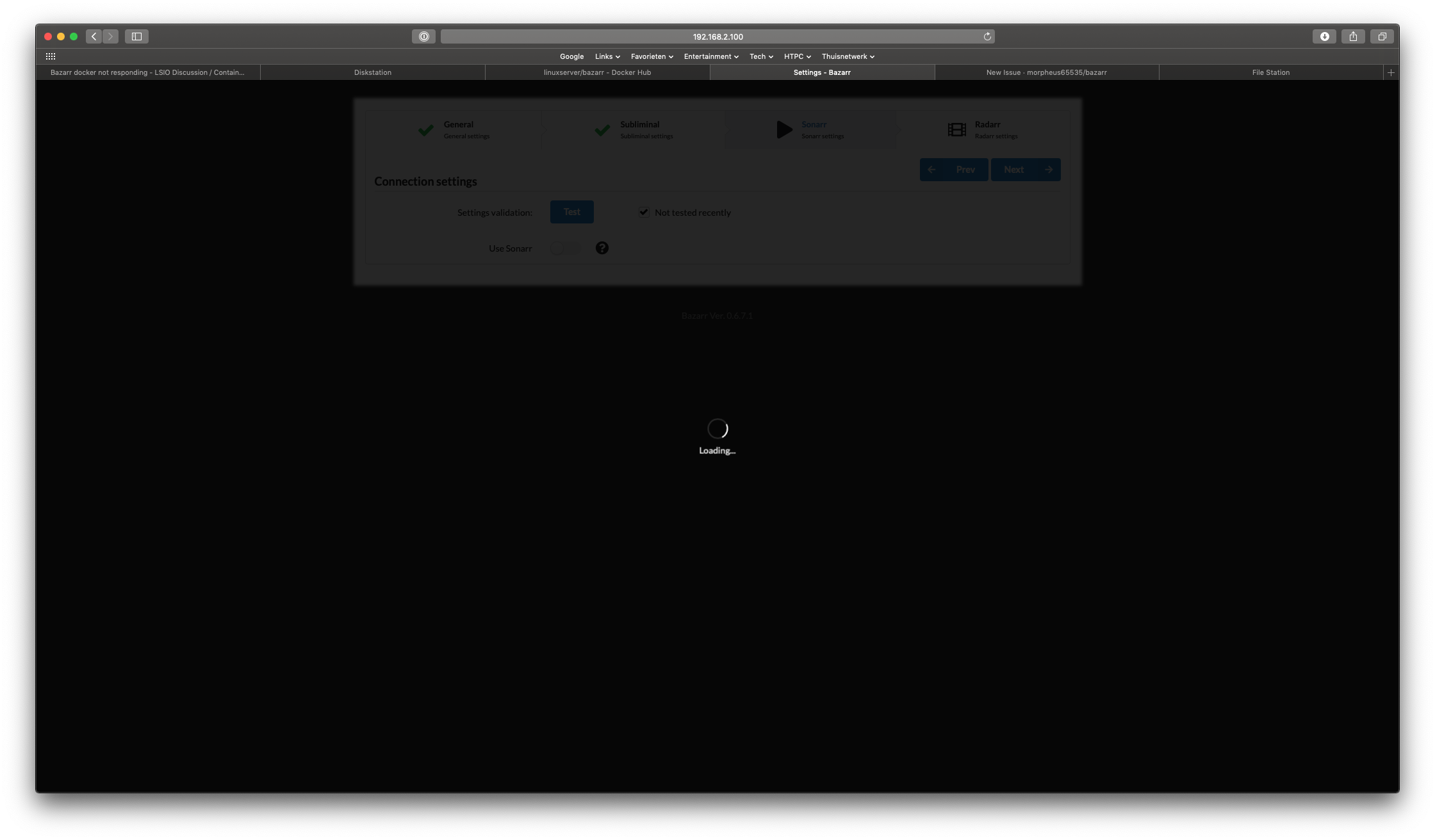
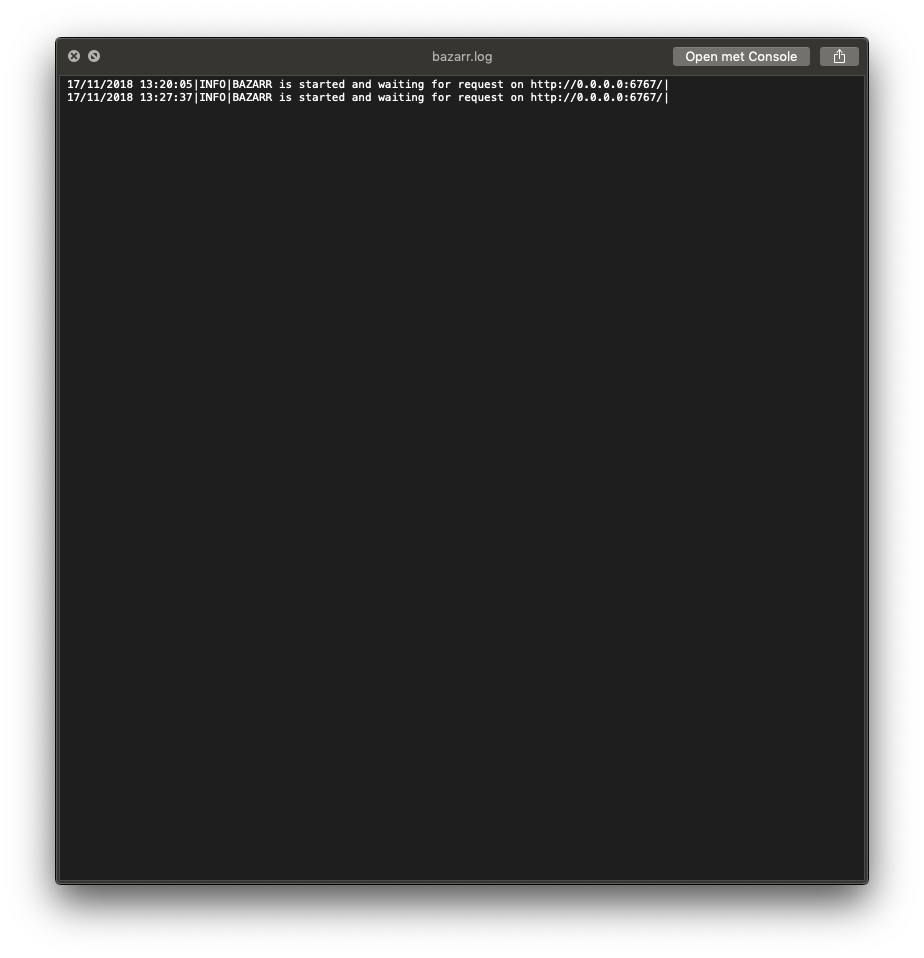
I switched to the new docker container from linuxserver.io set-up everything, but I cant get past the subliminal settings screen. once I click te go to the Sonarr settings I get a black screen with a spinning disk. The log is not helpful
Linexserver.io discord support ended me this way
 internetR
All 4 comments
Use something else than Safari. Bazarr is heavily tested with Chrome.
 morpheus65535
on 17 Nov 2018
morpheus65535
on 17 Nov 2018
thank you, worked like a charm
internetR
on 17 Nov 2018
Almost opened a new Bug report 😄
Thanks. Worked nice. 👍
Just out of curiosity though:
What makes this stage of the app (setup) be incompatible with Safari 12.0.1 and also with Firefox 63.0.3?
(remade linuxserver.io based container a couple of times just to be sure it wasn't the container's fault)
- Bazarr version 0.6.8 using linuxserver.io container
- Radarr version 0.2.0.1217 using linuxserver.io container
- Sonarr version 2.0.0.5252 using linuxserver.io container
- OS: ubuntu server 18.04.1 2-cores 4.1 GB RAM - Docker-CE Standalone 18.09.0
 djismgaming
on 30 Nov 2018
djismgaming
on 30 Nov 2018
@djismgaming Bazarr is tested with Chrome. It "should" run just fine with Firefox which is normally compliant to standards but we cannot guarantee it won't happen now and then that you find a UI bug. We are using a lot of Javascript & Jquery and we are relying on the Semantic UI framework. They are all highly dependant on strict respect to standards. Safari is clearly not in the same category regarding this topic... ;-)
morpheus65535
on 30 Nov 2018
Related issues
 rickytin
·
6Comments
rickytin
·
6Comments
 tankren
·
8Comments
tankren
·
8Comments
 ExtensiveJS
·
6Comments
ExtensiveJS
·
6Comments
 kSotin
·
4Comments
kSotin
·
4Comments
 JagandeepBrar
·
5Comments
JagandeepBrar
·
5Comments