Barba: Typography looks transparent on code samples
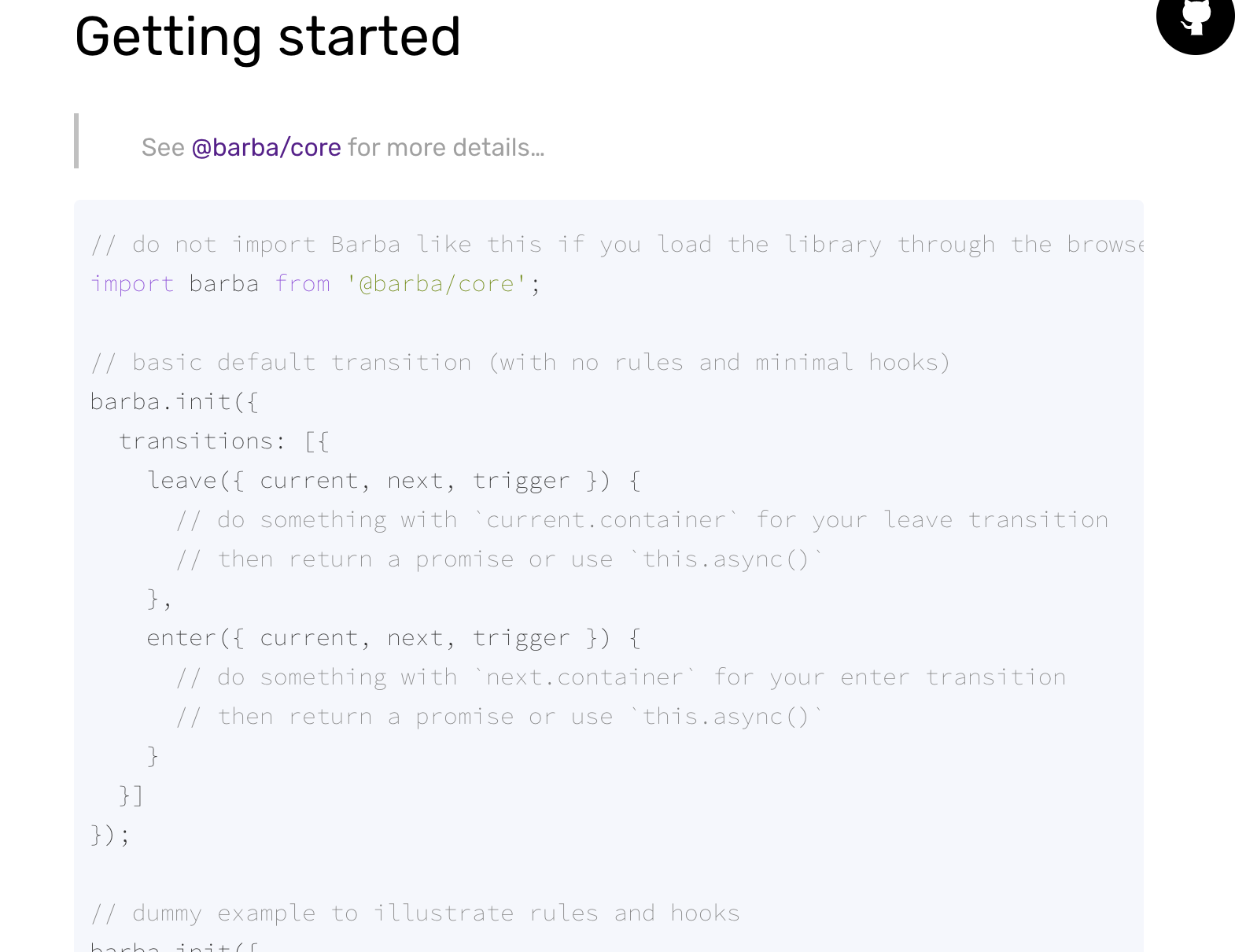
the font styles for the code examples in the docs are really light and a bit hard to read. maybe bump the font weight up one? other than that, love the awesome new site!
 trevasco
All 13 comments
Hi @trevasco,
Thanks for getting in touch.
Unfortunately, it depends on the web browser you are using and how it is configured.
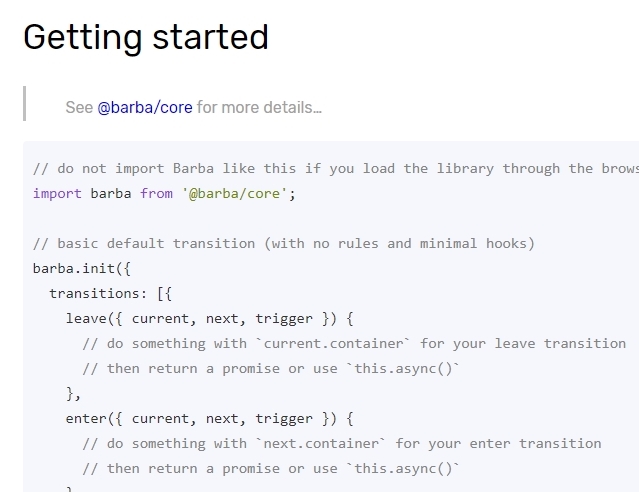
On Google Chrome with the default settings, the font weight looks good:
What browser do you use?
 xavierfoucrier
on 26 Feb 2020
xavierfoucrier
on 26 Feb 2020
hmm strange.. I'm on the latest Google Chrome, and don't recall ever messing with any settings
trevasco
on 26 Feb 2020
@trevasco,
Can you try on another browser, or just reset your Chrome settings, then restart, then test and show the result. Thanks :wink:
xavierfoucrier
on 26 Feb 2020
yeah I just reset them and same issue 🤷♂
trevasco
on 26 Feb 2020
looks the same on firefox / safari as well
trevasco
on 26 Feb 2020
MacOS or Windows? (or Linux? ... :smile:)
xavierfoucrier
on 26 Feb 2020
macOS Sierra. I checked it on browserstack with same settings and it looks fine, so definitely something specific with my machine, just not sure what 😄
trevasco
on 26 Feb 2020
The site is using monospace, so probably something wrong with the typo file on your machine. Or probably something about font smoothing. Sorry to be unable to help you with that :disappointed:
I am closing the issue :wink:
xavierfoucrier
on 26 Feb 2020
This shouldn't be closed. I have to increase the font-weight in the inspector every time i visit the site. It's near impossible to read otherwise. I'm using Chrome on the latest MacOS.
 gitgudcameron
on 18 Mar 2020
gitgudcameron
on 18 Mar 2020
Hi @gitgudcameron,
This is something we will look into and check. Thanks for the feedback.
xavierfoucrier
on 18 Mar 2020
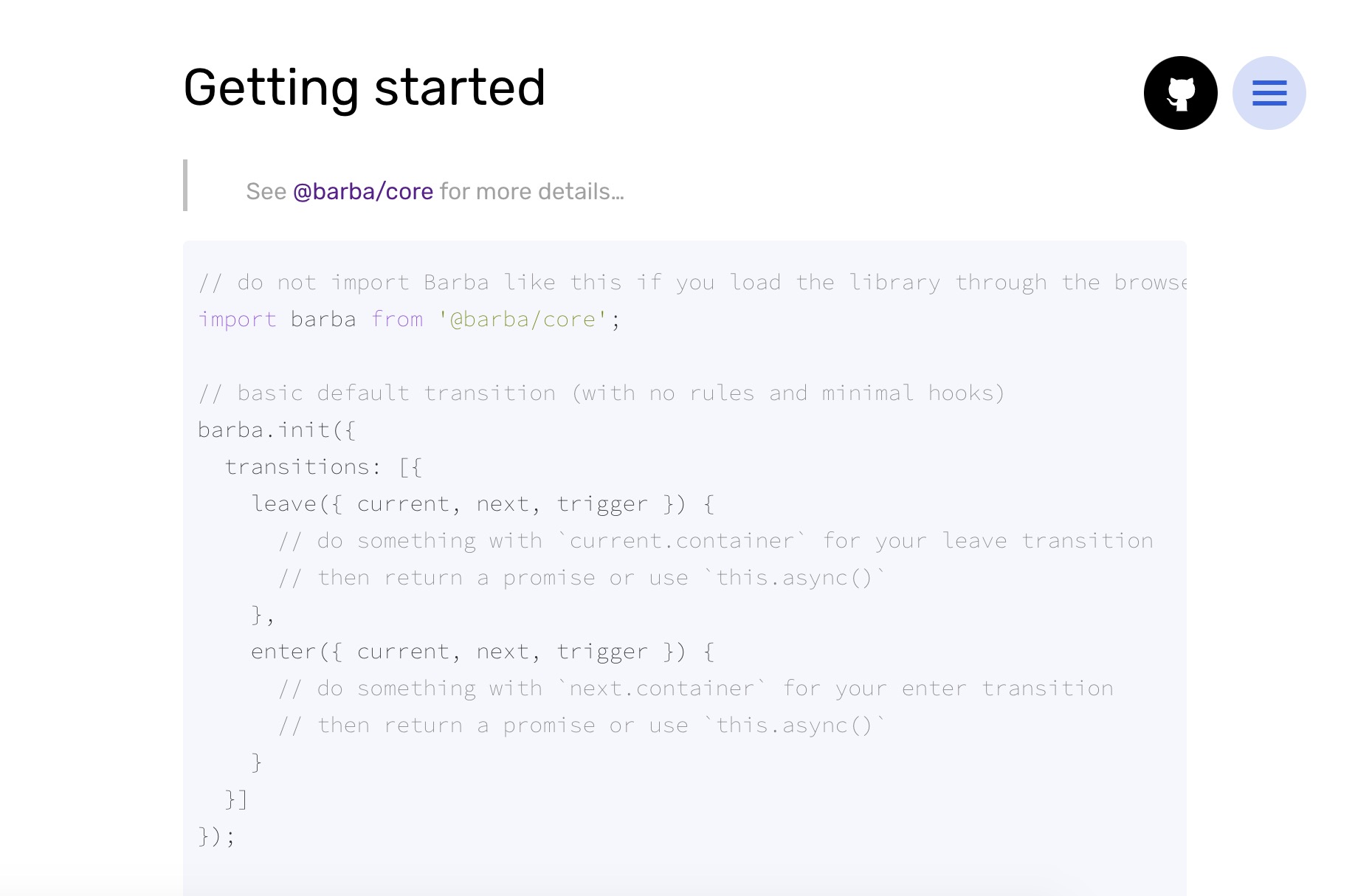
@gitgudcameron some people reported this issue, can you please share a screenshort of the rendering you got on MacOS/Chome?
Thanks a lot!
xavierfoucrier
on 6 Apr 2020
Hey @xavierfoucrier,
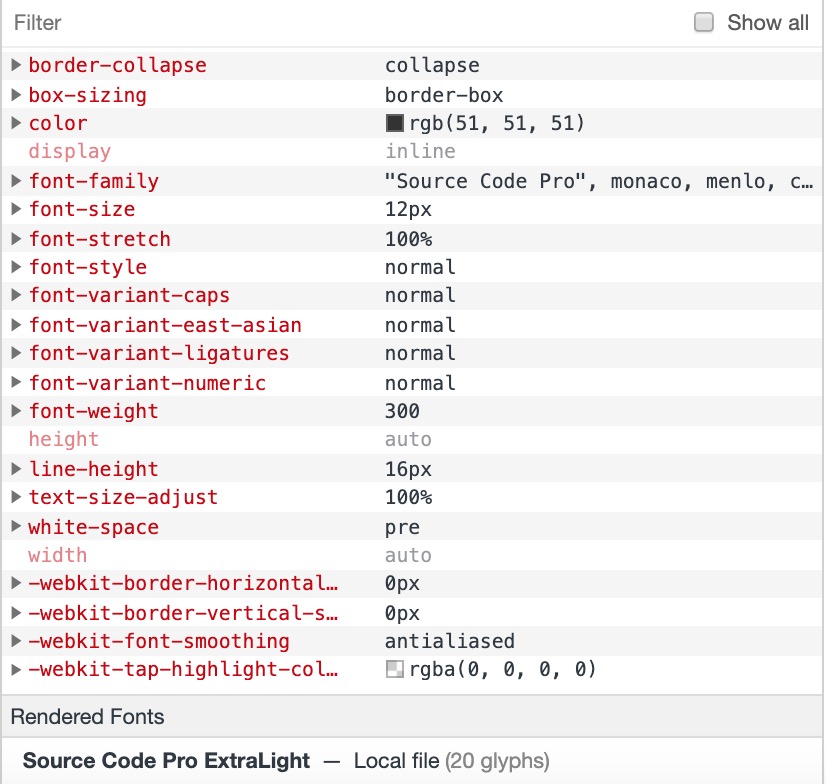
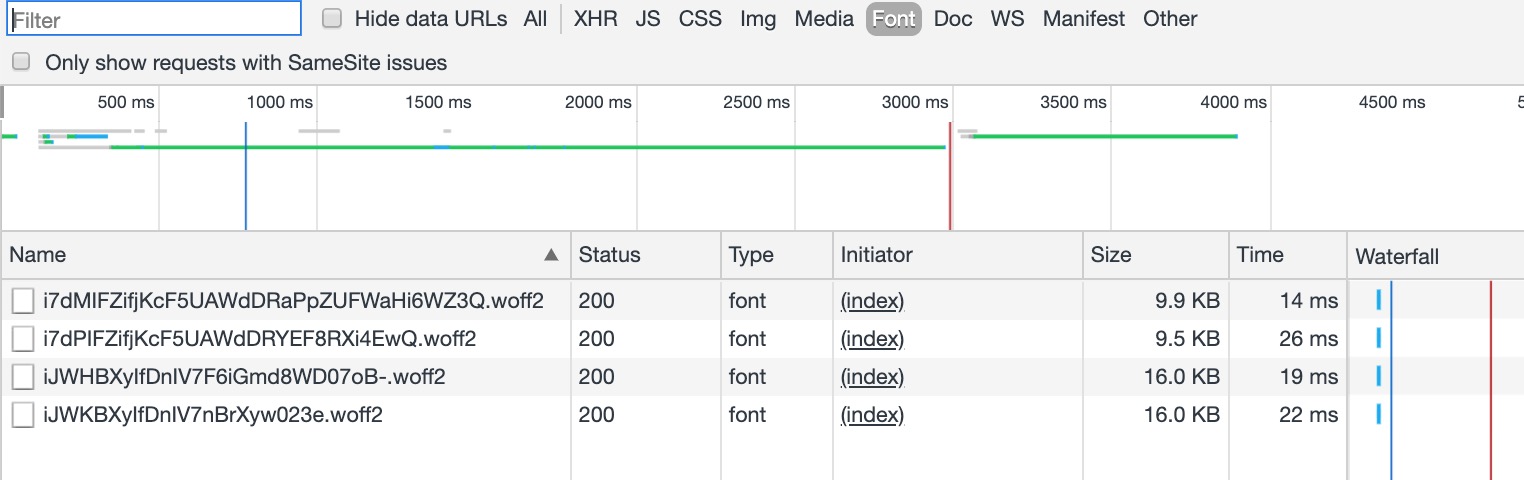
Hopefully some of this is useful. It's rendering 'Source Code Pro ExtraLight'.
Adding this font-weight does the trick for me:
.code {
    font-weight: 400;
}
gitgudcameron
on 6 Apr 2020
@gitgudcameron thanks for the share.
This is probably because Chrome resolves the font using your local files through the name "Source Code Pro". I am on Windows and doesn't have those typos installed, that's why I haven't seen this bug.
I close the issue, and will push a fix with the next documentation update.
EDIT: I finally found that the typo "Source Code Pro" is not properly added to the main stylesheet, that was the browser use the local typo in certain cases where the typo is available, fallback to monospace or consolas instead.
xavierfoucrier
on 6 Apr 2020
Related issues
 Mexikaner9
·
3Comments
Mexikaner9
·
3Comments
 ershad989
·
4Comments
ershad989
·
4Comments
 shanewmurphy
·
3Comments
shanewmurphy
·
3Comments
 EmilyChews
·
3Comments
shanewmurphy
·
3Comments
EmilyChews
·
3Comments
shanewmurphy
·
3Comments