Badgeyay: Irrespective of data change, generated badges are same
I'm submitting a ...
- [x] bug report
- [ ] feature request
Expected behavior:
No. of badges should be twice the entries.
Steps to reproduce:
Enter 4 entries in badgeyay.com, now generate badges, only 2 badges are present instead of 8!
* I am working on it *
 rupav
rupav
All 16 comments
@rupav there is no such issue.
Badges are made perfectly fine and in right numbers.
 gabru-md
on 8 Feb 2018
gabru-md
on 8 Feb 2018
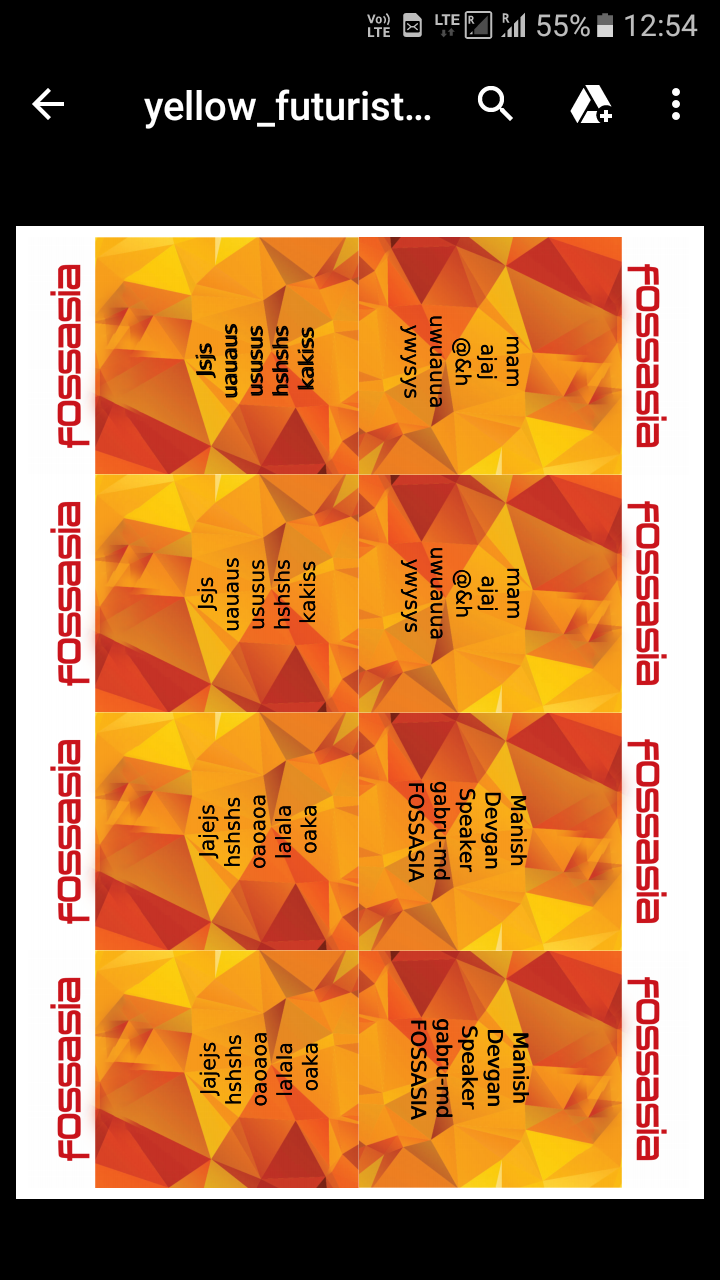
Incase you need a screenshot.
gabru-md
on 8 Feb 2018
Please check the PDF:
black_futuristic-png-csv-badges.pdf
 vaibhavsingh97
on 8 Feb 2018
vaibhavsingh97
on 8 Feb 2018

@vaibhavsingh97 please take a look. This is your pdf that I downloaded.
gabru-md
on 8 Feb 2018
yes its working fine on google chrome.I tried on firefox (my default browser), and its producing same color badges what so ever you give input:
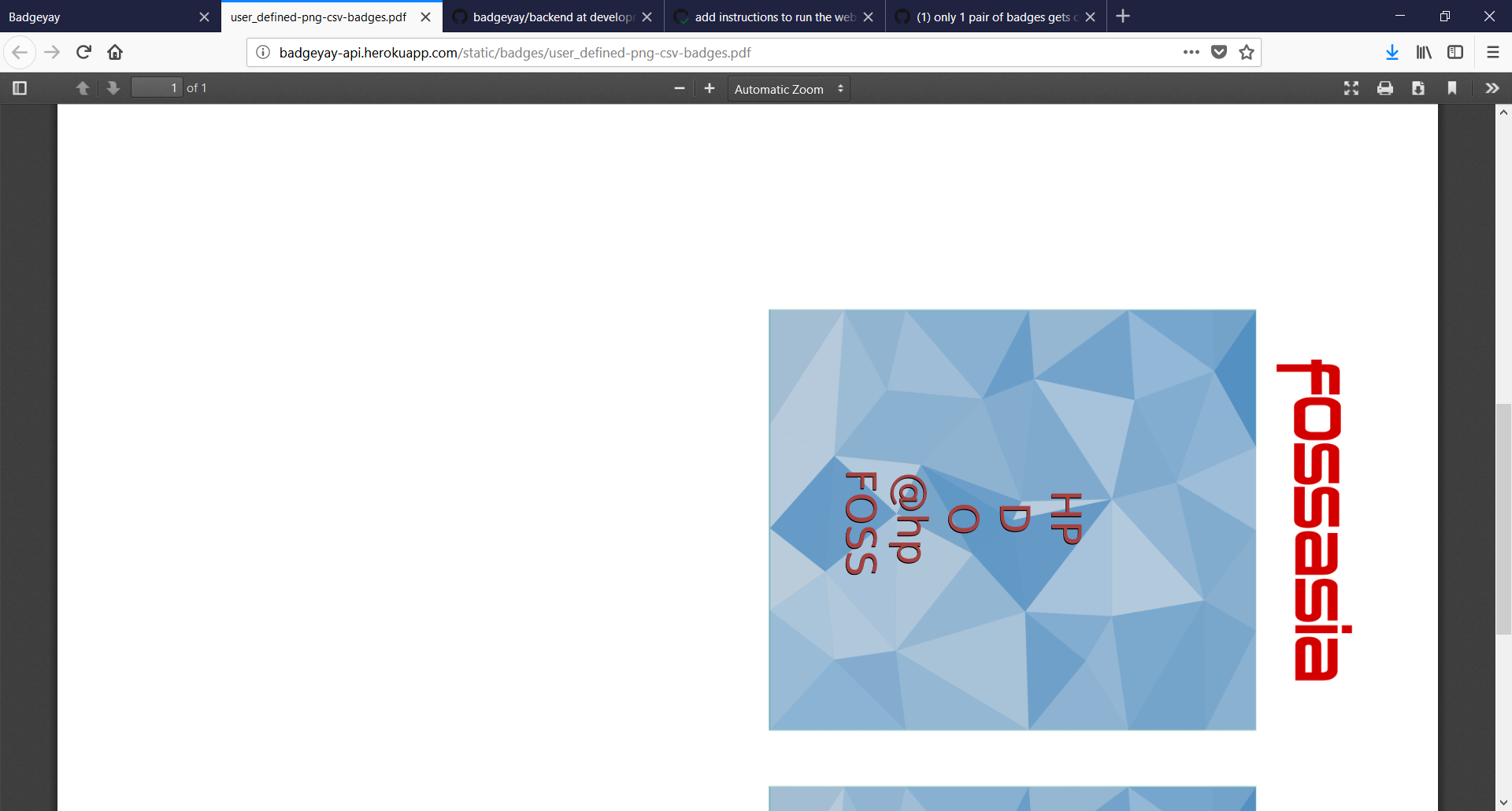
Will look into this, maybe clearning cache will work, close this issue once get the results fine
@gabru-md @vaibhavsingh97
rupav
on 8 Feb 2018
Try cache cleaning.
Maybe it helps.
gabru-md
on 8 Feb 2018
@rupav please look into the dev console maybe there are some errors down there which might help you debug this problem ?
If you get any please post them here so that we can also look into this.
gabru-md
on 8 Feb 2018
Getting into a 404 error, will try again later then. Cleared cache completely.
rupav
on 8 Feb 2018
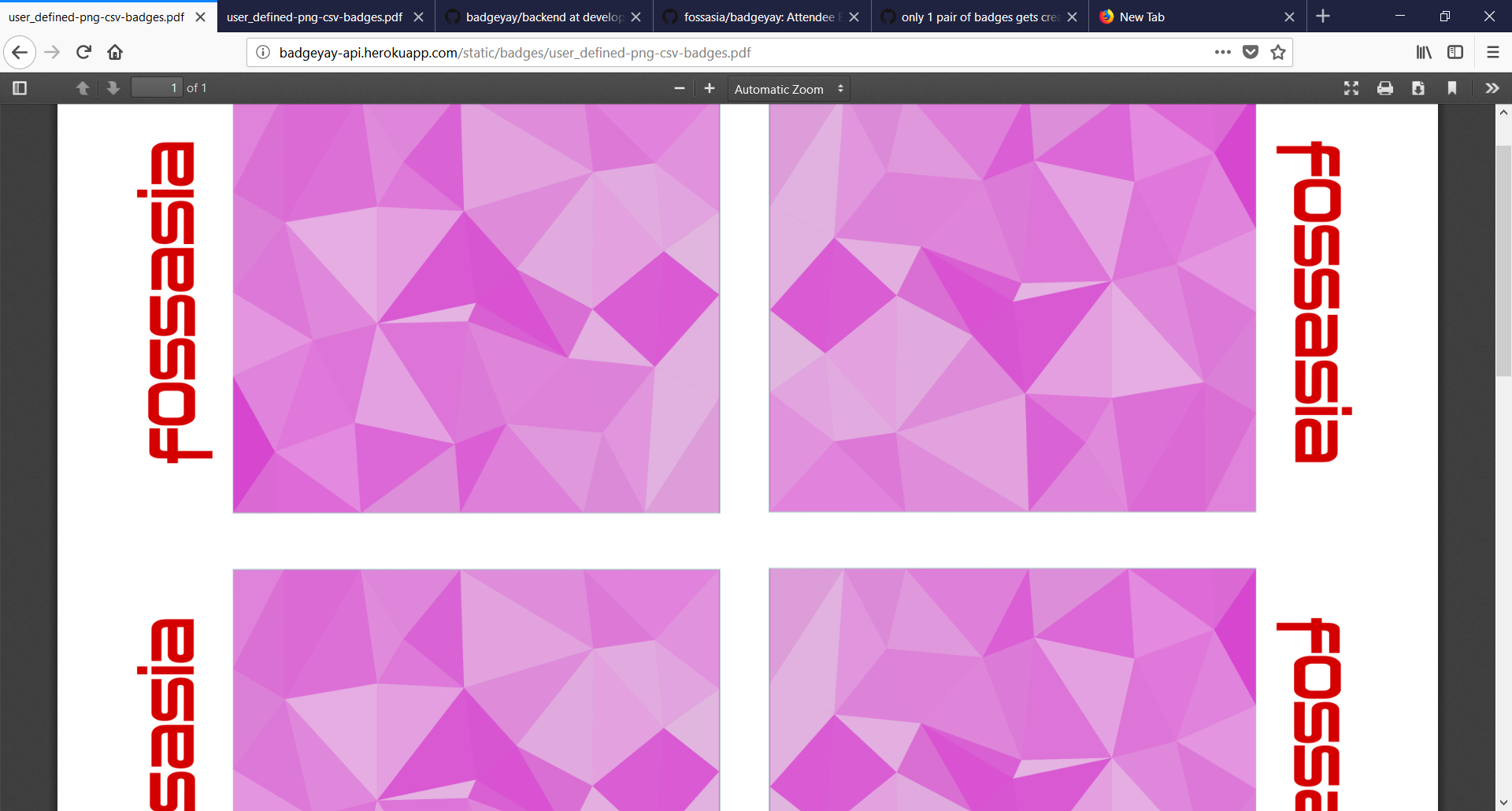
Its good now, working as expected...
closing this then 😅
rupav
on 8 Feb 2018
How did you resolve it?
Please state it down here so that anybody who faces this error can go through your way!
Ping @rupav
gabru-md
on 8 Feb 2018
@rupav I too cleared cache completely. But the issue is till the same
vaibhavsingh97
on 8 Feb 2018
clearing cache... , @vaibhavsingh97 ok I will look into this. Send you a response by evening. 👍
rupav
on 8 Feb 2018
@vaibhavsingh97 in chrome, clicking on download as pdf, the badges directly gets saved to your downloads directory ?
In firefox, this is not happening for me and I am directed to a webpage which have the pdf, to download explicitly (maybe I have changed firefox settings).
rupav
on 8 Feb 2018
@rupav you should change your firefox settings. Check this out https://support.mozilla.org/en-US/kb/change-firefox-behavior-when-open-file, this solves the problem.
 sagar-kalra
on 18 Mar 2018
sagar-kalra
on 18 Mar 2018
close this ?
gabru-md
on 19 Mar 2018
closing this as Its working fine :+1:
 ParthS007
on 19 Mar 2018
ParthS007
on 19 Mar 2018
Related issues
 abishekvashok
·
5Comments
abishekvashok
·
5Comments
 ananyo2012
·
4Comments
ananyo2012
·
4Comments
 meets2tarun
·
8Comments
rupav
·
7Comments
ParthS007
·
5Comments
meets2tarun
·
8Comments
rupav
·
7Comments
ParthS007
·
5Comments