Babylon.js: Strange behavior intersectsMesh()
This is your example https://www.babylonjs-playground.com/#C72JLZ#1
Please go to string number 68. Open console and see! At first it will print as expected! but if you replace the parameter as indicated in the comments, you'll see that the first works - "after", and only once.
Just watch when and what parameters are output in the console! When changing from truth to false and vice versa.
The same strange behavior occurs in other balls, if you change this BABYLON.Mesh.CreateBox to this BABYLON.MeshBuilder.CreateBox
 azchatlanin
All 17 comments
Hello actually I do not see the problem :(
It changes when interacting with the mesh:
https://www.babylonjs-playground.com/#C72JLZ#2
 deltakosh
on 26 Dec 2017
deltakosh
on 26 Dec 2017
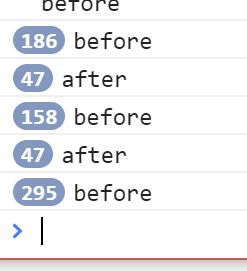
deltakosh
on 26 Dec 2017
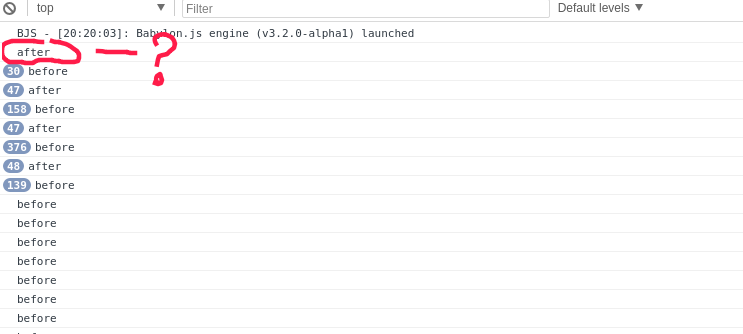
It should not be!
azchatlanin
on 26 Dec 2017
It should :) the ball starts in a position where it is not in collision
deltakosh
on 26 Dec 2017
Change the position of the ball! And everything will remain the same!
azchatlanin
on 26 Dec 2017
Not sure to follow you. THe test is about checking if the ball intersects the plane. If you move it to a position where it does not intersect then the message will be written.
Perhaps the text should be changed to "no intersection" instead of "after"
deltakosh
on 26 Dec 2017
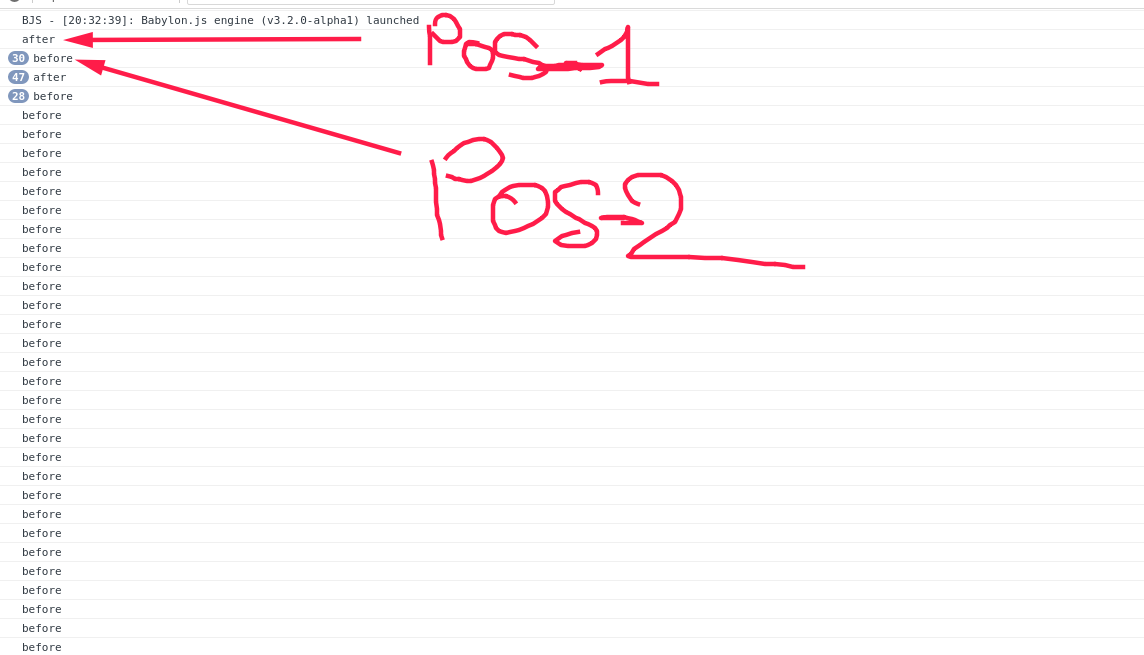
IN your opinion, the animation starts with the fact that the ball collided with the ground? Regardless of where the ball is, the first animation is such!
pos 1: Ball has not yet collided with the ground , but in the picture he has already faced
pos 2: The ball is approaching the earth!
azchatlanin
on 26 Dec 2017
https://www.babylonjs-playground.com/#C72JLZ#3
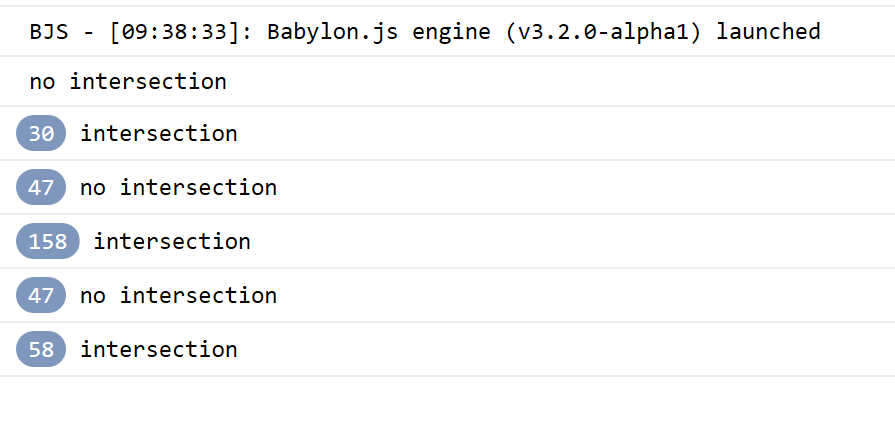
Ball starts at a position where there is no intersection with the plane:
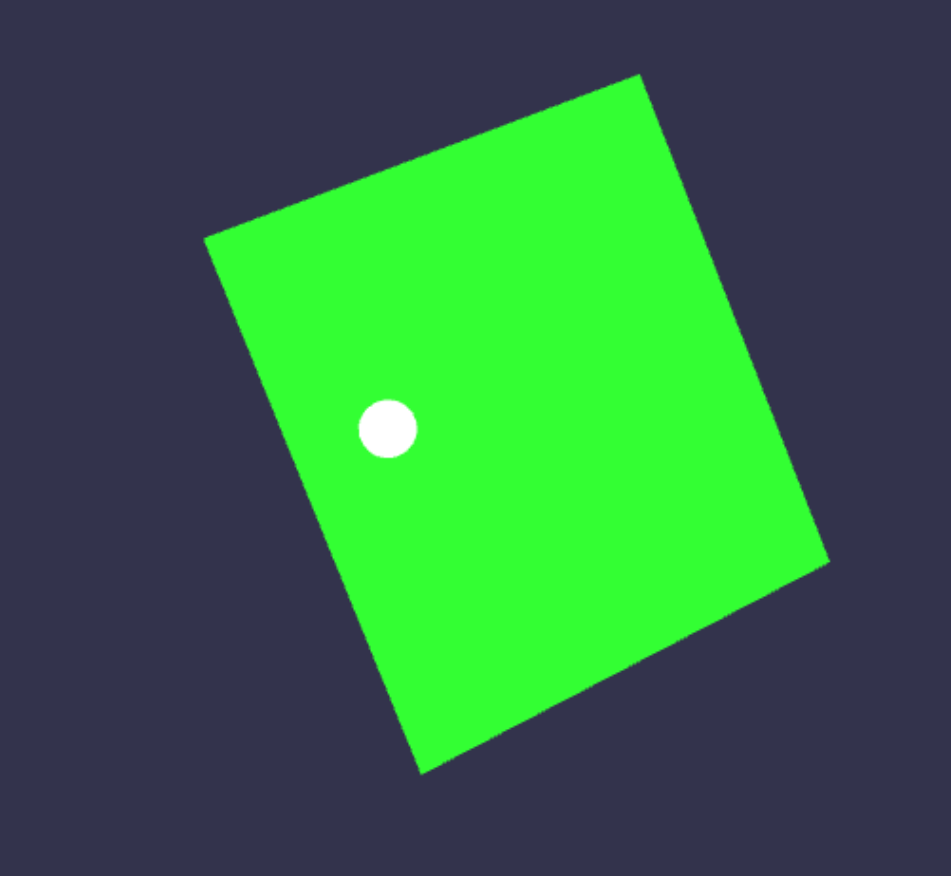
So this is correct:
deltakosh
on 26 Dec 2017
https://www.babylonjs-playground.com/#C72JLZ#4
Look at this example. Do the ball has already collided with the earth? Of course not! but in the picture the first picture shows that the collision occurred!
azchatlanin
on 26 Dec 2017
Your picture suggests that the ball in the first frame collided with the ground! But really it's not!
azchatlanin
on 26 Dec 2017
ok I see it now :) will fix it!
Thank you !
deltakosh
on 26 Dec 2017
change state issues - unable to reproduce
azchatlanin
on 26 Dec 2017
yes my lord!
deltakosh
on 26 Dec 2017
)))
azchatlanin
on 26 Dec 2017
So it is not a bug actually :)
https://www.babylonjs-playground.com/#C72JLZ#5
I fixed it by using registerAfterRender. The point is we need the meshes to update their bounding info which is done automatically during render
Other way to fix it:
https://www.babylonjs-playground.com/#C72JLZ#6
you manually update the matrices
deltakosh
on 26 Dec 2017
Yes!)) It is elementary)) registerAfterRender and registerBeforeRender! Please, sorry me! Thank you!
azchatlanin
on 26 Dec 2017
No problem :)
deltakosh
on 26 Dec 2017
Related issues
 nbduke
·
21Comments
nbduke
·
21Comments
 PatrickRyanMS
·
18Comments
PatrickRyanMS
·
18Comments
 fmmoret
·
28Comments
fmmoret
·
28Comments
 innerground
·
59Comments
deltakosh
·
17Comments
innerground
·
59Comments
deltakosh
·
17Comments