Are you sure the URL in the text is available?

The following is the result of the visit under my account, the letter case is tried, the results are the same.

https://docs.microsoft.com/en-us/azure/azure-monitor/app/profiler-settings
 Johnnytechn
All 14 comments
@Johnnytechn Thank you for bringing this to our attention. Can you provide a documentation link for the information your attempting to follow. This will help us investigate and provide you the feedback needed to address this.
 Mike-Ubezzi-MSFT
on 26 May 2020
Mike-Ubezzi-MSFT
on 26 May 2020
The description of the problem begins with this article: https://docs.microsoft.com/en-us/azure/azure-monitor/app/profiler-settings
Johnnytechn
on 27 May 2020
@Johnnytechn From the screenshot you posted, it appears that you are browsing to:
https://deepsitetest.azurewebsites.net/diagnosticservices
instead of:
https://deepsitetest.scm.azurewebsites.net/diagnosticservices
missing scm in the URL. Could you please check?
 BhargaviAnnadevara-MSFT
on 27 May 2020
BhargaviAnnadevara-MSFT
on 27 May 2020
Version information still does not appear.
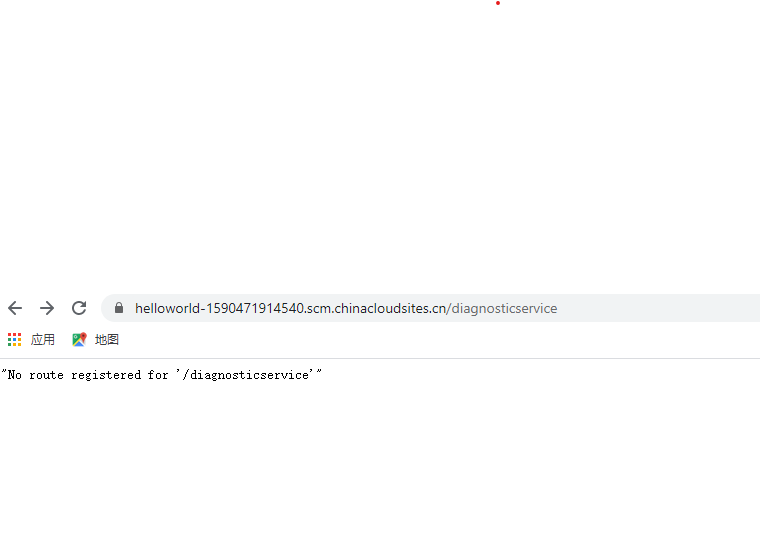
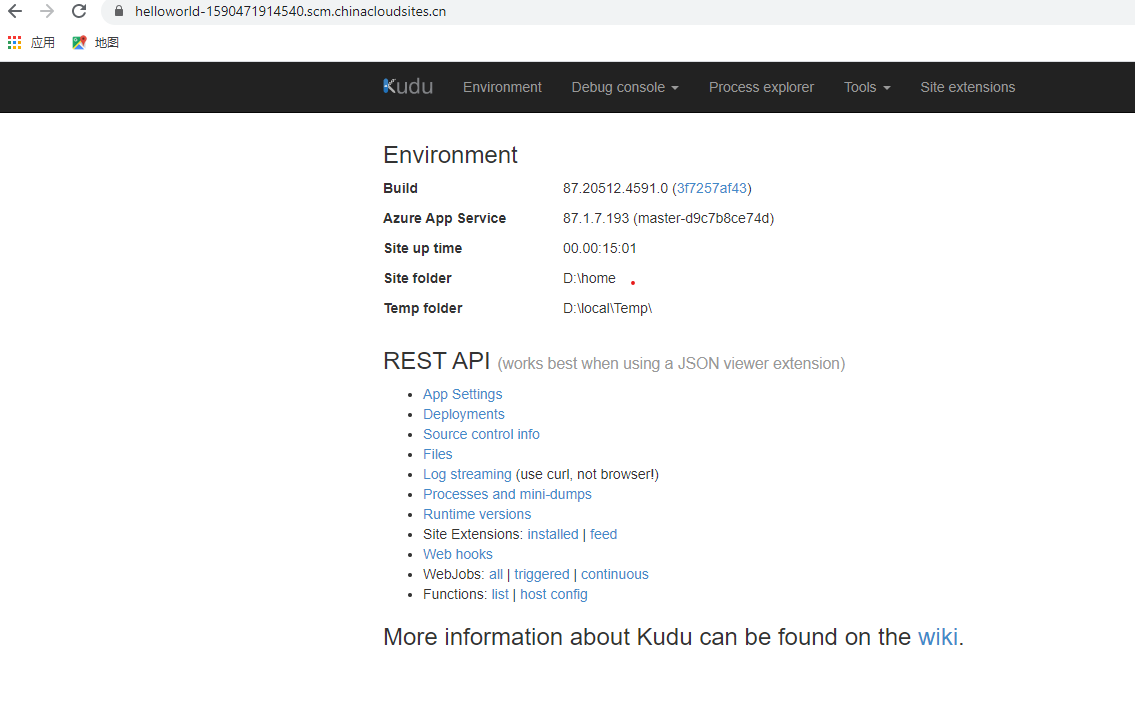
However, after the removal of the "diagnosticservices" at the end of it, the following pages can be displayed.
Johnnytechn
on 27 May 2020
The above screenshot from A.CN, the phenomenon under the global is the same, please know.
Johnnytechn
on 27 May 2020
Version information still does not appear.
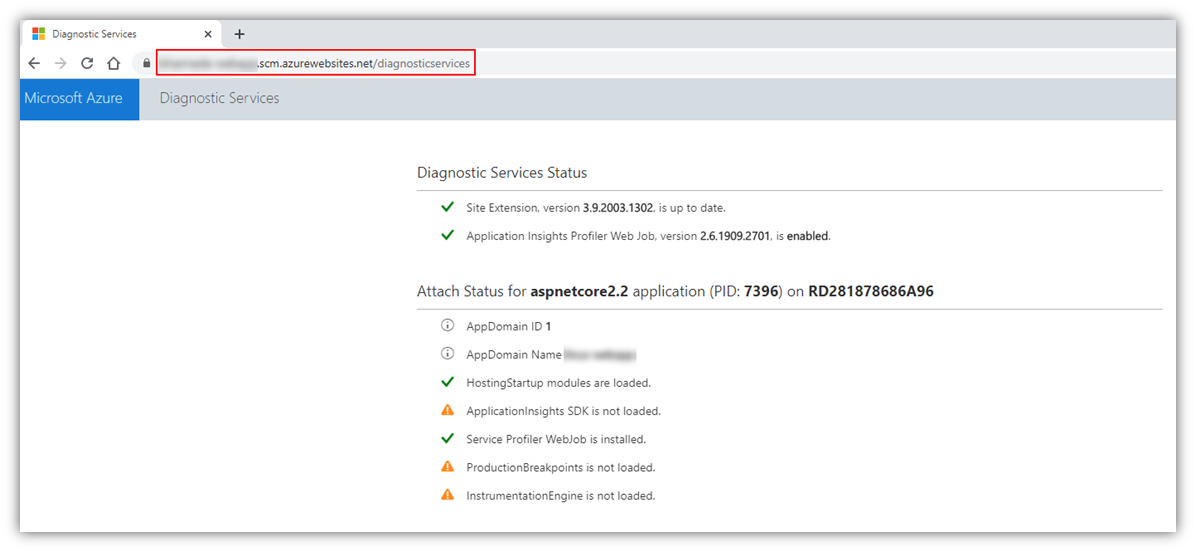
@Johnnytechn From this image, I see again that the URL is not as mentioned in the docs.
The correct format is:
https://yourwebsite.scm.azurewebsites.net/diagnosticservices and not /diagnosticservice
Please navigate to:
https://deepsitetest.scm.azurewebsites.net/diagnosticservices
and let me know what you see.
I can confirm that this does work for me with the following response:
BhargaviAnnadevara-MSFT
on 28 May 2020
The result is still the same.
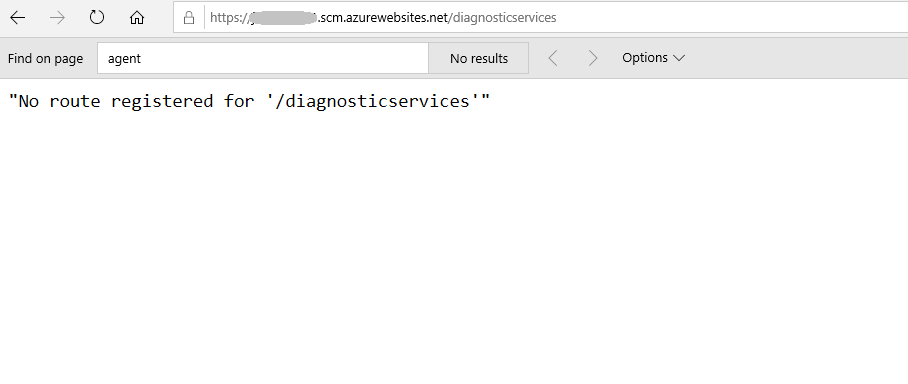
Does it have anything to do with account permissions or the configuration information of one
specific App Service or VPN access ?
Johnnytechn
on 28 May 2020
@Johnnytechn Can you please restart your webapp once and give it another try?
BhargaviAnnadevara-MSFT
on 28 May 2020
I deliberately created a new Web App service, and finally verified the result, in which case also need to be restarted to access?
Johnnytechn
on 28 May 2020
@Johnnytechn Also, how was Application Insights enabled on the App Service?
BhargaviAnnadevara-MSFT
on 28 May 2020
@Johnnytechn I was assuming that you had configured Application Insights on the App Service already, but if not, please enable it following this document.
This is definitely a prerequisite as the Profiler is an App insights feature.
Additional documentation: Profile live Azure App Service apps with Application Insights
Note: Enabling App Insights using the Site extension will update the app settings and restart your site anyway so there's no need for a manual restart again.
BhargaviAnnadevara-MSFT
on 28 May 2020
Oh, yes, I have not enabled the Application Insights, after enabled, the link is accessible to success, thank you! @BhargaviAnnadevara-MSFT
Johnnytechn
on 28 May 2020
@Johnnytechn Sure, glad I could help! :)
We will now proceed to close this thread as resolved, but if there are any further questions regarding the documentation, please tag me in your reply and we will be happy to continue the conversation.
BhargaviAnnadevara-MSFT
on 28 May 2020
ok, thanks!
Johnnytechn
on 28 May 2020
Related issues
 spottedmahn
·
3Comments
spottedmahn
·
3Comments
 behnam89
·
3Comments
behnam89
·
3Comments
 bdcoder2
·
3Comments
bdcoder2
·
3Comments
 mrdfuse
·
3Comments
mrdfuse
·
3Comments
 Agazoth
·
3Comments
Agazoth
·
3Comments
Most helpful comment
Oh, yes, I have not enabled the Application Insights, after enabled, the link is accessible to success, thank you! @BhargaviAnnadevara-MSFT