Azure-docs: Invalid container name when creating an asset
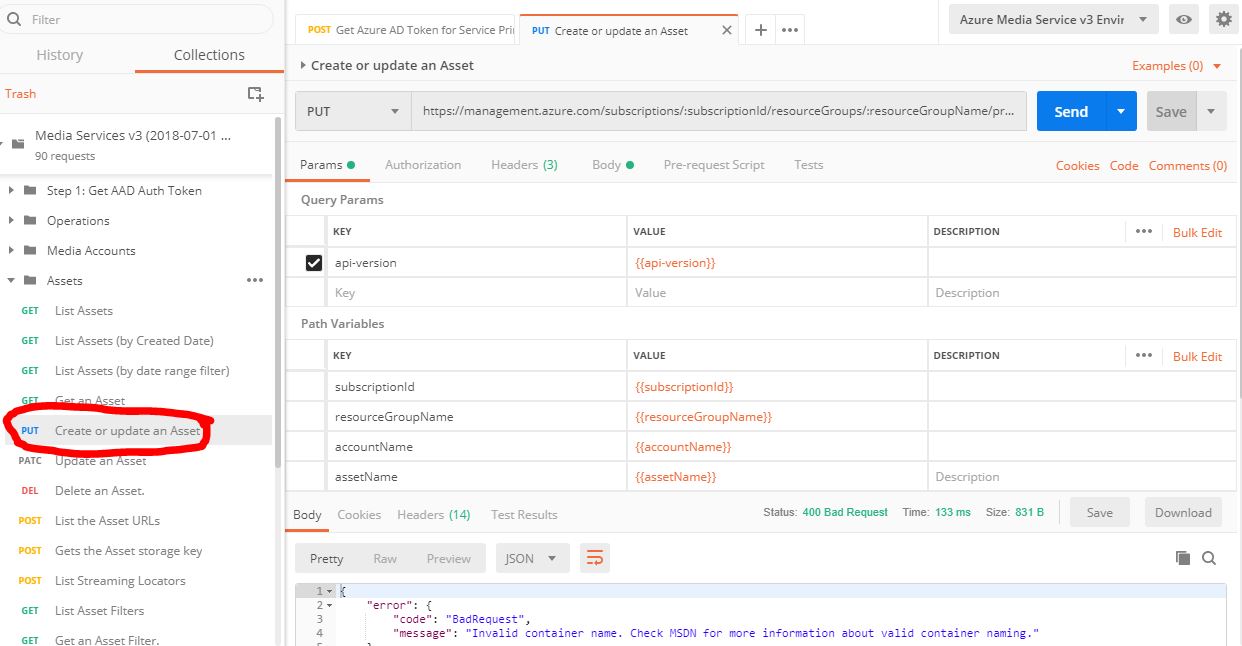
I'm trying to follow the step to create an asset, however whenever I send the PUT request, I get an error:
{
"error": {
"code": "BadRequest",
"message": "Invalid container name. Check MSDN for more information about valid container naming."
}
}
I'm assuming that it's because of my storage isn't named correctly, however, I've followed the MSDN article on naming and it seems to follow every rule correctly, so I'm not sure why it still says Invalid Container Name.
Thank you
Document Details
⚠ Do not edit this section. It is required for docs.microsoft.com ➟ GitHub issue linking.
- ID: 2bba6896-48dd-503f-1a49-98b79fa59fbb
- Version Independent ID: 670e2111-5369-0d52-66a6-cbf2e928f02a
- Content: Encode a remote file based on URL and stream using Azure Media Services - REST
- Content Source: articles/media-services/latest/stream-files-tutorial-with-rest.md
- Service: media-services
- GitHub Login: @Juliako
- Microsoft Alias: juliako
 Yegmorcar-zz
All 6 comments
@Yegmorcar Thanks for your feedback! We will investigate and update as appropriate.
 SaurabhSharma-MSFT
on 24 Mar 2019
SaurabhSharma-MSFT
on 24 Mar 2019
@Yegmorcar, Could you just confirm the section in the document/PUT operation you are having issues with? Kindly do post a screenshot after concealing any private details.
You have stated that you had followed the naming convention from an article, if you haven’t checked the following doc already so, kindly take a look at the following document for more details and review the configuration.
Naming and Referencing Containers, Blobs, and Metadata
The rules for storage account names are the same as for Media Services accounts:
 AjayKumar-MSFT
on 26 Mar 2019
AjayKumar-MSFT
on 26 Mar 2019
Hello Ajay,
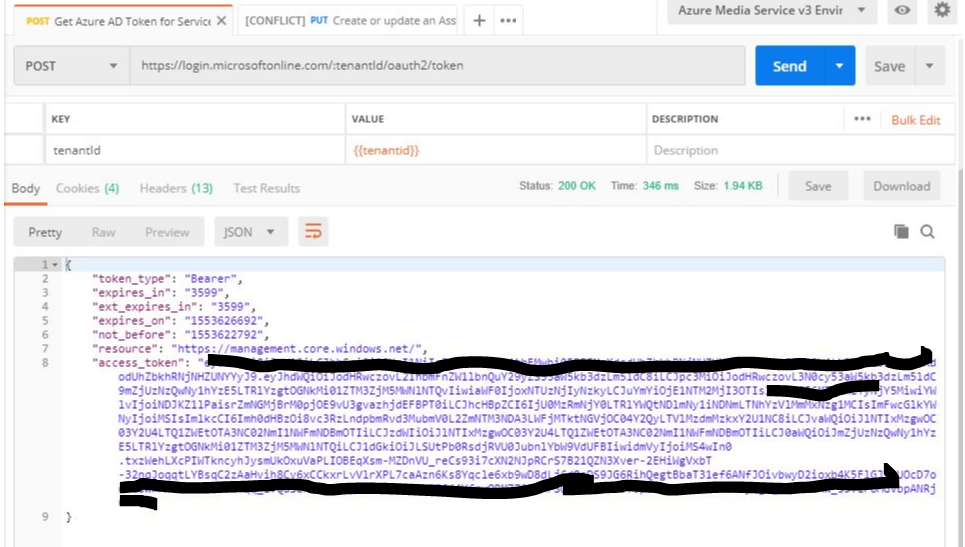
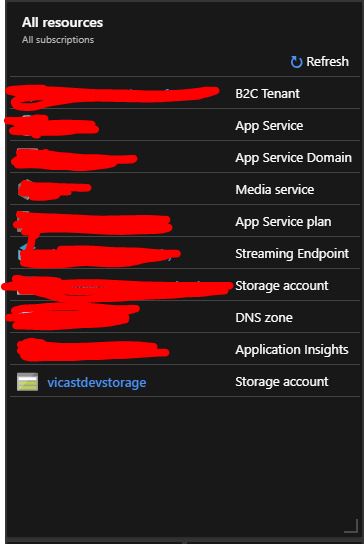
I'm currently trying to do the PUT request for Creating or Updating an Asset, I have attached some screenshots to validate what I'm doing. I've also confirmed when naming my storage account that it's all lowercase, alphanumerical, no white spaces. So I'm not sure why I keep getting an invalid container name.
Edited: Masked PII in screenshot.
Yegmorcar-zz
on 26 Mar 2019
@Yegmorcar, Thank you for providing more details. Kindly check the ‘Body’ of the message to review the configuration/parameters as mentioned in this document https://docs.microsoft.com/en-us/rest/api/media/assets/createorupdate, also test the REST API -PUT within the focus mode.
{
"properties": {
"description": "testassest",
"storageAccountName": "teststorageaccountname",
"container":"test"
}
}
If the issue still persists, please do share the ‘Body’of the PUT configuration.
AjayKumar-MSFT
on 27 Mar 2019
I feel silly, but yes, you're right the storageAccountname and container was set incorrectly in the body. After modifying it, the asset was created without any issues. Thank you for your help Ajay!
Yegmorcar-zz
on 27 Mar 2019
@Yegmorcar, No issues. Glad to know that the issue is fixed now! Thanks for the update.
We will close this out, kindly let us know if you need any assistance with the Azure docs, we would be very happy to assist you.
AjayKumar-MSFT
on 27 Mar 2019
Related issues
 JamesDLD
·
3Comments
JamesDLD
·
3Comments
 bdcoder2
·
3Comments
bdcoder2
·
3Comments
 varma31
·
3Comments
varma31
·
3Comments
 DeepPuddles
·
3Comments
DeepPuddles
·
3Comments
 bityob
·
3Comments
bityob
·
3Comments
Most helpful comment
@Yegmorcar, Thank you for providing more details. Kindly check the ‘Body’ of the message to review the configuration/parameters as mentioned in this document https://docs.microsoft.com/en-us/rest/api/media/assets/createorupdate, also test the REST API -PUT within the focus mode.
{
"properties": {
"description": "testassest",
"storageAccountName": "teststorageaccountname",
"container":"test"
}
}
If the issue still persists, please do share the ‘Body’of the PUT configuration.