Azure-docs: any schedule info about when would support metrics on SQL Database
Such as SQL database, we set up metric alerts(classic) which could help on database health monitoring;
while when I try to move to new alert rule, found that there is no metric info could be selected for it.
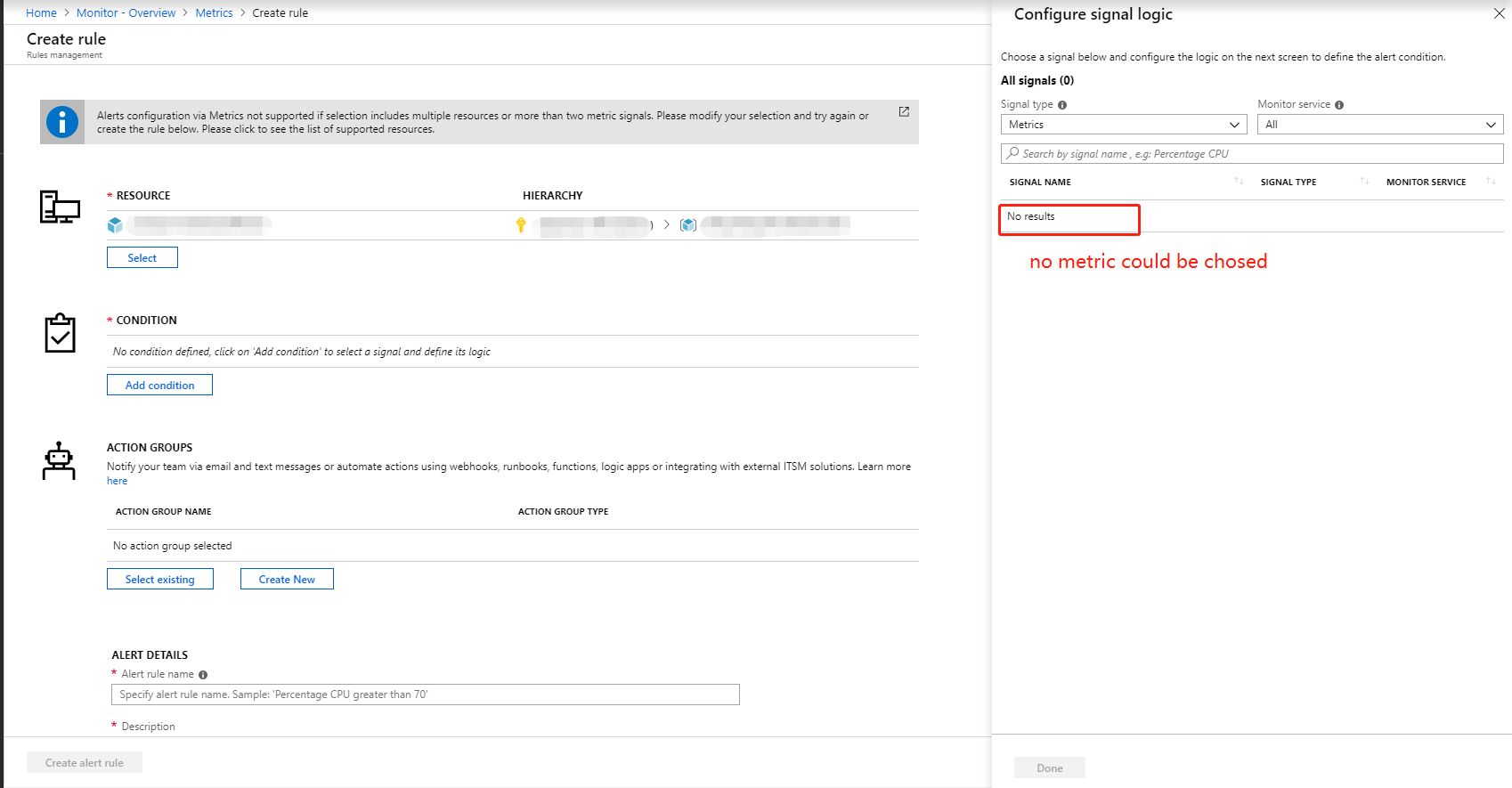
and I get a page about currently supported metrics for new alert rule https://docs.microsoft.com/en-us/azure/azure-monitor/platform/alerts-metric-near-real-time#what-resources-can-i-create-near-real-time-metric-alerts-for
May u kindly share the schedule info about when would support metrics on SQL Database?thanks
文档详细信息
⚠ 请勿编辑此部分。 docs.microsoft.com ➟ GitHub 问题链接必须具有此部分。
- ID: 9718a085-110e-cfae-c737-8074f75e11b8
- Version Independent ID: c010f299-a2ce-86dd-0126-fd2f9ba08054
- Content: Unified alerting & monitoring in Azure Monitor replaces classic alerting & monitoring
- Content Source: articles/azure-monitor/platform/monitoring-classic-retirement.md
- Service: azure-monitor
- GitHub Login: @msvijayn
- Microsoft Alias: vinagara
 dennyx
All 8 comments
Thanks for the feedback! We are currently investigating and will update you shortly.
 mimckitt
on 19 Dec 2018
mimckitt
on 19 Dec 2018
@dennyx it appears there is a warning explaining why you are not seeing any metrics
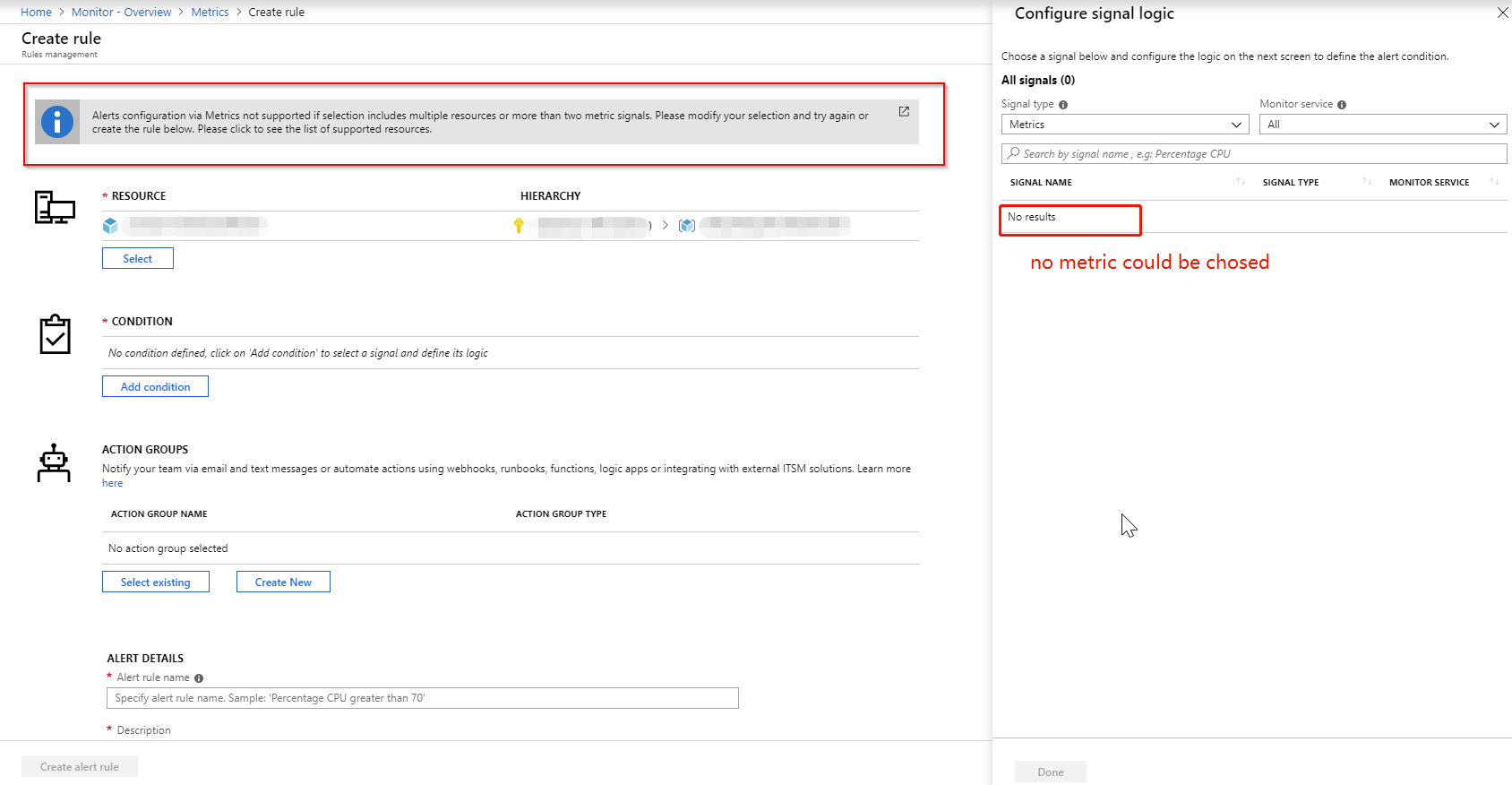
From the screenshot it appears you select a resource group and not a specific resource. Which contains mulitple resources and hence you cannot select a metric
mimckitt
on 19 Dec 2018
@MicahMcKittrick-MSFT
Thanks for the kindly feedback.
I checked again to ensure just selected one SQL database when adding a new alert rule, while still no metric showed.
dennyx
on 20 Dec 2018
Try this for me.
1) Go to the Portal
2) Select the SQL database you want to setup alerts for
3) Select metrics
4) Select New Alert Rule
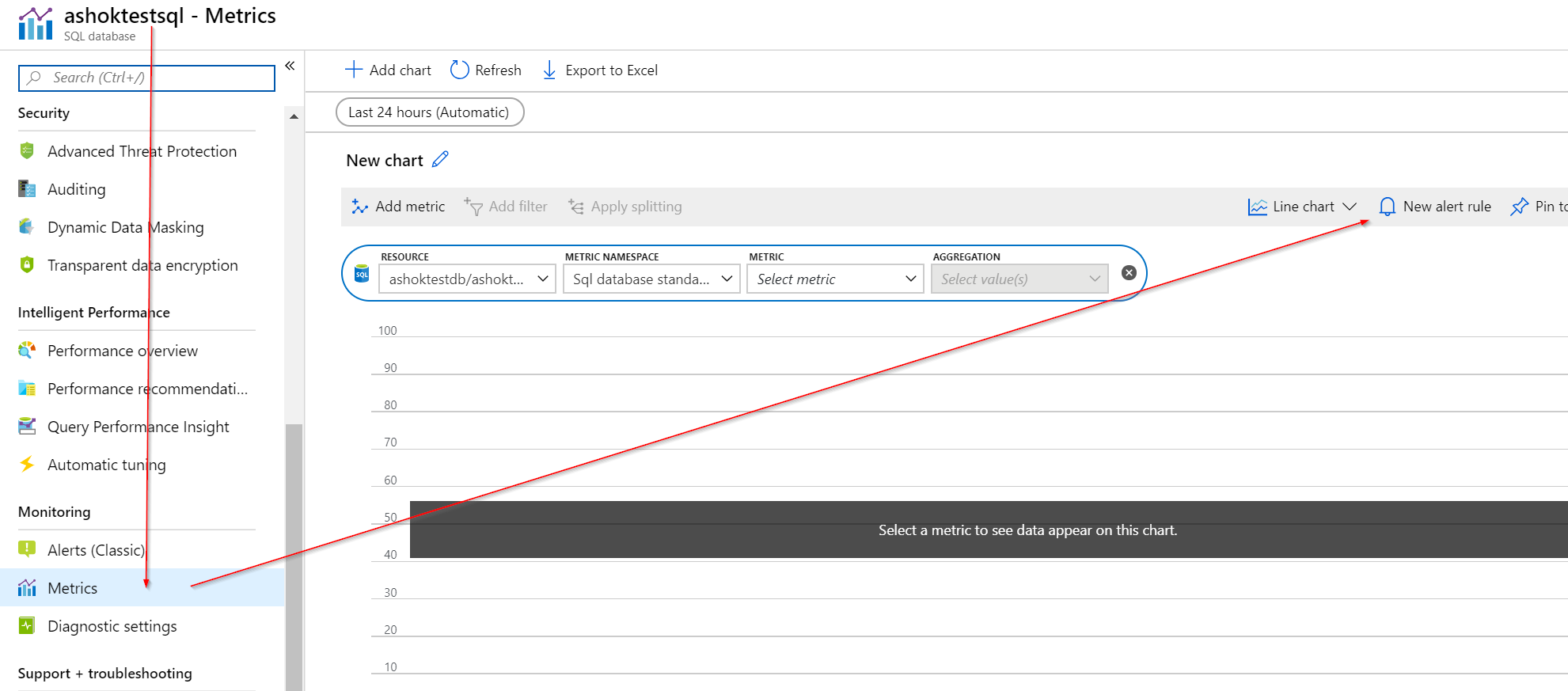
See if going this route allows you to set it up. If you are still not seeing any results let me know and we can have you file a technical support ticket to have it looked into further.
mimckitt
on 20 Dec 2018
@MicahMcKittrick-MSFT Thanks for the kindly feedback.
Tried your suggestions while still not work.
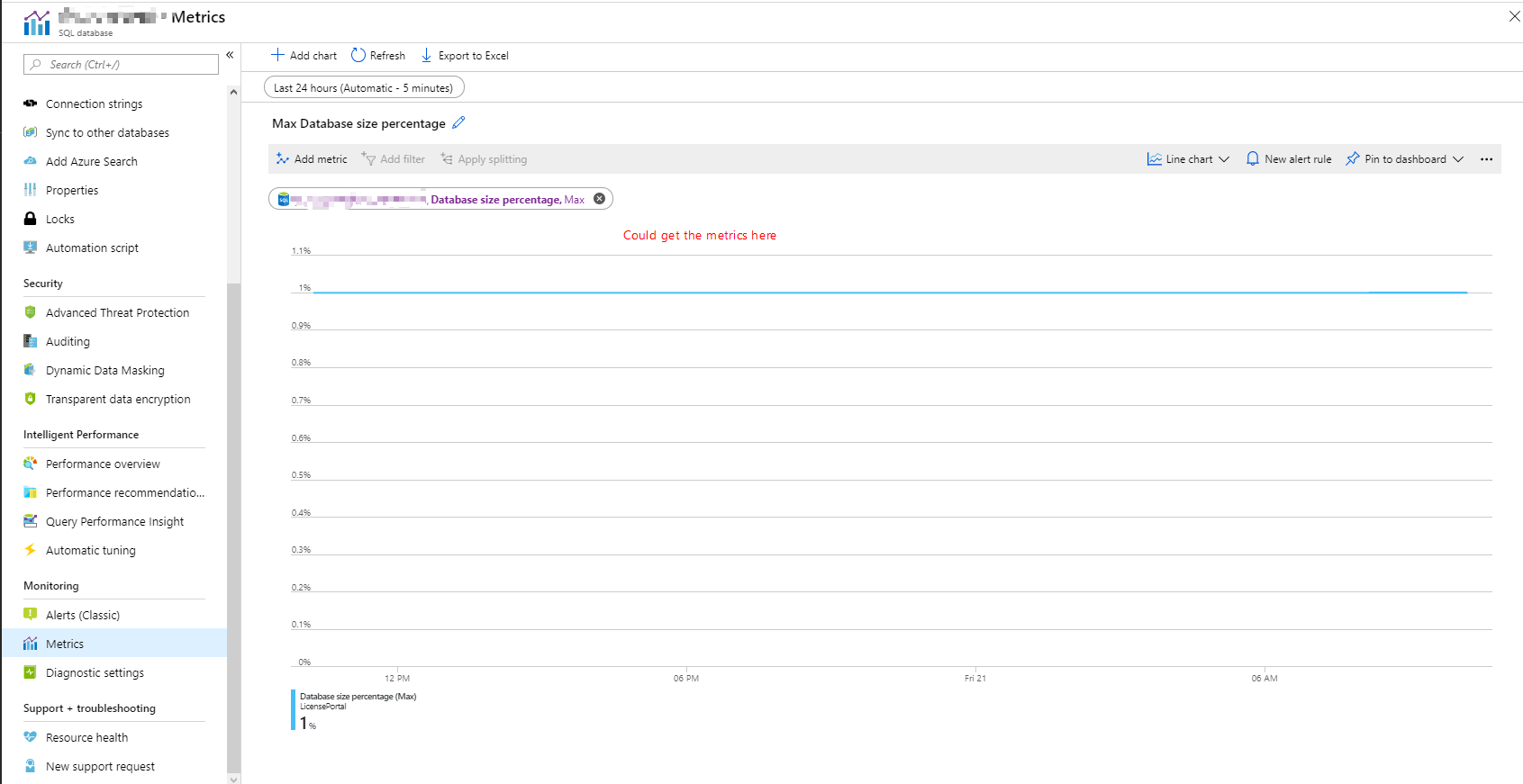
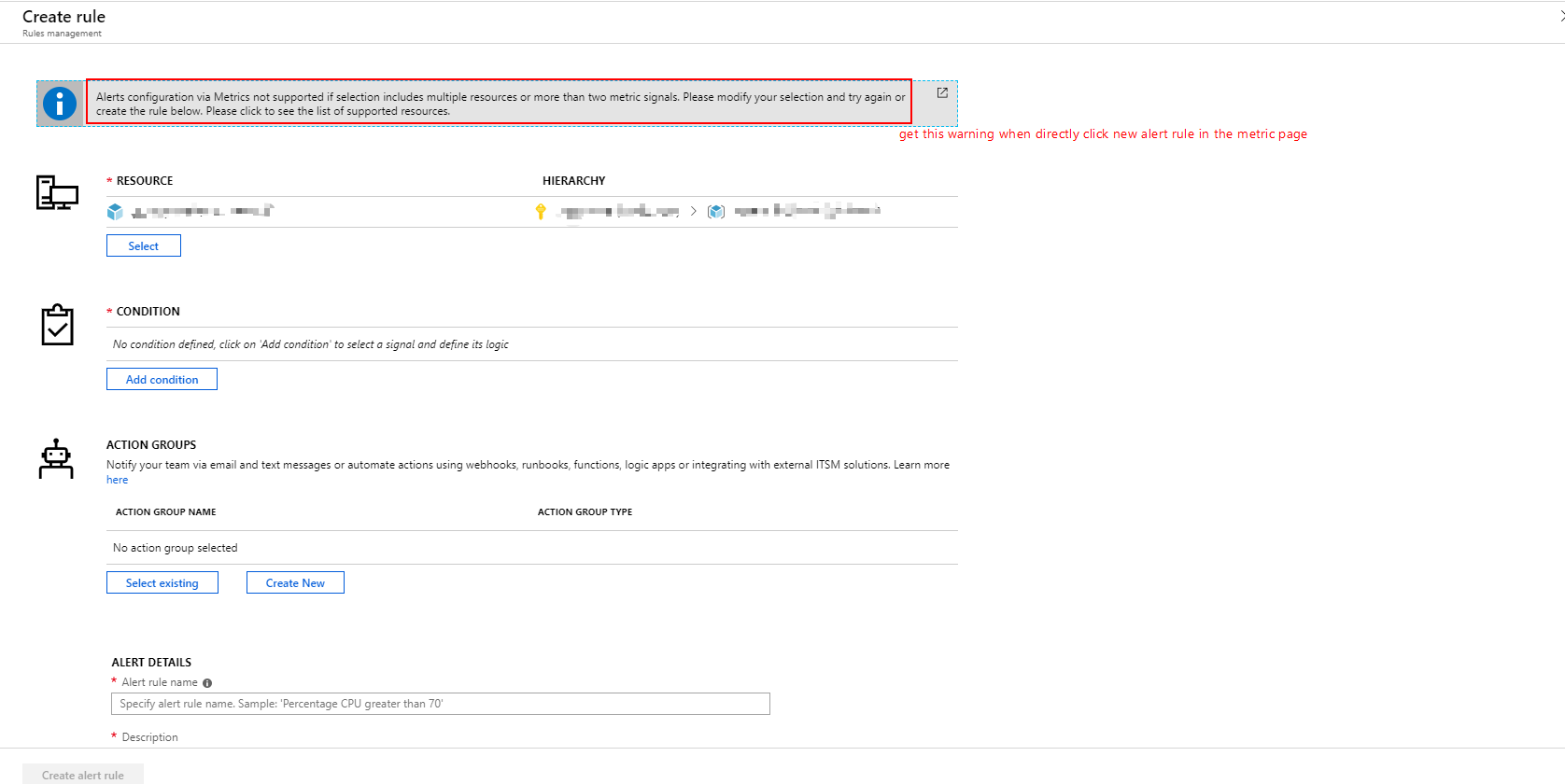
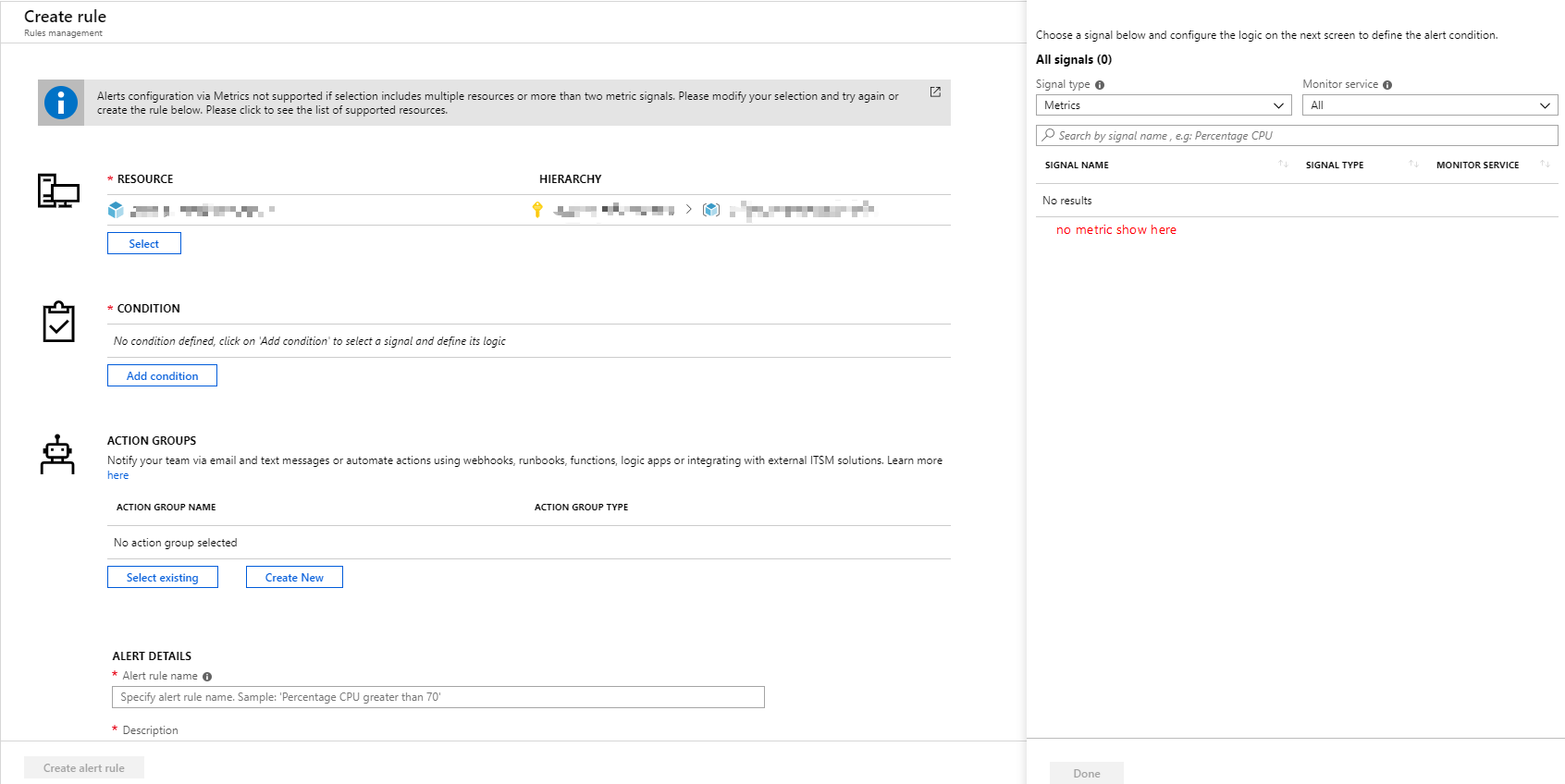
I could get Database metrics in metric view, while when I click new alert rule, the metrics do not show in the new alert page, and also get the warning for choosing multiple resources.
Details as below:
dennyx
on 21 Dec 2018
@dennyx - Hi as stated in linked doc, some metric are not available for alerting yet in new platform and still only available in classic alerts. As documented here:
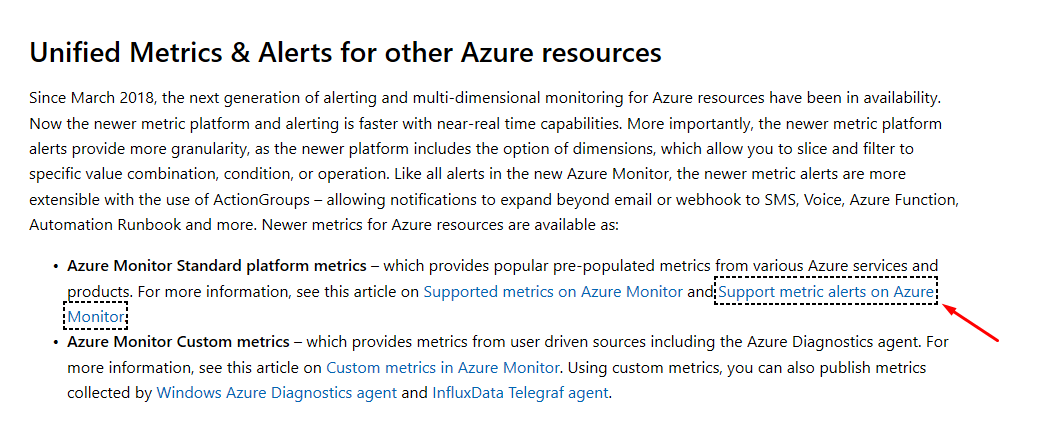
Please rest assured that Microsoft Monitor team will ensure all the metrics & alerts available in classic - will be made available soon in the new metric alert platform. Classic alert platform will not be retired before all its capabilities is replicated in the new platform.
Adding my colleague @snehithm - who can provide you details on timelines for availability of any specific metric for alerting in the new platform, that you're seeking.
Thank you for your support and patronage of Azure.
 msvijayn
on 21 Dec 2018
msvijayn
on 21 Dec 2018
@msvijayn thanks for confining this for us.
@dennyx So it seems you will need to use the Alerts (Classic) in order to get this setup. Please give that a go and let us know if you have issues.
I will close this for now but we can always reopen and continue if you continue to see issues when using the Alerts (Classic)
mimckitt
on 21 Dec 2018
@msvijayn @MicahMcKittrick-MSFT
Thanks for the kindly effort, I will keep tracking about the metrics update
dennyx
on 24 Dec 2018
Related issues
 JamesDLD
·
3Comments
JamesDLD
·
3Comments
 DeepPuddles
·
3Comments
DeepPuddles
·
3Comments
 jamesgallagher-ie
·
3Comments
jamesgallagher-ie
·
3Comments
 bdcoder2
·
3Comments
bdcoder2
·
3Comments
 mrdfuse
·
3Comments
mrdfuse
·
3Comments
Most helpful comment
@dennyx - Hi as stated in linked doc, some metric are not available for alerting yet in new platform and still only available in classic alerts. As documented here:

Please rest assured that Microsoft Monitor team will ensure all the metrics & alerts available in classic - will be made available soon in the new metric alert platform. Classic alert platform will not be retired before all its capabilities is replicated in the new platform.
Adding my colleague @snehithm - who can provide you details on timelines for availability of any specific metric for alerting in the new platform, that you're seeking.
Thank you for your support and patronage of Azure.