Awesome: awful.titlebar.hide doesn't resize window to fill the space left by the titlebar missing
Output of awesome --version:
awesome 4.3 (Too long)
 • Compiled against Lua 5.2.4 (running with Lua 5.2)
 • API level: 4
 • D-Bus support: yes
 • xcb-errors support: no
 • execinfo support: yes
 • xcb-randr version: 1.6
 • LGI version: [string "return require('lgi.version')"]:1: module 'lgi.version' not found:
    no field package.preload['lgi.version']
    no file '/usr/share/lua/5.2/lgi/version.lua'
    no file '/usr/share/lua/5.2/lgi/version/init.lua'
    no file '/usr/lib/lua/5.2/lgi/version.lua'
    no file '/usr/lib/lua/5.2/lgi/version/init.lua'
    no file './lgi/version.lua'
    no file '/usr/lib/lua/5.2/lgi/version.so'
    no file '/usr/lib/lua/5.2/loadall.so'
    no file './lgi/version.so'
    no file '/usr/lib/lua/5.2/lgi.so'
    no file '/usr/lib/lua/5.2/loadall.so'
    no file './lgi.so'
 • Transparency enabled: yes
 • Custom search paths: yes
How to reproduce the issue:
- Add this to your
rc.lua:
client.connect_signal("property::maximized", function(c)
  if c.maximized then
      awful.titlebar.hide(c)
  else
      awful.titlebar.show(c)
  end
end)
- Restart awesome.
- Try maximize a window.
Actual result:
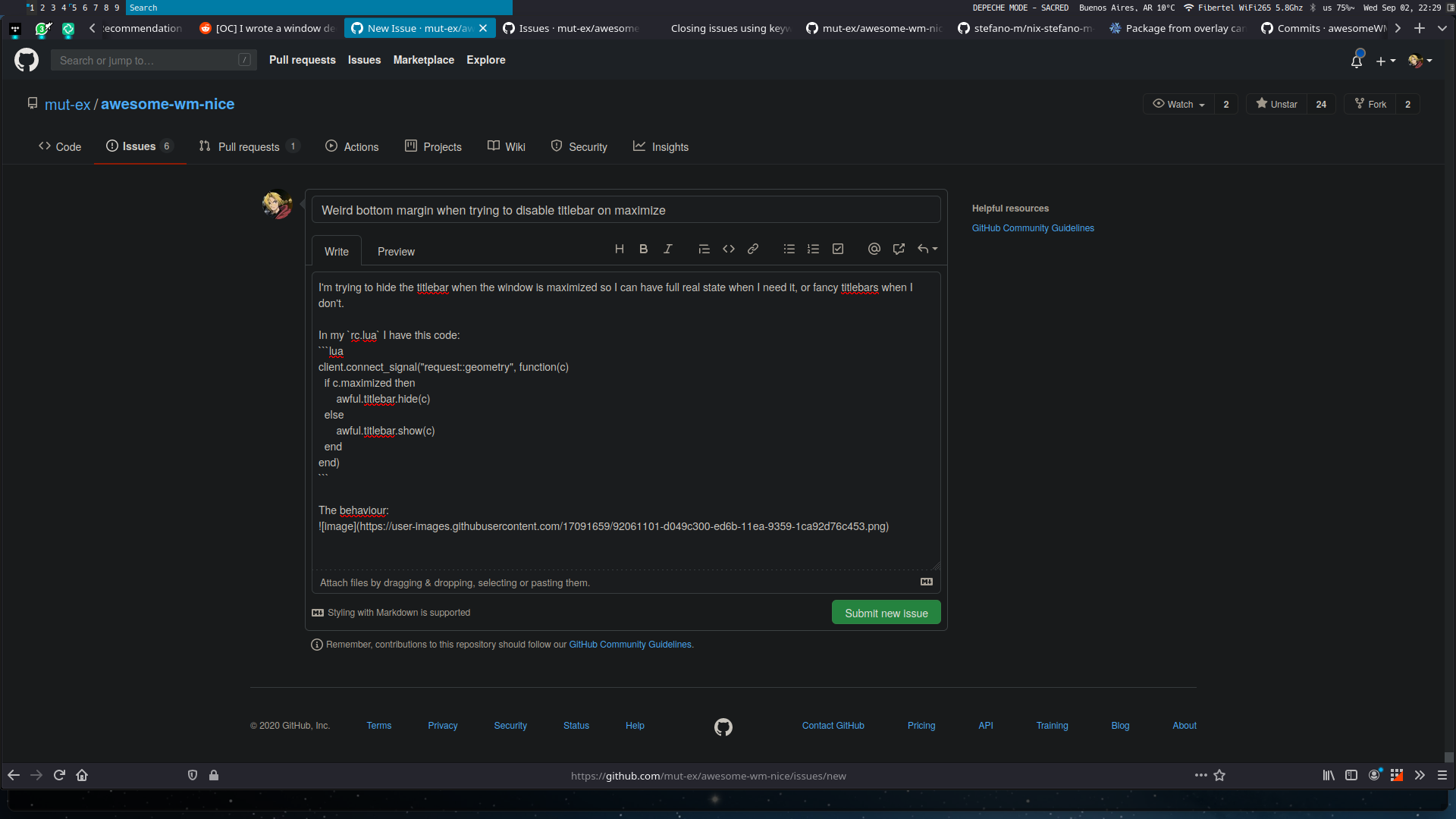
Expected result:
When hiding the titlebar, the client should be resized to accommodate for the space left by the titlebar hiding, so that bottom margin is not created.
 Pablo1107
All 6 comments
Sorry, but I disagree. Yeah, for your use case it might make sense, but for a floating terminal with size hints enabled (meaning: the window height must be a multiple of the terminals font size so that it can display a whole number of rows), it might not even be possible to do what you want this to do. And since the terminal is floating, it also does not make sense, I think.
Can't you just resize the client after hiding its titlebar? Something like c:geometry{c.screen.workarea} after awful.titlebar.hide() should do the trick.
 psychon
on 4 Sep 2020
psychon
on 4 Sep 2020
I have the same opinion than @psychon here. From my point of view, you have a client with its surface and the titlebar is like additional widget attached to the client surface. It seems natural the titlebar status doesn't alter the client surface properties.
I however, also think this behavior is annoying. In my config, next to the titlebar.hide call, I have something like client.x = client.x - titlebar.height and client.height = client.height + titlebar.height. (and the inverse at titlebar.show call).
 Aire-One
on 4 Sep 2020
Aire-One
on 4 Sep 2020
I however, also think this behavior is annoying
So... should we add a new optional argument to show and hide that (try to) resize the client for you?
psychon
on 4 Sep 2020
I however, also think this behavior is annoying
So... should we add a new optional argument to
showandhidethat (try to) resize the client for you?
Hm... This could be a nice optional feature to have.
I didn't checked the code yet but it should only be applied to floating clients as tiled would be re-placed by the layout. I don't think it would be too hard to manage that. I need to check how to correctly handle the size_hints_honor, tho...
I'll probably try to do a PR for that in the following days if no-one do it before.
Aire-One
on 4 Sep 2020
Can't you just resize the client after hiding its titlebar? Something like
c:geometry{c.screen.workarea}afterawful.titlebar.hide()should do the trick.
Yes, I actually did this to fix it in my personal config. As you guys are mention it, maybe it can be added as an argument in the hide/show functions. Note that I mention the show function because that would apply the same logic, resize down the client geometry to make space for the added titlebar.
I'll probably try to do a PR for that in the following days if no-one do it before.
@Aire-One please quote me on that PR so I can see it as I want to know a little bit more about how awesome works on the inside. lol
Pablo1107
on 4 Sep 2020
Great idea. I am also experiencing gap problems with maximized and fullscreen clients and title bar being hidden when going from maximized to floating.
Think resizing after the bar should do the trick but would definitely be nice to have something optional built in.
 ArtemSmaznov
on 14 Sep 2020
ArtemSmaznov
on 14 Sep 2020
Related issues
 philer
·
3Comments
philer
·
3Comments
 deb75
·
4Comments
deb75
·
4Comments
 legostax
·
5Comments
legostax
·
5Comments
 xordspar0
·
5Comments
xordspar0
·
5Comments
 vonpupp
·
5Comments
vonpupp
·
5Comments