Describe the question
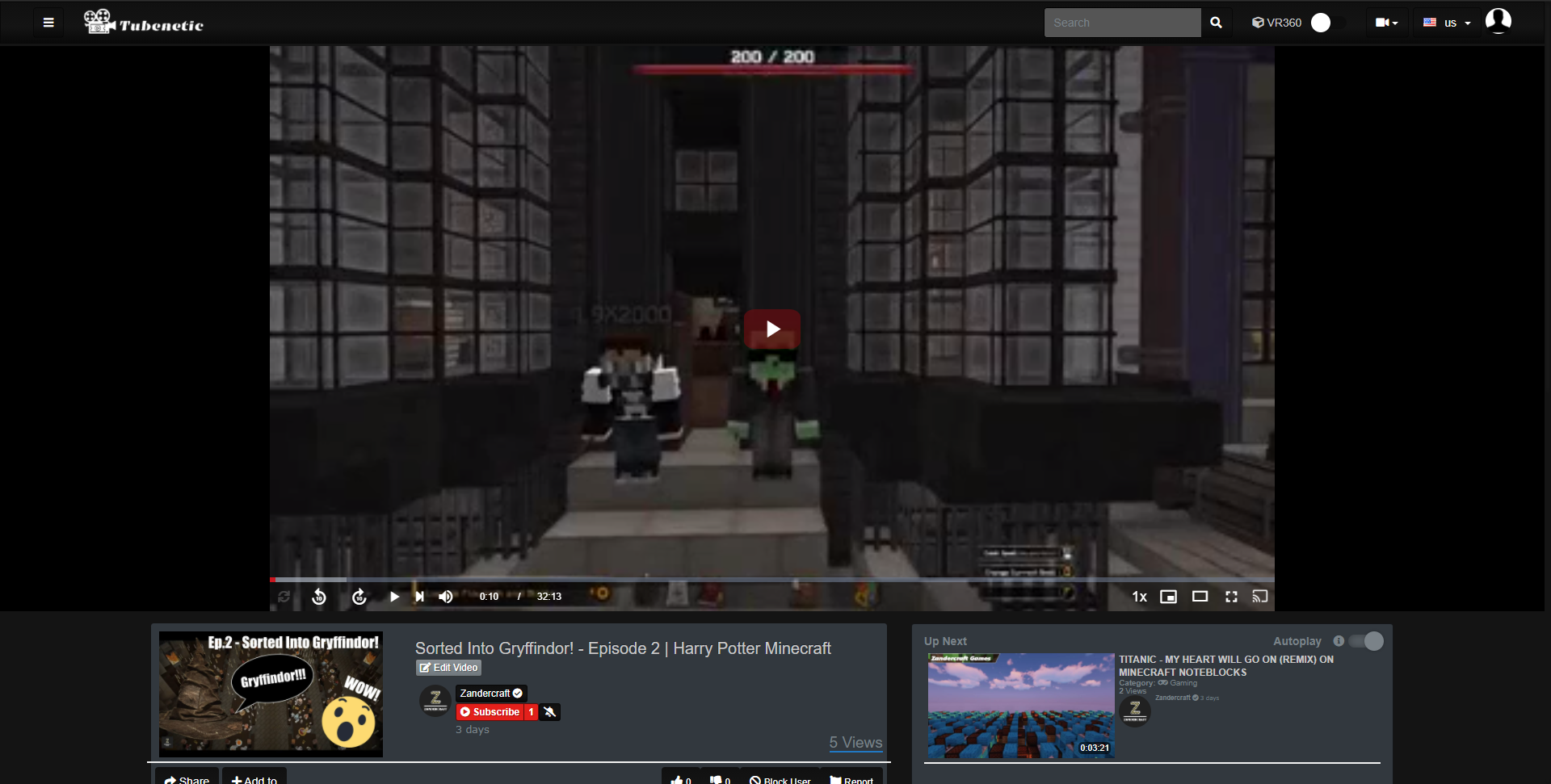
Even though videos are uploaded in 1080p and all resolutions are available from the encoder (higher and lower), it always seems to show a very low resolution regardless of connection speed and ability. I do not have the VideoQualitySelector plugin, but that shouldn't be needed for the quality to run higher, only to give a selection of quality. How do I fix this?
Screenshots
 ZandercraftGames
All 7 comments
you need the VideoResolutionSwitcher plugin
you can get it on https://youphp.tube/marketplace/
 DanielnetoDotCom
on 2 Nov 2020
DanielnetoDotCom
on 2 Nov 2020
@DanielnetoDotCom As I already stated, it shouldn't default to the lowest resolution simply because I haven't paid $27 for the option to add a user-sided button for changing the resolution. There should either be a backend option allowing for a default resolution to be shown, or it should default to the highest resolution instead of making the platform seem quite unappealing since the upload resolution doesn't matter and it only shows the lowest resolution. This seems like a bit of oversight or like there is a bug in the backend currently making it default to the lowest possible resolution. Is there a way to have it use the upload resolution?
ZandercraftGames
on 2 Nov 2020
May also be Cloudflare causing it to interpret the connection as having a poor speed (or caching). Could that be the issue?
ZandercraftGames
on 2 Nov 2020
if you're not going for the plugin , the on the encoder , disable the rest of resolutions , and keep only the higher to encode . This will result in faster time encoding , and no issues .
 akhilleusuggo
on 3 Nov 2020
akhilleusuggo
on 3 Nov 2020
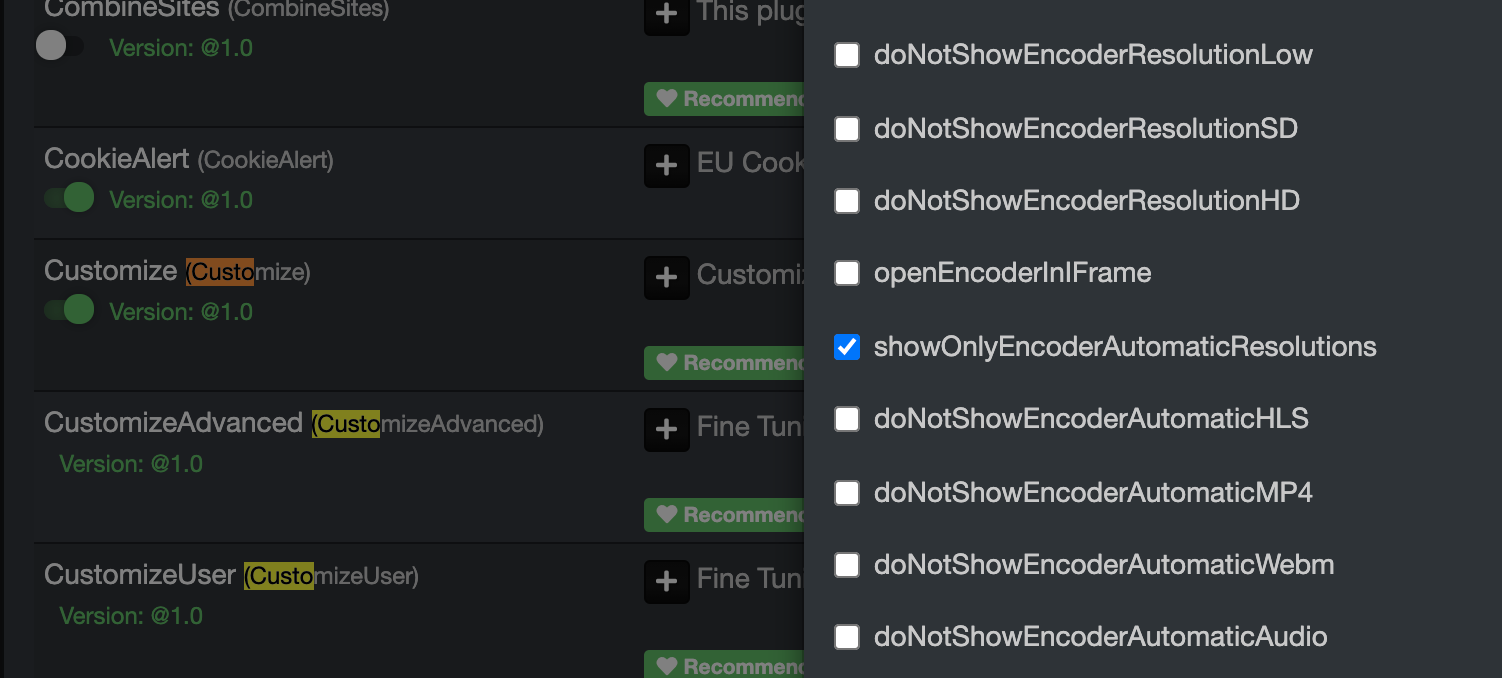
Make sure you uncheck showOnlyEncoderAutomaticResolutions
than check doNotShowEncoderResolutionLow and doNotShowEncoderResolutionSD, so you will have only the HD resolution
DanielnetoDotCom
on 3 Nov 2020
@DanielnetoDotCom @akhilleusuggo To the both of you, thank you very much for your replies. I appreciate you taking the time out of your days to help me. Dont get me wrong, I would love to support the AVideo project, I just dont think that a paid plugin should be required for the platform to show high resolution video. I will try the options you suggested, I already have the one that Daniel suggested enabled. Thanks guys!
ZandercraftGames
on 3 Nov 2020
This issue has been automatically marked as stale because it has not had recent activity. It will be closed if no further activity occurs. Thank you for your contributions.
![stale[bot] picture](https://avatars3.githubusercontent.com/in/1724?v=4&s=40) stale[bot]
on 4 Dec 2020
stale[bot]
on 4 Dec 2020
Related issues
 hrt644
·
3Comments
hrt644
·
3Comments
 matthall1998
·
4Comments
matthall1998
·
4Comments
 snowdream1985
·
3Comments
snowdream1985
·
3Comments
 syldri
·
3Comments
syldri
·
3Comments
 willpower68
·
3Comments
willpower68
·
3Comments
Most helpful comment
if you're not going for the plugin , the on the encoder , disable the rest of resolutions , and keep only the higher to encode . This will result in faster time encoding , and no issues .