After upgrading to latest version I found I need to reconfigure my Live stream RTMP server. I currently cannot record anything. Here is a SS of the confige screen.
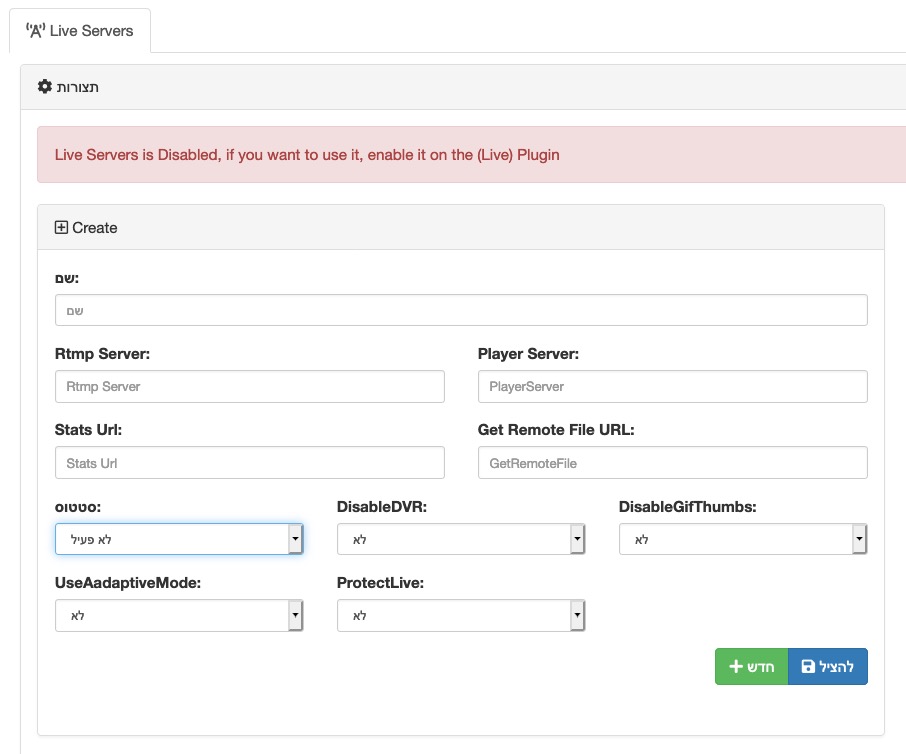
Mobile can start streaming but it doesn't show on front page Live and doesn't record. Streams from OBS work ok with a 5-6sec delay.
 guymass
All 19 comments
I also Updated the SendRecorderToEncoder plugin, however it still shows the orange button indicating there is an update. Note sure if the update worked or not but it seemed to update the plugin. I also have this error connecting with mobile:
2020/08/10 21:45:58 [error] 7128#7128: *3 open() "/HLS/live/5df1736d9cbb7/index.m3u8" failed (2: No such file or directory), client: 109.186.126.180, server: fetube.flatearth.co.il, request: "GET /live/5df1736d9cbb7/index.m3u8 HTTP/2.0", host: "fetube.flatearth.co.il", referrer: "https://fetube.flatearth.co.il/plugin/Live/?c=5df12a039b08f"
note sure how to fix this issue, could realy use your assitance here.
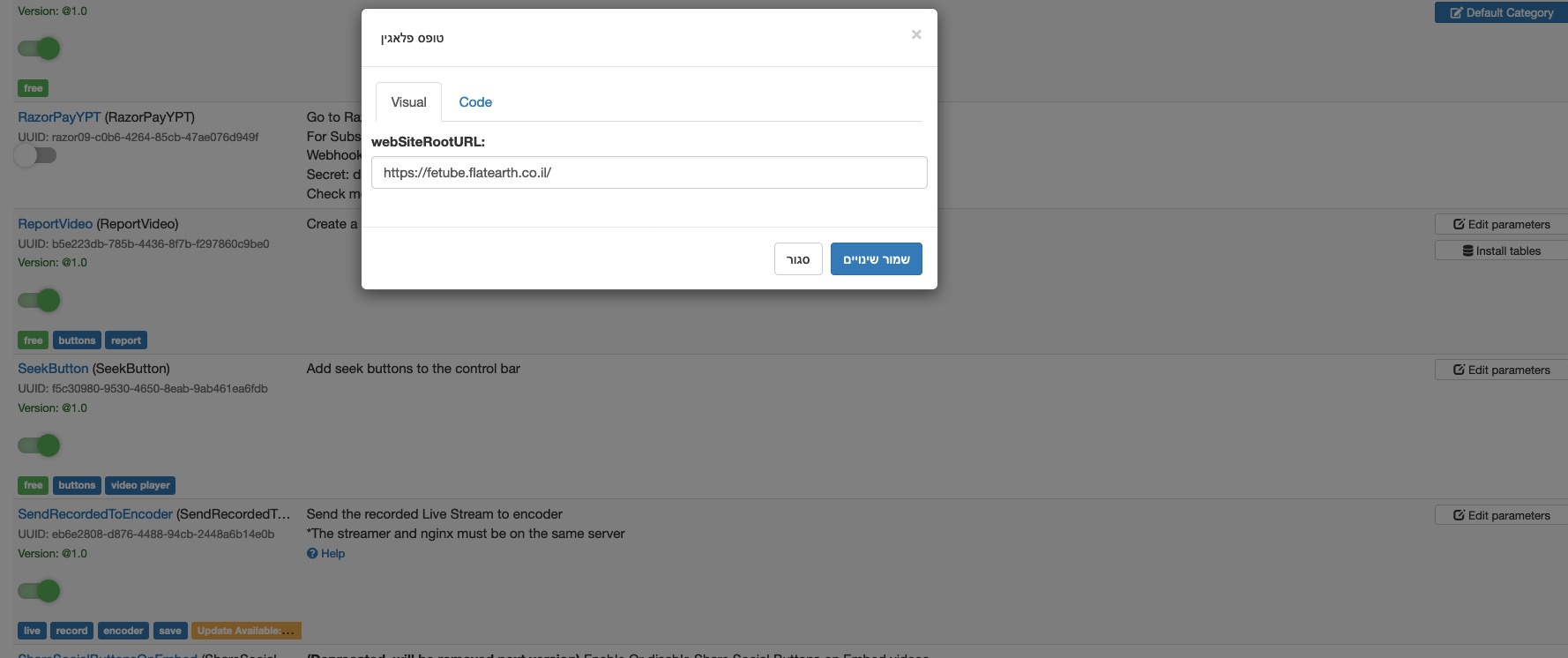
Here is a SS of the plugin parameters.
guymass
on 11 Aug 2020
Try deleting the plugin's directory and re-uploading .
Happens to me too .
 akhilleusuggo
on 11 Aug 2020
akhilleusuggo
on 11 Aug 2020
I am having the same issues when I update to 9.4. How to delete the plugin directory and re-uploading it?
 CROSSMediaNet
on 20 Aug 2020
CROSSMediaNet
on 20 Aug 2020
@CROSSMediaNet
1- Browse to your root AVideo directory ( default : cd /var/www/html/AVideo )
2- Go to your plugin folder ( cd plugin )
3- Delete the Plugin folder ( sudo rm -r SendRecordedToEncoder )
Now the plugin is delete , re-upload it .
akhilleusuggo
on 20 Aug 2020
Keep the websiteRootURL empty on the SendRecorderToEncoder plugin
 DanielnetoDotCom
on 20 Aug 2020
DanielnetoDotCom
on 20 Aug 2020
Okay, so basically, remove the SendRecordedtoEncoder folder and re-upload it with the plugin from the plugin store afterward, correct?
CROSSMediaNet
on 20 Aug 2020
yes , but re-upload it better thou your streamer , to avoid permissions issues and unzipping ( manually )
akhilleusuggo
on 20 Aug 2020
Okay...I try that...nothing happen...I can't stream at all and another issue, some people can't login unless they right-tick to "Remember Me"
Do I have to pay each time a problem occurs?
CROSSMediaNet
on 20 Aug 2020
@CROSSMediaNet please check your logs
for me looks like you are out of space on your drives.
DanielnetoDotCom
on 20 Aug 2020
I am so sorry for this, but I am dumb a little...so how to check the logs to find out that I am out of space
CROSSMediaNet
on 20 Aug 2020
you can go to the terminal and type
df -h
then share a screenshot here
DanielnetoDotCom
on 21 Aug 2020
Okay...I went a got some more HDD space and I think that I did something wrong. On one end, it is streaming, but no streaming output is coming through it...it looks like that I will have to pay for you to fix these issues
CROSSMediaNet
on 21 Aug 2020
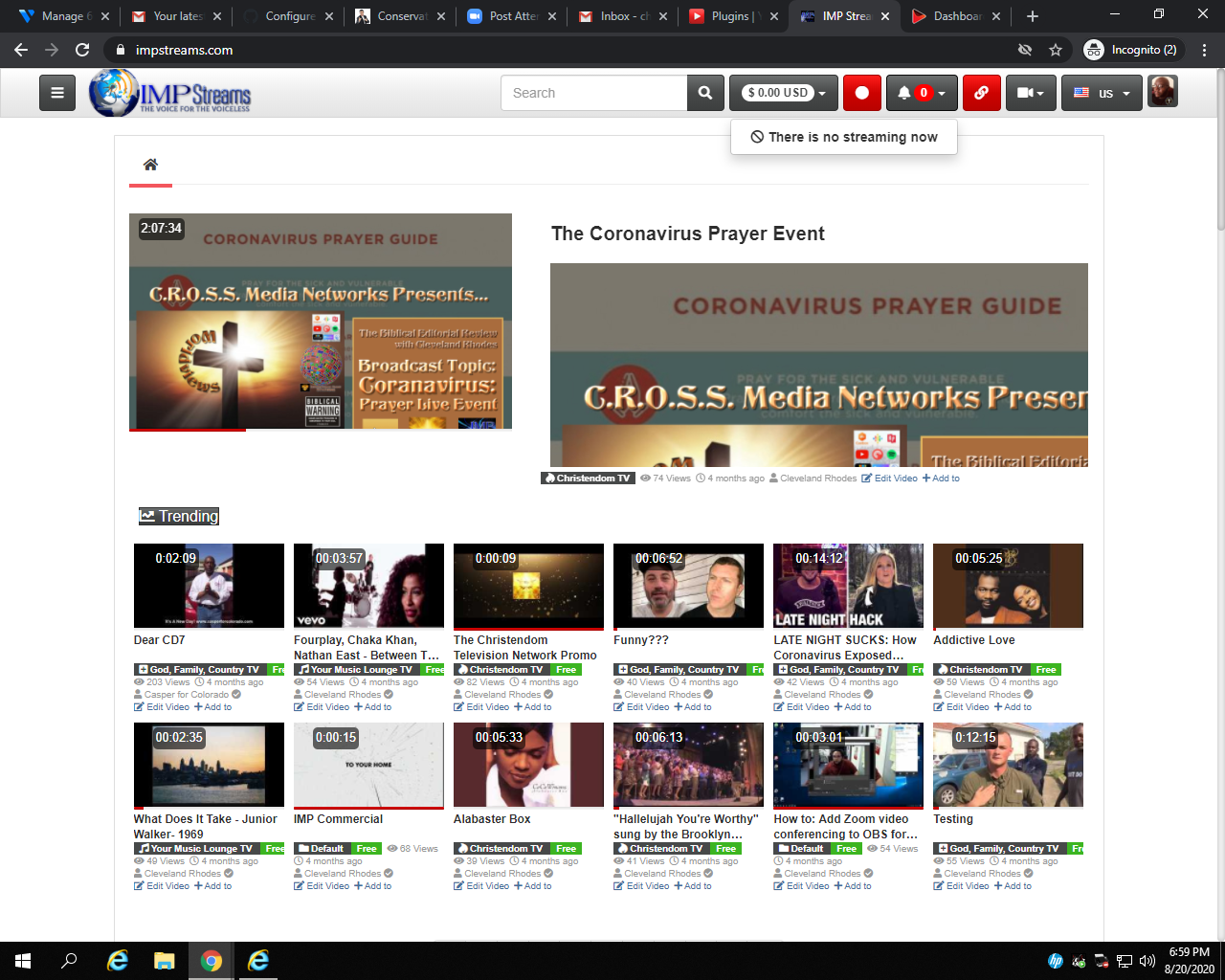
Here's what it is doing:

And here's no output:
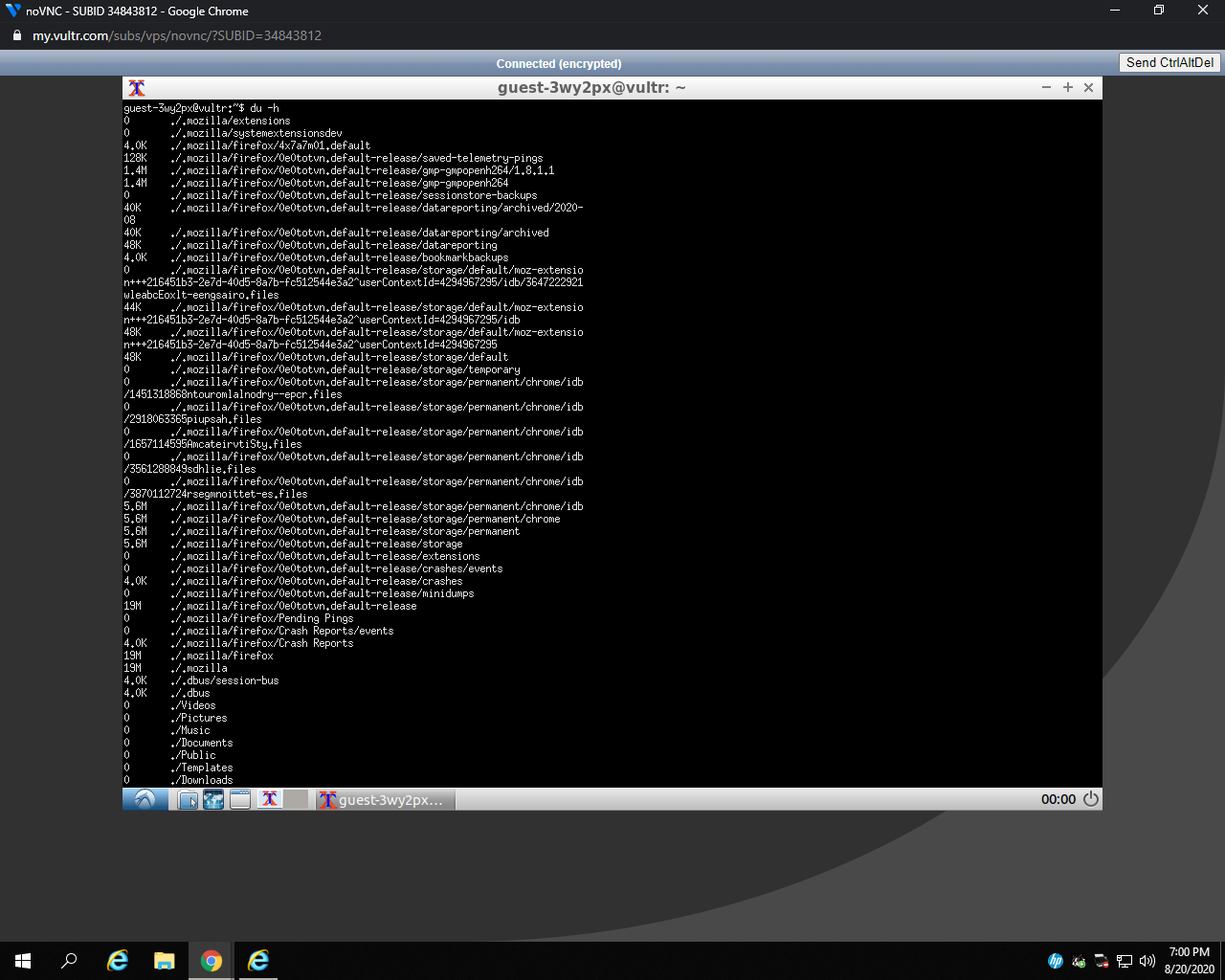
Here what I got from the server:
CROSSMediaNet
on 21 Aug 2020
I guess I gave you the wrong command
the correct command is df -h NOT du -h
DanielnetoDotCom
on 21 Aug 2020
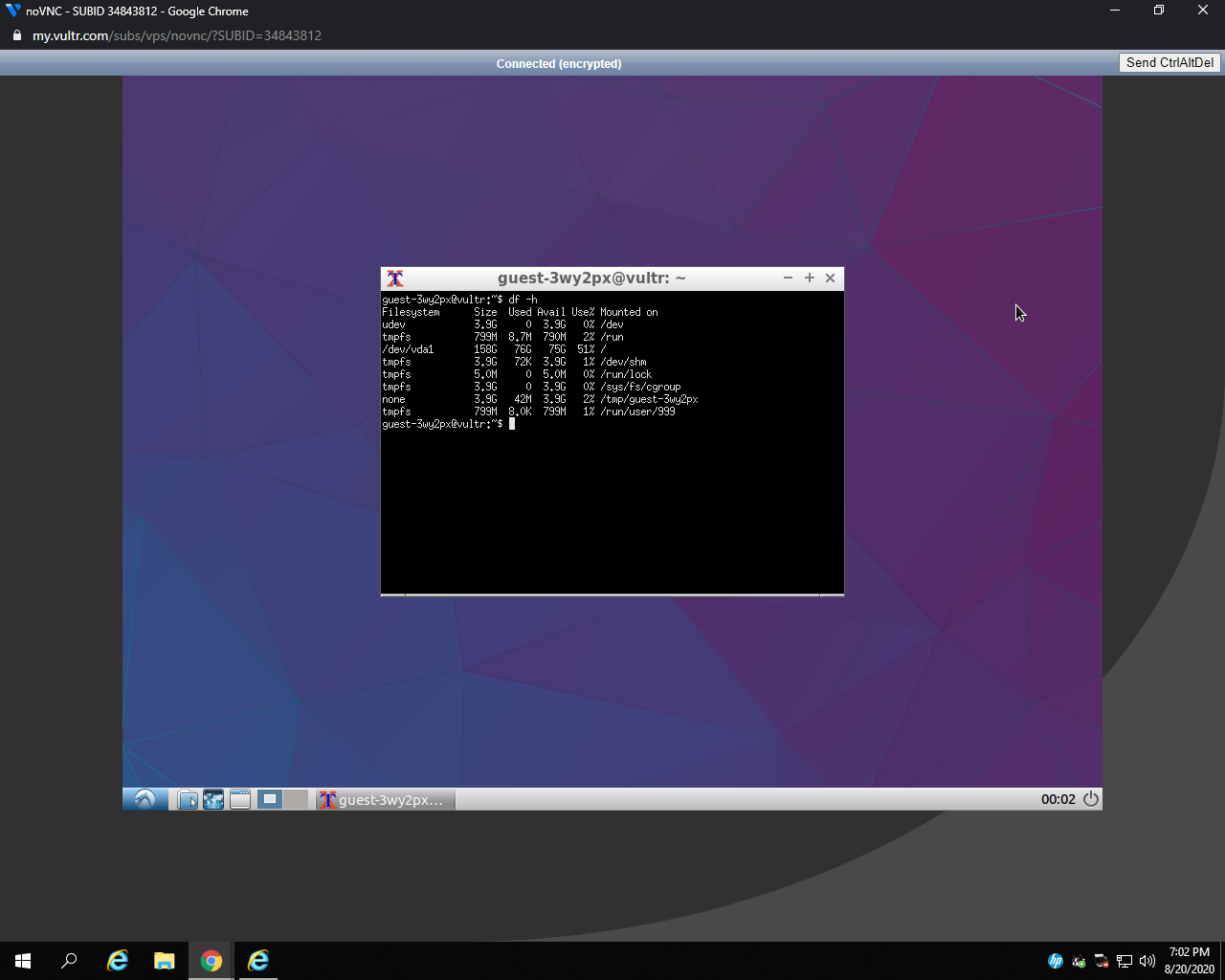
CROSSMediaNet
on 21 Aug 2020
you need to provide logs . Is not a space disk issue .
provide some logs , or JavaScript errors
https://github.com/WWBN/AVideo/wiki/How-to-find-errors-on-AVideo-Platform
https://github.com/WWBN/AVideo/wiki/Using-Your-Browser-Console-to-Diagnose-JavaScript-Errors
Without detail hard to know what's wrong
akhilleusuggo
on 21 Aug 2020
Here's what I did by using the console for errors:
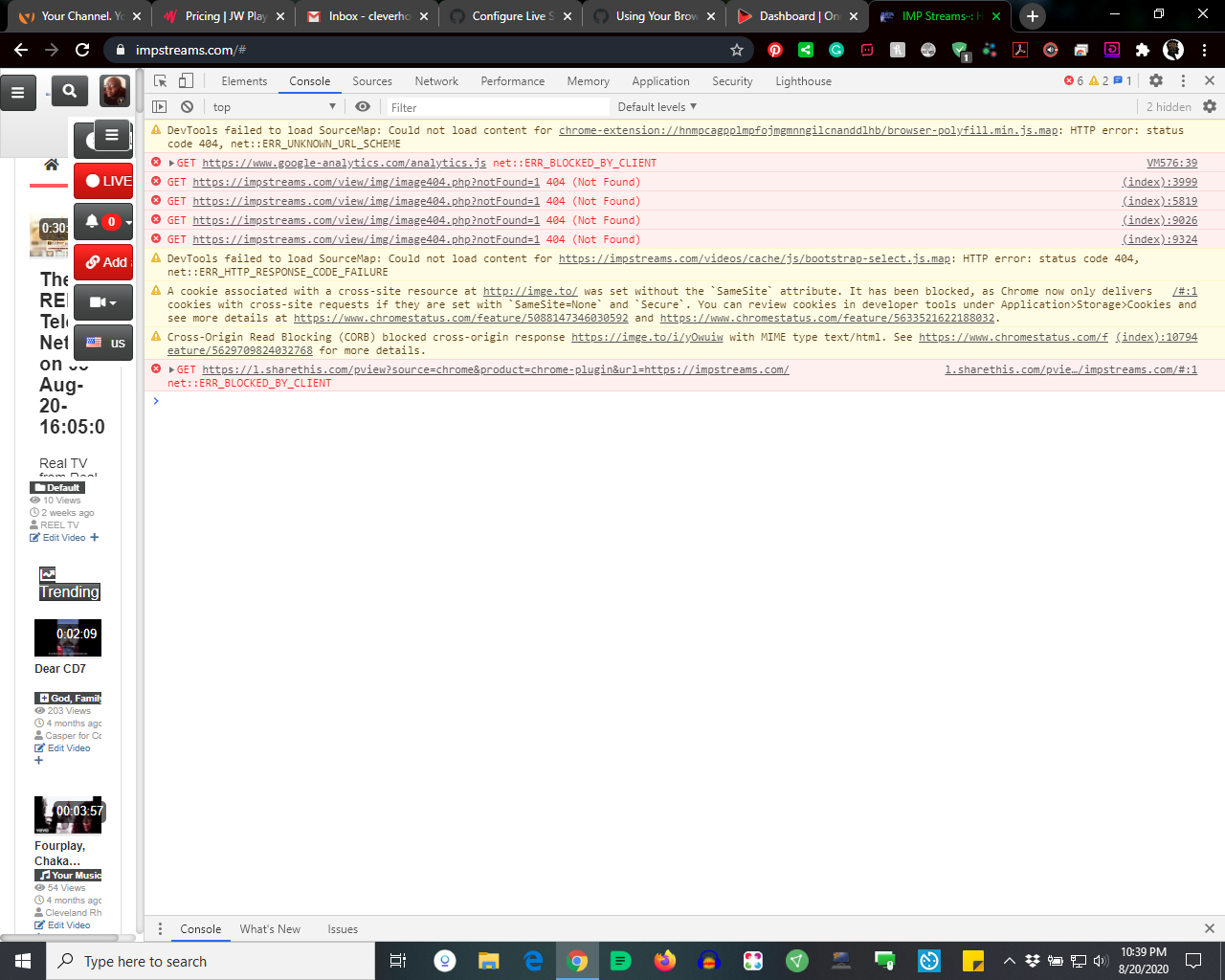
I am still learning how to actually look up errors on the AVideo Platform...it is not straight forward to me
CROSSMediaNet
on 21 Aug 2020
..... lol
cd /var/www/html/AVideo/videos ( go to logs directory )
cat avideo.log ( this will show all the logs )
tail -f avideo.log ( will stream the logs , as it happens )
cat -n 200 avideo.log ( will display the last 200 lines of logs )
I recommend you to cat the last 200 lines , after you issue a live stream , so we can debug and see the issue .
Start a live stream for few seconds , then stop it . past here the logs .
good luck .
akhilleusuggo
on 21 Aug 2020
This issue has been automatically marked as stale because it has not had recent activity. It will be closed if no further activity occurs. Thank you for your contributions.
![stale[bot] picture](https://avatars3.githubusercontent.com/in/1724?v=4&s=40) stale[bot]
on 20 Sep 2020
stale[bot]
on 20 Sep 2020
Related issues
 gujarraju
·
4Comments
gujarraju
·
4Comments
 willpower68
·
3Comments
willpower68
·
3Comments
 matthall1998
·
4Comments
matthall1998
·
4Comments
 hrt644
·
3Comments
hrt644
·
3Comments
 wetubeclub
·
3Comments
wetubeclub
·
3Comments