I have been slamming my head on my desk for the past 4 hrs trying to get the live streaming working using SSL. As I understand the nginx part cant be used with SSL. Any help would be amazing <3
Without SSL in place the website and live streaming works 100%. When I implement SSL Live streaming is the only thing that is broken.
I am posting my configs below and I will be spoofing my website url as ABC.com
------------------------------------
start of configs section
Apache2 Config.
_Main Website - ABC.com.conf_
<VirtualHost *:80>
  ServerName ABC.com:80
  Redirect permanent / https://ABC.com/
</VirtualHost>

#####

<VirtualHost *:443>
        ServerName ABC.com:443
        SSLEngine on
        SSLCertificateFile /root/ssl/ABC.com.cer
        SSLCertificateKeyFile /root/ssl/ABC.com.key
        DocumentRoot /var/www/html/YouPHPTube/

 <Directory /var/www/html/>
          Options Indexes FollowSymLinks
          AllowOverride All
          Require all granted
  </Directory>

        ErrorLog ${APACHE_LOG_DIR}/error.log
        CustomLog ${APACHE_LOG_DIR}/access.log combined

</VirtualHost>
_Encoder Page - encoder.ABC.com.conf_
<VirtualHost *:80>
  ServerName encoder.ABC.com:80
  Redirect permanent / https://encoder.ABC.com/
</VirtualHost>

#####

<VirtualHost *:443>
        ServerName encoder.ABC.com:443
        SSLEngine on
        SSLCertificateFile /root/ssl/ABC.com.cer
        SSLCertificateKeyFile /root/ssl/ABC.com.key
        DocumentRoot /var/www/html/YouPHPTube-Encoder/

 <Directory /var/www/html/>
          Options Indexes FollowSymLinks
          AllowOverride All
          Require all granted
  </Directory>

        ErrorLog ${APACHE_LOG_DIR}/error.log
        CustomLog ${APACHE_LOG_DIR}/access.log combined

</VirtualHost>
videos/configuration.php
_Main YouPHPTube config_
<?php
$global['disableAdvancedConfigurations'] = 0;
$global['videoStorageLimitMinutes'] = 0;
$global['webSiteRootURL'] = 'https://ABC.com/';
$global['systemRootPath'] = '/var/www/html/YouPHPTube/';
$global['salt'] = '5b607fa3cb660';


$mysqlHost = 'localhost';
$mysqlPort = '3306';
$mysqlUser = 'youPHPTube';
$mysqlPass = '5283Shaw*';
$mysqlDatabase = 'youPHPTube';

/**
 * Do NOT change from here
 */

require_once $global['systemRootPath'].'objects/include_config.php';
_Encoder YouPHPTube-Encoder config_
<?php
$global['webSiteRootURL'] = 'https://encoder.ABC.com/';
$global['systemRootPath'] = '/var/www/html/YouPHPTube-Encoder/';

$global['disableConfigurations'] = false;
$global['disableBulkEncode'] = false;

$mysqlHost = 'localhost';
$mysqlUser = 'youPHPTube-Encoder';
$mysqlPass = '5283Shaw*';
$mysqlDatabase = 'youPHPTube-Encoder';

$global['allowed'] = array('mp4', 'avi', 'mov', 'mkv', 'flv', 'mp3', 'wav', 'm4v', 'webm', 'wmv', 'mpg', 'mpeg');
/**
 * Do NOT change from here
 */

require_once $global['systemRootPath'].'objects/include_config.php';
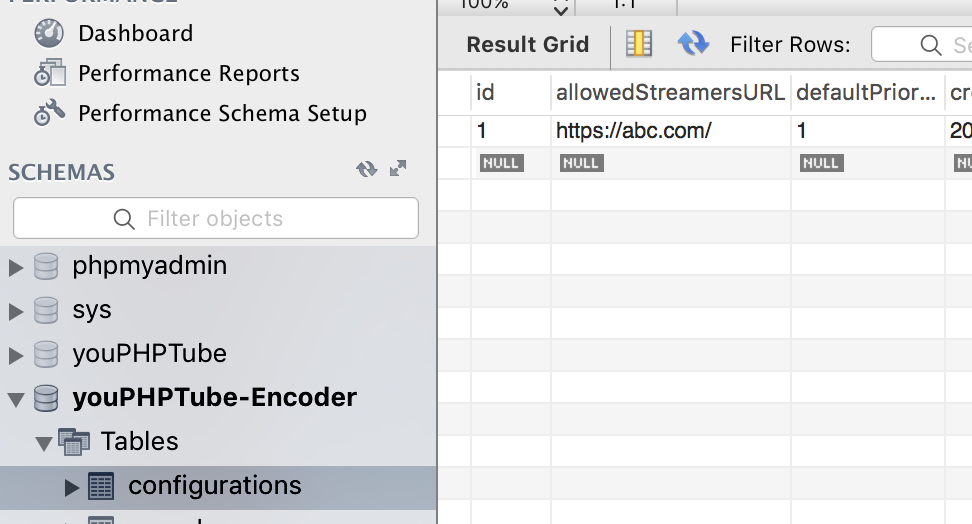
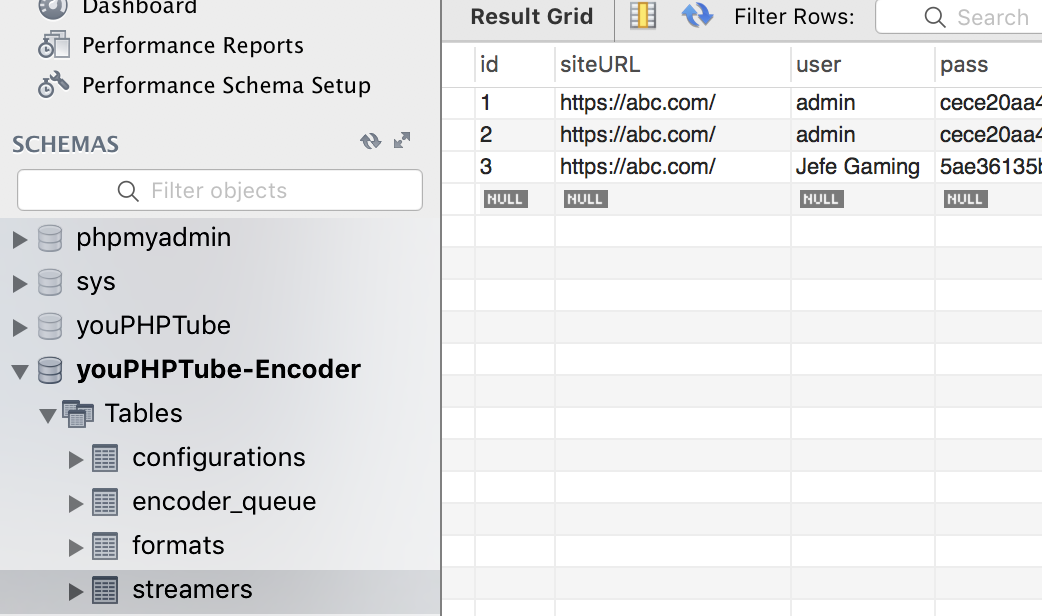
MySQL Tables Encoder
_configurations_
_streamers_
NGINX Config
_Yes the 54.xx.xx.198 is done here as protection to my server IP_
    worker_processes  1;
    error_log  logs/error.log debug;
    events {
            worker_connections  1024;
    }
    rtmp {
            server {
                    listen 1935;
                    allow play all;
                    #creates our "live" full-resolution HLS videostream from our incoming encoder stream and tells where to put the HLS video manifest and video fragments
                    application live {
                            allow play all;
                            live on;
                            #record all;
                            #record_path /video_recordings;
                            #record_unique on;
                            hls on;
                            hls_nested on;
                            hls_path /HLS/live;
                            #hls_playlist_length 4s;
                            #hls_fragment 1s;
                            hls_fragment 10s;
                            on_publish http://54.xx.xx.198/YouPHPTube/plugin/Live/on_publish.php;
                            on_play http://54.xx.xx.198/YouPHPTube/plugin/Live/on_play.php;
                            on_record_done http://54.xx.xx.198/YouPHPTube/plugin/Live/on_record_done.php;
                    }
            }
    }
    http {
            include       mime.types;
            default_type  application/octet-stream;
            server {
                    listen 8080;
                    server_name localhost;
                    #creates the http-location for our full-resolution (desktop) HLS stream - "http://my-ip/live/my-stream-key/index.m3u8"
                    location /live {
                            # Disable cache
                            add_header 'Cache-Control' 'no-cache';

                            # CORS setup
                            add_header 'Access-Control-Allow-Origin' '*' always;
                            add_header 'Access-Control-Expose-Headers' 'Content-Length';

                            # allow CORS preflight requests
                            if ($request_method = 'OPTIONS') {
                                    add_header 'Access-Control-Allow-Origin' '*';
                                    add_header 'Access-Control-Max-Age' 1728000;
                                    add_header 'Content-Type' 'text/plain charset=UTF-8';
                                    add_header 'Content-Length' 0;
                                    return 204;
                            }
                            types {
                                    application/vnd.apple.mpegurl m3u8;
                            }
                            alias /HLS/live;
                    }
                    #allows us to see how stats on viewers on our Nginx site using a URL like: "http://my-ip/stats"
                    #location /stats {
                    #        stub_status;
                    #}
                    location /stat {
                            rtmp_stat all;
                            rtmp_stat_stylesheet stat.xsl;
                    }
                    location /stat.xsl {
                            root html;
                    }
                    location /control {
                            rtmp_control all;
                    }
                    #allows us to host some webpages which can show our videos: "http://my-ip/my-page.html"
                    location / {
                            root   html;
                            index  index.html index.htm;
                    }
            }
    }
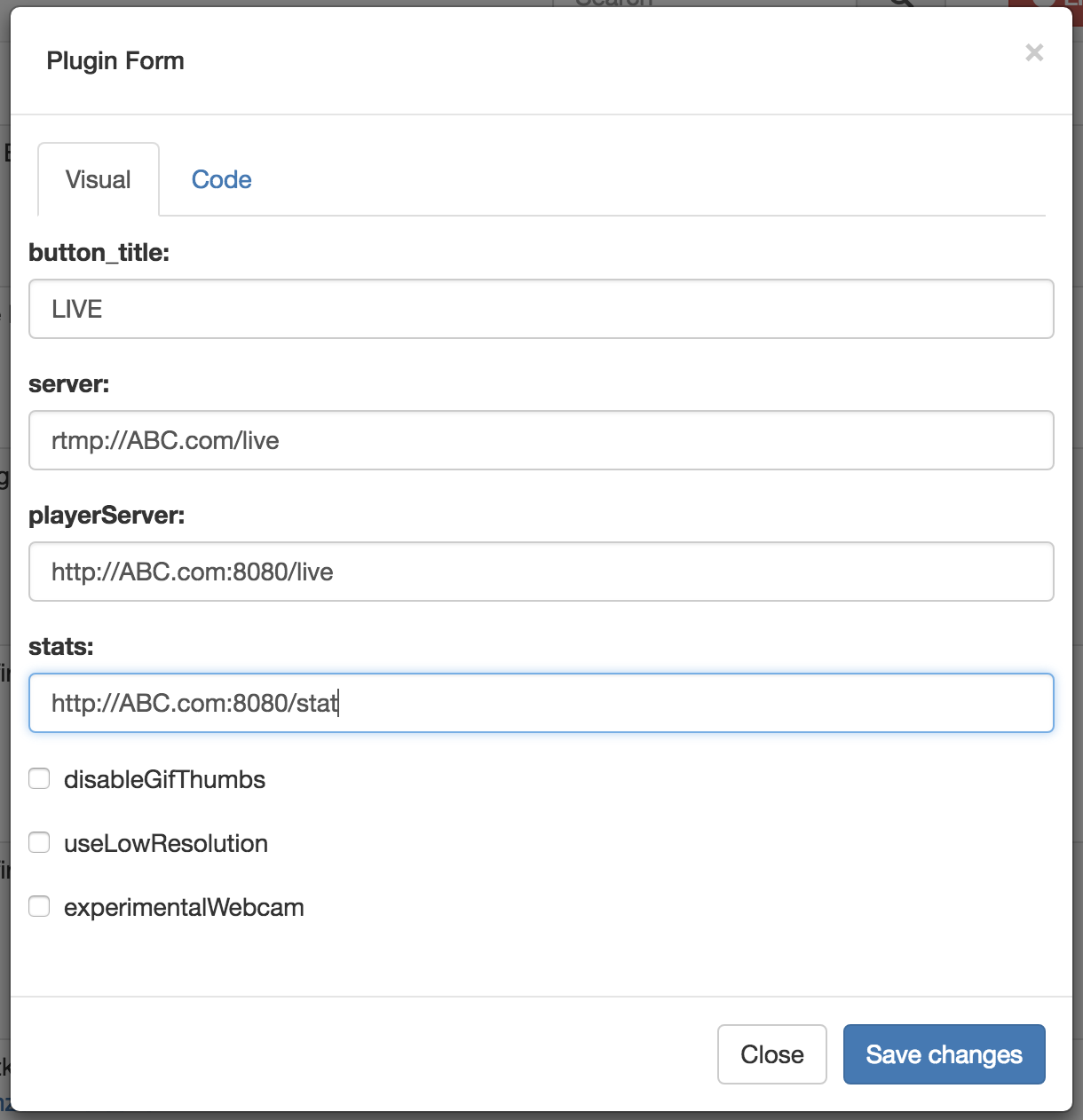
Live Plugin
end of configs section
------------------------------------
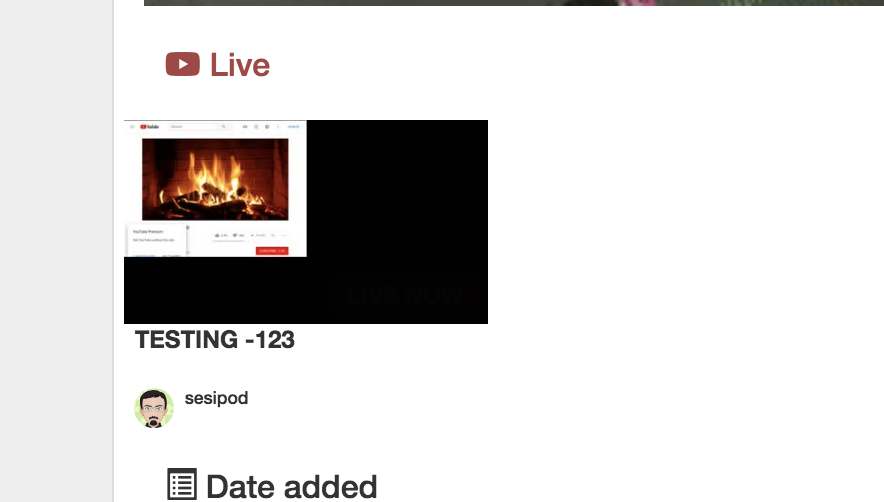
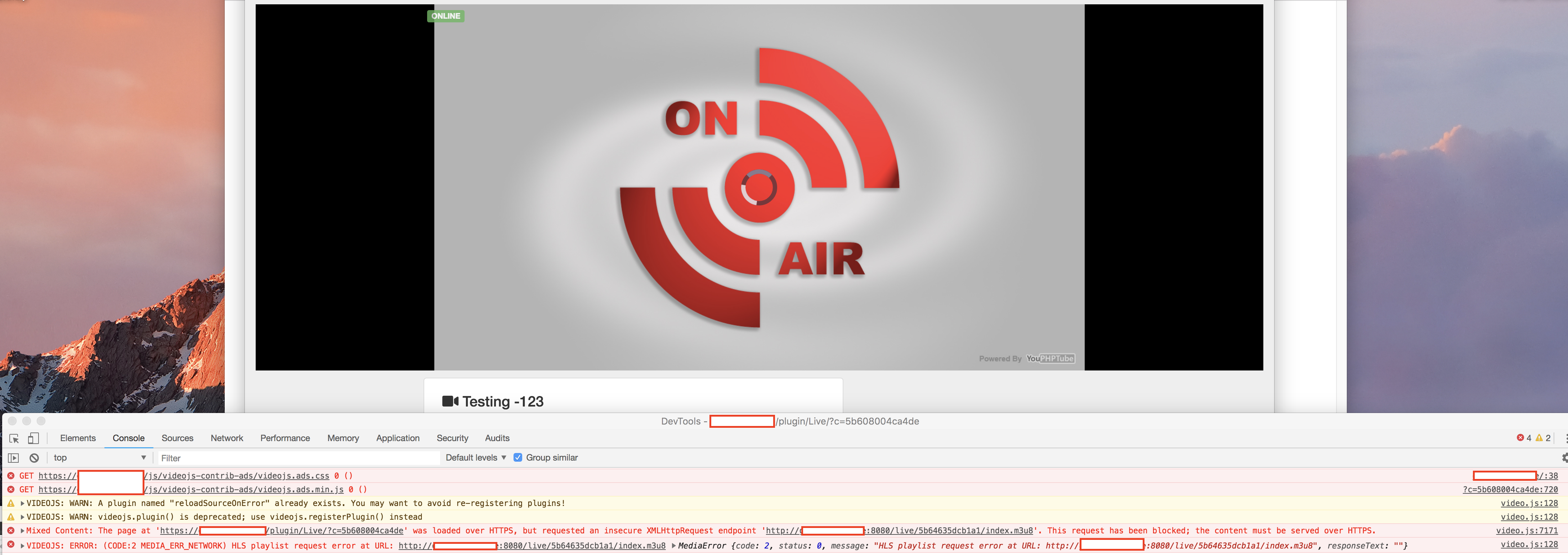
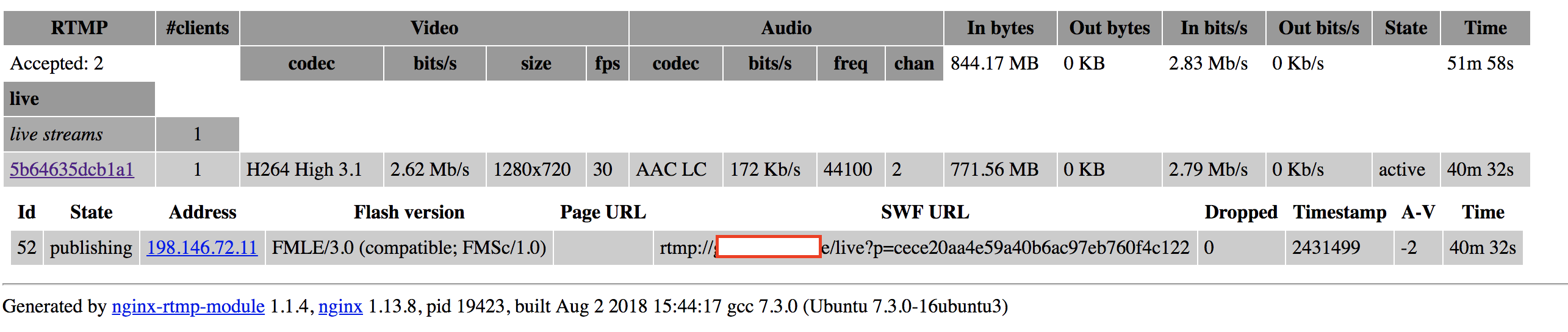
At this point if I view the home page it shows what I am streaming and that I am online ... But once I click on the page it spits out errors in the chrome....
 sesipod
All 15 comments
What I can tell you is, if your YouPHPTube site is SSL your nginx must be SSL as well.
but if both are on the same machine you can not have 2 webservers sharing the same port, so what I do is set apache SSL on port 443 and Nginx SSL on port 444
 DanielnetoDotCom
on 3 Aug 2018
DanielnetoDotCom
on 3 Aug 2018
Okay so I would change the 8080 port on nginx config to say 444 and set it up as a https server?
sesipod
on 3 Aug 2018
yes
DanielnetoDotCom
on 3 Aug 2018
8080 will be the non SSL connections, port 444 will be the SSL connections
DanielnetoDotCom
on 3 Aug 2018
It is now working using 8443 ( in compliance with cloudflare ports )
Chrome / FireFox and Safari work with the following config. - IE 11 is having a bit of an issue.
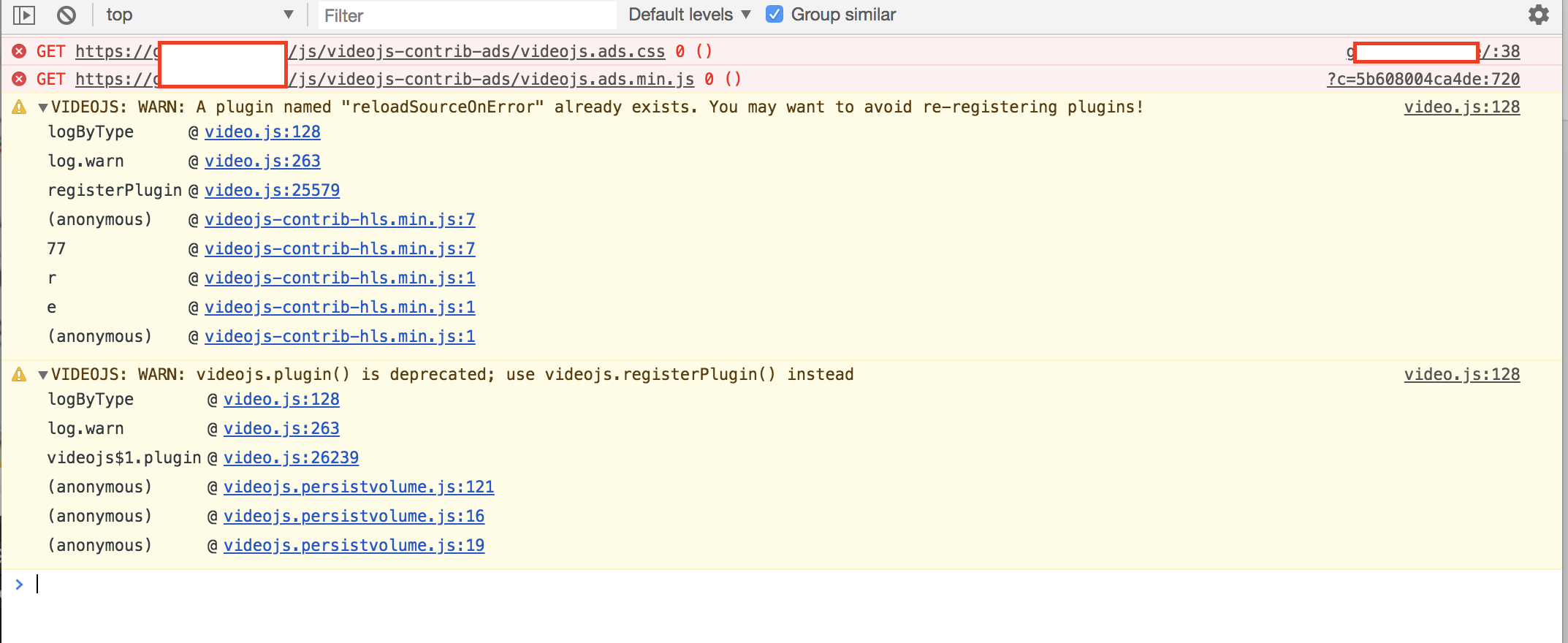
Are these errors normal ? Or can you provide me a way of fixing them if not?
I will work on a better config for Nginx once I have some time. For better security but for now this will work I guess.....
NGINX Config
            server {
                    #@@# listen 8080;
                    listen 8443 ssl;
                    server_name localhost;
                    ssl_certificate     /root/ssl/gamertube.live.cer;
                    ssl_certificate_key /root/ssl/gamertube.live.key;
                    ssl_protocols       TLSv1 TLSv1.1 TLSv1.2;
                    ssl_ciphers         HIGH:!aNULL:!MD5;
                    #creates the http-location for our full-resolution (desktop) HLS stream - "http://my-ip/live/my-stream-key/index.m3u8"
I am not sure what those errors are
DanielnetoDotCom
on 3 Aug 2018
Hello Sesipod, I noticed that your plugin urls are for:
http://ABC.com:8080/live
http://ABC.com:8080/stat
Shouldn't those urls be https?
That's how it is working on my server here.
 OhioVR
on 14 Aug 2018
OhioVR
on 14 Aug 2018
Hi guys
I could run RTMP WITH SSL with this configuration
server {
#@@# listen 8080;
listen 8443 ssl;
server_name localhost;
ssl_certificate /root/ssl/gamertube.live.cer;
ssl_certificate_key /root/ssl/gamertube.live.key;
ssl_protocols TLSv1 TLSv1.1 TLSv1.2;
ssl_ciphers HIGH:!aNULL:!MD5;
#creates the http-location for our full-resolution (desktop) HLS stream - "http://my-ip/live/my-stream-key/index.m3u8"
But now the stream counter is always is 0
and say OFFLINE but video is running...
Someone have any idea?
Thx
 ldgv
on 17 Oct 2018
ldgv
on 17 Oct 2018
what is your domain for NGINX stat?
Check the https://youphptube.com:444/stat
DanielnetoDotCom
on 17 Oct 2018
Is working the 444/stat
but in
live streams SAY THIS:::
-----https://mydomain/plugin/Live/on_publish.php----
And after to put ssl this said my key for rtmp. I think that this is the problem
but how to solve?
ldgv
on 17 Oct 2018
ldgv
on 17 Oct 2018
And my Plugin conf
http://www.fotowisp.org/image/ENwJ
{"button_title":"LIVE","server":"rtmp://xxx/live","playerServer":"https://xxx:444/live","stats":"https://xxxx:444/stats","disableGifThumbs":true,"useLowResolution":false,"experimentalWebcam":false}
ldgv
on 17 Oct 2018
Please check this, you have the same problem https://github.com/DanielnetoDotCom/YouPHPTube/issues/1107
DanielnetoDotCom
on 17 Oct 2018
For those who want to use CDN/Cloudflare https://github.com/DanielnetoDotCom/YouPHPTube/wiki/Using-CDN-for-Videos-Only
DanielnetoDotCom
on 10 Dec 2018
This issue has been automatically marked as stale because it has not had recent activity. It will be closed if no further activity occurs. Thank you for your contributions.
![stale[bot] picture](https://avatars3.githubusercontent.com/in/1724?v=4&s=40) stale[bot]
on 14 Feb 2019
stale[bot]
on 14 Feb 2019
Related issues
 hrt644
·
3Comments
hrt644
·
3Comments
 gamersalpha
·
3Comments
gamersalpha
·
3Comments
 snowdream1985
·
3Comments
snowdream1985
·
3Comments
 KazeroG
·
4Comments
KazeroG
·
4Comments
 akhilleusuggo
·
3Comments
akhilleusuggo
·
3Comments