I just followed the tutorials using OBS
but no lucks for me because failed to connect

 cheesewizz
All 19 comments
Can you post your nginx.conf file here?
 DanielnetoDotCom
on 10 Nov 2017
DanielnetoDotCom
on 10 Nov 2017
check on your nginx.conf this parameter
on_publish http://[YouPHPTube-Path]/plugin/Live/on_publish.php;
DanielnetoDotCom
on 10 Nov 2017
Thank you and good morning
sorry but cant find nginx.conf in my ubuntu if the default location is /etc/nginx/nginx.conf no such file or directory
cheesewizz
on 11 Nov 2017
i tried this command to find nginx.conf
youphptube@youphptube-VirtualBox:~$ whereis nginx.conf
nginx: /usr/local/nginx
youphptube@youphptube-VirtualBox:~$
youphptube@youphptube-VirtualBox:~$ ls /usr/local/nginx/nginx.conf
ls: cannot access '/usr/local/nginx/nginx.conf': No such file or directory
youphptube@youphptube-VirtualBox:~$
youphptube@youphptube-VirtualBox:~$ whereis nginx.conf
nginx: /usr/local/nginx
cheesewizz
on 11 Nov 2017
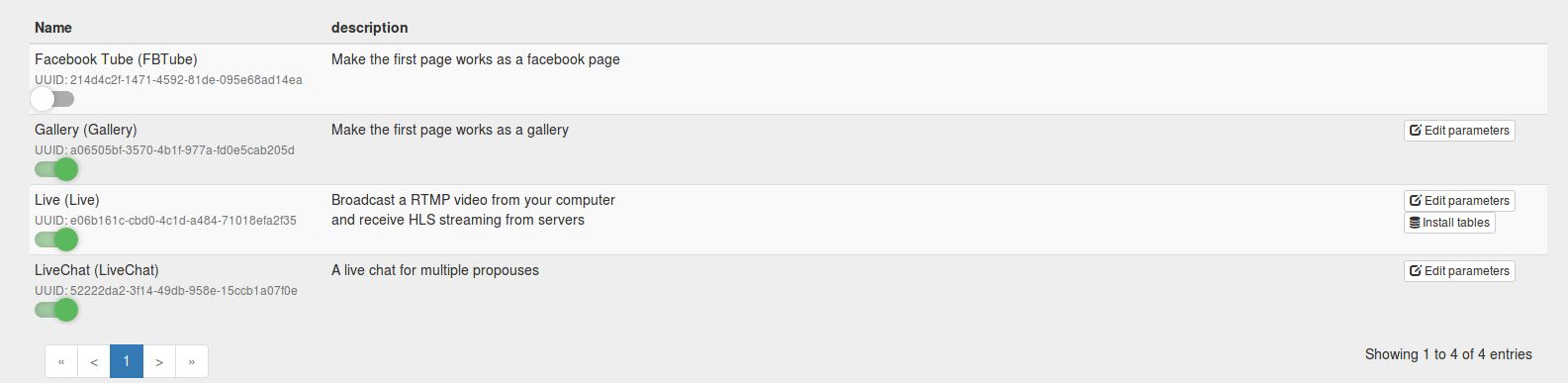
chat and live pages is visible
plugins enabled
cheesewizz
on 11 Nov 2017
try this ...
sudo updatedb
sudo locate nginx.conf
youphptube@youphptube-VirtualBox:~$ sudo updatedb
youphptube@youphptube-VirtualBox:~$ sudo locate nginx.conf
/home/youphptube/build/nginx-1.12.0/conf/nginx.conf
/home/youphptube/build/nginx-rtmp-module/test/nginx.conf
/usr/local/nginx/conf/nginx.conf
/usr/local/nginx/conf/nginx.conf.default
/usr/local/nginx/conf/nginx.conf.old
/var/www/html/YouPHPTube/plugin/Live/install/nginx.conf
youphptube@youphptube-VirtualBox:~
cheesewizz
on 11 Nov 2017
try this one
/usr/local/nginx/conf/nginx.conf
DanielnetoDotCom
on 12 Nov 2017
Good Morning
Thanks for your reply, I cant access anymore i dont know what happened so i decided to reinstall, Ill update you .
thanks
cheesewizz
on 13 Nov 2017
Hello
Im Back, I Already reinstall new UBUNTU and YouPHPTube and Encoder
here is now the path of nginx.conf
youphptube@youphptube-VirtualBox:/var/www/html/YouPHPTube-Encoder$ sudo locate nginx.conf
youphptube@youphptube-VirtualBox:/var/www/html/YouPHPTube-Encoder$ sudo updatedb
youphptube@youphptube-VirtualBox:/var/www/html/YouPHPTube-Encoder$
youphptube@youphptube-VirtualBox:/var/www/html/YouPHPTube-Encoder$ sudo locate nginx.conf
/var/www/html/YouPHPTube/plugin/Live/install/nginx.conf
youphptube@youphptube-VirtualBox:/var/www/html/YouPHPTube-Encoder$
cheesewizz
on 13 Nov 2017
is that the correct path?
cheesewizz
on 13 Nov 2017
I have 4.3 version but the tutorial is 4.1 Do I need to follow this instruction
https://tutorials.youphptube.com/video/10-min-youphptube-stream-server-installation1?
cheesewizz
on 13 Nov 2017
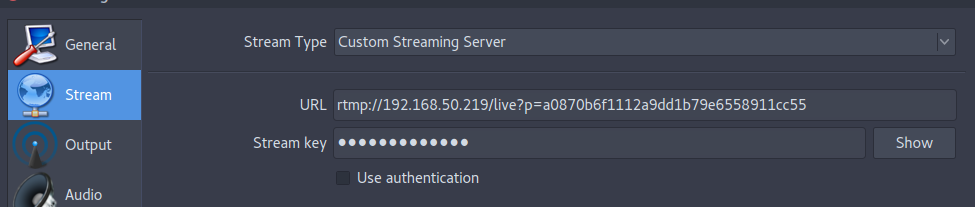
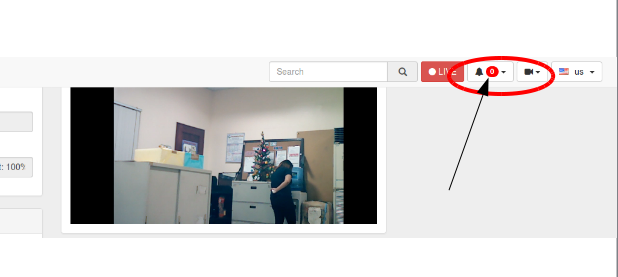
ok I followed this and its working but i still another problem, the OBS is starting Streaming and Recording
but no notification display on youphptube
cheesewizz
on 13 Nov 2017
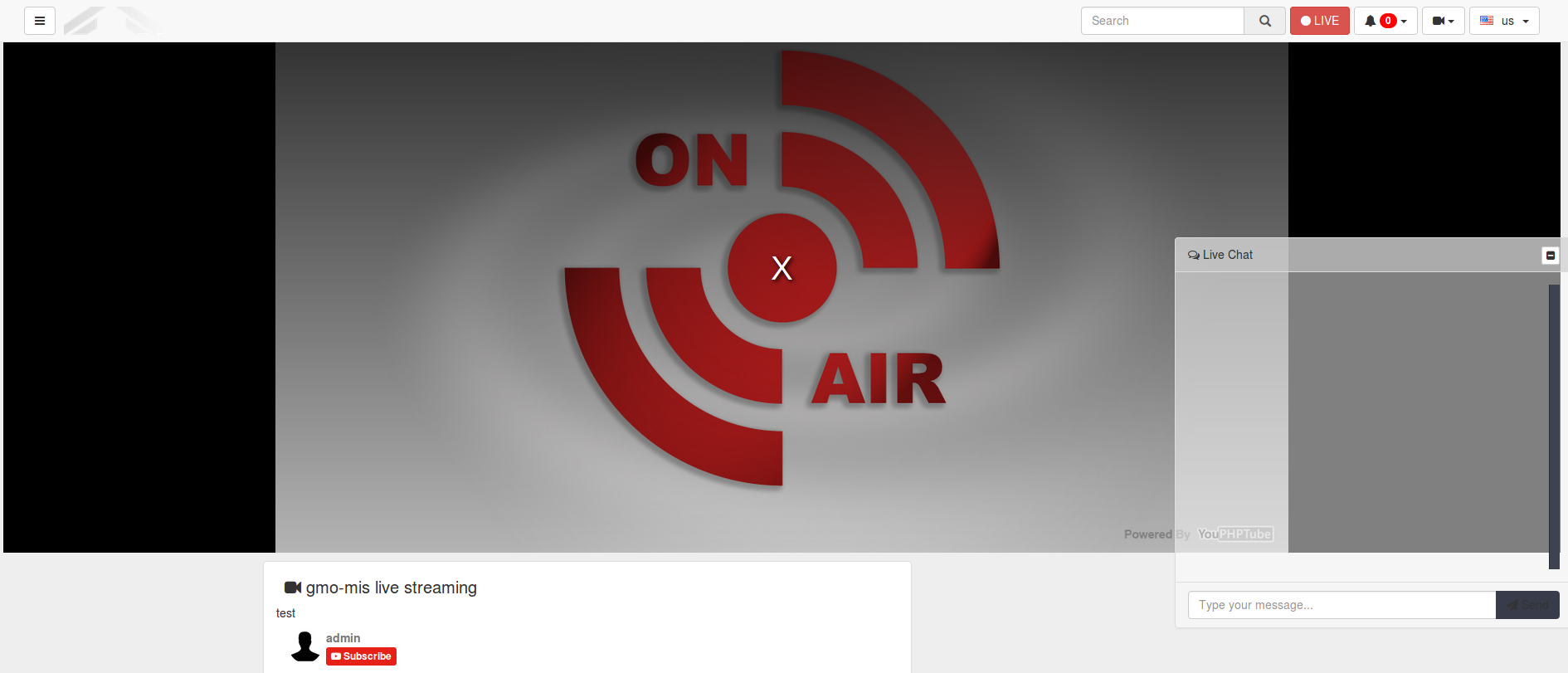
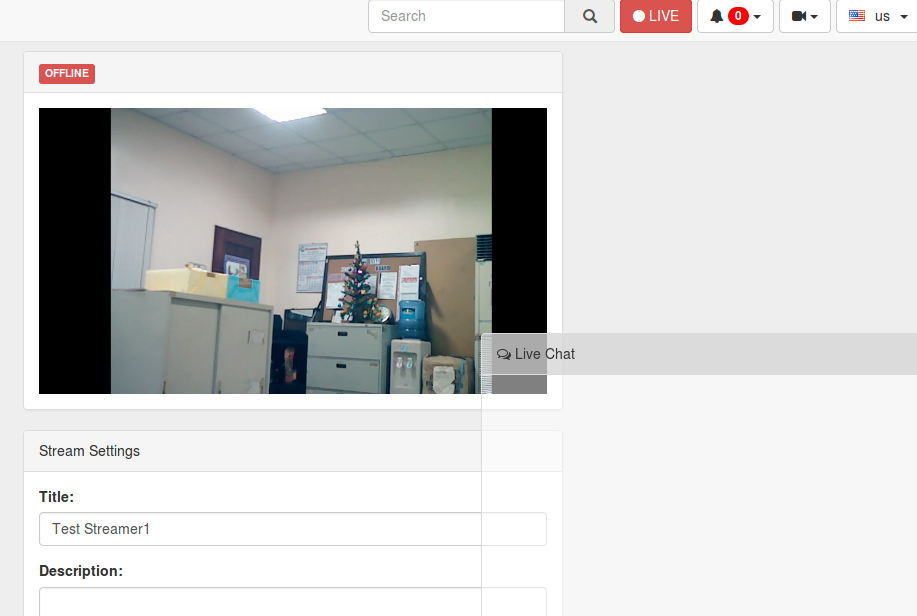
I noticed it appears OFFLINE when i paly the live streaming
cheesewizz
on 13 Nov 2017
DanielnetoDotCom
on 13 Nov 2017
Hello DDC
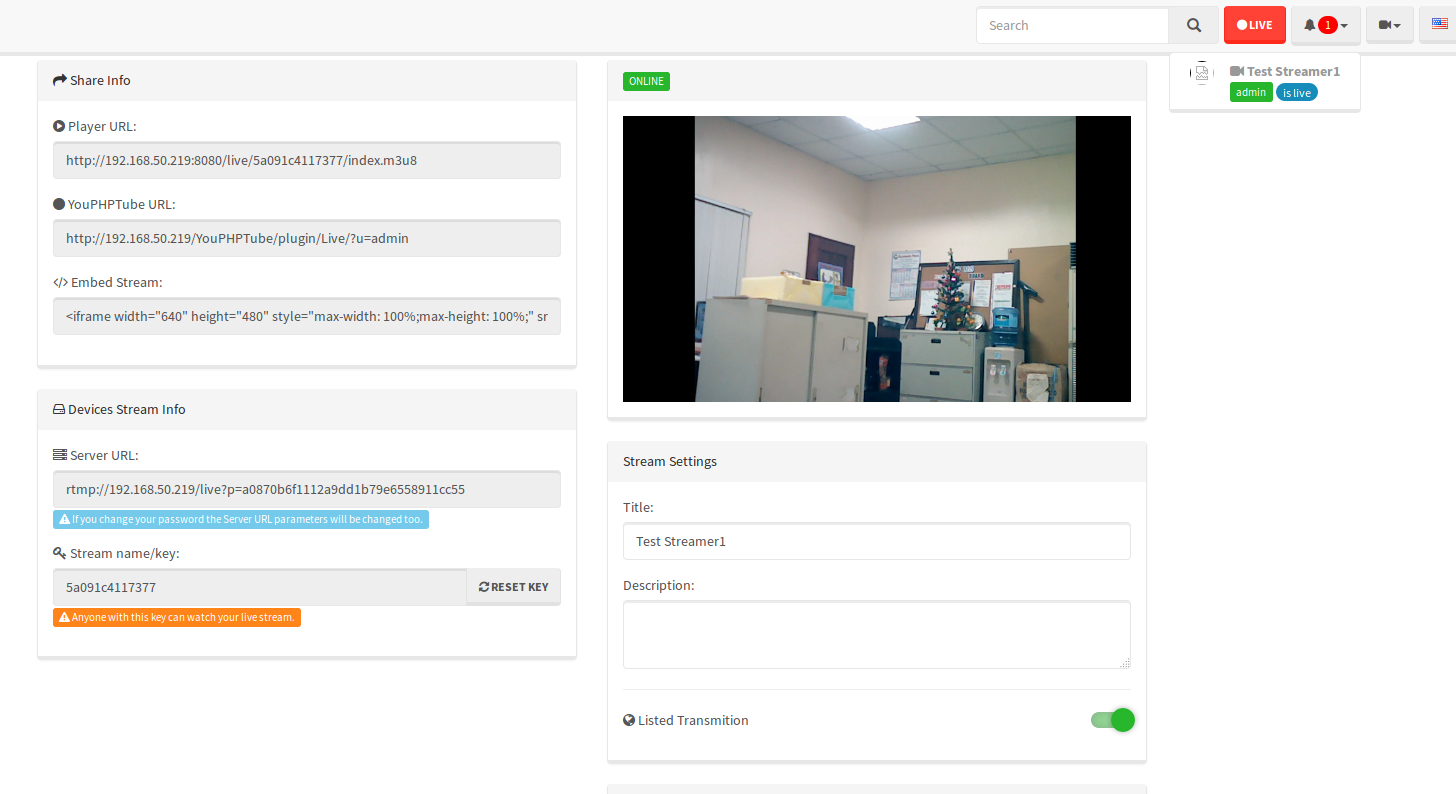
Finally its working now
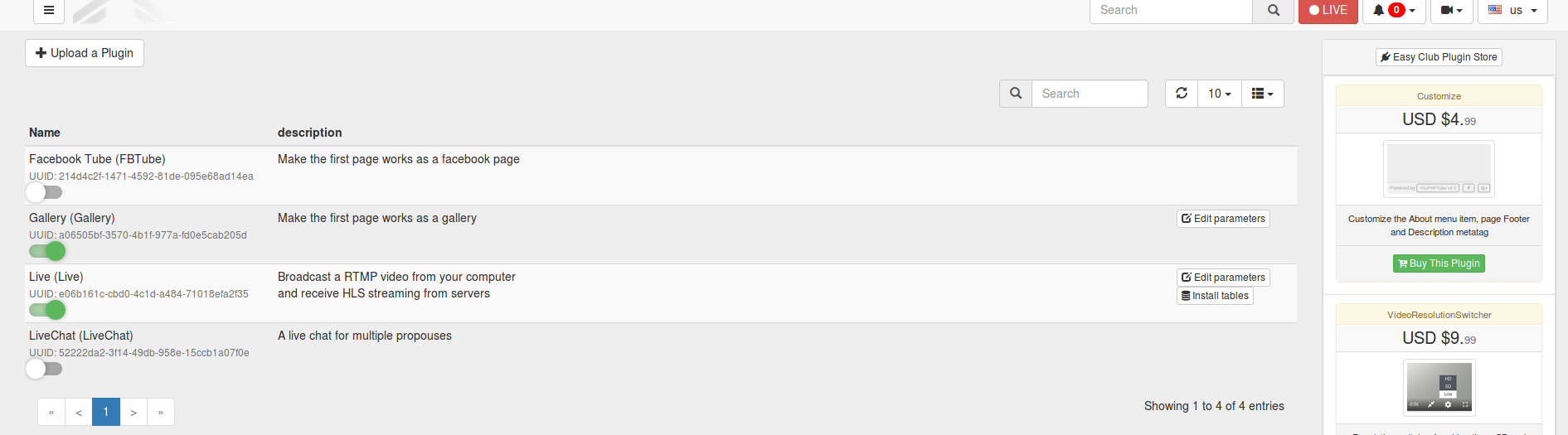
what i did is to followed the guide you commented #210 and edit the parameters of LIVE under plugins
i removed the existing code then i replaced this
{"button_title":"LIVE","server":"rtmp://192.168.50.219/live","playerServer":"http://192.168.50.219:8080/live","stats":"http://192.168.50.219:8080/stats"} then save and click start streaming from OBS then few second i see it 1 notification appeared. Hoorayyyy
cheesewizz
on 14 Nov 2017
how do i start boot the nginx when ubuntu reboot?
after i reboot nginx not working, so i run this code to make nginx work again sudo /usr/local/nginx/sbin/nginx
cheesewizz
on 14 Nov 2017
Try to edit this file
sudo nano /etc/rc.local
and add this line before the exit command
/usr/local/nginx/sbin/nginx && nohup php /var/www/html/YouPHPTube/plugin/LiveChat/chat-server.php &
DanielnetoDotCom
on 14 Nov 2017
Thank you very much DDC.
cheesewizz
on 14 Nov 2017
Related issues
 wetubeclub
·
3Comments
wetubeclub
·
3Comments
 mikweb2017
·
4Comments
mikweb2017
·
4Comments
 shebanet
·
4Comments
shebanet
·
4Comments
 ganddser
·
3Comments
ganddser
·
3Comments
 KazeroG
·
4Comments
KazeroG
·
4Comments