Avalonia: Selection and ObservableCollection issue
Reproduction steps (i used ControlCatalog):
- Add a "Delete" button to the TabControl page:
<Button Command="{Binding DeleteTab}" Content="Delete"/>
Change List to ObservableCollection:
```c#
private class PageViewModel : ReactiveObject
{
private ObservableCollection_tabs; private Dock _tabPlacement;
public ObservableCollection
Tabs
{
get => _tabs;
set => this.RaiseAndSetIfChanged(ref _tabs, value);
}public Dock TabPlacement
{
get { return _tabPlacement; }
set { this.RaiseAndSetIfChanged(ref _tabPlacement, value); }
}private void DeleteTab()
{
Tabs.RemoveAt(0);
}
}
```- Launch the application, click on the button and this will happen:
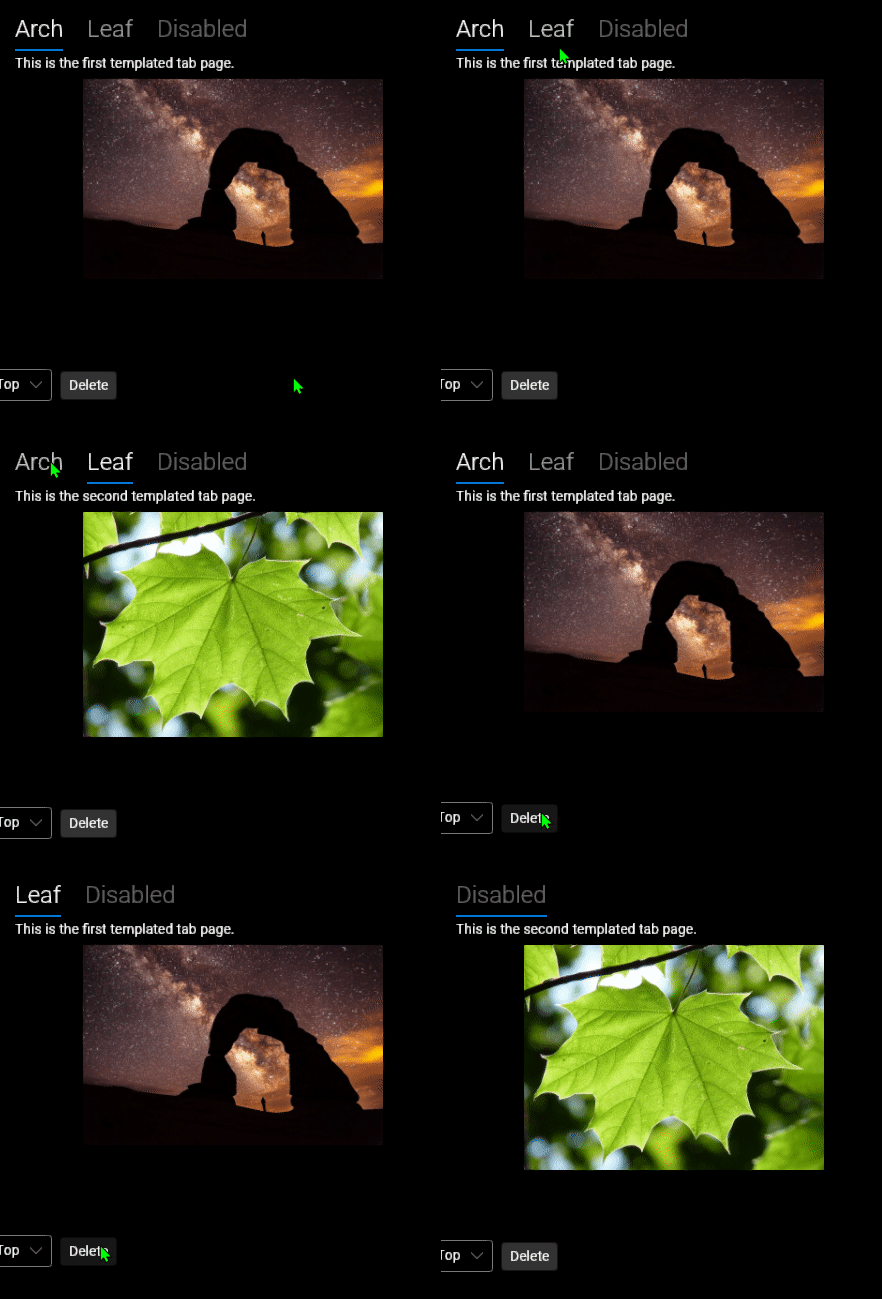
I'm guessing this was broken after the global changes related to the SelectionModel, since TabControl hasn't changed
Used the most recent preview of Avalonia
 Onebeld
All 2 comments
Thanks for the excellent repro! On it now.
 grokys
on 11 Sep 2020
grokys
on 11 Sep 2020
Perhaps this information can be useful.
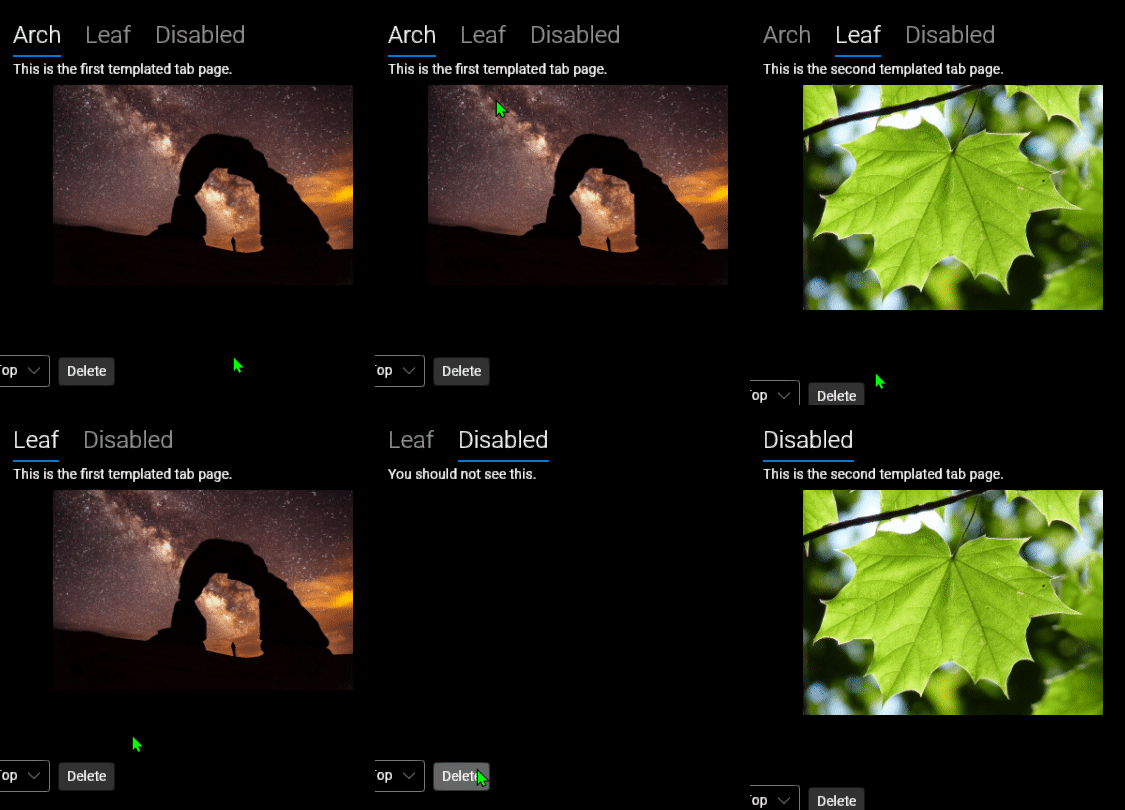
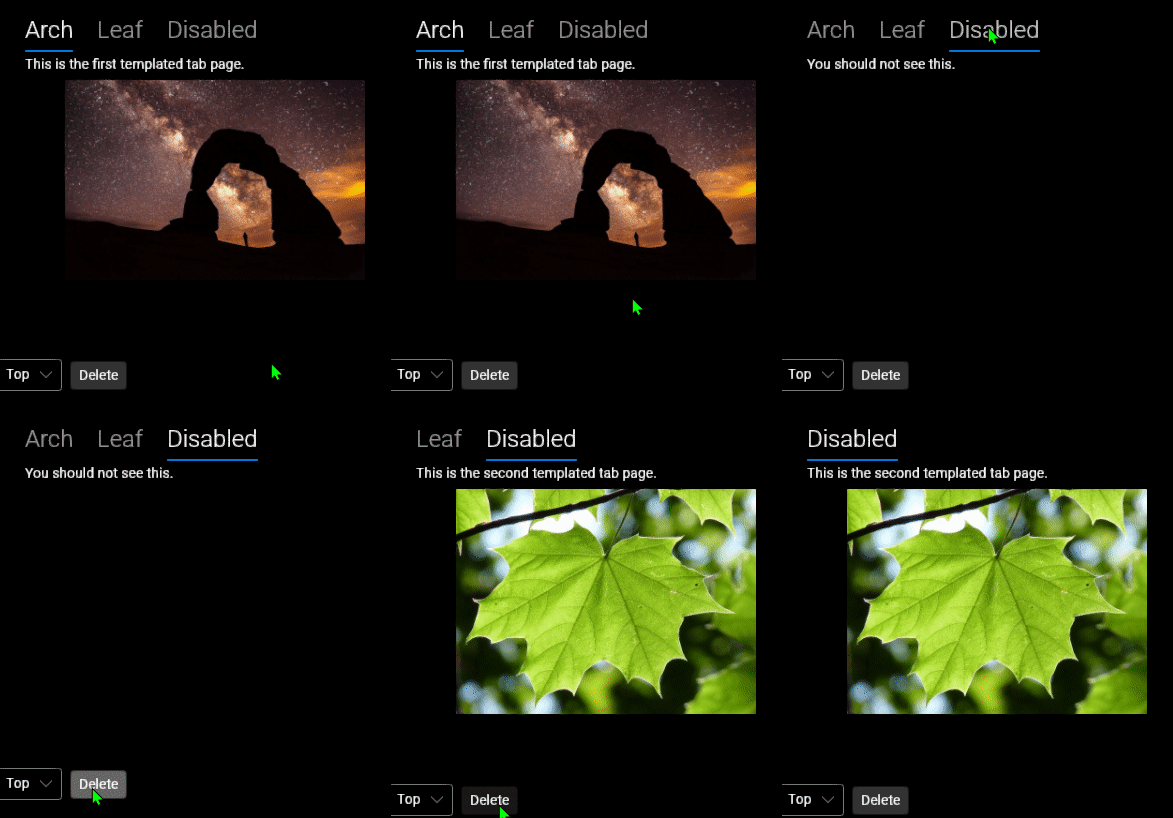
If you delete any item before the selection, shows the previous item, not the selected one before deletion.
The deleted item is displayed here:
And here is the previous one:
When removing the last item, it highlights the first one (I don't think this will be critical).
Onebeld
on 12 Sep 2020
Related issues
 maxkatz6
·
3Comments
grokys
·
4Comments
maxkatz6
·
3Comments
grokys
·
4Comments
 akunchev
·
3Comments
akunchev
·
3Comments
 SeleDreams
·
4Comments
SeleDreams
·
4Comments
 MarchingCube
·
4Comments
MarchingCube
·
4Comments
Most helpful comment
Thanks for the excellent repro! On it now.