Atmosphere: Game Specific Crash - Gear.Club Unlimited 2
Bug Report
What's the issue you encountered?
[ Describe the issue in detail and what you were doing beforehand. ]
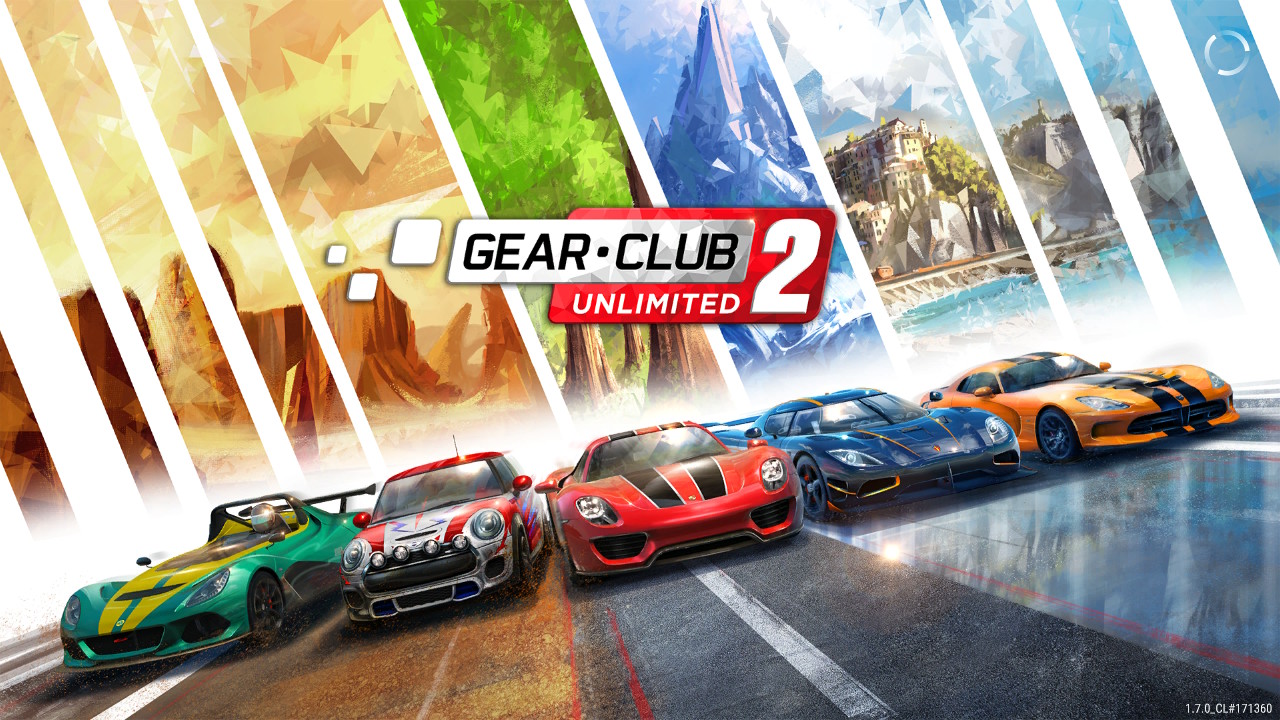
When launching Gear.Club Unlimited 2, version 1.7.0. The game loads the creator logos, then moves to the loading screen, the loading circle stops and it takes around 2-3 minutes before the game crashes with "The software was closed because an error occurred".
If you press the Switch Home button when the loading circle is frozen and close the game, the entire system lags tremendously: Game icons load very slowly, opening a new game takes around 3 minutes and runs slow, trying to launch homebrew applications can take up to 30 seconds. Only a system restart bring back things to normal.
If you wait until the game stops with an error when loading, no lag can be noticed in the system afterwards.
[ Did you make any changes related to Atmosphère itself? ]
No changes, vanilla Atmosphere.
[ If so, make sure to include details relating to what exactly you changed. ]
N/A
How can the issue be reproduced?
Just Launch the game Gear.Club Unlimited 2, Ver. 1.7.0. Note: The first-ever launch does not seem not crash.
Crash Report
01599453665_010072900aff0000.log
System Firmware Version
10.1.0
Environment?
What bootloader (fusèe, hekate, etc) was Atmosphère launched by:
Fusèe primary chainloaded through Hekate v5.3.2
512GB SD Card - FAT32Official release or unofficial build:
Atmosphere, Official Release v0.14.1, Emunand (Raw Partition)Do you have additional kips or sysmodules you're loading:
Using sysclk and SaltySD with ReverseNX, but also tried by disabling everything and running full vanilla atmos and the issue persists.
Additional context?
Every single game is working fine, the issue is just tied to this specific game. I also tried to uninstall the game with its saves/tickets and reinstalling. Also tried to run the launch version of the game without updates/dlcs to no avail. Also tried uninstalling some big games in case some the SD card is corrupted somewhere and reinstalling the game.
 Javierdsv
All 5 comments
Have you tried to delete SaltyNX from sdcard, restart Switch and try again instead of disabling it? I know that 1.6.2 was working fine, but just to be sure delete folder 0000000000534C56 from atmosphere/contents.
 masagrator
on 7 Sep 2020
masagrator
on 7 Sep 2020
Have you tried to delete SaltyNX from sdcard, restart Switch and try again instead of disabling it? I know that 1.6.2 was working fine, but just to be sure delete folder
0000000000534C56from atmosphere/contents.
I tried deleting that folder and it's still happening.
I went ahead and cleared all my SD files and redid everything, updated to atmos 0.14.2 and got the sigpatches for fusee primary. Made sure I had nothing but atmos and the emunand folder. And well, it's still happening :(
Also noticed when it crashes a lot of files are created in a folder called "erpt_reports" inside atmosphere folder.
Oh well, I'll try later today to get the game and its updates from a different source...
Javierdsv
on 10 Sep 2020
You know piracy isn't supported, right?
 fox8091
on 18 Sep 2020
fox8091
on 18 Sep 2020
You know piracy isn't supported, right?
Sigh... I have the cartridge, I made my own dumps of the game/updates to transfer them over to emunand. I now have tried with a dump of a second cartridge and it is still happening. Do mind me if that's piracy.
Javierdsv
on 19 Sep 2020
After long tinkering with my game dumps, I found out it's the DLC that was causing the crashes. It's not all of them but this game got 45 DLC's, testing them one by one would take several hours and ain't nobody got time for that.
Long story short: Not installing any DLC stops the crashing entirely.
Javierdsv
on 23 Sep 2020
Related issues
 Skonikol
·
4Comments
Skonikol
·
4Comments
 fennectech
·
3Comments
fennectech
·
3Comments
 sigboe
·
3Comments
sigboe
·
3Comments
 melsbacksfriend
·
3Comments
melsbacksfriend
·
3Comments
 SciresM
·
4Comments
SciresM
·
4Comments
Most helpful comment
You know piracy isn't supported, right?