Apps-android-commons: Nearby Tab Accessible Without Location Permission
Summary:
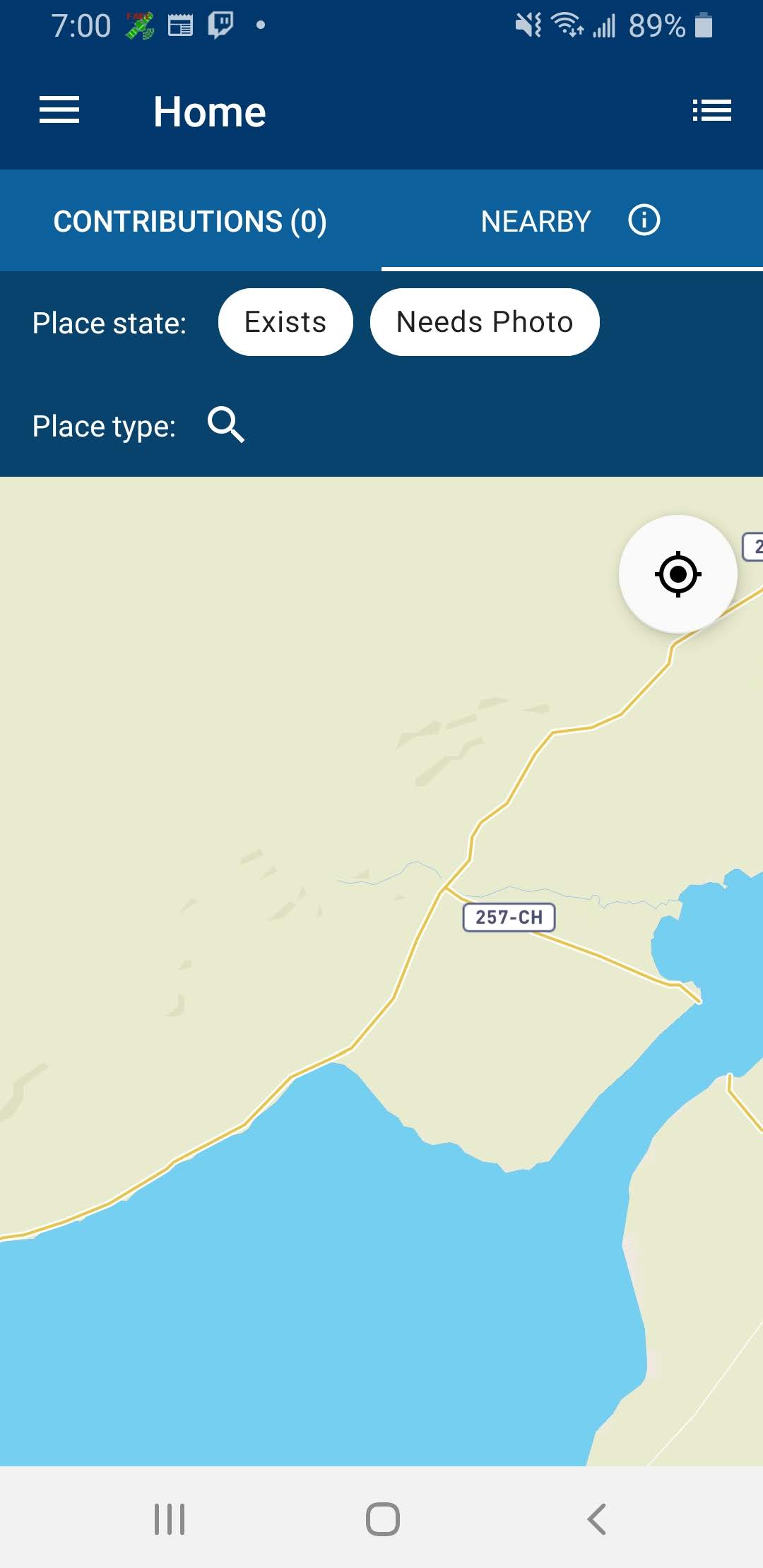
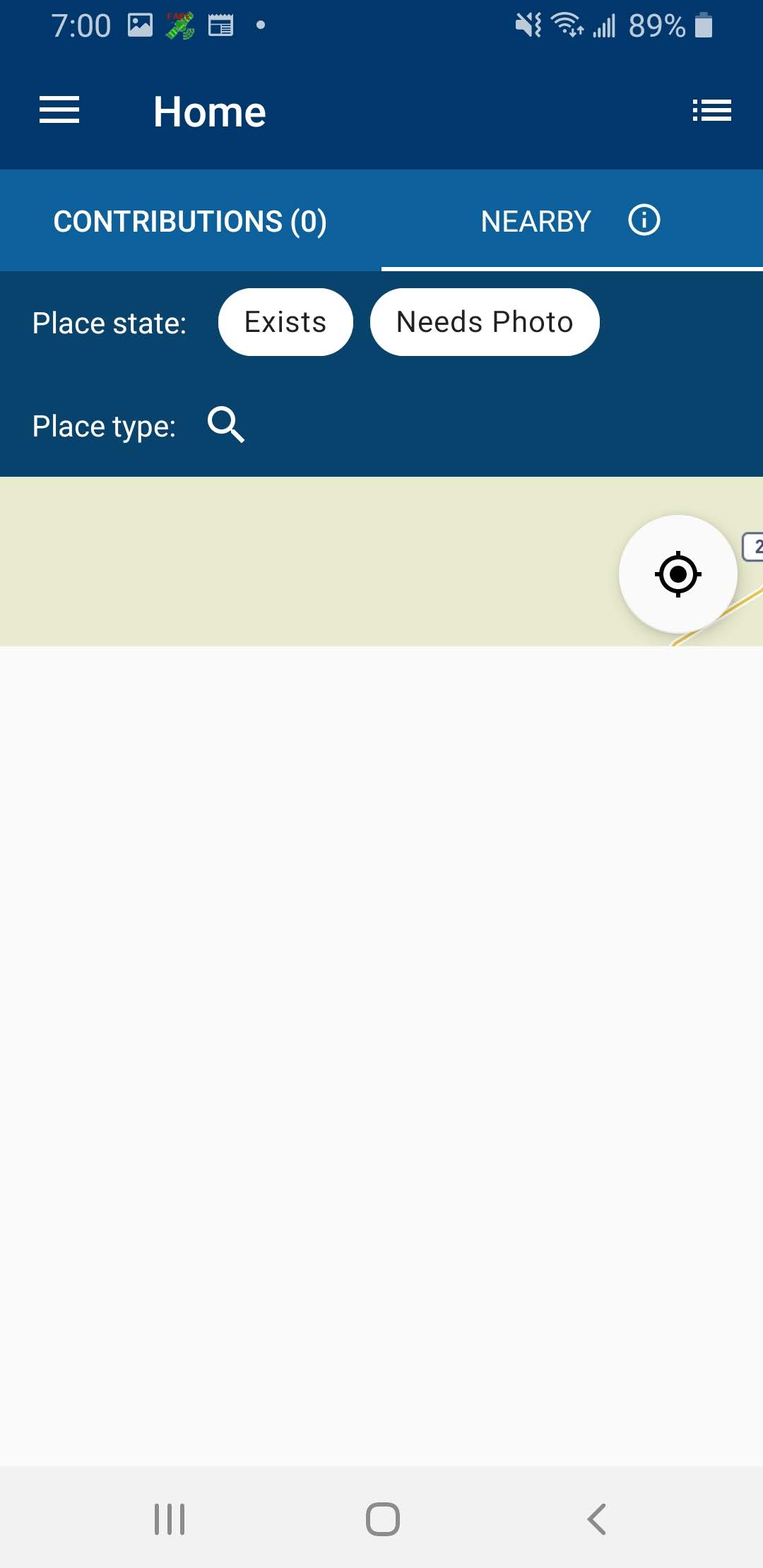
When the user has not granted permission for location, the nearby tab can still be accessed when performing the appropriate steps - displaying the nearby tab and map without any results. To prevent the displaying of the nearby tab without any results in this case, the edge cases that allow for the user selecting the nearby tab without the location permission (no location data) need to be fixed.
This issue was discovered when attempting to reproduce the blank nearby list issue (#3727) @neslihanturan
Steps to reproduce:
- Make sure the app does not have the location permission
- While logged in, select the "Nearby" tab of the "Home" screen
- Deny the access to location
- Select "No" to the permission request dialog
- Select the "Nearby" tab again
- Tap away from the dialog to make it disappear
- Observe that there are no results
Screen-shots:
No results map screenshot:
No results list screenshot:
Would you like to work on the issue?
I would like to work on this issue.
 nathanmeade
All 18 comments
Yes @nathanmeade , you understood the issue right. User should never see this empty map at all.
 neslihanturan
on 6 May 2020
neslihanturan
on 6 May 2020
Hello! Is this fixed?
I was thinking about some possible solutions to this problem:
- Add an extra message telling the reason why is location permission important (using shouldShowRequestPermissionRationale). I found this useful information (https://stackoverflow.com/questions/30719047/android-m-check-runtime-permission-how-to-determine-if-the-user-checked-nev)
- If the user doesn't grant permission we can replace the map fragment with another fragment and inside place a button to have quick access to grant the permission for location.
Let me know your thoughts, have a nice day
 gerardolgvr
on 11 Jun 2020
gerardolgvr
on 11 Jun 2020
Thank you for suggestions @gerardolgvr , the issue is still not fixed. You can work on this one. I think ideal solution is sending the user back to contributons fragment when permission is not given.
neslihanturan
on 11 Jun 2020
oh yeah, sounds a great idea @neslihanturan
Thanks
gerardolgvr
on 11 Jun 2020
@neslihanturan @gerardolgvr I have not been able to get to this fix yet. Feel free to reassign this as you see fit.
nathanmeade
on 12 Jun 2020
Hi! I would like to take it if you don't mind, I already have thought a solution, just waiting for you, to give me green light :) @neslihanturan @gerardolgvr
 Anyrob
on 12 Jun 2020
Anyrob
on 12 Jun 2020
Please go for it @Anyrob :)
neslihanturan
on 12 Jun 2020
Thank you @nathanmeade for your time and reporting your unavailabilit :)
neslihanturan
on 12 Jun 2020
Thank you!! @neslihanturan
Anyrob
on 12 Jun 2020
Go ahead @Anyrob ! :D
gerardolgvr
on 12 Jun 2020
Hi, @neslihanturan! I was wondering if you have had a chance to check my pull request. This time, I was trying to add some test but I ran into a lot of problems since other tests are broken even though I try different ways (even with espresso which also helped me discover another bug in the application) I did not find a way to perform the test in any way other than manual, do you have any recommendations for me?
Anyrob
on 2 Jul 2020
I think ideal solution is sending the user back to contributons fragment when permission is not given.
I doubt whether that's an ideal solution given that we have a "Search this area" feature. I wonder why there should be a hard requirement on the location permission when Nearby could be used to browse places even without the location permission, as I understand it. 🤔
 sivaraam
on 2 Jul 2020
sivaraam
on 2 Jul 2020
I wonder why there should be a hard requirement on the location permission when Nearby could be used to browse places even without the location permission, as I understand it
I'm not sure if the Mapbox SDK itself requires location permissions to function, but if it doesn't, that could be a possibility. However, which section of the globe should we display initially to the user if we don't know where they are? ;)
 misaochan
on 3 Jul 2020
misaochan
on 3 Jul 2020
I'm not sure if the Mapbox SDK itself requires location permissions to function, but if it doesn't, that could be a possibility.
Sounds great!
However, which section of the globe should we display initially to the user if we don't know where they are? ;)
I think we already know the answer to that, "Tower of London":
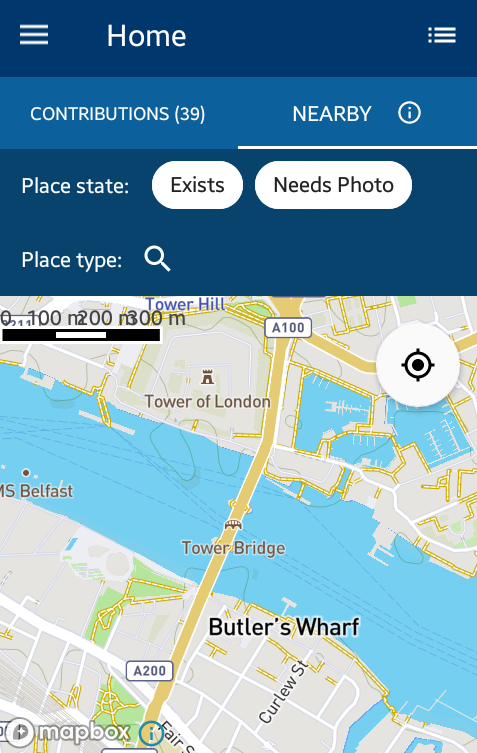
This is location that the app shows now before it gets the actual location of the user (i.e. when the GPS is turned off, GPS is triangulating user's location etc.). Alternatively, we could follow what the Wikipedia app did in this case when it had the Nearby feature ;-). To the best of my memory, it showed the zoomed-out globe view in these cases.
sivaraam
on 3 Jul 2020
Hi! I would like to work on this.
I agree with @sivaraam, I think we can initially show a zoomed out map and if the user allows the permission then we can zoom to the user's location otherwise, we can still enable the "search this area" button and allow the user to use it and upload images.
 Pratham2305
on 5 Feb 2021
Pratham2305
on 5 Feb 2021
Hi @Pratham2305 , sorry for the slow response! Are you still interested in working on this?
I agree with you and @sivaraam , the "search this area" button should be allowed regardless, and pins should still be loaded. For the initial area to display, I'm OK with either a zoomed out view, or a random location, or even the Tower of London ;). But if we go with a zoomed out view, we do have a limit on the number of pins that can be loaded, so we will not be able to display all the pins in a zoomed out area.
Also, I just realized that #4198 is a duplicate of the discussion here, so I will close that.
misaochan
on 17 Feb 2021
@misaochan Yes, I would love to work on this one.
Pratham2305
on 17 Feb 2021
@Pratham2305 It is yours. :) Please keep us updated on your progress.
misaochan
on 18 Feb 2021
Related issues
 psh
·
4Comments
psh
·
4Comments
 nicolas-raoul
·
3Comments
nicolas-raoul
·
4Comments
neslihanturan
·
3Comments
nicolas-raoul
·
3Comments
nicolas-raoul
·
4Comments
neslihanturan
·
3Comments
 maskaravivek
·
3Comments
maskaravivek
·
3Comments
Most helpful comment
@Pratham2305 It is yours. :) Please keep us updated on your progress.