Apps-android-commons: Skip option in the Welcome screen for beta debug builds
Summary:
Skip option in the Welcome screen. There are 5 pages in this screen and as a regular user, whenever i reinstall the app, i find it meaningless to swipe to get to the last screen.
Steps to reproduce:
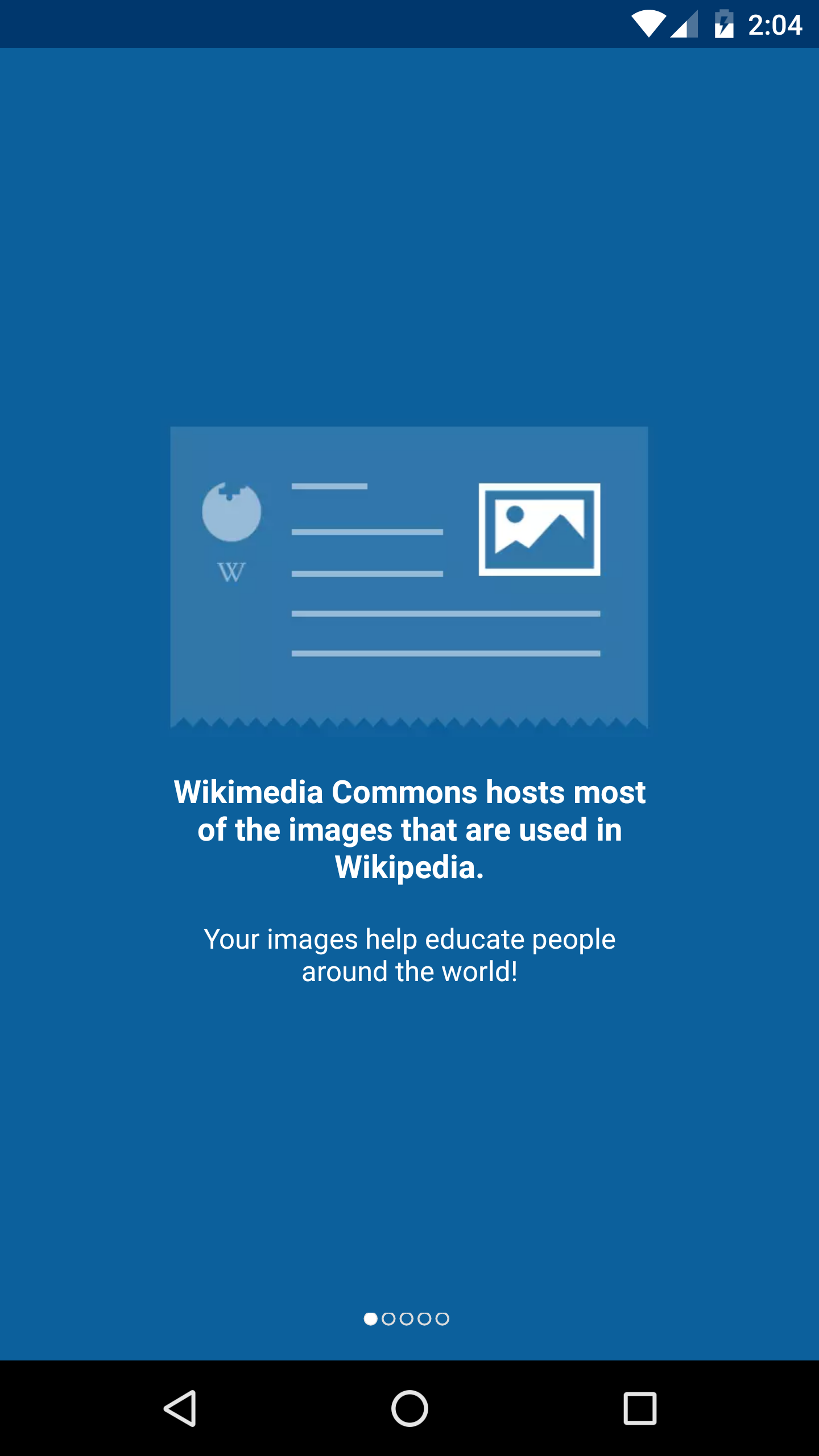
Expected behavior:
Option to Skip the tutorial would be great.
 maskaravivek
All 7 comments
I agree @maskaravivek it's an additional task for users who are already familiar with the working of the app.
Though I believe it should be available throughout the all the screens in case user want to skip the tutorial in between.
 tanvidadu
on 2 Mar 2018
tanvidadu
on 2 Mar 2018
I will start working on this issue :)
tanvidadu
on 2 Mar 2018
Yes, i also believe that it should be added in all the screens. Before you start working on it, it would be great to get a go ahead from someone else too.
@misaochan @neslihanturan @nicolas-raoul
maskaravivek
on 3 Mar 2018
It would be a lot easier for developers indeed:) We already display tutorial on nav bar so I think skip button is a good idea.
 neslihanturan
on 3 Mar 2018
neslihanturan
on 3 Mar 2018
This is a bit tricky unfortunately, I don't think I am on board with this change. Indeed it would be easier for users if we allowed them to skip, however, the tutorial was a big part of the reason why WMF funded my initial grant to begin with. :) It is really important to them that new users MUST go through it (due to concerns with people submitting selfies or copyvios).
I can think of a few in-between alternatives:
- Only allow skipping in the betaDebug build variant. This will allow devs to skip, not users
- Allow skipping if user has gone through it at least once before. However this might not be that easy to code.
 misaochan
on 3 Mar 2018
misaochan
on 3 Mar 2018
betaDebug build variant is a great idea @misaochan
neslihanturan
on 3 Mar 2018
Yeah I agree with the skip option to be there just for the betaDebug version. Updating the issue title as well.
maskaravivek
on 4 Mar 2018
Related issues
 Saral-code
·
3Comments
misaochan
·
4Comments
Saral-code
·
3Comments
misaochan
·
4Comments
 nicolas-raoul
·
4Comments
neslihanturan
·
3Comments
misaochan
·
3Comments
nicolas-raoul
·
4Comments
neslihanturan
·
3Comments
misaochan
·
3Comments
Most helpful comment
betaDebug build variant is a great idea @misaochan