Apps-android-commons: Change toolbar color to primary color
Summary:
According to guidelines by Google
Toolbar background color should be the primary color.
Statusbar background color should be primary Dark color.
Steps to reproduce:
Change toolbar background to primary color in toolbar.xml
Expected behavior:
Toolbar background color should be the primary color.
Observed behavior:
Toolbar background color is primary dark color.
Screen-shots:
| 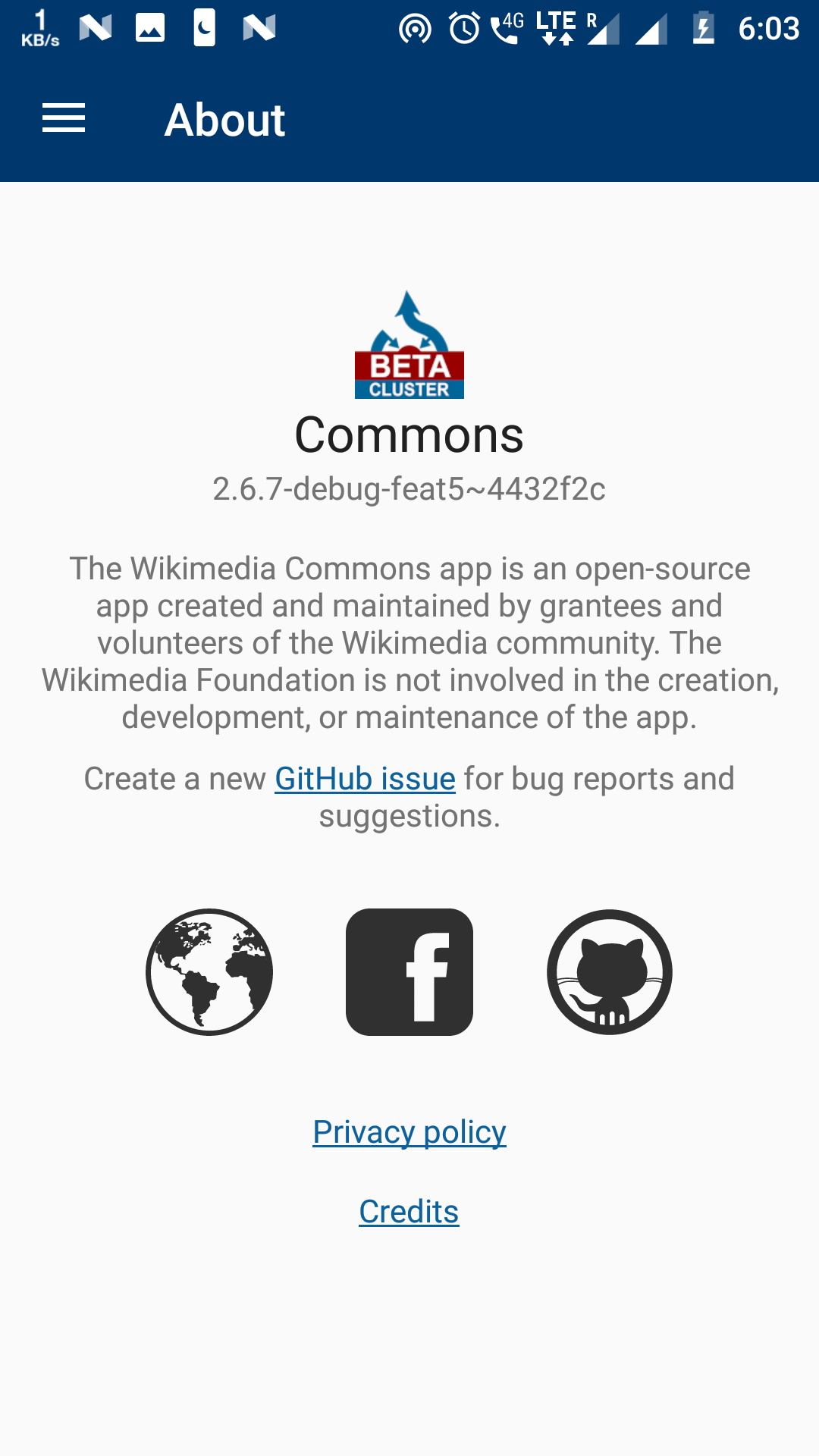 | 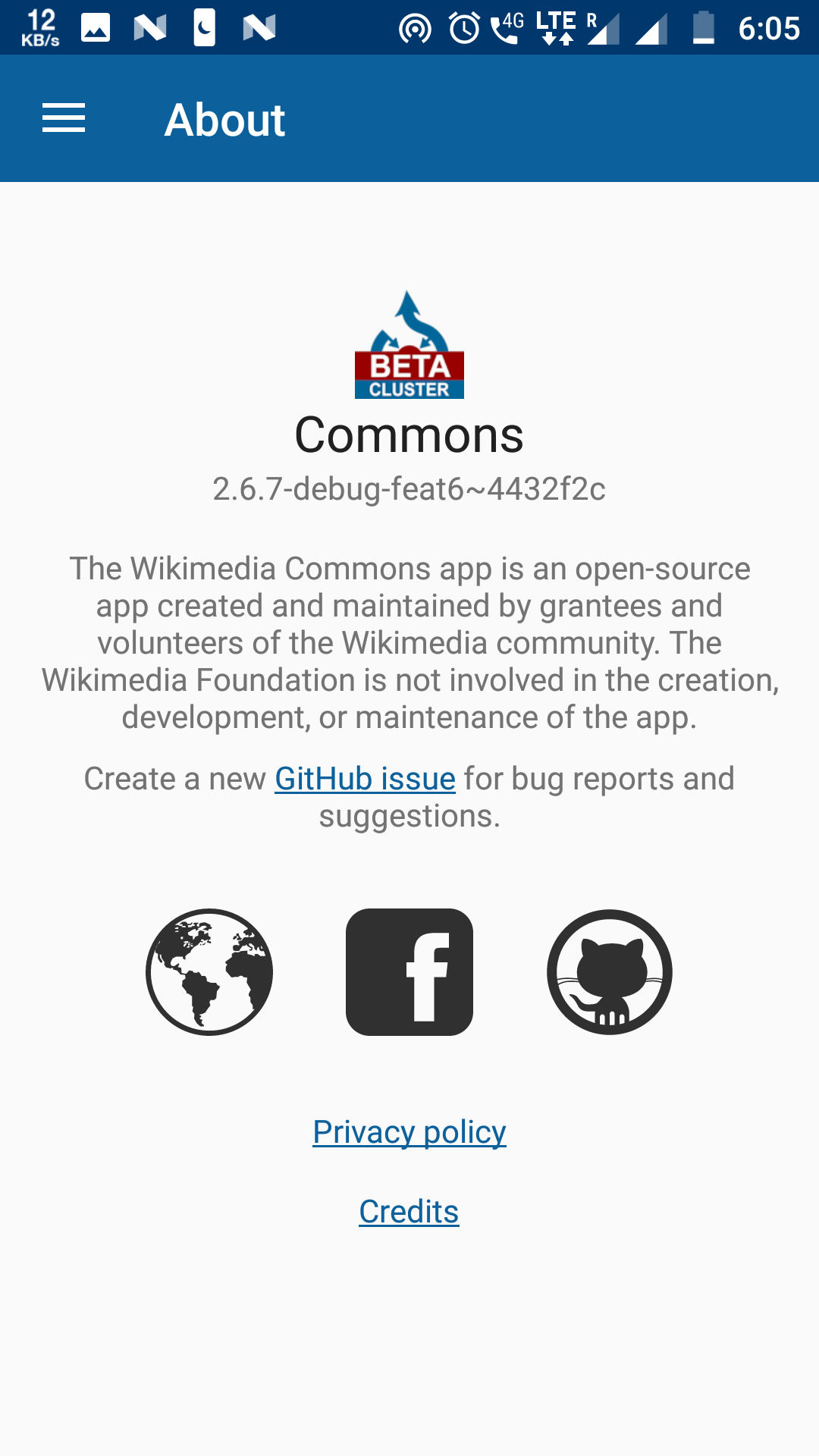 |
Image 1->Before
Image 2->After
 ujjwalagrawal17
All 8 comments
Sounds good! @ujjwalagrawal17 can you include a link to Google's guideline for reference. :)
 maskaravivek
on 24 Feb 2018
maskaravivek
on 24 Feb 2018
It's the correct way to use colorPrimaryDark on status bar and colorPrimary on toolbar as suggested by @ujjwalagrawal17
@maskaravivek you can find it in Google's Android studio developer manual here
#3F51B5
<!--   a darker variant of the primary color, used for
       the status bar (on Android 5.0+) and contextual app bars -->
<color name="colorPrimaryDark">#303F9F</color>

<!--   a secondary color for controls like checkboxes and text fields -->
<color name="colorAccent">#FF4081</color>
 csk1827
on 26 Feb 2018
csk1827
on 26 Feb 2018
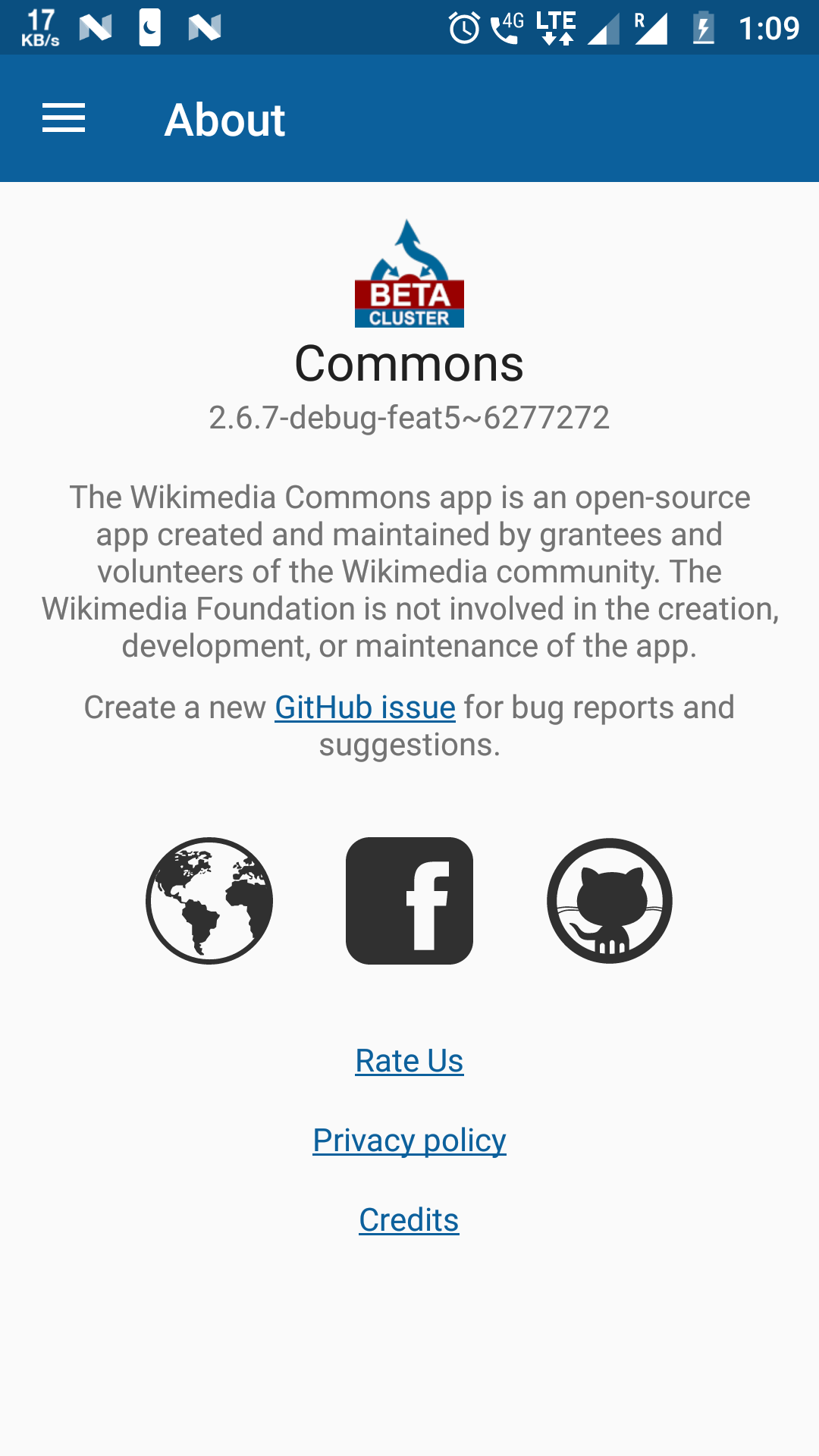
Dropping our primary / dark blue colors into Google's material design Color Tool shows how the colors should be used visually.


 psh
on 26 Feb 2018
psh
on 26 Feb 2018
Can we change the primary/primary dark color to any one of these?
|
|
|

 misaochan
 nicolas-raoul
 jidanni
·
jidanni
·
Most helpful comment
Dropping our primary / dark blue colors into Google's material design Color Tool shows how the colors should be used visually.