Appcenter: Cant browse site appcenter.ms iOS 10-11
What App Center service does this affect?
Web-site.
Describe the bug
blank page without any text, imgs, errors
To Reproduce
Steps to reproduce the behavior:
- open browser
- fill address 'appcenter.ms'
- tap 'Go'
- see short progress-bar
- see blank white page
Expected behavior
Content of the site https://appcenter.ms
Screenshots
Desktop (please complete the following information):
NA
Smartphone (please complete the following information):
- Device: iPhone, iPad Pro - all
- OS: iOS10., iOS11.
- Browser: Chrome, Safari
Additional context
Add any other context about the problem here.
BLOCKER
CRITICAL
 zerglyn
All 4 comments
Hi @zerglyn , are you still experiencing this issue?
 blparr
on 16 Aug 2019
blparr
on 16 Aug 2019
Hi,
We are experiencing the same issue now with the https://install.appcenter.ms. The browser presents an empty page and no apps listed. This bug is present in both Chrome and Safari for iOS10.3.1 devices.
 larisa-feldman
on 13 Jan 2020
larisa-feldman
on 13 Jan 2020
Same to me, yesterday I can access normally but today (23/04/2020) just show empty page. Already clear all cache, using private mode but still can not access.
ip5 (10.3.4) and 6 plus (10.3.1)
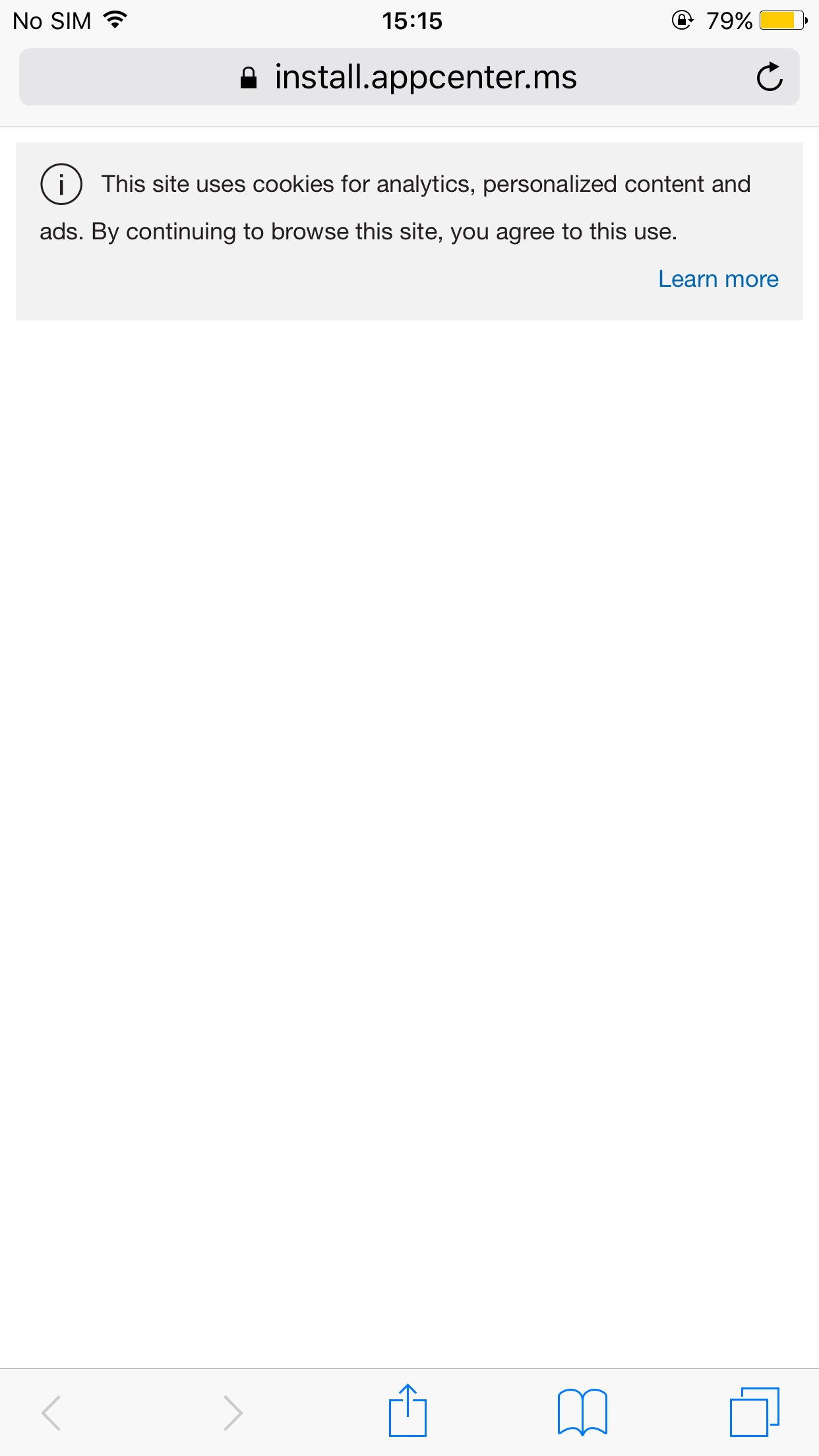
Edit: 22/04/2020 - Can access ok
 qhu91it
on 21 Apr 2020
qhu91it
on 21 Apr 2020
Same to me, yesterday I can access normally but today just show empty page. Already clear all cache, using private mode but still can not access.
ip5 (10.3.4) and 6 plus (10.3.1)
I have the same issue
 abosquet
on 21 Apr 2020
abosquet
on 21 Apr 2020
Related issues
 Oddj0b
·
3Comments
Oddj0b
·
3Comments
 sourabhtyagi2003
·
3Comments
sourabhtyagi2003
·
3Comments
 patrickdoodyIRL
·
3Comments
patrickdoodyIRL
·
3Comments
 busterlaursen
·
4Comments
busterlaursen
·
4Comments
 galfonso777
·
3Comments
galfonso777
·
3Comments
Most helpful comment
Hi,
We are experiencing the same issue now with the https://install.appcenter.ms. The browser presents an empty page and no apps listed. This bug is present in both Chrome and Safari for iOS10.3.1 devices.