Ant-design-pro: 🐛[BUG]yarn create umi命令初始化ant-design-pro项目报错
🐛 bug 描述
使用命令 yarn create umi 初始化项目,一路回车,最终提示如下
➜  project yarn create umi
yarn create v1.17.3
[1/4] 🔍  Resolving packages...
[2/4] 🚚  Fetching packages...
[3/4] 🔗  Linking dependencies...
[4/4] 🔨  Building fresh packages...
success Installed "[email protected]" with binaries:
      - create-umi
? Select the boilerplate type ant-design-pro
? 🤓 Which language do you want to use? TypeScript
? 🦄 Time to use better, faster and latest antd@4! Yes
events.js:174
      throw er; // Unhandled 'error' event
      ^

TypeError: self.env.emit is not a function
    at /Users/microud/.config/yarn/global/node_modules/yeoman-generator/lib/index.js:653:22
    at process._tickCallback (internal/process/next_tick.js:68:7)
Emitted 'error' event at:
    at Immediate.setImmediate (/Users/microud/.config/yarn/global/node_modules/yeoman-generator/lib/index.js:668:20)
    at runCallback (timers.js:705:18)
    at tryOnImmediate (timers.js:676:5)
    at processImmediate (timers.js:658:5)
error Command failed.
Exit code: 1
Command: /usr/local/bin/create-umi
Arguments:
Directory: /Users/microud/WebstormProjects/project
Output:

info Visit https://yarnpkg.com/en/docs/cli/create for documentation about this command.
📷 复现步骤
🏞 期望结果
可以在当前目录下生成项目文件
💻 复现代码
© 版本信息
- 操作系统:macOS 10.14.6
- Node版本:v10.16.3
- Yarn版本:1.17.3
🚑 其他信息
🛑 bug
 microud
👍1
All 11 comments
试试 tyarn create umi testapp,看起来是依赖有些问题
 chenshuai2144
on 26 Feb 2020
chenshuai2144
on 26 Feb 2020
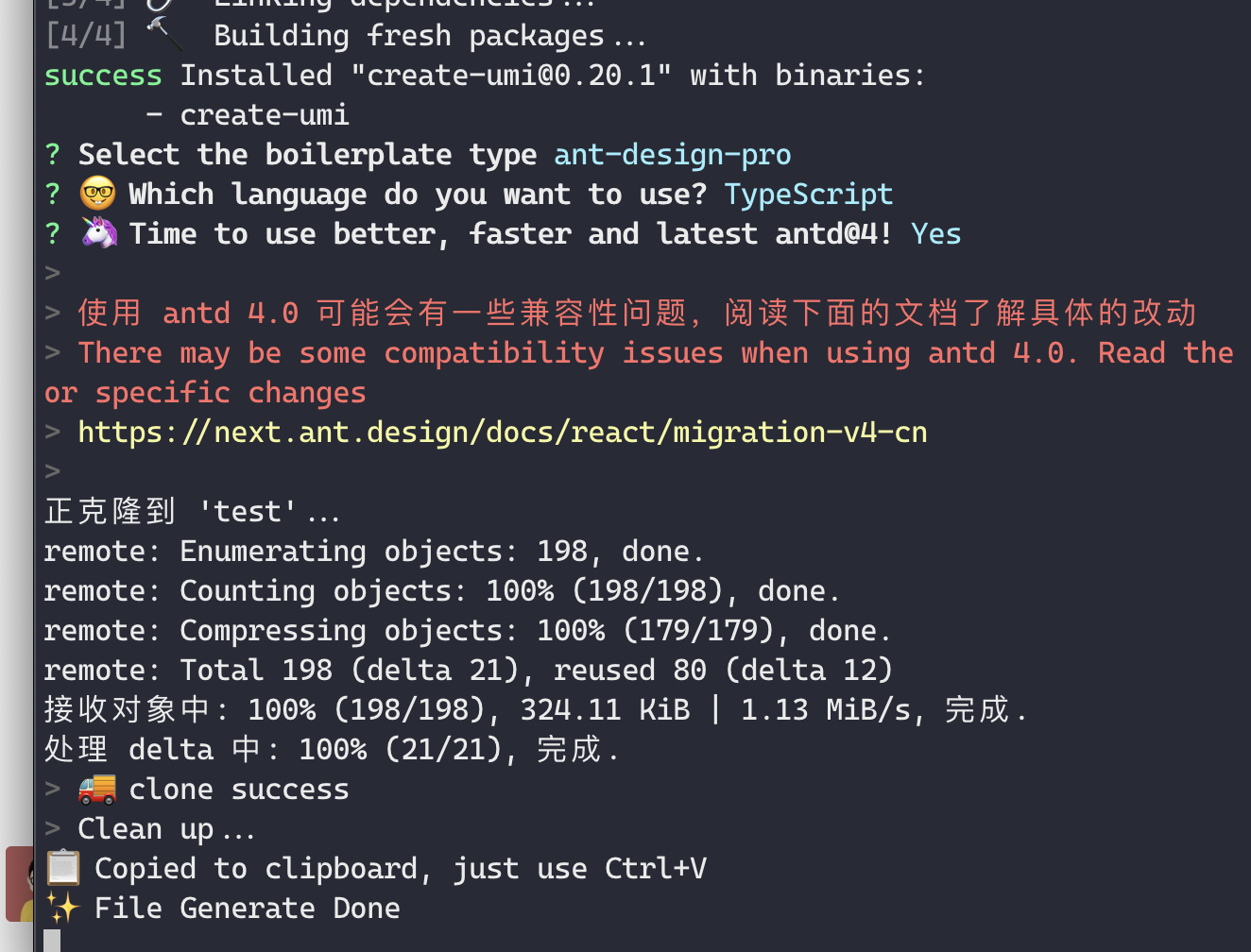
clone了create-umi,锁死了yeoman-generator的版本为4.0.1,然后node运行可以正常创建
是yeoman-generator这个依赖的问题,最新的版本是4.6.0,看了下yeoman-generator是在昨天大概11点的时候更新的,应该是最新的版本并没有做好向下兼容吧,建议修改依赖的版本,避免安装时候安装最新的yeoman-generator
microud
on 26 Feb 2020
同类型错误,如果解决?
 iamMarkchu
on 26 Feb 2020
iamMarkchu
on 26 Feb 2020
@iamMarkchu 临时先clone create-umi到本地然后安装依赖,在别的地方调用使用吧,大致的操作:
git clone https://github.com/umijs/create-umi

# 进入create-umi并修改package.json,去掉yeoman-generator版本号开头的 ^,然后安装依赖

yarn # 或 npm i

# 然后在想要创建项目的地方执行

node path/to/create-umi/cli.js [project]
👍2
👀1
我的也是如此,不能创建项目,用的是mpm create umi
 vastmunich
on 27 Feb 2020
vastmunich
on 27 Feb 2020
same issue
 hiwjcn
on 27 Feb 2020
hiwjcn
on 27 Feb 2020
same issue here.
 bkstorm
on 27 Feb 2020
bkstorm
on 27 Feb 2020
npm create umi 使用這個也有同樣的問題
最後直接clone 的源碼...
 MulderLiu
on 27 Feb 2020
MulderLiu
on 27 Feb 2020
 afc163
on 27 Feb 2020
afc163
on 27 Feb 2020
@MulderLiu 那必然也是这样的
 VATALU
on 28 Feb 2020
VATALU
on 28 Feb 2020
Fixed in create-umi: https://github.com/umijs/create-umi/pull/98#issuecomment-592277166
afc163
on 28 Feb 2020
Was this page helpful?
0 / 5 - 0 ratings
Related issues
 suifan
·
3Comments
suifan
·
3Comments
 wuyongdec
·
3Comments
wuyongdec
·
3Comments
 ghost
·
3Comments
ghost
·
3Comments
 gaoqiang19514
·
3Comments
gaoqiang19514
·
3Comments
 kaoding
·
3Comments
kaoding
·
3Comments
Most helpful comment
@iamMarkchu 临时先clone create-umi到本地然后安装依赖,在别的地方调用使用吧,大致的操作: